








Fournisseur officiel
Comme nous somme les distributeurs officiels et autorisés, nous vous fournissons des licences légitimes directement à partir de 200+ éditeurs de logiciels.
Voyez toutes nos marques.
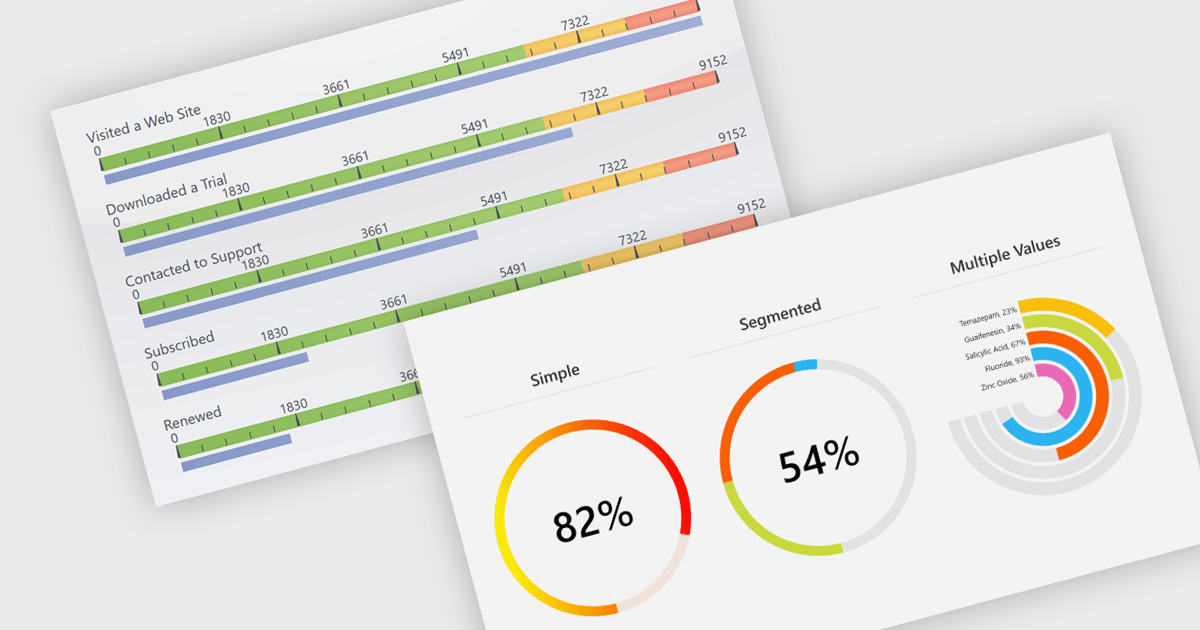
Gauges are specialized charting components used to visually display numerical values within a predefined range, often in formats such as radial, linear, or digital meters. They are commonly found in dashboards and monitoring tools, where their primary function is to provide immediate visual feedback on performance indicators or system metrics. Gauges are particularly useful for clearly communicating real-time data, allowing users to quickly assess the current state of a metric to determine whether a value is within acceptable limits or requires attention.
Several .NET charting components also offer gauges, including:
For an in-depth analysis of features and price, visit our comparison of .NET chart components.
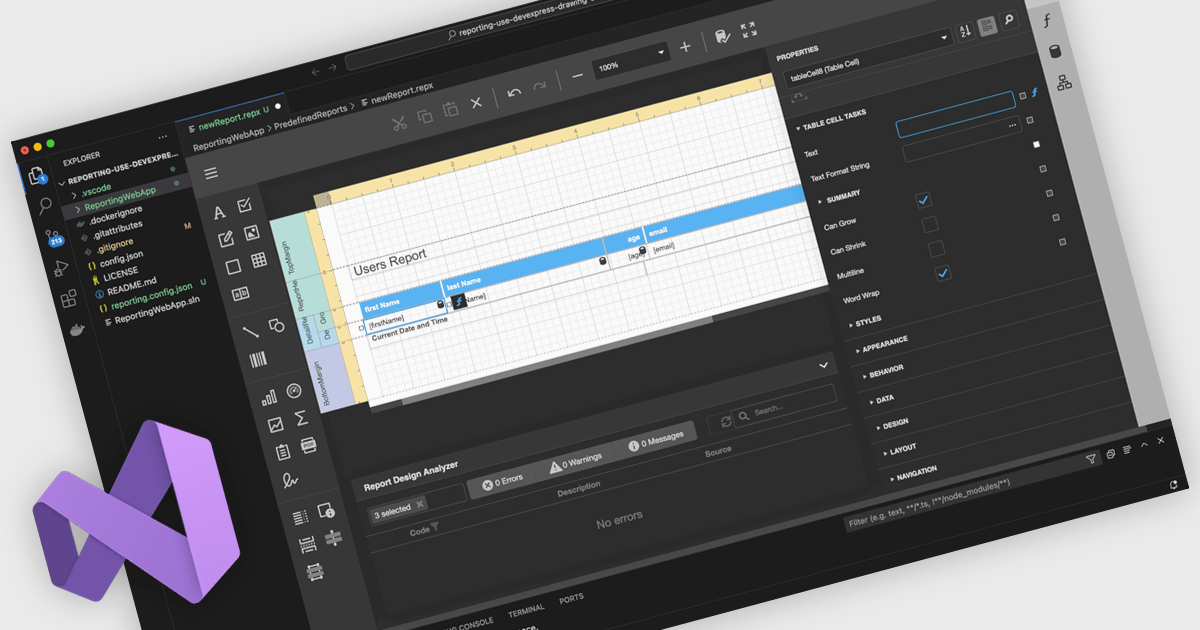
A Visual Studio integrated report designer lets developers create and edit report layouts directly inside the Visual Studio IDE, instead of using a separate reporting tool. Report definitions live alongside application code, data models, and resources, improving integration, maintenance, and use of source control and CI/CD. Developers work in a familiar environment with drag-and-drop layout design, property grids, and IntelliSense-backed expressions, plus the option to add custom logic in C# or VB. Typical use cases include interactive sales dashboards, operational reports, and audits where teams must quickly iterate, bind live data, and preview results.
Several .NET reporting controls offer Visual Studio integrated designers, including:
For an in-depth analysis of features and price, visit our .NET reporting controls comparison.
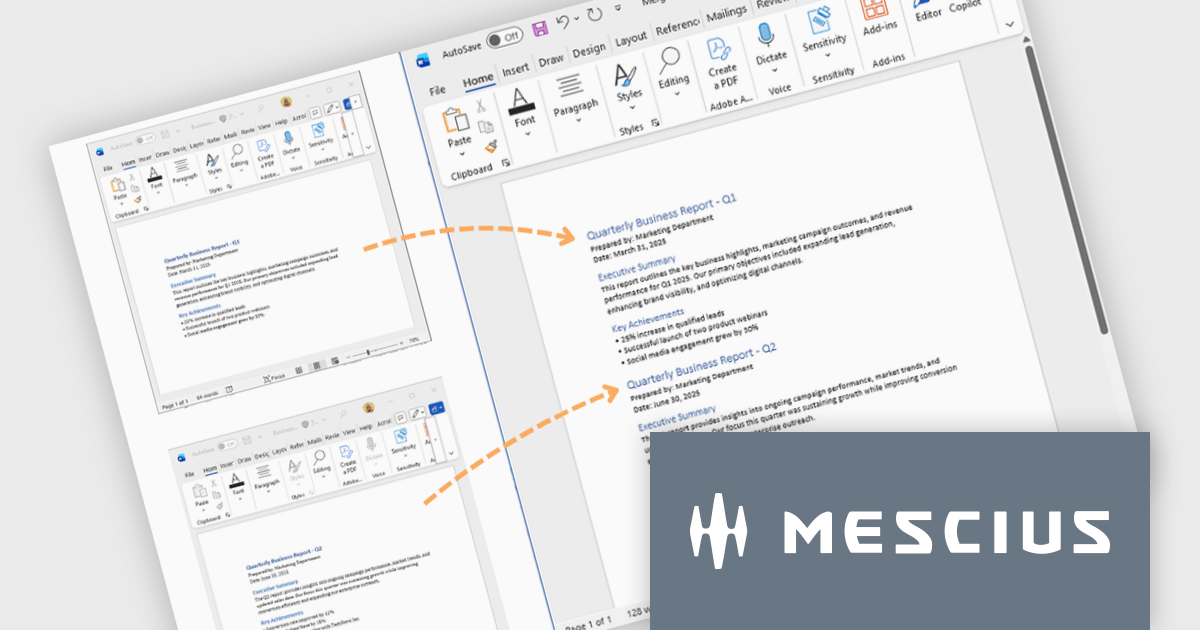
Document Solutions for Word is a comprehensive software development toolkit designed to facilitate the creation, manipulation, and management of Microsoft Word documents within various applications. It offers a robust API that provides developers with granular control over document structure, formatting, and content, enabling the integration of Word document functionality into custom applications. Key features include support for advanced formatting options, document automation, and compatibility with various Word document formats.
In this blog post, MESCIUS Product Marketing Specialist Mackenzie Albitz demonstrates how to use Document Solutions for Word to split large DOCX files into multiple documents and merge separate Word files into a single, properly formatted output. The steps include:
Detailed source code and examples are included to get you started.
Read the complete blog to learn how to efficiently split and merge Word DOCX files in .NET applications.
Document Solutions for Word is licensed per developer and is available in several license options for differing distribution needs. Team licenses are also available for multiple developers within the same organization. See our Document Solutions for Word licensing page for full details.
Document Solutions for Word is available to buy individually or as part of Document Solutions .NET Bundle.
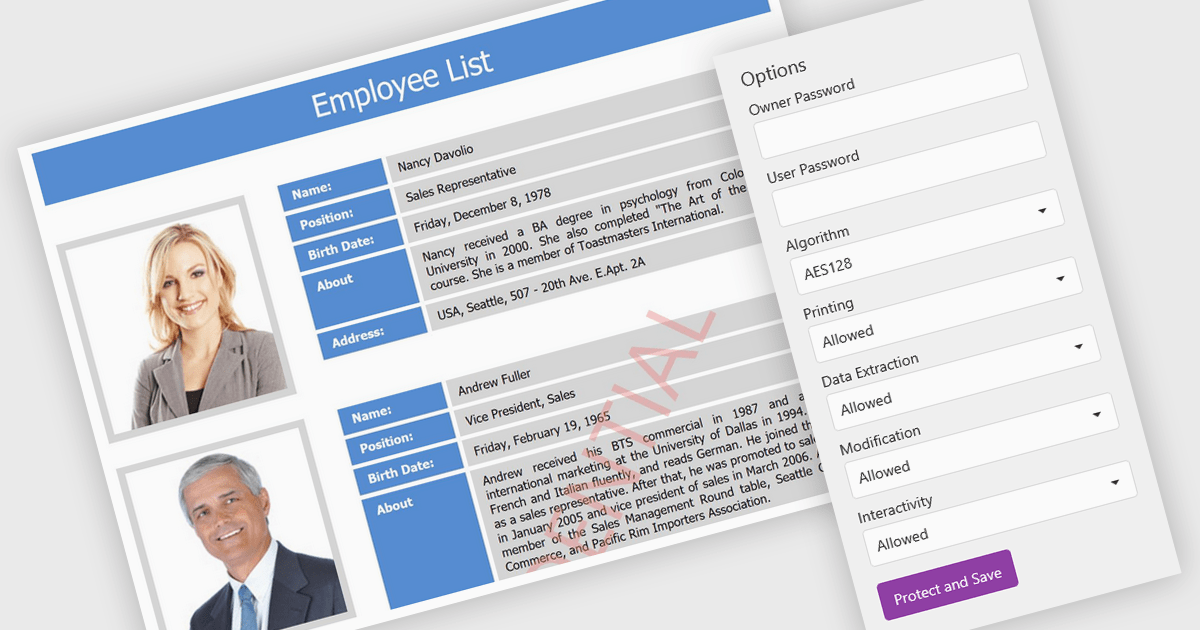
PDF password protection is a security feature that lets users encrypt their PDF documents with a password, ensuring that only authorized individuals can open or modify them. This helps safeguard sensitive information such as financial reports, contracts, and client data from unauthorized access or misuse. Users can also control permissions by preventing printing, copying, or editing to maintain document integrity. The benefits include stronger data privacy, compliance with regulations like GDPR and HIPAA, and greater trust when sharing confidential files within or outside an organization. Common uses include securing legal agreements, financial statements, and proprietary business information.
Several .NET Core PDF components allow you to protect PDFs with passwords, including:
For an in-depth analysis of features and price, visit our .NET Core PDF controls comparison.
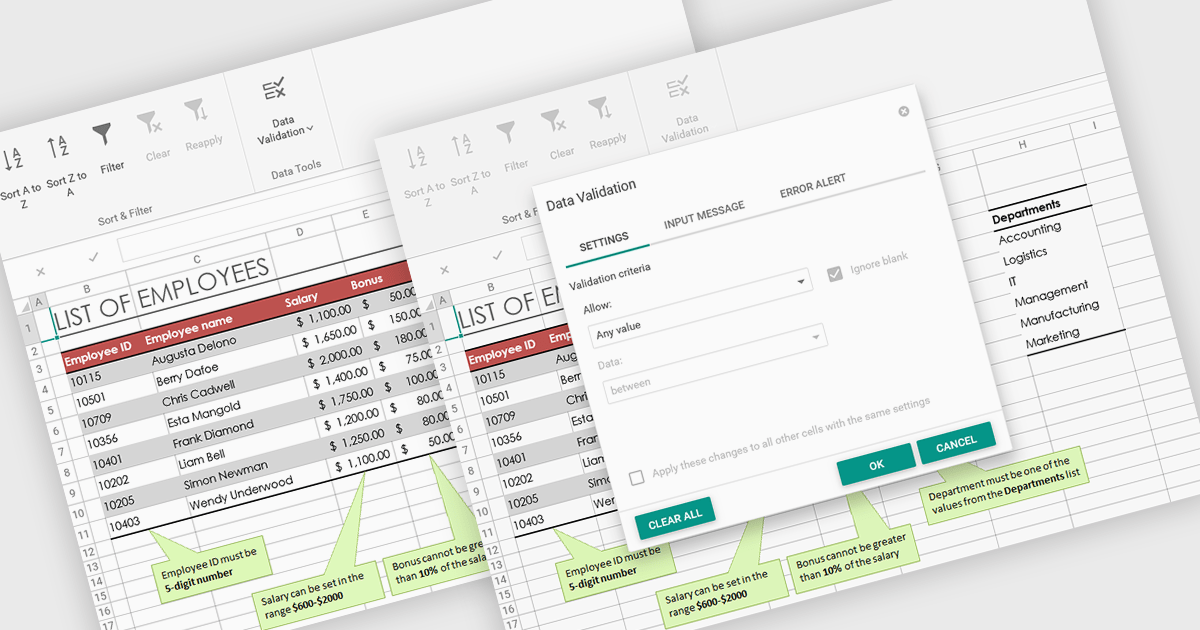
Data validation in spreadsheets allows users to control what information can be entered into each cell, ensuring that data remains accurate and consistent across a workbook. By defining specific rules and restrictions, it helps prevent incorrect inputs and maintains the integrity of shared data. Users can provide guidance through prompts or drop-down lists, reducing the likelihood of errors and saving time on data correction. This feature is especially valuable in collaborative settings, such as managing budgets, tracking inventory, or collecting survey responses, where reliable data entry is essential for accurate analysis and reporting.
Several ASP .NET Core spreadsheet products offer data validation, including:
For an in-depth analysis of features and price, visit our comparison of ASP .NET Core spreadsheet controls.





Tél : (888) 850 9911
Fax : +1 770 250 6199


