








Fournisseur officiel
Comme nous somme les distributeurs officiels et autorisés, nous vous fournissons des licences légitimes directement à partir de 200+ éditeurs de logiciels.
Voyez toutes nos marques.
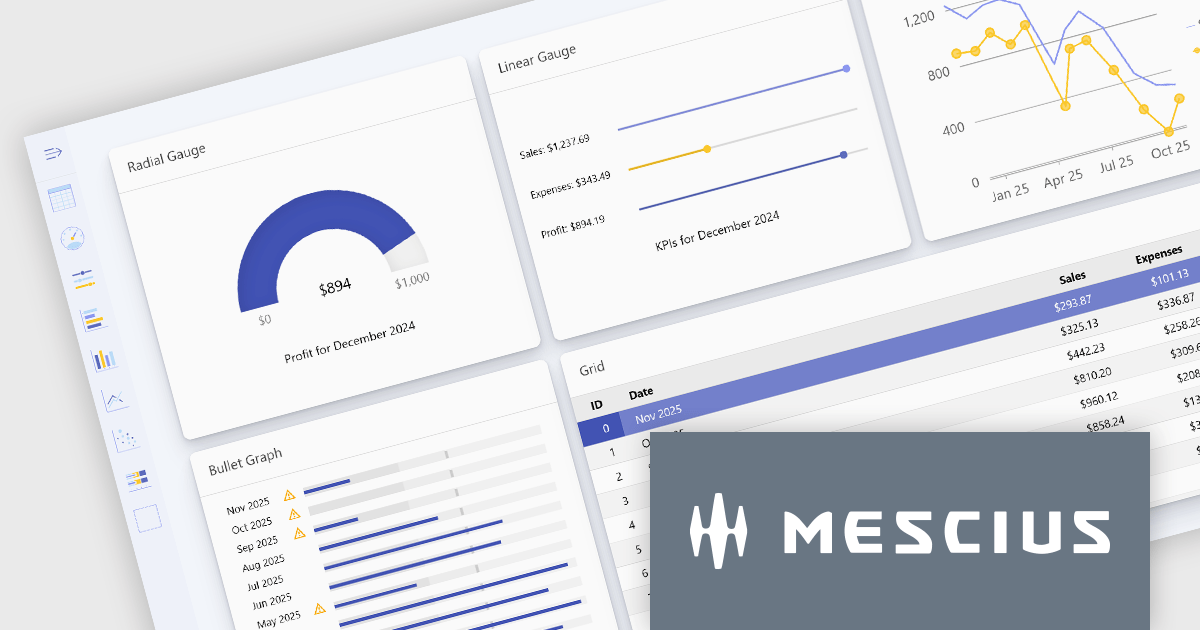
Wijmo is a complete collection of extensible, fast, flexible JavaScript UI components written in TypeScript. The framework-agnostic Wijmo components include first-class support for top frameworks including Angular, React, Vue and Web Components. Wijmo Enterprise has over 100 dynamic UI components to help cut your development time in half, allowing you to build lightweight, high-performance JavaScript applications using your favorite JavaScript framework.
Wijmo's dynamic dashboard sample allows users to create customizable, interactive dashboards, similar to those seen in Google Analytics. The new version of the dashboard, now built with React, offers a range of key features including touch-screen support, drag-and-drop functionality, and pre-defined tile types, making it an ideal solution for users looking to create personalized, data-rich visualizations.
In this blog post, MESCIUS Product Marketing Specialist Grant Katanick takes you through the steps for creating a dynamic dashboard for your JavaScript web applications. Key features of the React-based dashboard include:
Detailed sample source code is included that you can use as a starting point for your actual dashboard applications.
Read the complete blog to get started building dynamic dashboards with React and Wijmo.
Wijmo is licensed per developer. Developer licenses are perpetual and include 1 year subscription which provides upgrades, including bug fixes and new features. See our Wijmo licensing page for full details.
For more information, visit our Wijmo product page.
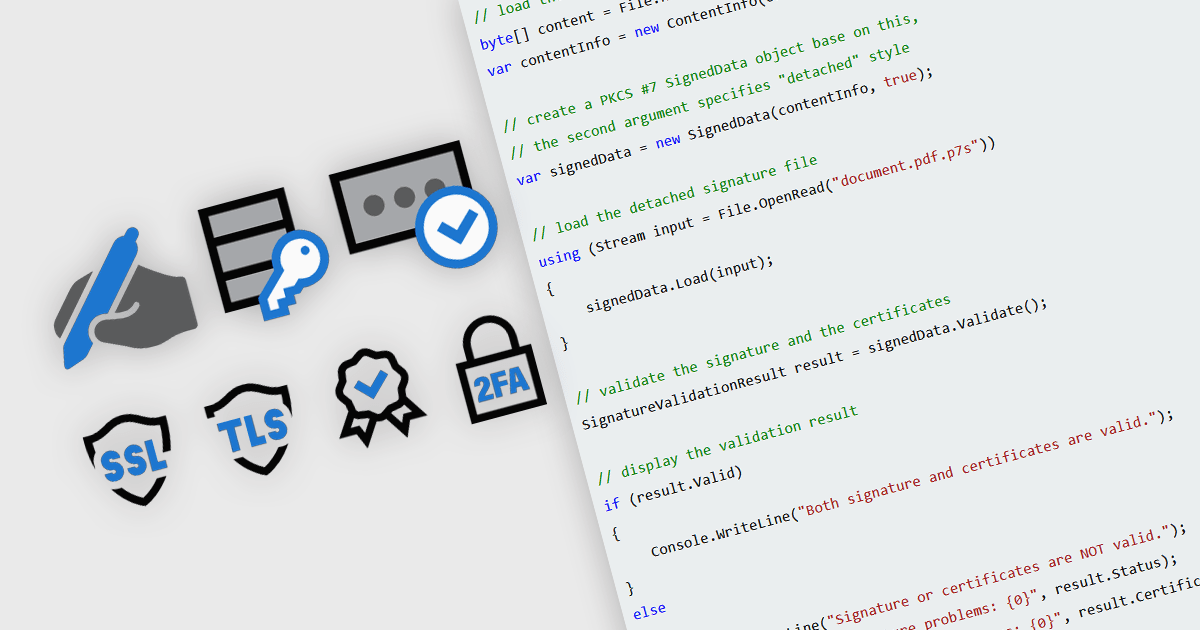
In modern communications and messaging platforms, security features are essential for safeguarding data integrity, user privacy, and system reliability. These features encompass a range of protocols and mechanisms designed to protect data from unauthorized access, ensure data authenticity, and verify the identity of communicating parties. By integrating security measures such as encryption, authentication, and digital certificates, organizations can mitigate risks and enhance trust within their digital ecosystems. Effective security within messaging and communication systems not only prevents data breaches but also ensures compliance with regulatory standards and supports secure collaboration across teams and partners.
Common features include:
For an in-depth analysis of features and price, visit our .NET communications and messaging components comparison.
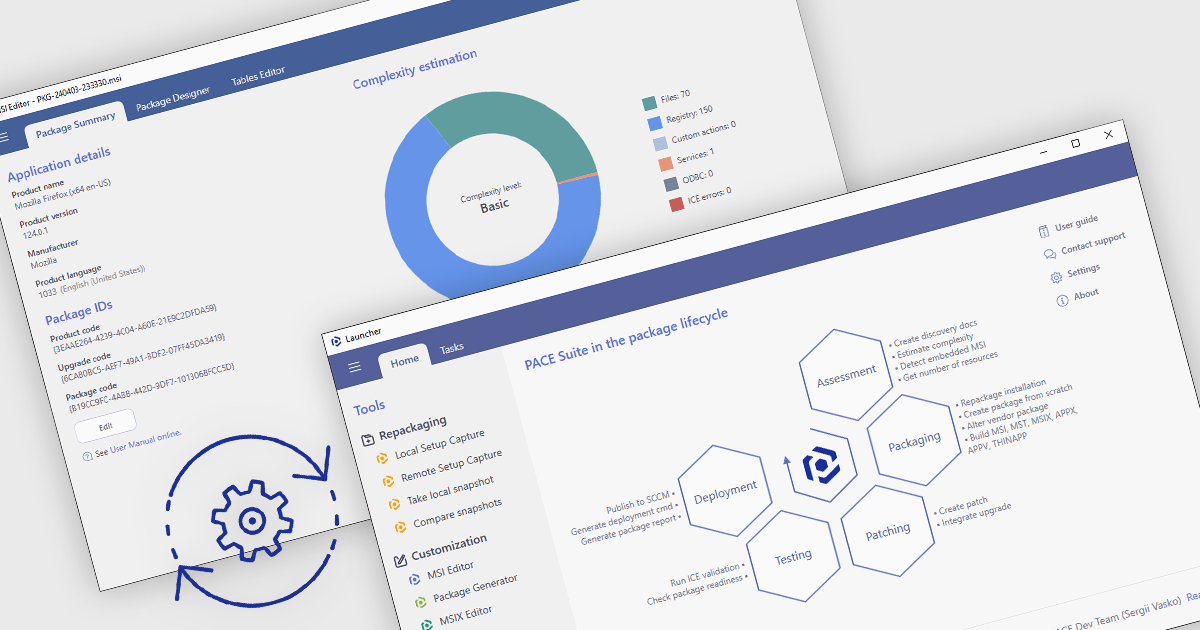
Automated package testing in installation tools uses scripts and frameworks to verify software installations, ensuring they configure correctly across environments. This approach accelerates release cycles, identifies errors early, and reduces deployment risks, improving software reliability and quality. Common use cases include validating enterprise packages in multi-OS settings, ensuring updates maintain compatibility, and confirming compliance in regulated industries. By automating these tests, teams can focus more on development, with confidence in deployment readiness and consistency.
Several installation comparison tools offer support for package testing automation including:
For an in-depth analysis of features and price, visit our installation tools comparison.
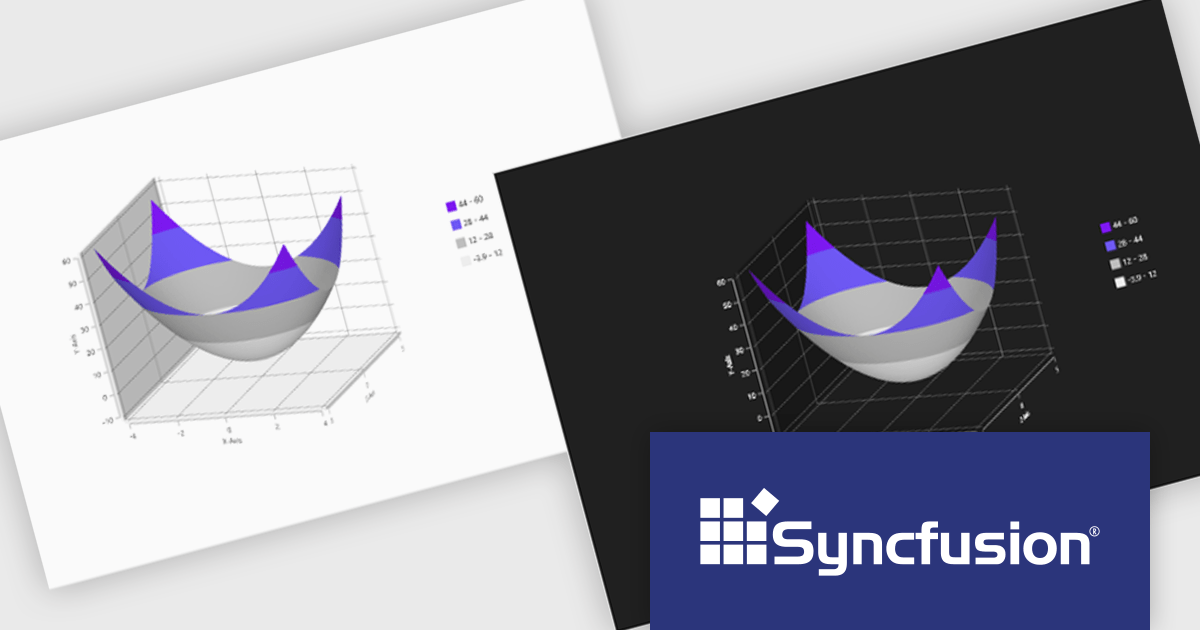
Syncfusion Essential Studio WPF, available as part of Syncfusion Essential Studio Enterprise, is a powerful suite of over 95 UI controls, 50+ charts, and document processing libraries designed to boost the development of high-performance line-of-business applications for the Windows Presentation Foundation (WPF) framework. With built-in themes, touch-friendly interfaces, and seamless Visual Studio integration, it empowers developers to craft modern, feature-rich, and cross-platform experiences with ease.
The Syncfusion Essential Studio WPF 2024 Volume 3 release adds theming support to the Surface Chart. By enabling the modification of color palettes, font styles, axis labels, and overall layout, theming empowers users to create visually striking and informative charts that align with specific branding guidelines or user preferences. This flexibility not only improves the chart's aesthetic quality but also contributes to a more engaging and intuitive user experience.
To see a full list of what's new in 2024 Volume 3, see our release notes.
Syncfusion Essential Studio WPF is available as part of Syncfusion Essential Studio Enterprise which is licensed per developer starting with a Team License of up to five developers. It is available as a 12 Month Timed Subscription License which includes support and maintenance. See our Syncfusion Essential Studio Enterprise licensing page for full details.
Learn more on our Syncfusion Essential Studio WPF product page.
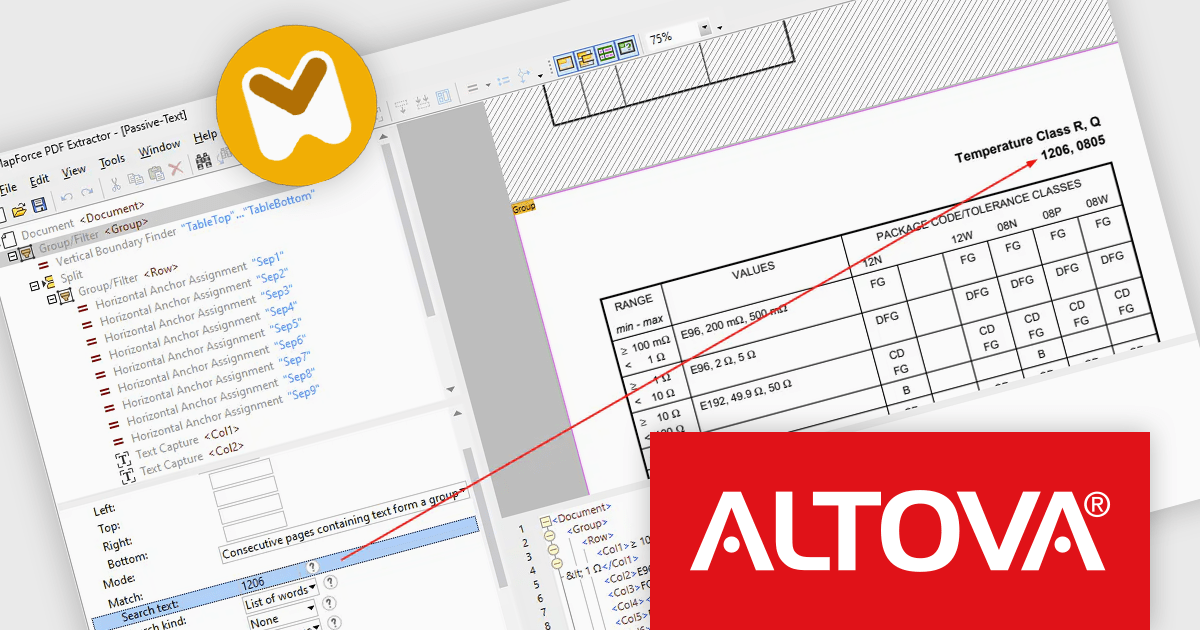
Altova MapForce is a graphical tool designed for seamless data integration and conversion. It empowers users to transform data between various formats, including XML, databases, flat files, PDFs, and web services, using a drag-and-drop interface. This eliminates the need for complex scripting and facilitates efficient data exchange across diverse applications, promoting streamlined workflows and enhanced data accuracy.
The Altova MapForce 2025 release introduces advanced PDF text search, enabling users to efficiently extract only relevant data from large, complex PDF documents. By setting search criteria around specific keywords, case sensitivity, and formatting, users can precisely target data, such as financial figures following headings like “Expenditures,” without manually combing through extensive content. This feature streamlines template creation for repetitive document types, including annual reports and multi-page financial records, saving time and enhancing accuracy in data processing workflows. Altova MapForce 2025’s enhanced capabilities bring efficiency, precision, and automation to document-based data integration tasks.
To see a full list of what's new in version 2025, see our release notes.
Altova MapForce is licensed per Installed, Concurrent or Named user. Licenses are perpetual, and come with or without 1 year Support and Maintenance Package (SMP). See our Altova MapForce licensing page for full details.
Altova MapForce is available to buy in the following products:





Tél : (888) 850 9911
Fax : +1 770 250 6199


