








Fournisseur officiel
Comme nous somme les distributeurs officiels et autorisés, nous vous fournissons des licences légitimes directement à partir de 200+ éditeurs de logiciels.
Voyez toutes nos marques.
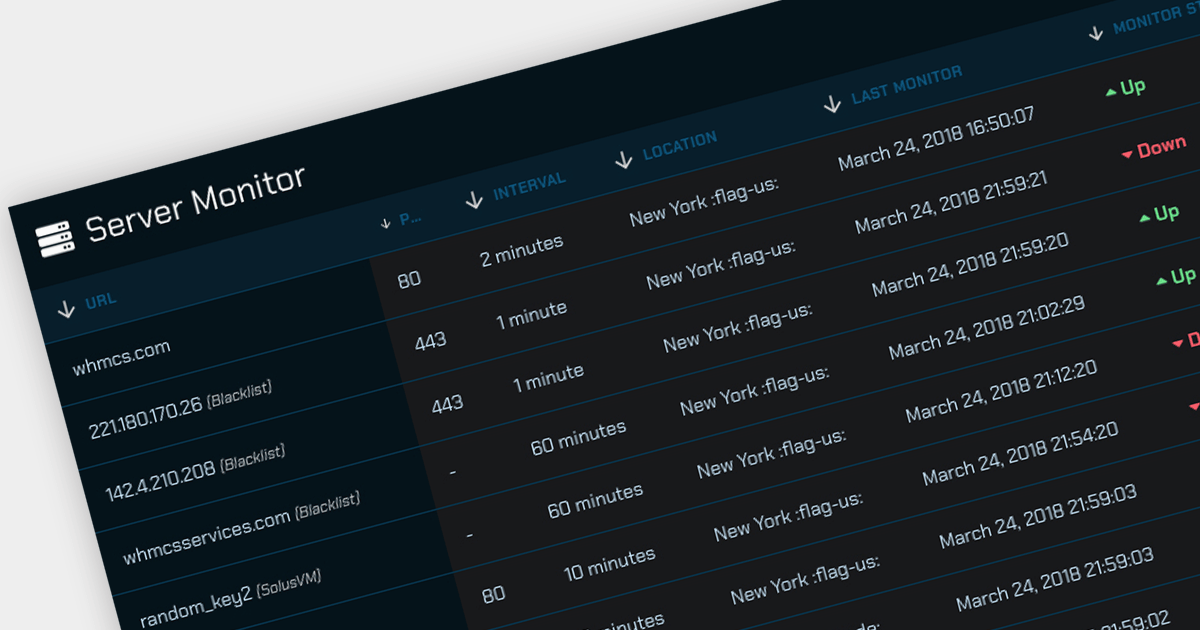
Offloading sorting tasks to a server (known as remote server sorting or server-side sorting) enables large datasets to be handled efficiently without overwhelming the client. This minimizes data transmission and leads to snappier web applications. Moreover, server-side sorting boosts scalability by ensuring processing happens on the server, freeing up client resources. This translates to faster response times, especially for large datasets, making the user experience smoother. This approach empowers developers to build responsive and scalable web applications that excel at managing and presenting sorted data.
Several Angular grid controls offer sorting on the remote server, including:
For an in-depth analysis of features and price, visit our comparison of Angular Grid controls.
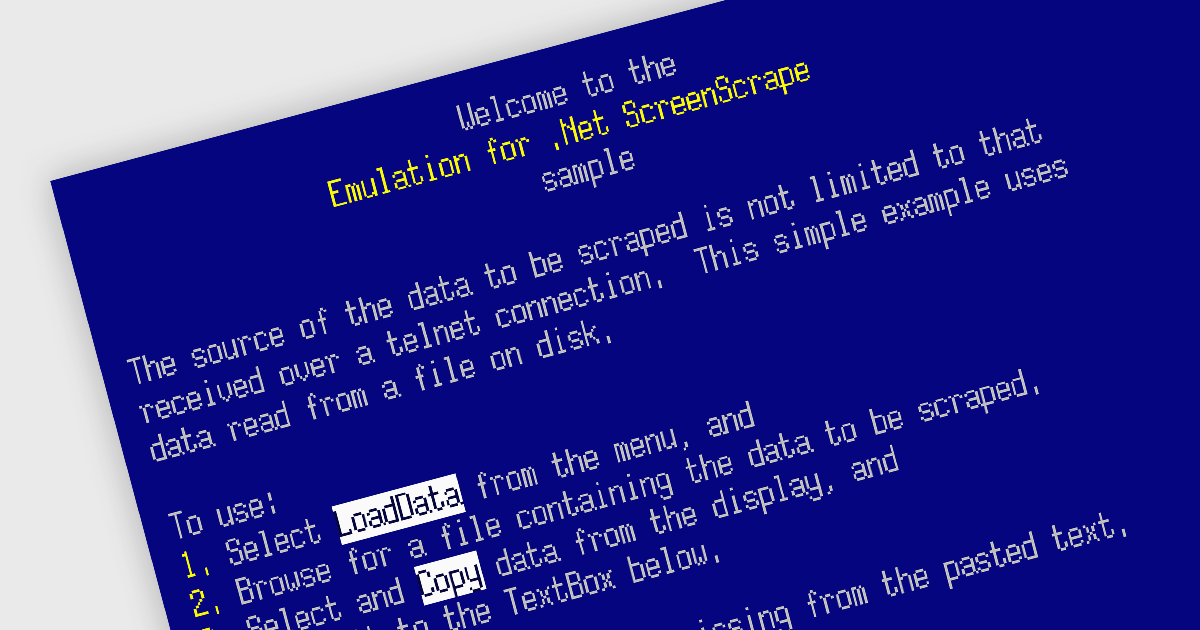
Emulation in internet communications components allows software developers to mimic the behavior of older protocols or systems over modern networks. It helps breathe new life into outdated systems by exposing their functionality through modern interfaces, extending their lifespan and avoiding costly replacements.
Several .NET communications and messaging components offer emulation functionality including:
For an in-depth analysis of features and price, visit our .NET comms & messaging components comparison.

Red Carpet Subscription by /n software is an all-inclusive developer toolkit offering comprehensive access to the company's full range of internet communications, security, and enterprise adapter tools. It contains all editions and platforms for all /n software products, allowing developers to work seamlessly across environments. The subscription includes all updates and new products released during the subscription period.
Red Carpet Subscription Vol. 1 2024 adds PKI Proxy, which offers a secure and centralized solution for remotely signing code and documents using your own keys. It keeps private keys on a single machine while enabling signing almost anywhere, supporting various key formats and hardware tokens including Yubikey and DigiCert. All communication is secured with SSL/TLS and multiple authentication options. PKI Proxy integrates seamlessly with existing signing tools and processes, making it ideal for distributed teams with isolated developers and build servers.
To see a full list of what's new in Red Carpet Subscription Vol. 1 2024, see our release notes.
Red Carpet Subscription is licensed per developer and is available as a Perpetual License with a 12 month support and maintenance subscription. See our Red Carpet Subscription licensing page for full details.
For more information, visit our /n software Red Carpet Subscription product page.
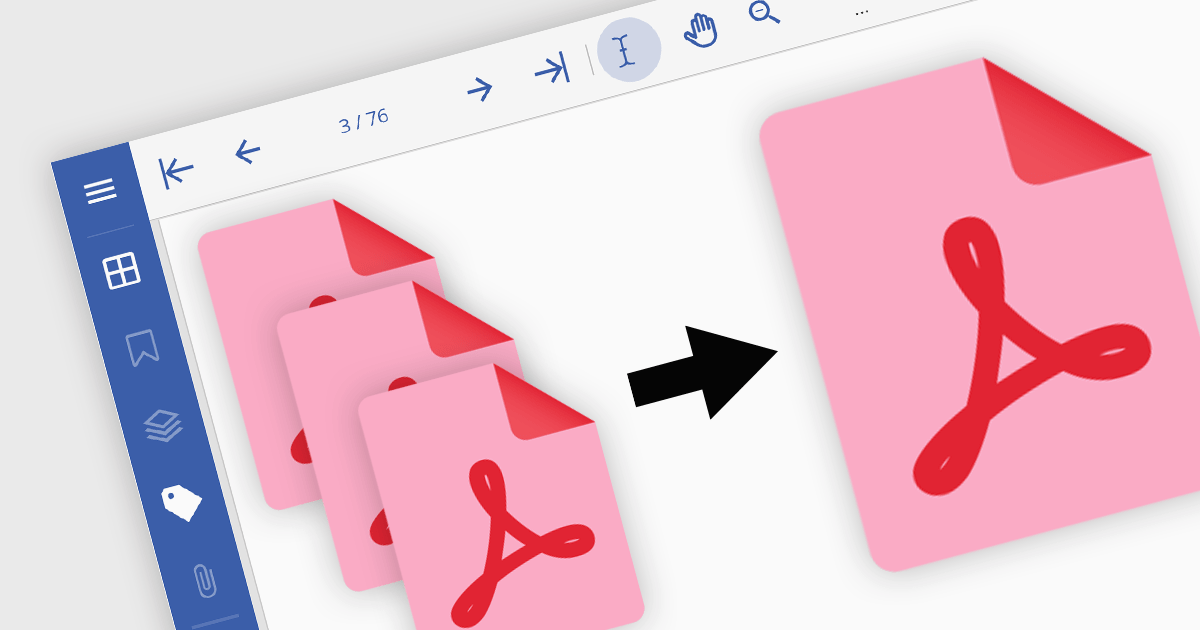
PDF merging combines multiple Portable Document Format (PDF) files into a single, cohesive document. Merging empowers developers to programmatically assemble dynamic documents based on user input or data extraction, unlocking new possibilities for interactive applications. By efficiently managing and consolidating related PDF information, PDF merging offers developers a powerful tool for building robust and user-friendly software solutions.
Several .NET components offer PDF merging including:
For an in-depth analysis of features and price, visit our comparison of .NET PDF components.
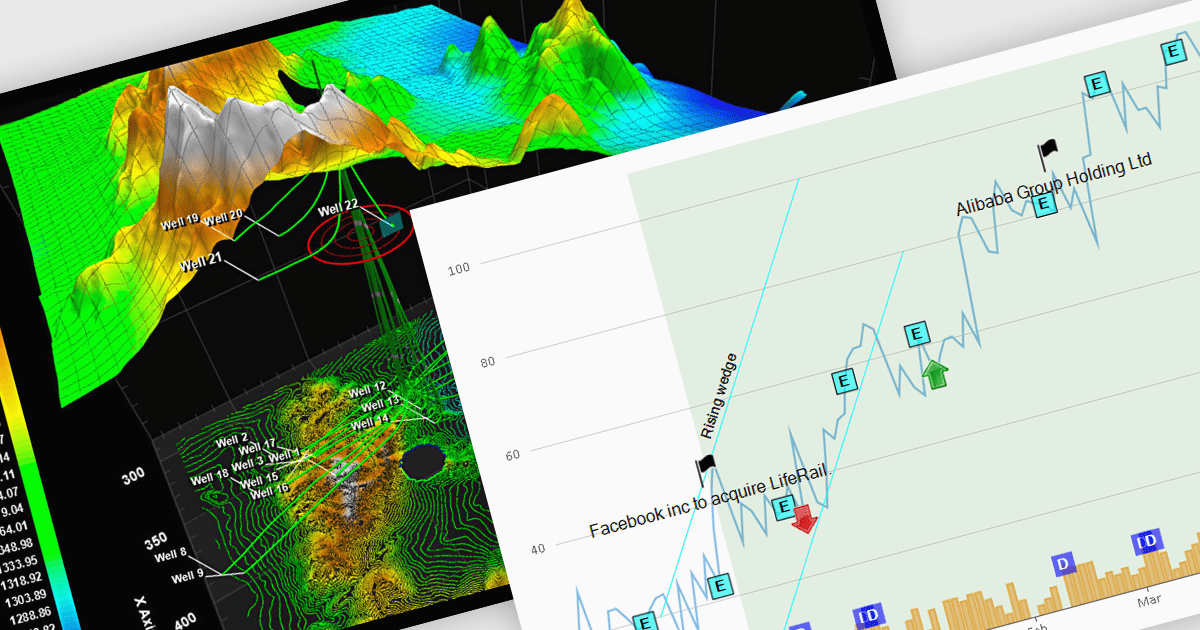
Annotations in a chart refer to additional textual or graphical elements overlaid onto the visual representation of data. They serve to provide context, explanations, or highlights within the chart, making it easier to understand. Software developers can utilize annotations to label specific data points, mark significant events, or add explanatory notes, thereby improving the clarity and insightfulness of the chart for end-users. By incorporating annotations, developers can effectively convey complex information, facilitate better data comprehension, and enable more informed decision-making processes within their applications.
Several WPF chart controls support annotations including:
Many WPF suites contain chart controls with annotation support including:
For an in-depth analysis of features and price, visit our comparison of WPF Chart Controls.





Tél : (888) 850 9911
Fax : +1 770 250 6199


