








Fournisseur officiel
Comme nous somme les distributeurs officiels et autorisés, nous vous fournissons des licences légitimes directement à partir de 200+ éditeurs de logiciels.
Voyez toutes nos marques.
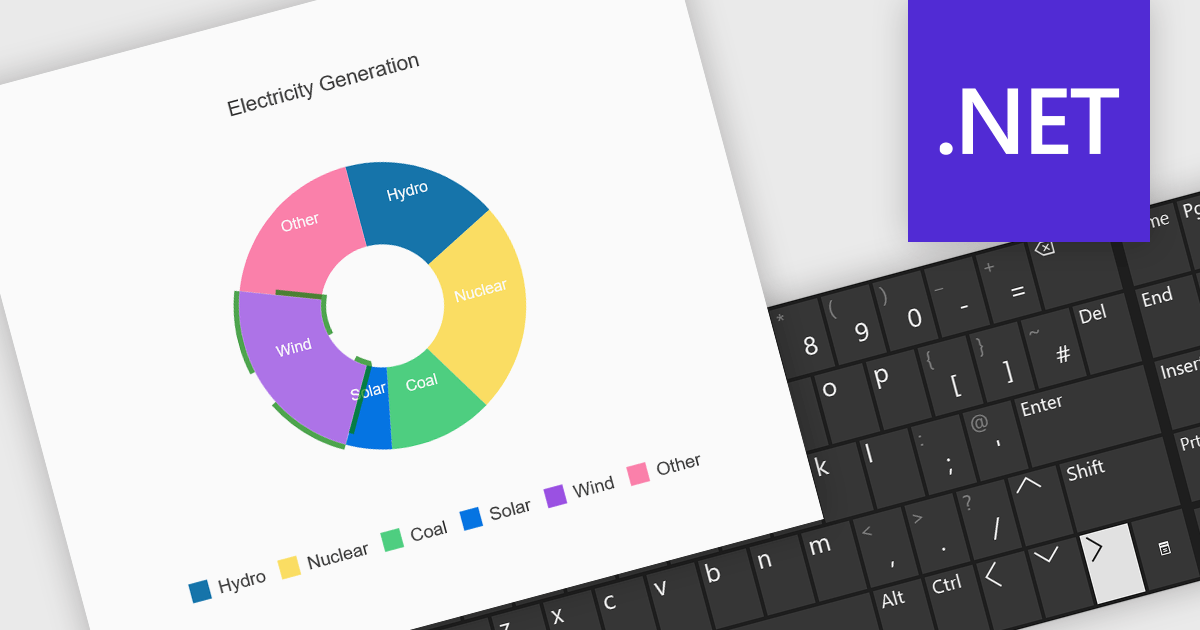
Charts with keyboard navigation support are designed to improve accessibility and usability by allowing users to explore chart data using only the keyboard. This feature is especially valuable for users who rely on assistive technologies or prefer keyboard interaction over a mouse. It typically includes capabilities like navigating between data points, series, or chart elements using arrow keys, accessing tooltips or data labels, and sometimes triggering events like selection or focus changes, all through the keyboard.
Several .NET chart components support keyboard navigation, including:
For an in-depth analysis of features and price, visit our comparison of .NET chart components.

Chart zooming allows users to interactively adjust the visible range of a chart to focus on specific data points, time periods, or value ranges for closer analysis. By enabling users to zoom in and out dynamically, it reduces visual clutter, improves clarity, and helps uncover trends, anomalies, or patterns that may be difficult to identify at a full-scale view. This interactive capability supports faster, more informed decision-making by allowing movement between high-level overviews and detailed insights without reloading data. Common use cases include analyzing financial performance over specific timeframes, investigating spikes or drops in operational metrics, reviewing detailed sensor or monitoring data, and highlighting key data segments during presentations or stakeholder reviews.
Several JavaScript chart controls support zooming including:
For an in-depth analysis of features and price, visit our comparison of JavaScript Charts.
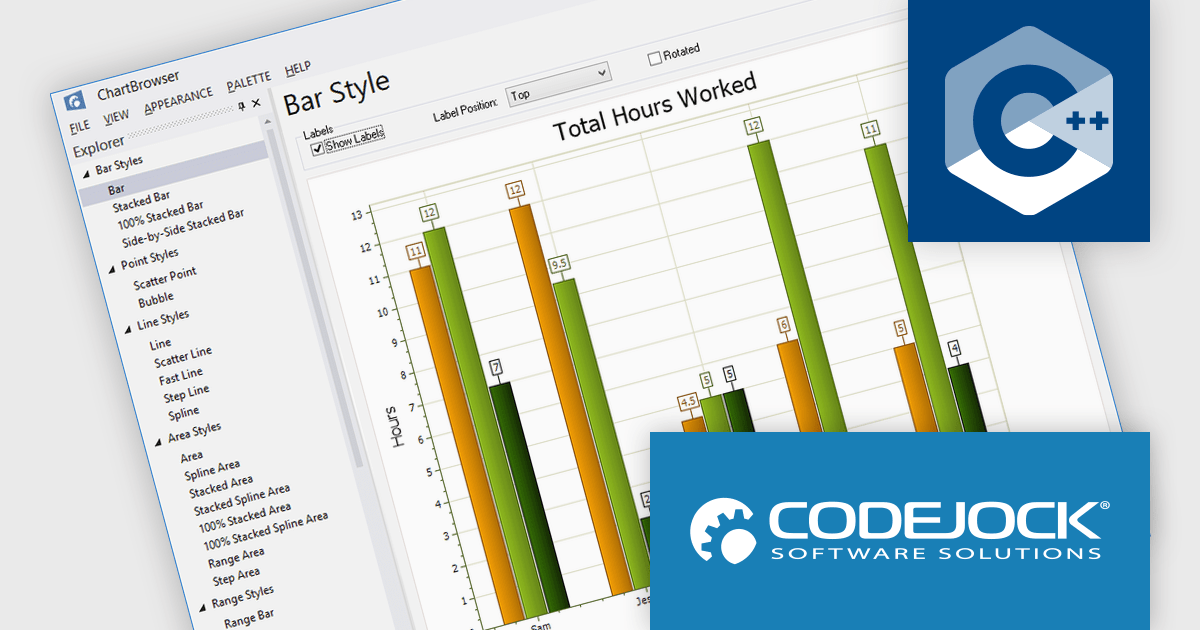
Codejock Toolkit Pro is a comprehensive suite of UI components designed to improve the development process and create visually appealing, feature-rich applications. The toolkit offers a wide range of controls, including calendars, charts, docking windows and more, each meticulously crafted to provide exceptional performance and customization options. With features like data binding, theming and localization, developers can easily integrate the toolkit into their projects and tailor the interface to meet specific requirements. The toolkit's versatility makes it suitable for various applications, from desktop software to web-based solutions, helping developers to deliver professional-grade user experiences.
Codejock Toolkit Pro delivers a comprehensive charting framework that enables software developers to visualize, analyze, and communicate complex data effectively within Windows applications. It supports a broad range of chart types, from standard bar and line charts to specialized financial, Gantt, and analytical visualizations, allowing developers to select the most appropriate format for each data scenario. The charting controls offer extensive customization over layout, styling, axes, labels, and interaction, making it possible to align visuals with application requirements and branding. With a well-structured API and proven performance, the framework reduces the need for custom charting logic, shortens development time, and helps ensure that data-driven features remain maintainable, consistent, and reliable over time.
Codejock Toolkit Pro is licensed per developer and is available as a perpetual license with 30 days or 1 year subscription (product updates and phone/email technical support). See our Codejock Toolkit Pro licensing page for full details.
For more information, visit our Codejock Toolkit Pro product page.
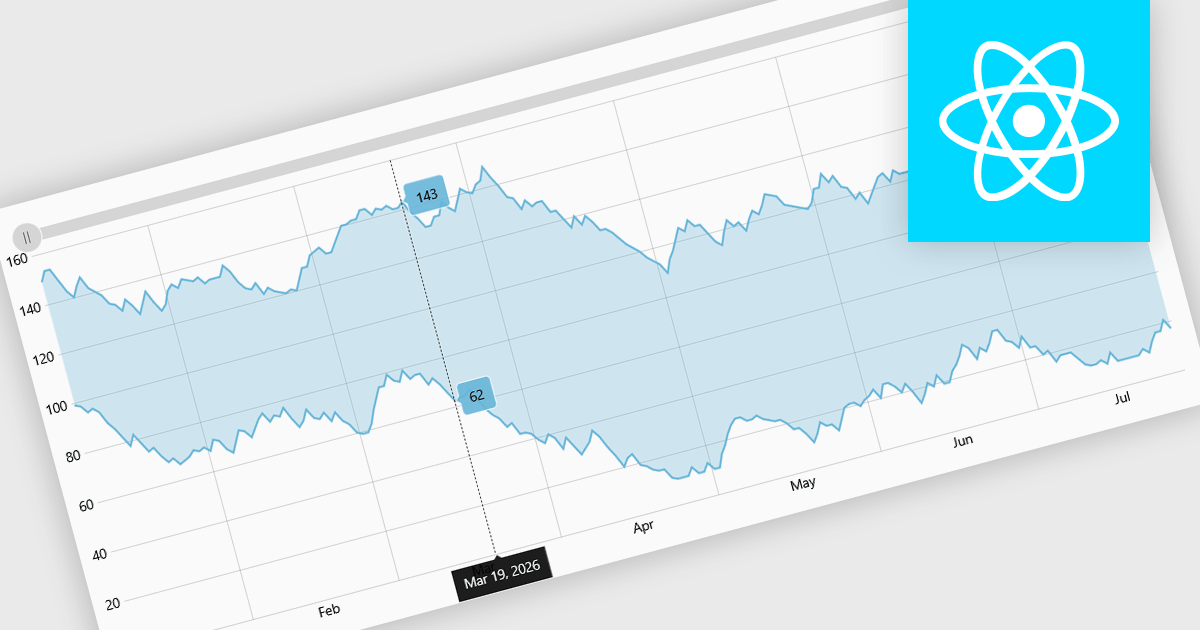
Range charts visualize financial data based on fixed price movements rather than time intervals, grouping activity into consistent ranges to highlight meaningful price action. By filtering out minor fluctuations and market noise, they make trends, volatility, support, and resistance levels easier to identify, especially in fast-moving or irregular markets. Common use cases include technical analysis for trading platforms, monitoring price volatility in equities or cryptocurrencies, and analyzing high-frequency financial data where understanding true market behavior is more important than tracking time-based changes.
Several React charting components provide you with range charts, including:
For an in-depth analysis of features and price, visit our React chart controls comparison.
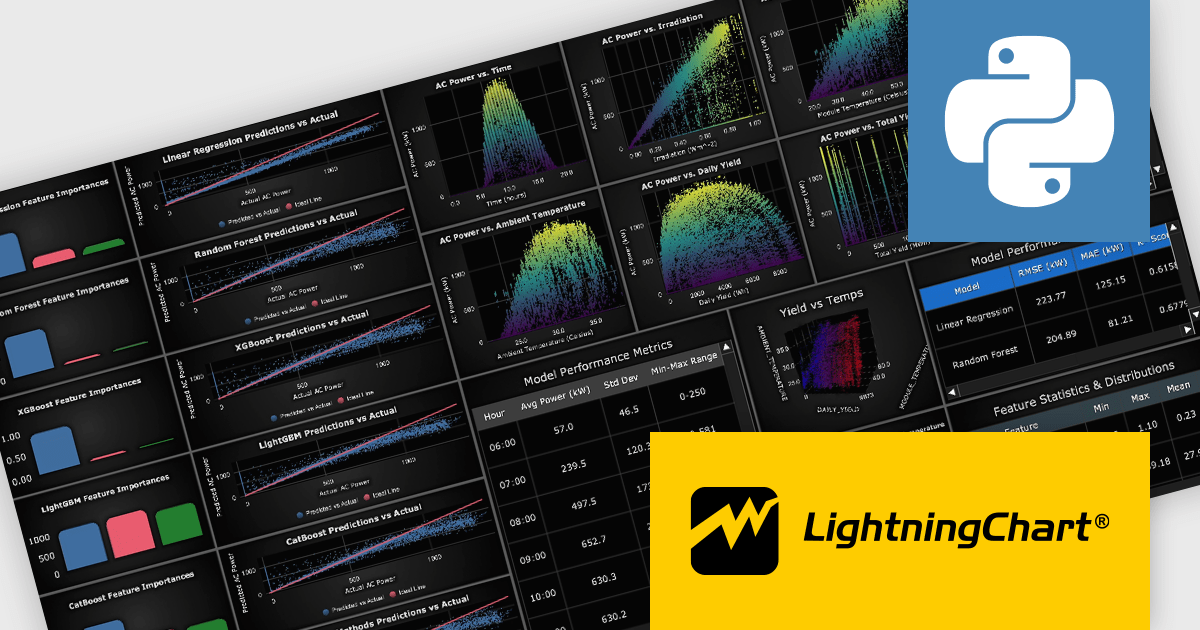
LightningChart Python is a high-performance visualization library designed for real-time analytics and large-scale data rendering. Utilizing GPU acceleration and WebGL, it efficiently processes millions of data points in 2D and 3D with smooth, interactive visuals. Some example chart types include Line graphs, Scatter plots, Heatmaps, Area plots, Box plots, 3D Surface graphs and Mesh plots, and it supports UI elements such as CustomTicks, interval Bands and Constant Lines. It integrates with Python’s data ecosystem, including numpy, pandas, and GUI frameworks like PyQt and PySide, making it a powerful tool for interactive dashboards, financial analytics, scientific simulations, and engineering applications.
The LightningChart Python v2.1 update introduces a new DataGrid component that allows software developers to present metrics, KPIs, and trend information in a single, structured view, combining textual data, numeric values, and compact in-cell charts. By embedding visual context such as sparklines, markers, and thresholds directly within the grid, developers can deliver clearer, more actionable insights without relying on separate chart components. The DataGrid also provides extensive control over styling, enabling consistent integration with existing application designs while reducing the effort required to build and maintain custom data presentation solutions.
To see a full list of what's new in v2.1, see our release notes.
LightningChart Python offers two licensing options: the subscription-based Data Scientist License for internal, non-public facing usage and the perpetual, per-seat Software Developer License for commercial use with professional support and deployment keys. Both licenses allow one active session per user, with developer licenses assigned individually. See our LightningChart Python licensing page for full details.
For more information, see our LightningChart Python product page.





Tél : (888) 850 9911
Fax : +1 770 250 6199


