








Fournisseur officiel
Comme nous somme les distributeurs officiels et autorisés, nous vous fournissons des licences légitimes directement à partir de 200+ éditeurs de logiciels.
Voyez toutes nos marques.
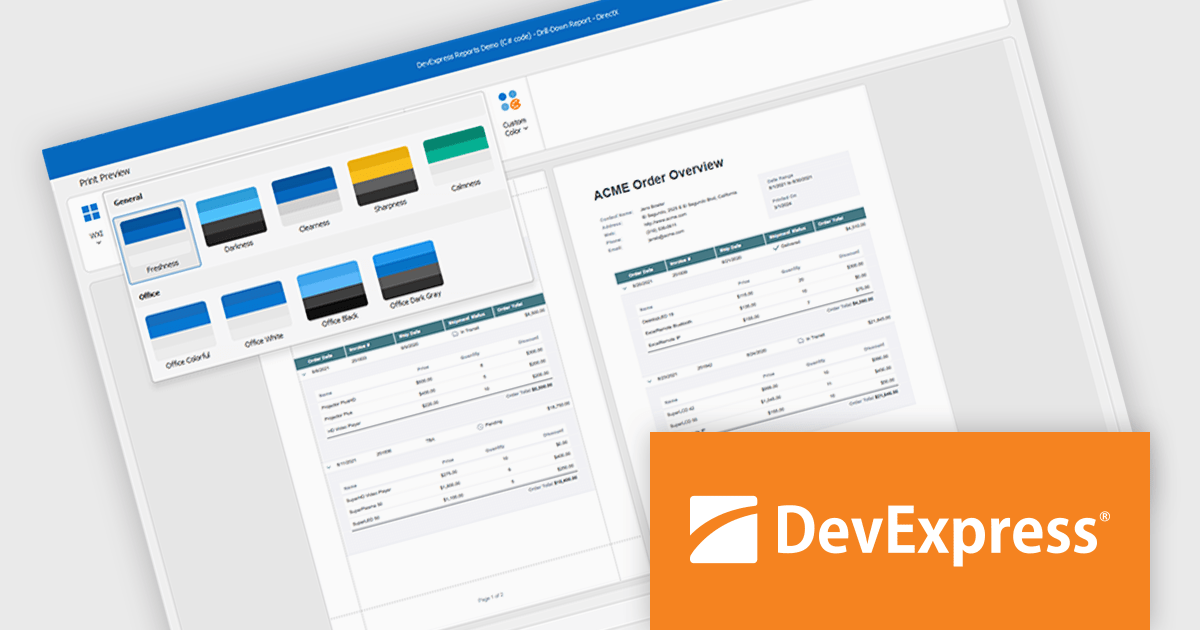
DevExpress DXperience is a comprehensive development suite that enables developers to build high-performance applications for Windows, Web, mobile, and tablet platforms using a unified set of controls and tools. It includes hundreds of desktop UI controls for WinForms, WPF, and reporting, as well as web UI controls for Blazor, ASP.NET, MVC, Core, Bootstrap Web Forms, JavaScript, Angular, React, Vue, and web reporting, plus productivity tools like XPO ORM and CodeRush for Visual Studio. With its extensive component library, DXperience accelerates development, ensures visually consistent and responsive interfaces, and is ideal for creating enterprise applications, data-driven web apps, dashboards, and reporting solutions.
DevExpress DXperience enhances application development with new app-wide themes and skins, allowing developers to apply a consistent, modern visual style across entire projects with minimal configuration. By providing professionally designed themes that align with Microsoft Office and Windows 11 aesthetics, along with built-in tools for customizing these designs, it improves the UI design process and reduces the need for manual styling. This enables developers to focus on functionality while delivering polished, cohesive user interfaces that improve usability and maintain a professional appearance across all application modules.
DevExpress DXperience is licensed per developer and is available as a Perpetual License with a 12 month support and maintenance subscription. See our DevExpress DXperience licensing page for full details.
For more information, visit our DevExpress DXperience product page.
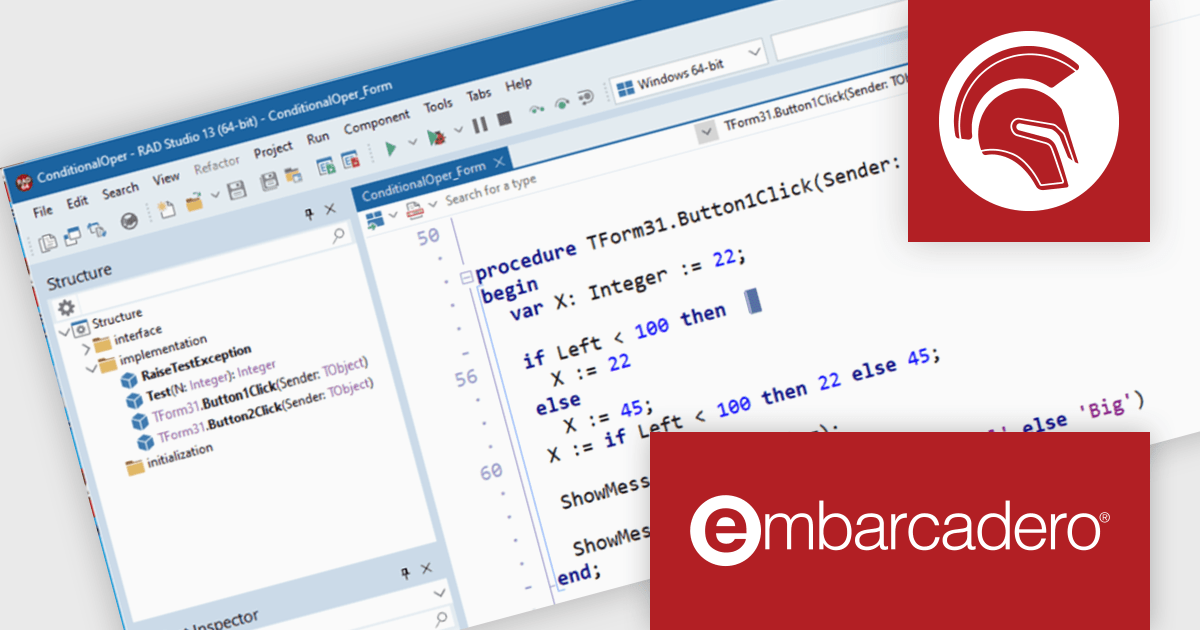
Delphi by Embarcadero is an advanced Integrated Development Environment (IDE) that allows you to build native applications for desktop, mobile, web, and console environments using a single codebase. It includes a visual designer, code editor, debugger, and component library, all specifically designed for rapid application development with the Object Pascal programming language. With Delphi, you can target Windows, macOS, iOS, Android, and Linux while leveraging a large developer community and extensive third-party plugin support.
With the Delphi 13 Florence release, developers can now express conditional logic more cleanly with the introduction of a ternary operator. Implemented using the familiar 'if' keyword, this new syntax mirrors similar constructs in other languages, allowing conditions to be evaluated directly within expressions. This change improves code readability and reduces verbosity, especially in scenarios where simple value selection depends on a condition. Alongside this, RAD Studio 13.0 includes additional Delphi language refinements aimed at modernizing and simplifying code development.
To see a full list of what's new in version 13 Florence, see our release notes.
Delphi is licensed per Named, Network Named or Concurrent user and is available as a Perpetual License with an Update Subscription that includes support and free upgrades for 1 Year. See our Delphi licensing page for full details.
Delphi is available to buy in the following products:
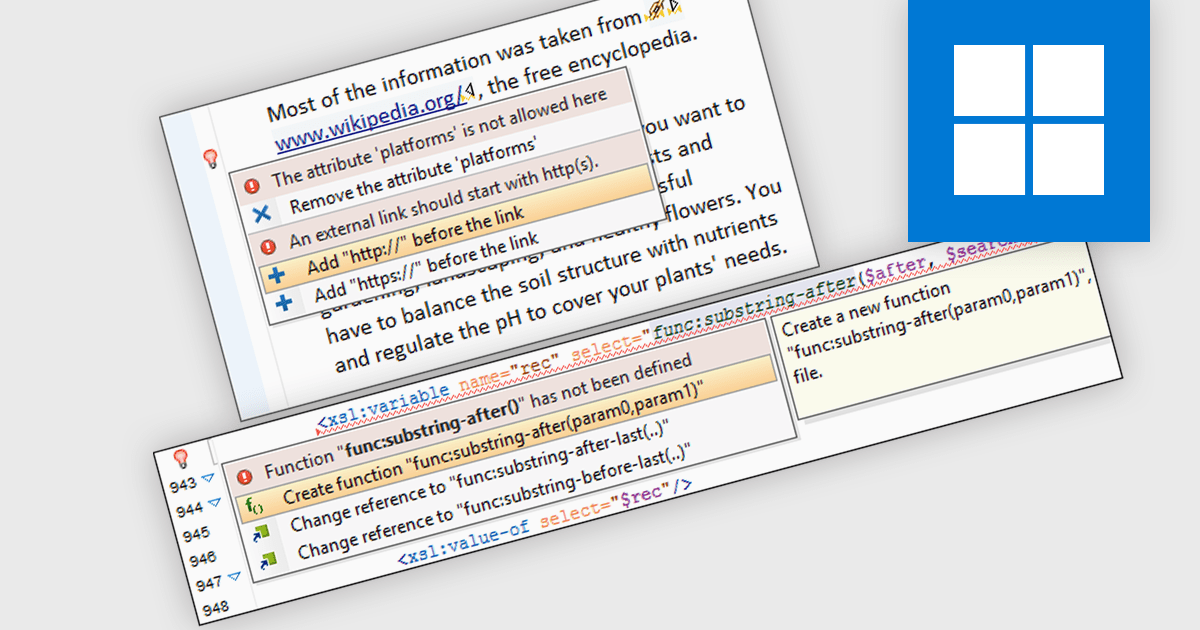
XML Quick Fix is a feature in structured document editing tools that identifies common XML syntax and structural issues and offers automated solutions to correct them. It helps developers maintain well-formed XML by suggesting quick corrections for missing tags, mismatched elements, invalid attributes, and schema inconsistencies directly within the editing environment. This reduces manual debugging time and improves accuracy when working with complex XML schemas, making it easier to align with defined standards and ensure consistent data representation across applications.
Structured Document tools that support XML Quick Fixes include:
For an in-depth analysis of features and price, visit our comparison of Structured Document tools.
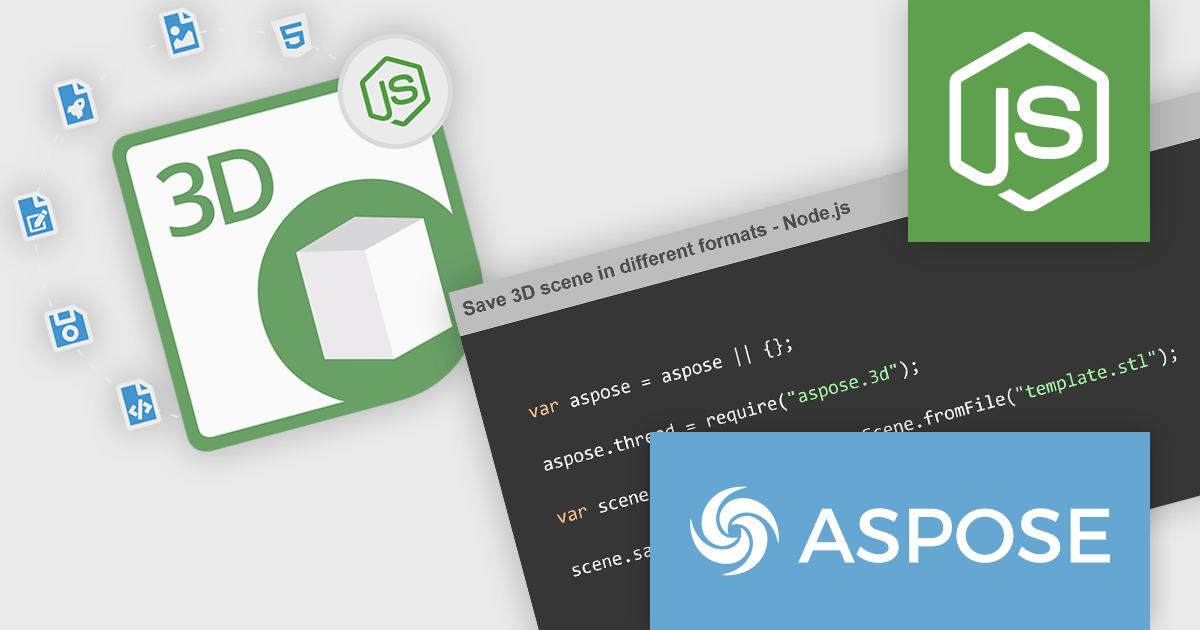
Aspose.3D for Node.js via Java is a cross-platform, server-side JavaScript (Node.js) library implemented over Java, designed for handling 3D content without needing external modeling or rendering software installed on the host. It supports reading, writing, converting, building, and modifying a wide variety of widely used 3D file formats, such as FBX, OBJ, STL, glTF/glb, Collada, Universal3D, Google Draco, and many more. The library offers a rich 3D Document Object Model (DOM) with mesh geometry, materials, textures, lighting, animation channels, scene graphs, primitives (boxes, spheres, toruses, etc.), and more. It runs on Windows, Linux, and macOS environments (with Java support) and exposes APIs for programmers to control all aspects of 3D scenes.
Aspose.3D for Node.js via Java enables automated conversion of 3D files from one format to another, useful in pipelines that produce assets for web, games, AR/VR, or 3D printing, without needing external tools or manual intervention. Its ability to alter meshes, share geometry, define animations, and manipulate scene hierarchy means it can be used in custom 3D authoring, asset pipelines, or anywhere dynamic generation of 3D content is required. Also, because it is self-contained and works purely via code, it supports integration into CI/CD, cloud environments, or headless servers for processing 3D assets (for example, rendering previews, generating thumbnails, or applying watermarking). Finally, its support for many formats and robust DOM model reduce development overhead and risks when working with diverse 3D content sources.
Aspose.3D for Node.js via Java is offered as Developer Small Business, Developer OEM, Developer SDK, Site Small Business, Site OEM and Site SDK licenses catering to a range of business needs. Licenses are perpetual, and include 1 year of support and maintenance. Subscription renewals are also available. See our Aspose.3D for Node.js via Java licensing page for full details.
Aspose.3D for Node.js via Java is available individually or as part of the following products:
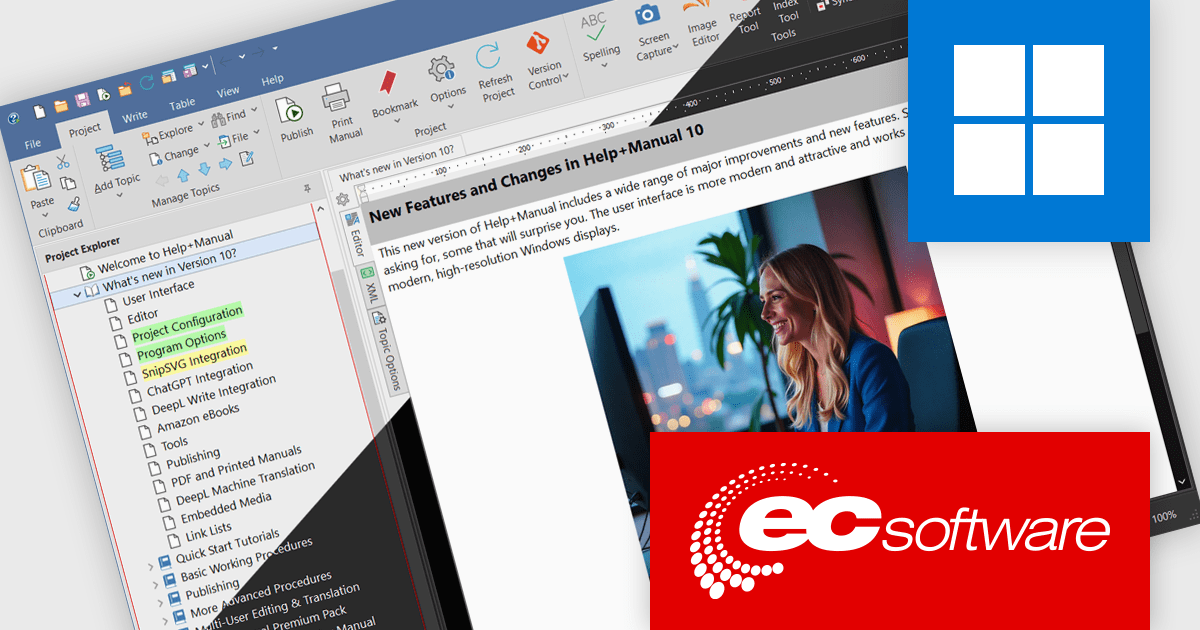
Help & Manual is a software program that simplifies the creation and management of documentation. It functions as a single source for your content, allowing you to edit and update information once and automatically generate it in various formats, including online help files, PDFs, and ebooks. This streamlines the documentation process and ensures consistency across different delivery methods.
The Help & Manual 10 update introduces an updated High-DPI user interface that delivers a sharper, more consistent visual experience across all display settings. All interface and table of contents icons are now vector-based SVGs, ensuring they scale cleanly without pixelation on high-resolution monitors. The interface also includes full support for Windows dark mode, with the option to automatically follow the system theme, allowing developers to work comfortably in varied lighting environments. These enhancements provide a modern, visually optimized workspace that improves readability and reduces visual strain during extended development and documentation sessions.
To see a full list of what's new in version 10, see our release notes.
Help & Manual is licensed per user and is available as a per seat or floating concurrent license. It is available as a Perpetual license and includes 12 months maintenance (free updates and support). See our Help & Manual Basic, Help & Manual Professional and Help & Manual Floating licensing pages for full details.
Help & Manual is available in the following products:





Tél : (888) 850 9911
Fax : +1 770 250 6199


