








Fournisseur officiel
Comme nous somme les distributeurs officiels et autorisés, nous vous fournissons des licences légitimes directement à partir de 200+ éditeurs de logiciels.
Voyez toutes nos marques.
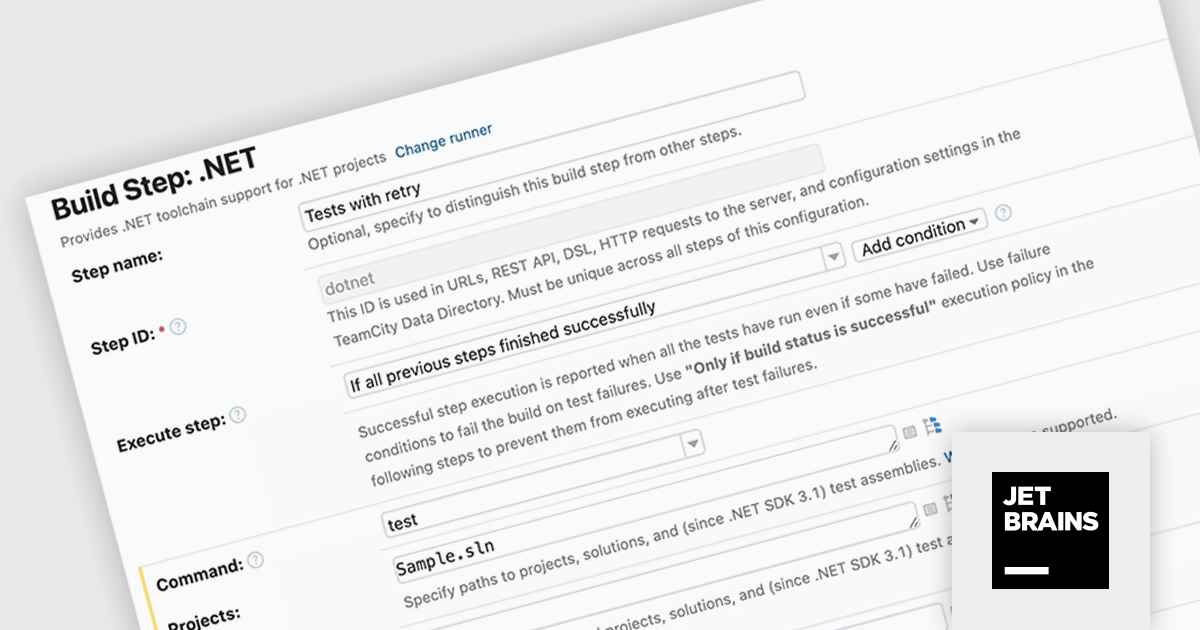
TeamCity On-Premises by JetBrains is a self-hosted solution for Continuous Integration and Continuous Delivery (CI/CD). It automates the software build, testing, and deployment process, allowing development teams to identify and fix bugs early, and deliver high-quality software faster. TeamCity On-Premises provides features like on-the-fly build progress reporting, pre-tested commits, and configuration as code for increased development efficiency and control.
The TeamCity On-Premises 2024.03 release adds new .NET test retry policies to help mitigate transient test failures. These are tests that intermittently pass or fail, often due to external factors outside the control of your test code. By retrying failed tests, you can improve the overall stability of your builds and ensure they only fail due to genuine issues.
To see a full list of what's new in version 2024.03, see our release notes.
TeamCity On-Premises is licensed per server and per build agent, and is available as a commercial perpetual license. See our TeamCity On-Premises licensing page for full details.
For more information, visit our TeamCity On-Premises product page.
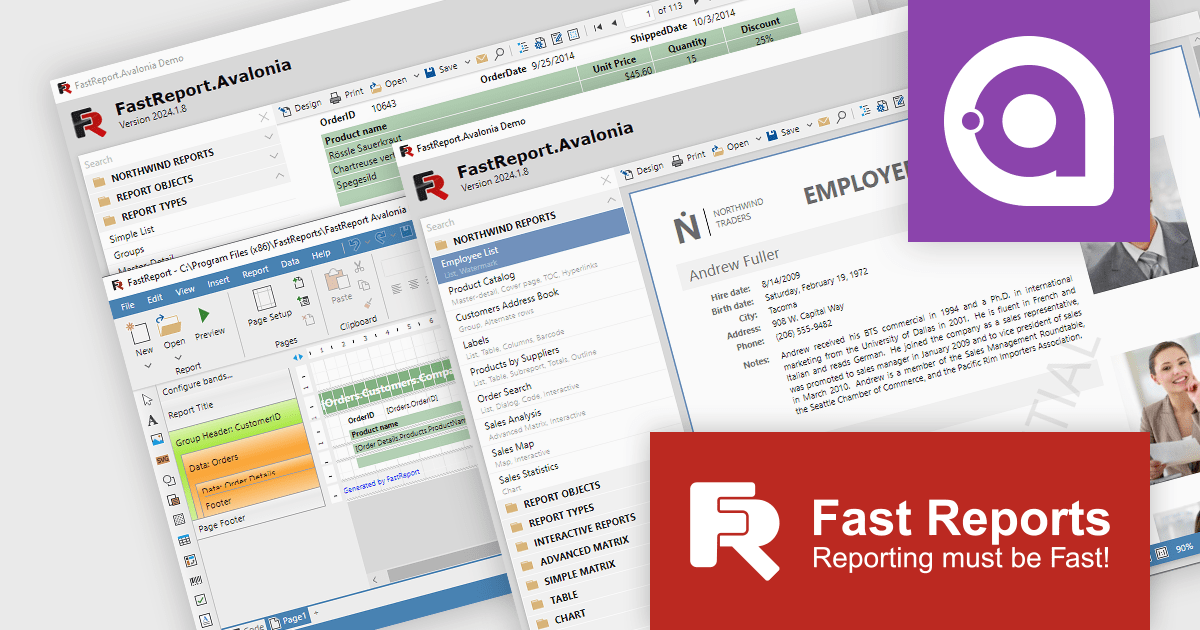
FastReport Avalonia empowers developers to design and generate informative reports within their Avalonia UI applications. This powerful tool offers a familiar visual editor for crafting reports like invoices and financial statements. It seamlessly integrates data processing and exports reports to various formats, including PDF and Excel. Notably, FastReport Avalonia maintains consistent functionality across multiple operating systems, ensuring a unified user experience for your application.
As the latest innovation from Fast Reports, FastReport Avalonia simplifies cross-platform report generation. This versatile component integrates effortlessly within your Avalonia UI application. Developers can create and export reports in various formats across Windows, macOS, and Linux, all from a single codebase. FastReport Avalonia boasts broad compatibility, supporting x64, x86, and even arm64 processor architectures, alongside .NET 6 and later versions. This flexibility empowers developers to leverage a single reporting solution across diverse development environments.
FastReport Avalonia is licensed per named user and is available as a Single Named, Team and Site License. See our FastReport Avalonia licensing page for full details.
Learn more on our FastReport Avalonia product page.
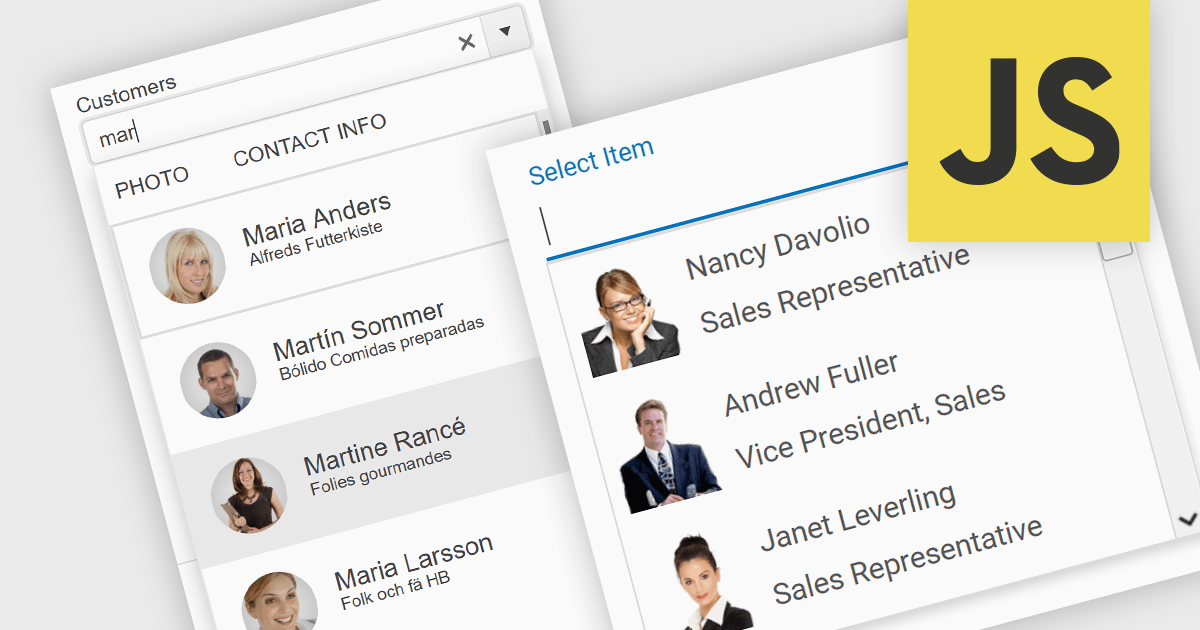
An image combobox is a custom UI component that combines a traditional dropdown menu with the ability to display an image alongside each item. Image comboboxes can enhance user experience by providing a more intuitive way to identify and select options, especially for items that benefit from visual representation. This approach can be particularly useful for non-text-based data or for catering to users who prefer visual cues.
Several JavaScript Data Editor controls support image combobox functionality including:
For an in-depth analysis of features and price, visit our comparison of JavaScript Data Editors.

Aspose.PDF for JavaScript via C++ is a toolkit that empowers developers to manipulate PDF files directly within web browsers. Built on WebAssembly technology, it offers a secure and scalable solution for adding features like generation, viewing, editing, and conversion of PDFs to your JavaScript applications. This library, written in C++, eliminates the need for additional runtime environments, ensuring broad browser compatibility.
The Aspose.PDF for JavaScript via C++ V24.3 release adds a new AsposePdfFromImage API that allows you to convert image files to PDF format. This easy-to-use API grants developers the ability to integrate and automate the transformation of PNG, JPG, BMP, GIF, and TIFF files into universally accessible, secure, and easily manageable PDF files within web and desktop applications.
To see a full list of what's new in Aspose.PDF for JavaScript via C++, see our release notes.
Aspose.PDF for JavaScript via C++ is offered as Developer Small Business, Developer OEM, Developer SDK, Site Small Business, Site OEM, and Site SDK licenses catering to a range of business needs. Licenses are perpetual, and include 1 year of support and maintenance. Subscription renewals are also available. See our Aspose.PDF for JavaScript via C++ licensing page for full details.
Aspose.PDF for JavaScript via C++ is available in the following products:
Syncfusion Essential Studio Blazor (available as part of Syncfusion Essential Studio Enterprise) is a comprehensive UI component library designed to accelerate the development of high-performance, modern web applications using the Blazor framework. It boasts over 85+ responsive, lightweight, and modular components spanning various categories such as data visualization, data editing, document processing, and interactive UI elements. This rich repertoire empowers developers to rapidly build user-friendly, feature-rich web interfaces, with seamless integration of both server-side and client-side Blazor applications.
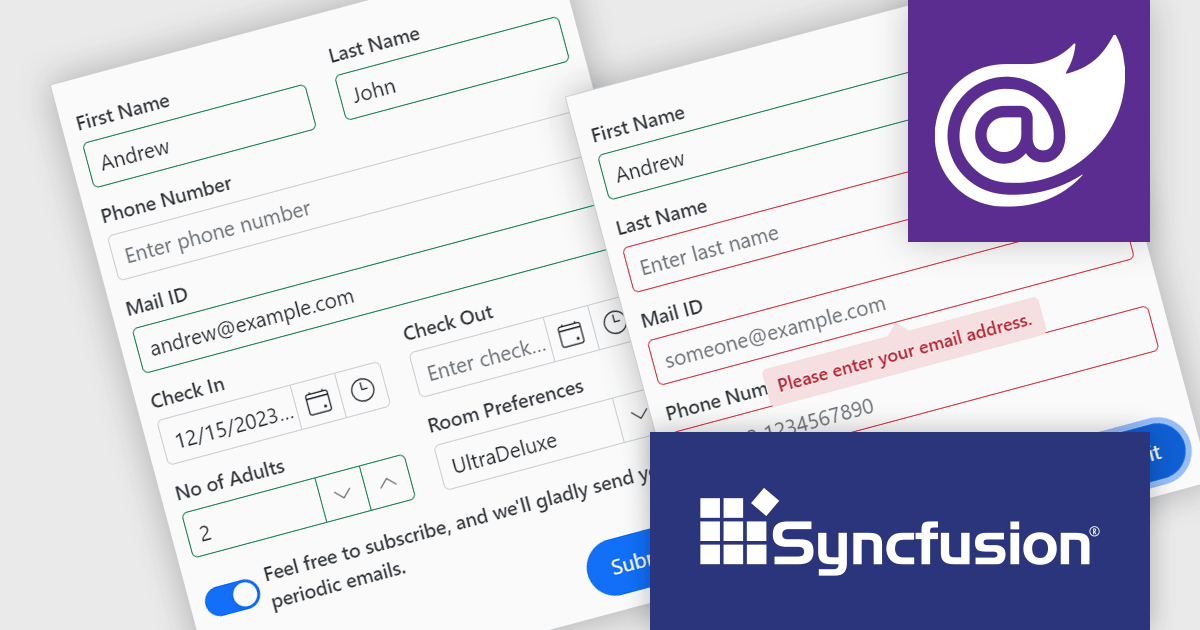
The Syncfusion Essential Studio Blazor Version 2024 Volume 1 (25.1.35) release introduces the production-ready Blazor Data Form component, which is designed to streamline form creation within Blazor applications. It offers features such as automatic field generation based on your data model, seamless data binding for easy integration with your application's logic, and layout customization for a polished user experience. The Blazor Data Form component allows you to build complex or simple forms with minimal coding effort.
To see a full list of what's new in version 2024 Volume 1 (25.1.35), see our release notes.
Syncfusion Essential Studio Blazor is available as part of Syncfusion Essential Studio Enterprise which is licensed per developer starting with a Team License of up to five developers. It is available as a 12 Month Timed Subscription License which includes support and maintenance. See our Syncfusion Essential Studio Enterprise licensing page for full details.
For more information, visit our Syncfusion Essential Studio Blazor product page.





Tél : (888) 850 9911
Fax : +1 770 250 6199


