








Fournisseur officiel
Comme nous somme les distributeurs officiels et autorisés, nous vous fournissons des licences légitimes directement à partir de 200+ éditeurs de logiciels.
Voyez toutes nos marques.
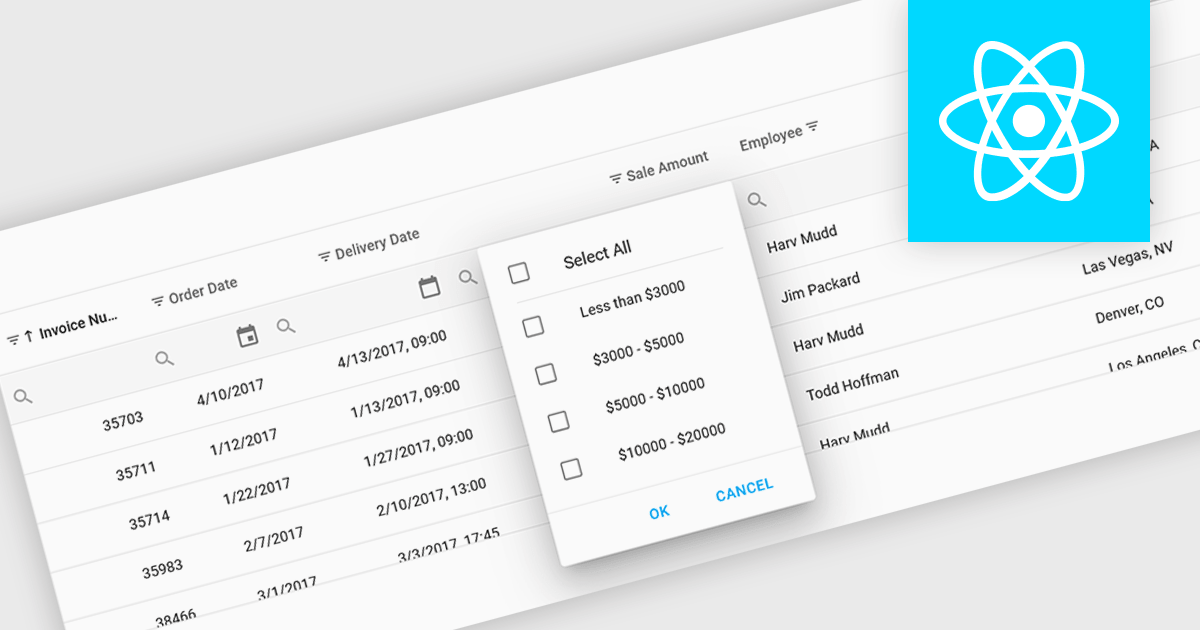
Using a grid control with support for filters enables users to dynamically narrow the displayed data based on specific criteria. This functionality helps users focus on relevant subsets of information by filtering individual columns using operators, keywords, or pre-defined options. Filtering improves data exploration efficiency and reduces cognitive load by presenting only the data that aligns with the user's current analysis.
Several React grid controls offer filtering functionality including:
For an in-depth analysis of features and price, visit our React Grid controls comparison.
Syncfusion Essential Studio .NET MAUI, available as part of Syncfusion Essential Studio Enterprise, empowers developers with a comprehensive suite of native UI controls, data visualization tools, and performance optimizations for building modern, cross-platform mobile and desktop applications. This professional-grade toolkit leverages the power of C# and XAML, enabling rapid development of stunning and responsive experiences across diverse platforms.
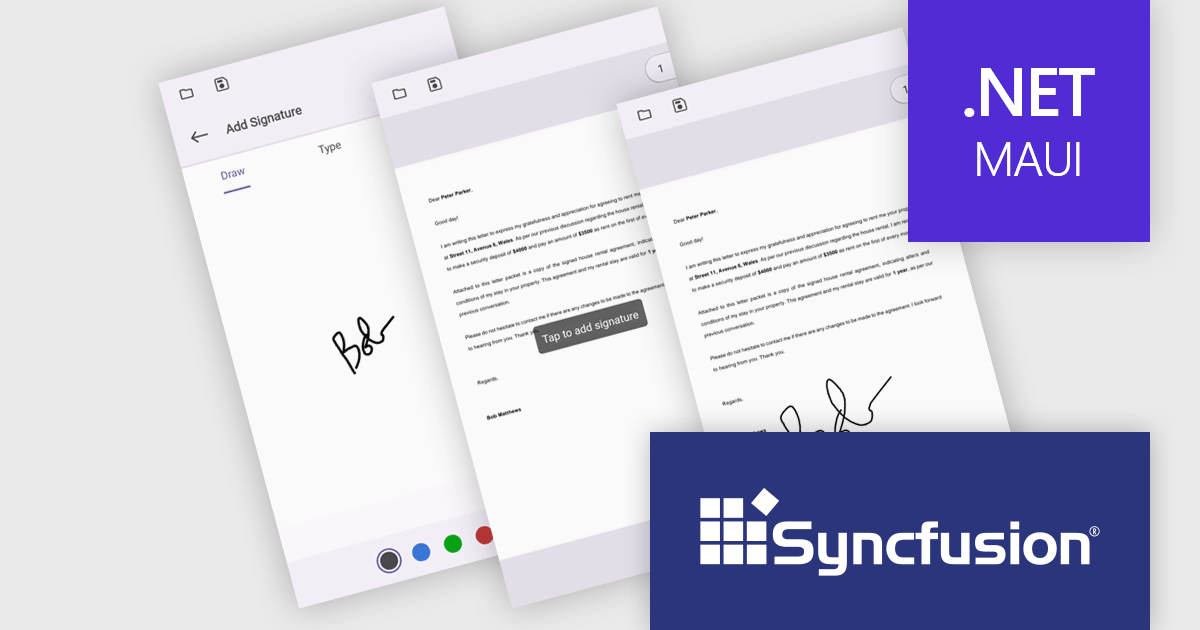
The Syncfusion Essential Studio .NET MAUI 2024 Volume 1 (25.1.35) release introduces streamlined digital document signing capabilities. Users can now add, remove, and modify various signature types, including freehand drawings, text, and images, directly within PDF files. This eliminates the need for physical signatures, simplifying the process of signing contracts and agreements.
To see a full list of what's new in version 2024 Volume 1 (25.1.35), see our release notes.
Syncfusion Essential Studio .NET MAUI is available as part of Syncfusion Essential Studio Enterprise which is licensed per developer starting with a Team License of up to five developers. It is available as a 12 Month Timed Subscription License which includes support and maintenance. See our Syncfusion Essential Studio Enterprise licensing page for full details.
For more information, visit our Syncfusion Essential Studio .NET MAUI product page.
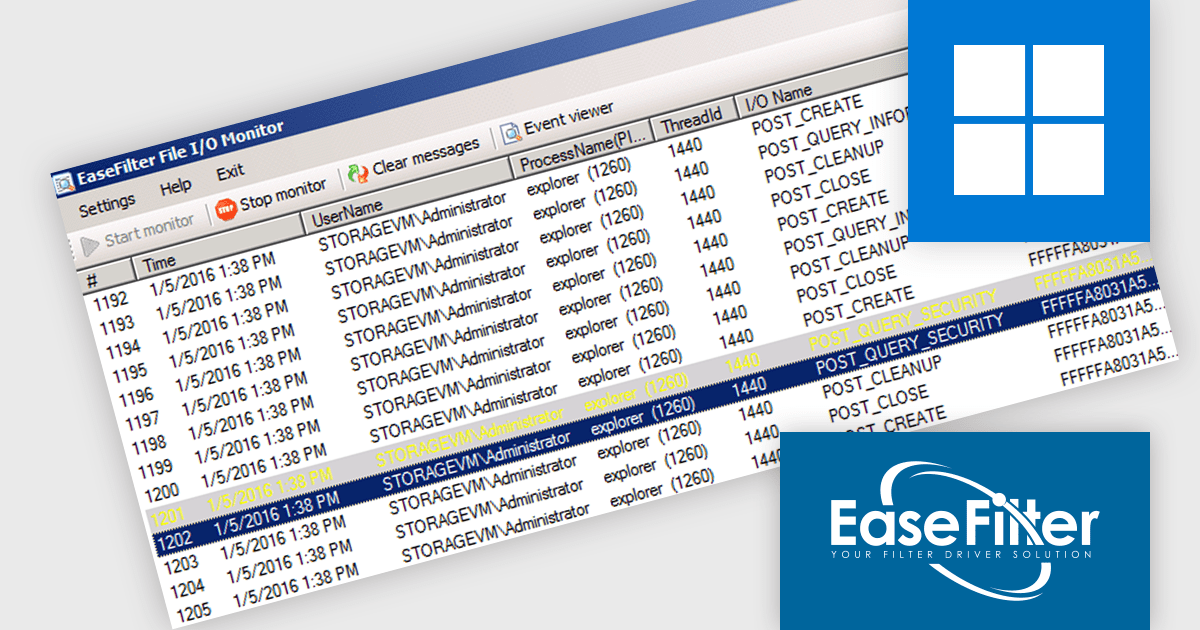
EaseFilter is a Software Development Kit (SDK) that provides access to a file system filter driver for Windows. This driver acts as an intermediary between applications and the operating system's file system, enabling developers to monitor, control, and modify file access in real-time. EaseFilter empowers the creation of applications for file access control, data protection, transparent encryption, file auditing, and more.
The EaseFilter File System Monitor Filter Driver SDK v5.3.4.1 update introduces support for detecting FileCopy requests in Windows 11 22H2 and later. This empowers software developers with finer-grained control over file copy operations within their applications. By leveraging EaseFilter's FileCopy request detection, developers can implement granular security policies, data filtering, or custom copy behavior tailored to their specific use cases.
To see a full list of what's new in v5.3.4.1, see our release notes.
EaseFilter File System Monitor Filter Driver SDK is licensed per developer and has In-House Developer and OEM Developer License options. Licenses include a support subscription providing technical support and software updates which can be renewed. Source Code and a Support and Consultancy Program are also available. See our EaseFilter File System Monitor Filter Driver SDK licensing page for full details.
Learn more on our EaseFilter File System Monitor Filter Driver SDK product page.
Oxygen XML Web Author is a tool that lets you edit and review XML code directly in your web browser, on any device. This means you can collaborate with others on creating and changing structured content, like technical documentation, from anywhere. It supports common formats like DITA and DocBook, and offers features like visual editing, automatic error checking, and suggestions to complete what you're typing. You can even customize the editing experience to fit your needs.
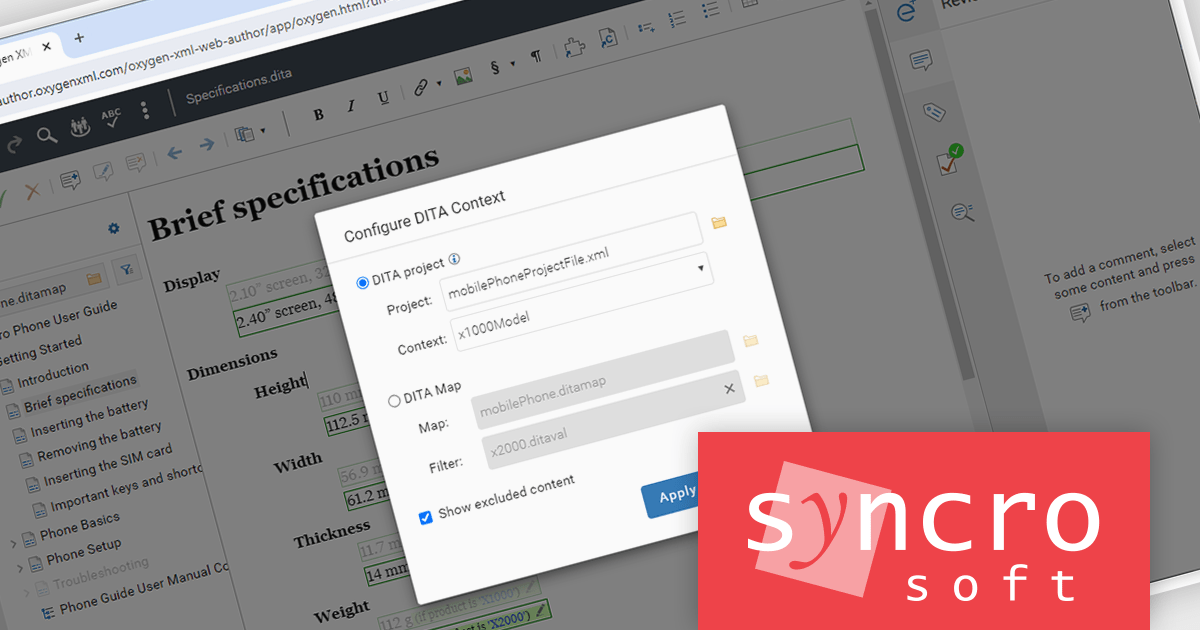
Oxygen XML Web Author 26.1 lets you work directly with Darwin Information Typing Architecture - Open Toolkit (DITA-OT) project files. These files act like blueprints, containing reusable configurations allowing you to define settings once and reference them across projects. Using DITA-OT you can easily publish to multiple outputs by defining each deliverable (like HTML or PDF) within the project.
To see a full list of what's new in version 26.1, see our release notes.
Oxygen XML Web Author is licensed per Floating user and is available as a Timed License subscription. See our Oxygen XML Web Author licensing page for full details.
For more information, visit our Oxygen XML Web Author product page.
IntelliJ IDEA is a feature-rich Java IDE that empowers developers with a comprehensive set of tools for intelligent coding assistance, effortless navigation and search, seamless refactorings, in-depth code analysis, comprehensive Web and Enterprise development support, robust unit testing capabilities, and streamlined team collaboration features.
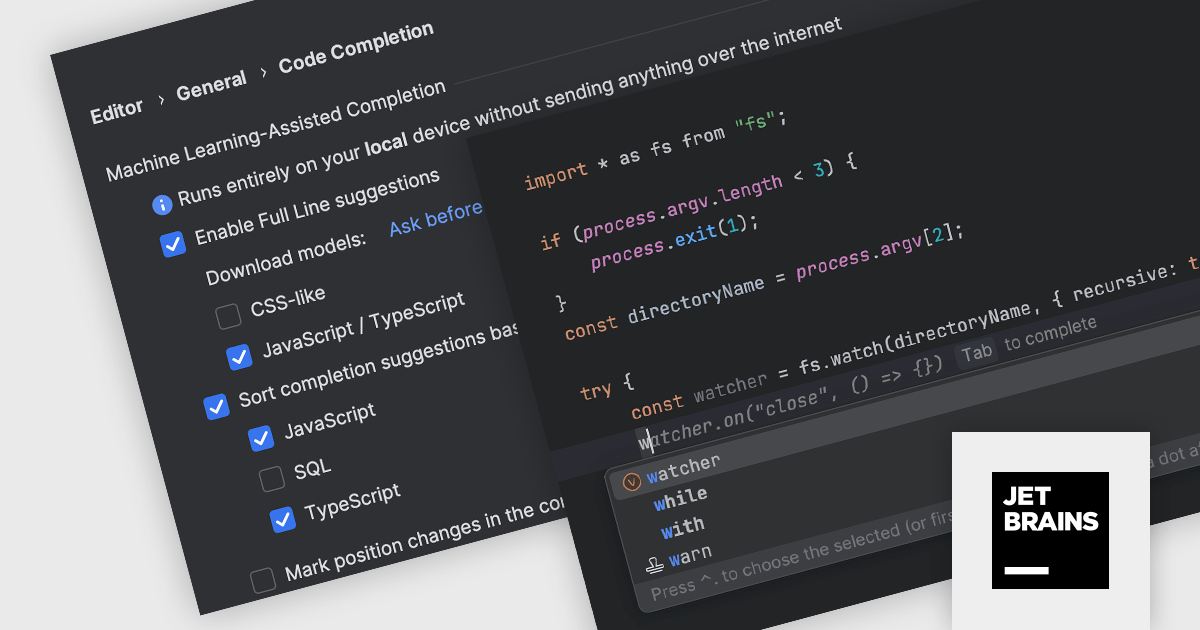
IntelliJ IDEA 2024.1 introduces full line code completion. This intelligent feature leverages machine learning models built right into the IDE. It analyzes your code contextually and suggests entire lines as you type, boosting your coding efficiency. These suggestions are powered by specialized models trained for specific languages and frameworks, all running locally on your device. This ensures your code privacy as there's no need for data transfer to external servers. Full line code completion is enabled by default for Java and Kotlin, and other languages are also supported. Unlike JetBrains Cloud-based AI Assistant, the local code completion is included with the standard IntelliJ IDEA subscription at no extra cost.
To see a full list of what's new in version 2024.1 see our release notes.
IntelliJ IDEA is licensed per user as a commercial annual subscription. We can supply New Subscriptions, Subscription Renewals, Lapsed Subscription Renewals, and Additional Developer Licenses. See our IntelliJ IDEA licensing page for full details.
For more information, visit our IntelliJ IDEA product page.





Tél : (888) 850 9911
Fax : +1 770 250 6199


