








Fournisseur officiel
Comme nous somme les distributeurs officiels et autorisés, nous vous fournissons des licences légitimes directement à partir de 200+ éditeurs de logiciels.
Voyez toutes nos marques.
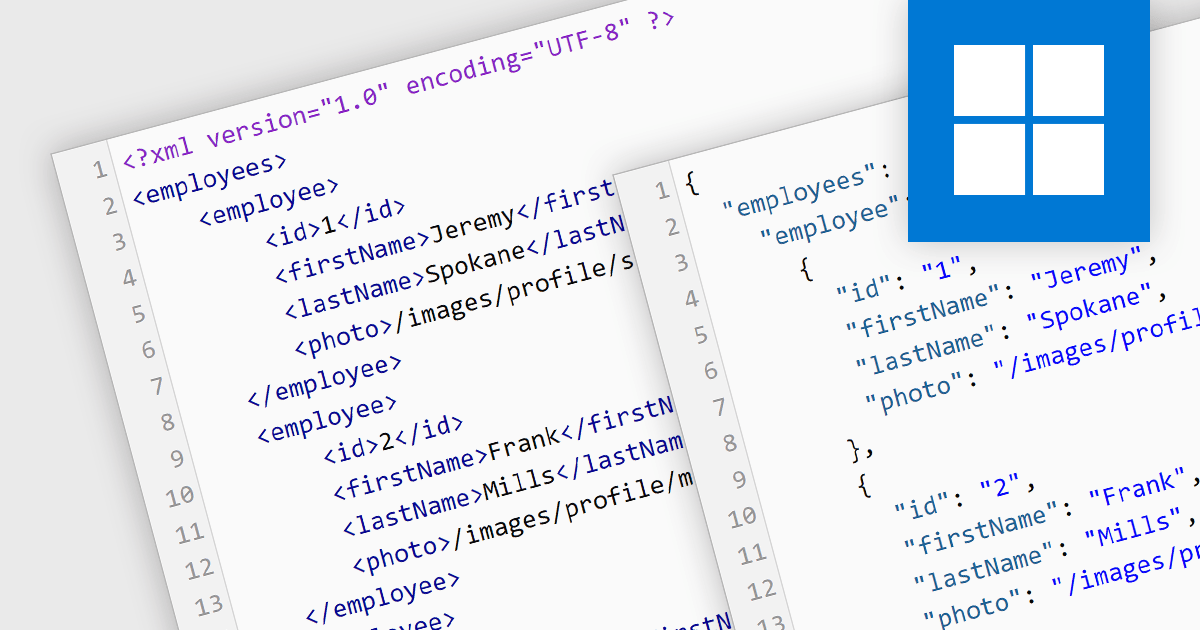
Converting XML (Extensible Markup Language) to JSON (JavaScript Object Notation) unlocks a wealth of benefits for web applications and data exchange. JSON's inherent simplicity translates to smaller file sizes, faster parsing, and broader language support, leading to improved communication speed and performance. Its flexible key-value structure seamlessly integrates with modern development frameworks, simplifying data manipulation and ultimately creating a more agile and efficient data ecosystem. This conversion is important for modernizing the data exchange process, particularly when migrating systems from XML-based backends to JSON-based frontends. By embracing JSON, you empower your applications to flourish in today's dynamic data landscape.
Several structured document tools offer XML to JSON conversion, including:
For an in-depth analysis of features and price, visit our Structured Document Tools comparison.

MDBootstrap Pro Angular (MDB Pro Angular) is a UI component library that combines Material Design aesthetics with the Bootstrap and Angular frameworks. It empowers developers to craft visually appealing and interactive web applications with ease, offering an extensive collection of pre-built components like modals, charts, carousels, and data tables. Tailored for professional projects, it unlocks advanced features like dark mode theming, advanced form controls, and integrated charting libraries, all while adhering to industry-leading coding standards and comprehensive documentation for a smooth development experience.
MDB Pro Angular v6.0.0 adds support for Angular 17, which boasts a game-changing application builder for dramatically faster build times, a streamlined control flow syntax for enhanced developer productivity, and an optimized lazy loading system with Deferrable views that enable both declarative and deferred loading for improved initial rendering speeds. This powerful combination empowers developers to craft even more robust and performant web applications with greater ease.
To see a full list of what's new in version 6.0.0, see our release notes.
MDB Pro Angular is licensed per developer, per project/domain with packages for individual developers, development teams and Enterprises. See our MDB Pro Angular licensing page for full details.
For more information, visit our MDB Pro Angular product page.

AdminStudio, by Flexera, empowers IT teams to seamlessly and securely package and deploy applications across various platforms. This comprehensive suite automates key processes, from building new packages to testing compatibility and mitigating risks, ensuring efficient and reliable software distribution within your organization. Whether managing physical or virtual applications, AdminStudio simplifies the entire journey, from initial packaging to endpoint delivery, ultimately driving greater efficiency and minimizing deployment risks.
AdminStudio 2023 R2 SP1 adds new Backlog Reports, providing invaluable insights into your packaging requests. These pie-chart reports cover various aspects like Package Feed and Application Catalog coverage, Package Request Status, Automation Subscription, and Package Request Source, giving you a comprehensive snapshot of your packaging backlog and aiding informed decision-making for efficient application distribution.
To see a full list of what's new in version 2023 R2 SP1, see our release notes.
AdminStudio is licensed per user and is available as a 3 Year Timed Subscription. See our AdminStudio Professional licensing page or AdminStudio Enterprise licensing page for full details.
For more information, visit our AdminStudio Professional or AdminStudio Enterprise product pages.
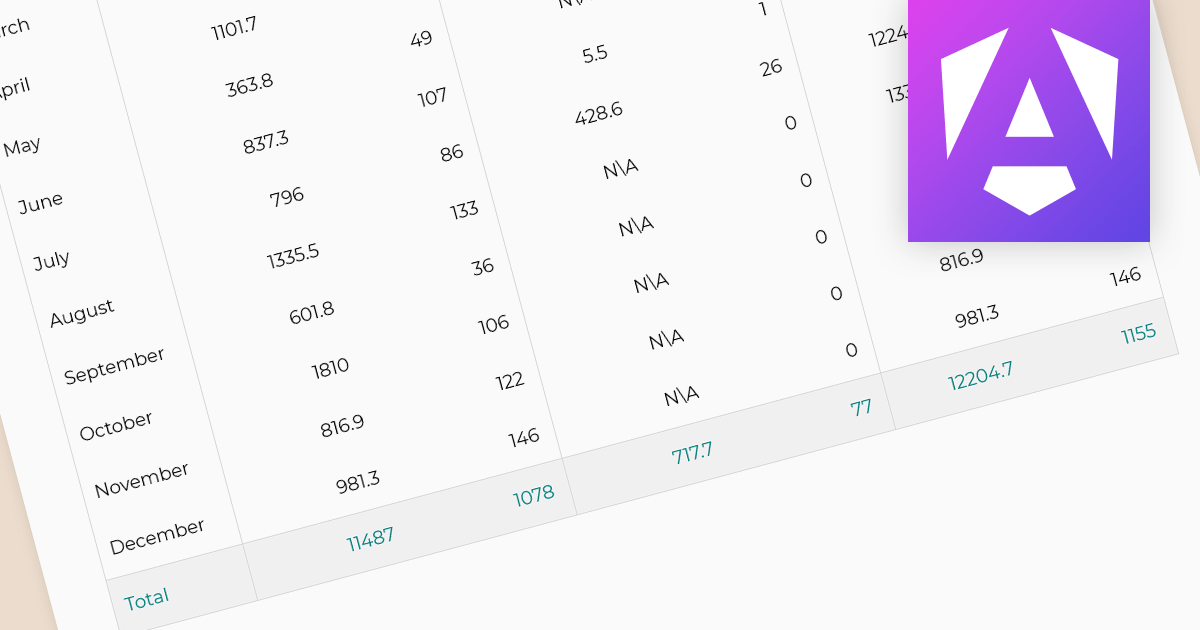
In reporting tools, summaries and aggregates are powerful tools for condensing and presenting large datasets into meaningful insights. Summaries condense data by highlighting key points, such as averages, counts, or maxima/minima, often using text or visuals. Aggregates mathematically combine data points, like calculating sums, means, or medians, typically displayed in tables or charts. Both approaches help users quickly grasp the essence of the data, identify trends, and make informed decisions. Summaries act as concise narratives and aggregates as numerical snapshots, working together to paint a clear picture from complex information.
The following Angular reporting components support summaries and aggregates:
For an in-depth analysis of features and price, visit our Angular Reporting Components comparison.

Aspose.ZIP offers comprehensive ZIP archive management capabilities for developers and users alike. This versatile solution empowers you to create, encrypt, extract, and manipulate ZIP archives with granular control, eliminating the complexities of underlying compression formats. Aspose.ZIP streamlines your workflow and ensures efficient ZIP archive interaction. It gives you the power to compress files and folders, unzip archives, encrypt them for security, and even convert them to other archive formats like RAR or 7Z.
The 23.12 release of Aspose.ZIP adds support for FastLZ compression. FastLZ is a high-performance, lossless data compression library based on the LZ77 algorithm. Prioritizing speed over compression ratio, it excels in real-time compression and decompression due to its straightforward and memory-efficient design. Ideal for text, raw pixel data, and repetitive data blocks, its small size and C implementation make it easily portable and easy to integrate.
To see a full list of what's new in version 23.12, see our release notes.
Aspose.ZIP for .NET and Aspose.ZIP for Python via .NET are offered as Developer Small Business, Developer OEM, Site Small Business, and Site OEM licenses, catering to a range of business needs. Licenses are perpetual, and include 1 year of support and maintenance. Subscription renewals are also available. See our Aspose.ZIP for .NET licensing page for full details.
Aspose.ZIP for .NET and Aspose.ZIP for Python via .NET are available to buy in the following products:





Tél : (888) 850 9911
Fax : +1 770 250 6199


