








Fornitore ufficiale
In qualità di distributori ufficiali e autorizzati, forniamo licenze software legittime direttamente da più di 200 autori di software.
Vedi tutte le nostre marche
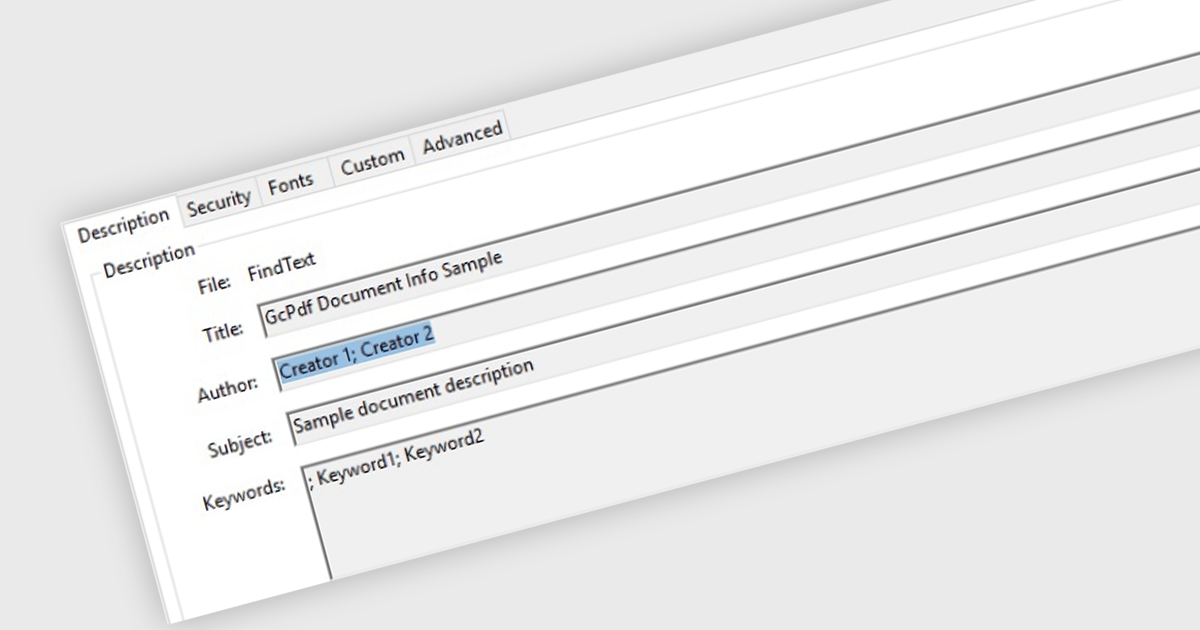
Managing Metadata in the context of PDF Viewer components for ASP.NET Core, refers to the ability to view, edit, and update the descriptive information embedded within a PDF file. This metadata typically includes details such as the document's title, author, subject, keywords, creation and modification dates, and application used to create the file. Managing metadata allows developers and end users to keep document properties accurate and relevant, which can be important for document indexing, searching, and compliance with organizational standards. This feature is especially useful in document management systems where accurate metadata supports efficient retrieval and categorization.
Several PDF Viewer ASP.NET Core components offer metadata management features including:
For an in-depth analysis of features and price, visit our comparison of ASP.NET Core PDF Viewer Components.

Formatting and presentation features shape how information is communicated within a spreadsheet, turning raw values into content that is clearer, more readable, and visually consistent. These capabilities help users emphasize key data, establish a coherent visual style, and create worksheets that are easier to interpret at a glance. By supporting both subtle adjustments and more expressive enhancements, they play a central role in making spreadsheets suitable for reporting, analysis, and presentation-focused tasks across a wide range of scenarios.
Common features include:
For an in-depth analysis of features and price, visit our ASP.NET Core spreadsheet components comparison.
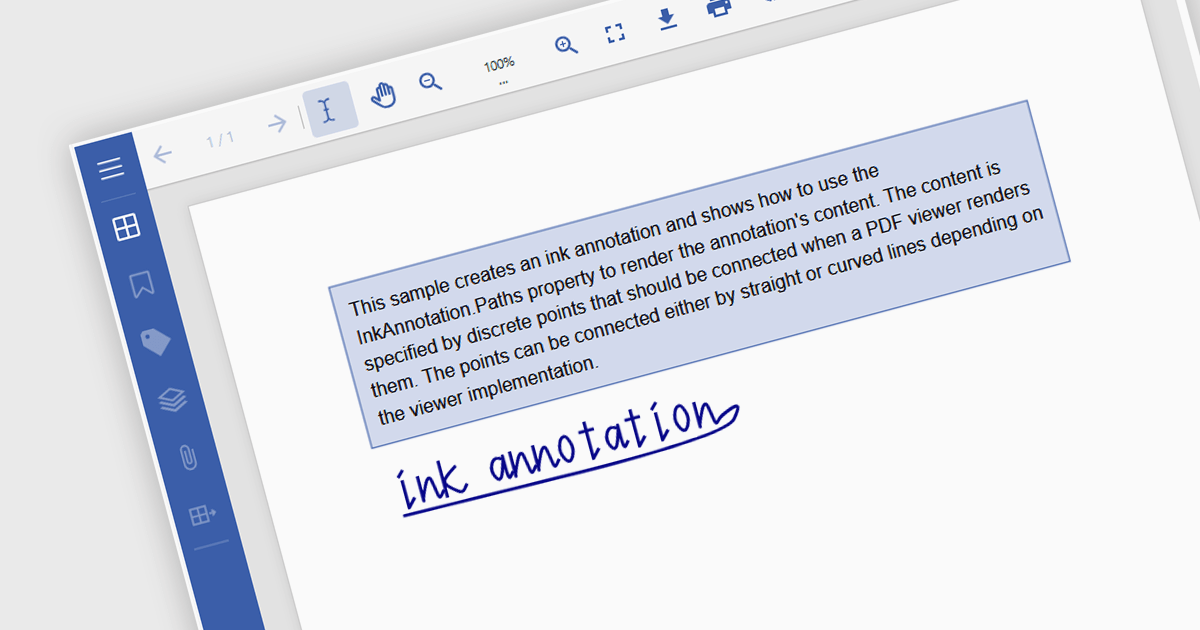
Freehand Draw, also known as Ink Annotation, in ASP.NET Core PDF Viewer controls allows users to add freeform, hand-drawn annotations directly onto PDF documents. This feature mimics natural handwriting or sketching by enabling input through mouse, touch, or stylus, making it especially useful for scenarios requiring personal notes, signatures, or diagrammatic feedback. The annotations are embedded as part of the PDF, ensuring they remain accessible and visible across different platforms and viewers. It is commonly used in applications where document review or digital signing is required, enhancing interactivity and collaboration within PDF-based processes.
Several ASP.NET Core Assembly PDF Viewer components offer support for Freehand Draw/Ink Annotation including:
For an in-depth analysis of features and price, visit our comparison of ASP.NET Core Assembly PDF Viewer Components.
ABP Platform is a comprehensive framework designed to accelerate the development of enterprise software solutions by offering an opinionated architecture built on best practices for .NET and ASP.NET Core. It equips developers with the essential infrastructure, production-ready startup templates, pre-built application modules, and modern UI themes needed to build robust, scalable, and maintainable applications. With powerful tooling, detailed guides, and extensive documentation, ABP Platform improvs implementation, reduces repetitive tasks, and ensures consistency across projects. Ideal for organizations seeking to enhance productivity and maintain high-quality standards, it enables teams to focus on delivering business value while the platform handles architectural complexity and automation.
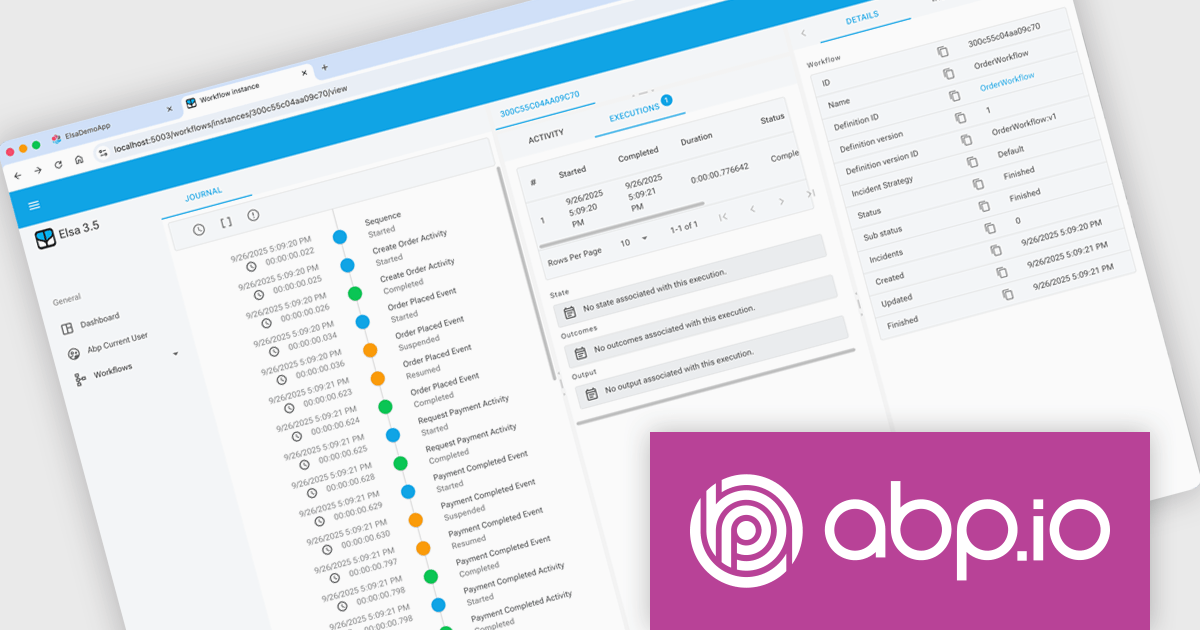
The ABP Platform 10.0 update introduces the Elsa Workflow module, giving developers a fully integrated way to design and execute visual, event-driven processes within both monolithic and microservice architectures. With built-in support for Elsa Studio, developers can model and manage behavior through a hybrid UI while relying on ABP to handle execution, state management, and service interactions, resulting in a more consistent and maintainable approach to orchestrating application processes.
To see a full list of what's new in version 10.0.0, see our release notes.
The ABP Platform is available as a Team, Business or Enterprise license, which entitles developers to use the platform's Pro features and provides software updates and technical support for 1 year. See our ABP Platform licensing page for full details.
For more information, visit our ABP publisher page.
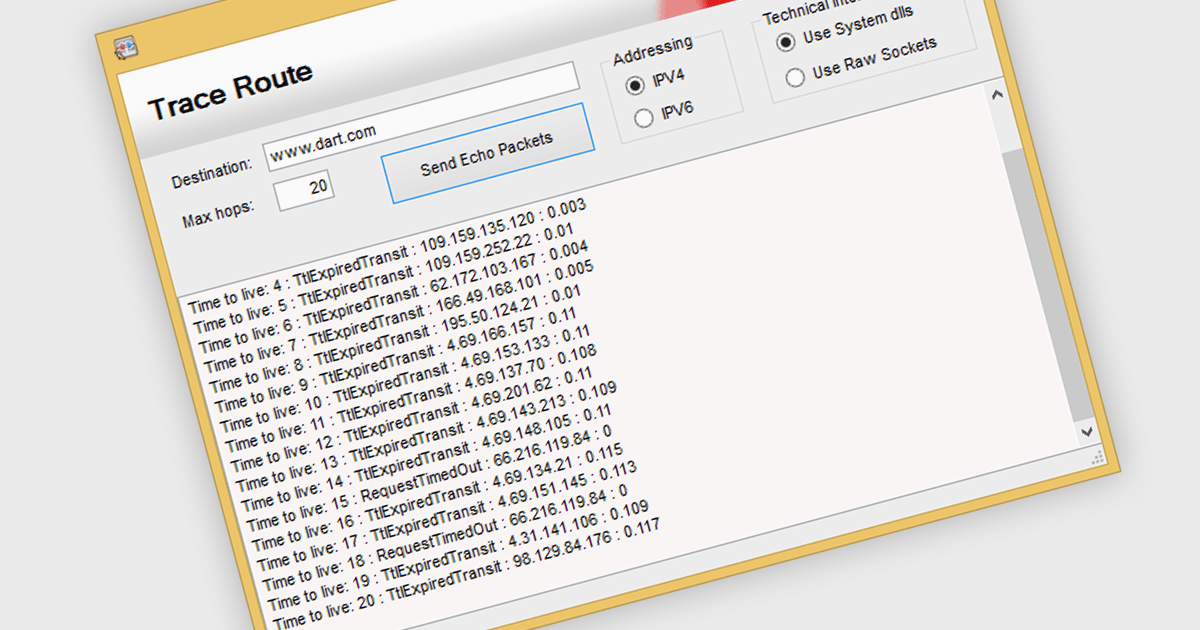
TraceRoute is a network diagnostic protocol used in .NET Communications and Messaging controls to determine the path packets take from the source to a destination across an IP network. It works by sending packets with incrementally increasing Time-To-Live (TTL) values, which prompts routers along the path to return error messages that help identify each hop and measure transit delays. This functionality is particularly useful for monitoring network latency, diagnosing connectivity issues, and understanding the routing behavior of networks in distributed systems. By integrating TraceRoute into a .NET application, developers gain visibility into network paths, enabling more informed troubleshooting and performance optimization of communication processes.
Several .NET Comms & Messaging components offer support for TraceRoute protocol including:
For an in-depth analysis of features and price, visit our comparison of .NET Comms & Messaging.





Tel: (888) 850 9911
Fax: +1 770 250 6199


