








Fornitore ufficiale
In qualità di distributori ufficiali e autorizzati, forniamo licenze software legittime direttamente da più di 200 autori di software.
Vedi tutte le nostre marche
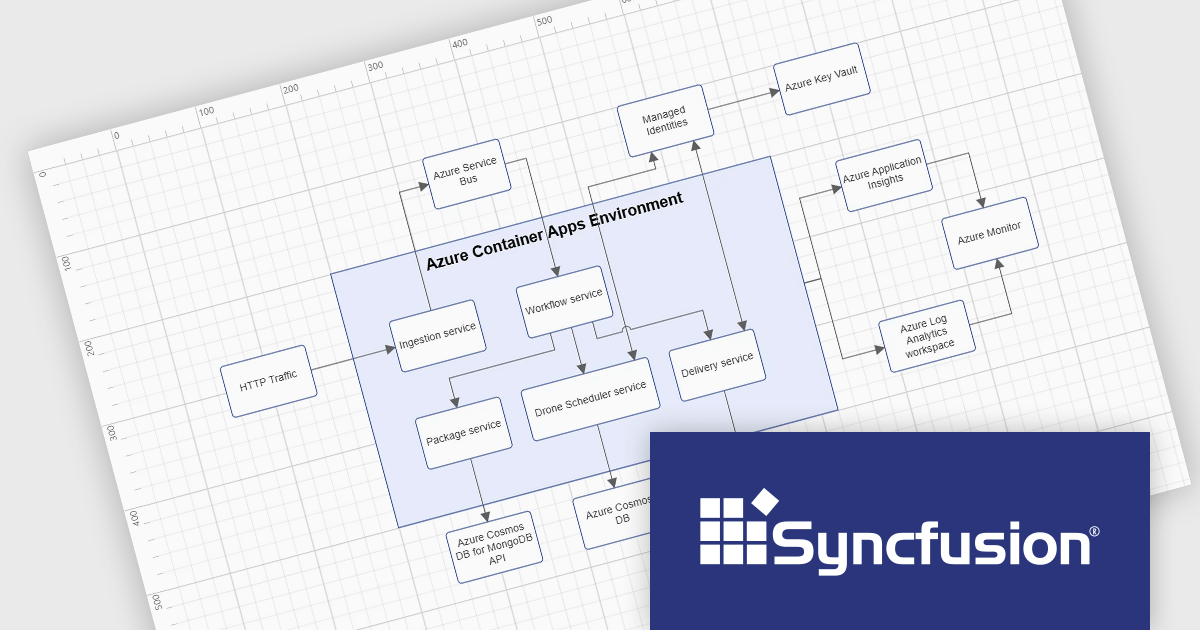
Syncfusion Essential Studio Blazor (available as part of Syncfusion Essential Studio Enterprise) is a comprehensive UI component library designed to accelerate the development of high-performance, modern web applications using the Blazor framework. It boasts over 85+ responsive, lightweight, and modular components spanning various categories such as data visualization, data editing, document processing, and interactive UI elements. This rich repertoire empowers developers to rapidly build user-friendly, feature-rich web interfaces, with seamless integration of both server-side and client-side Blazor applications.
The Syncfusion Essential Studio Blazor 2025 Volume 1 release adds container support to the Diagram component. Containers serve as logical groupings of shapes enclosed by customizable borders, allowing developers to organize and manage collections of diagram elements effectively. This feature enables intuitive drag-and-drop operations during runtime, facilitating the creation of complex diagrams with nested hierarchies. Changes made to the container, such as adjustments to position, size, or style, do not affect its child elements, preserving the integrity of individual components while maintaining overall organization. This enhancement simplifies the development architectural diagrams, and system visualizations, providing end-users with a clearer and more interactive interface for understanding complex relationships.
To see a full list of what's new in 2025 Volume 1, see our release notes.
Syncfusion Essential Studio Blazor is available as part of Syncfusion Essential Studio Enterprise which is licensed per developer starting with a Team License of up to five developers. It is available as a 12 Month Timed Subscription License which includes support and maintenance. See our Syncfusion Essential Studio Enterprise licensing page for full details.
Learn more on our Syncfusion Essential Studio Blazor product page.
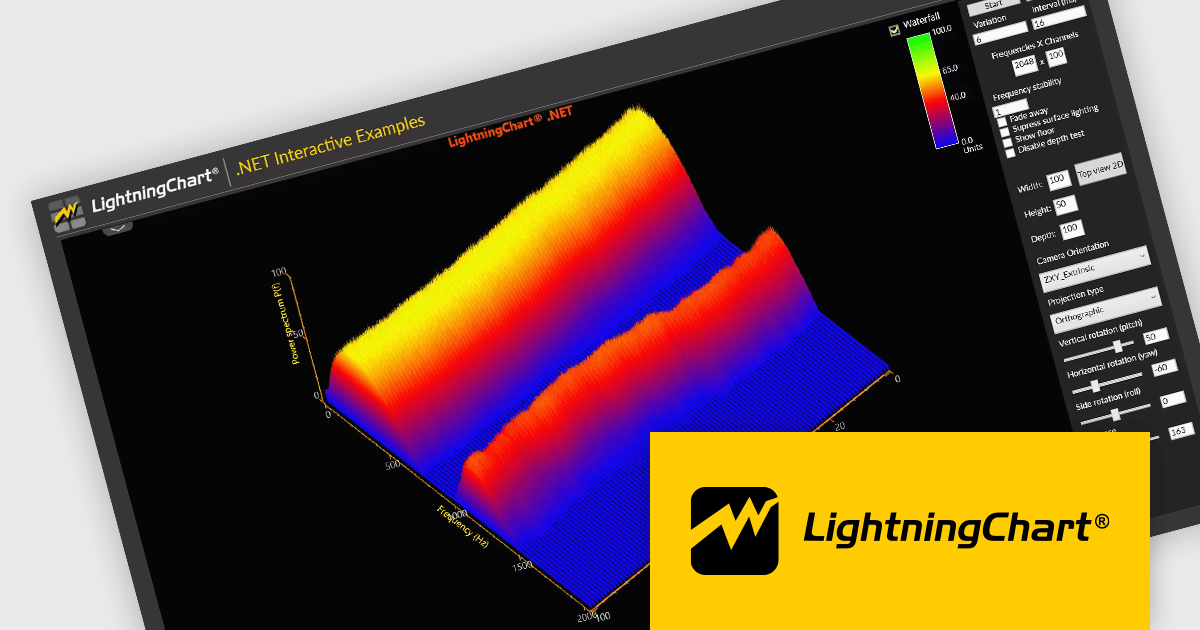
LightningChart .NET is a high-performance data visualization library designed for .NET developers working with WPF, WinForms, and UWP applications. It offers GPU-accelerated rendering for smooth real-time visualization of massive datasets, exceeding billions of data points. This library supports a wide variety of chart types, including 2D, 3D, polar, and geographic maps, along with extensive customization options for each. LightningChart .NET is a powerful tool for developers creating demanding data visualization applications requiring exceptional performance.
The LightningChart .NET v12.2.1 update adds support for .NET 9. This brings a significant performance and compatibility boost to developers building high-performance data visualization applications. By aligning with the latest version of the .NET platform, LightningChart ensures developers can take advantage of modern language features, improved memory management, and enhanced runtime performance. This results in faster chart rendering, lower latency in data updates, and better responsiveness in UI-heavy applications.
To see a full list of what's new in v12.2.1, see our release notes.
LightningChart .NET is available per developer in packages for either WPF, WinForms, UWP or all 3. Each package comes as a subscription license (with 1 or 2 years of limited support), or a perpetual license (with 1 or 2 years of Standard or Premium support). Floating licenses and site licenses are available upon request. See our LightningChart .NET licensing page for full details.
Learn more on our LightningChart .NET product page.
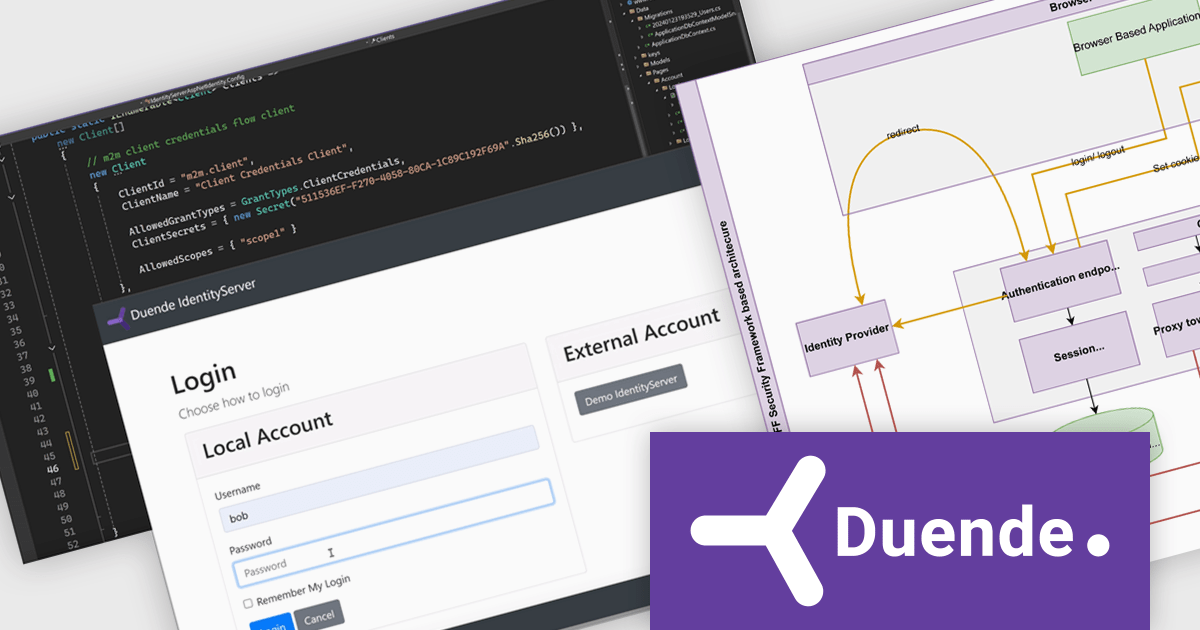
ComponentSource, a leading global marketplace for software components and development tools, has announced a strategic partnership with Duende Software, a specialist in identity and access management solutions. This partnership is set to enhance the way developers and organizations approach application security, providing advanced capabilities, greater flexibility, and simplified integration.
Through the combination of ComponentSource’s broad software catalog and Duende Software’s deep expertise in OpenID Connect and OAuth 2.0 standards, developers will gain access to a robust suite of security solutions designed to handle complex authentication and authorization challenges with ease. This partnership supports organizations across industries in building secure, compliant, and user-friendly applications.
Duende’s flagship product is IdentityServer, a highly extensible framework for implementing secure authentication and authorization in .NET applications. IdentityServer’s strong focus on security, adaptability, and standards compliance aligns with ComponentSource’s mission to provide reliable, high-quality software solutions. Complementing this, Duende’s Backend-for-Frontend (BFF) security framework offers protection for single-page applications (SPAs) and Blazor WebAssembly apps by avoiding token storage in the browser. Together, these solutions provide developers with practical tools to enhance their application security while accelerating development timelines.
IdentityServer and Duende BFF Security Framework are both licensed on an annual subscription basis, requiring yearly renewal to maintain their use. See the IdentityServer licensing page and Duende BFF Security Framework licensing page for more details.
For more information, visit our Duende Software brand page.
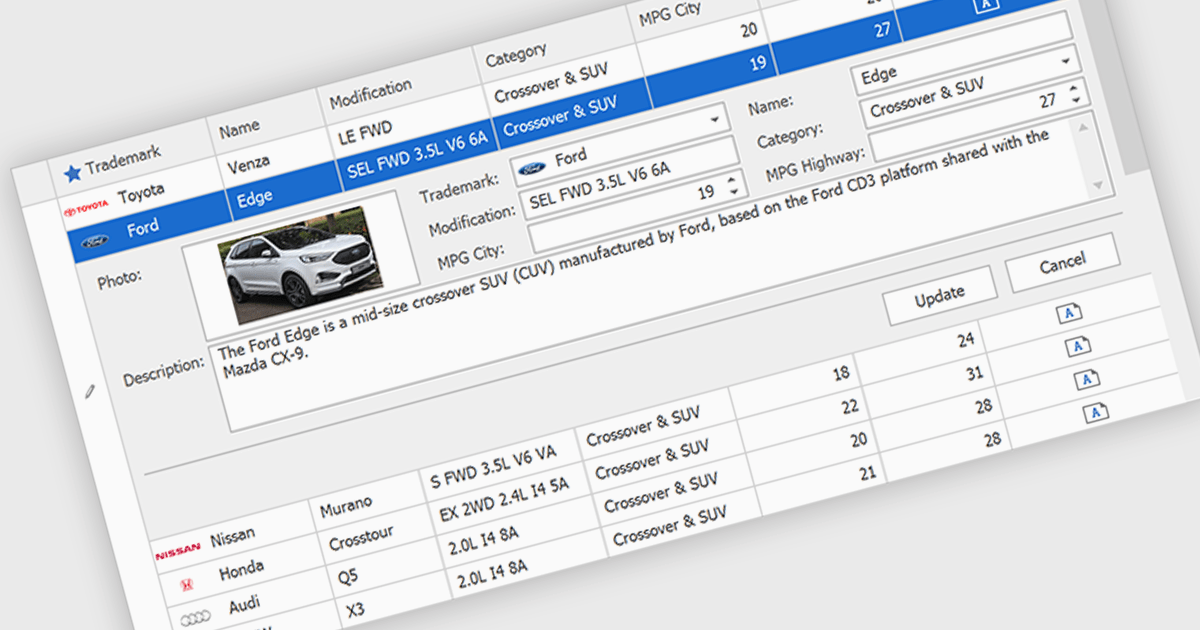
Customized Forms in .NET Grid components allow developers to tailor the structure and layout of data entry interfaces within grid-based controls, providing flexibility to match specific application requirements. These forms enable the addition of custom fields, validation logic, and user interface elements directly into the grid's editing workflow, enhancing the user experience and ensuring that data entry aligns with business rules. By offering control over how data is captured and displayed, customizable edit forms simplify complex data interactions, reduce the need for separate dialog windows, and support consistent, efficient data management within enterprise applications.
Many .NET Grid collections enable edit forms including:
For an in-depth analysis of features and price, visit our .NET grid controls comparison.
GroupDocs's Python via .NET product range is a comprehensive suite of high-performance APIs that allow developers to seamlessly integrate advanced document processing features into Python applications, while leveraging the robustness of the .NET framework. Designed for cross-platform compatibility, these libraries support a wide variety of document formats including PDF, Word, Excel, PowerPoint, and more. By bridging Python's simplicity with .NET's scalability, the product range empowers developers to build efficient, enterprise-grade solutions for viewing, editing, converting, and automating document workflows, all within a consistent and developer-friendly environment.
The recent expansion of the GroupDocs Python via .NET product range includes four new powerful APIs: GroupDocs.Comparison, GroupDocs.Merger, GroupDocs.Metadata, and GroupDocs.Watermark. These additions significantly enhance the toolkit's capabilities, enabling Python developers to programmatically compare content between documents, merge files with precision, manage and update metadata, and apply or remove watermarks for security and branding. Each API brings a focused, high-performance engine tailored for its respective function, ensuring reliability and accuracy across diverse file formats.
GroupDocs products are offered as Developer Small Business, Developer OEM, Site Small Business, and Site OEM licenses catering to a range of business needs. Licenses are perpetual, and include 1 year of support and maintenance. Subscription renewals are also available. For full details, see our licensing pages for GroupDocs.Comparison, GroupDocs.Merger, GroupDocs.Metadata, and GroupDocs.Watermark.
These new products are available individually or as part of GroupDocs.Total Product Family.





Tel: (888) 850 9911
Fax: +1 770 250 6199


