








Fornitore ufficiale
In qualità di distributori ufficiali e autorizzati, forniamo licenze software legittime direttamente da più di 200 autori di software.
Vedi tutte le nostre marche
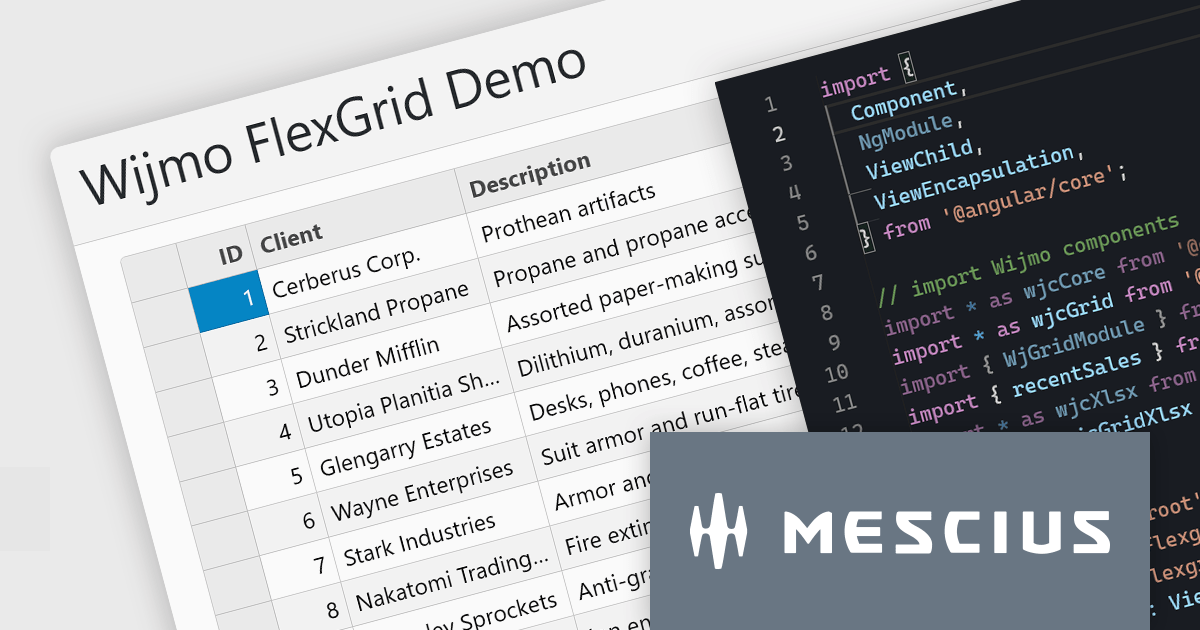
Wijmo is a complete collection of extensible, fast, flexible JavaScript UI components written in TypeScript. The framework-agnostic Wijmo components include first-class support for top frameworks including Angular, React, Vue and Web Components. Wijmo Enterprise has over 100 dynamic UI components to help cut your development time in half, allowing you to build lightweight, high-performance JavaScript applications using your favorite JavaScript framework.
In this blog post, MESCIUS Product Manager Joel Parks demonstrates how to leverage the FlexGrid control in Wijmo to display data tables for complex reports, dashboards, financial data, and more. Challenges include:
Read the complete blog to start building powerful JavaScript web applications to present and organize complex data.
Wijmo is licensed per developer. Developer licenses are perpetual and include 1 year subscription which provides upgrades, including bug fixes and new features. See our Wijmo licensing page for full details.
For more information, visit our Wijmo product page.

Communication and messaging components provide essential functionality for handling email file formats, ensuring seamless interoperability across different email clients, servers, and applications. These components enable developers to parse, generate, convert, and manipulate email messages while preserving formatting, attachments, metadata, and encoding standards. By supporting a wide range of email formats, they facilitate integration with enterprise applications, automated email processing, and compliance with industry standards.
Common supported formats include:
For an in-depth analysis of features and price, visit our .NET communications and messaging components comparison.
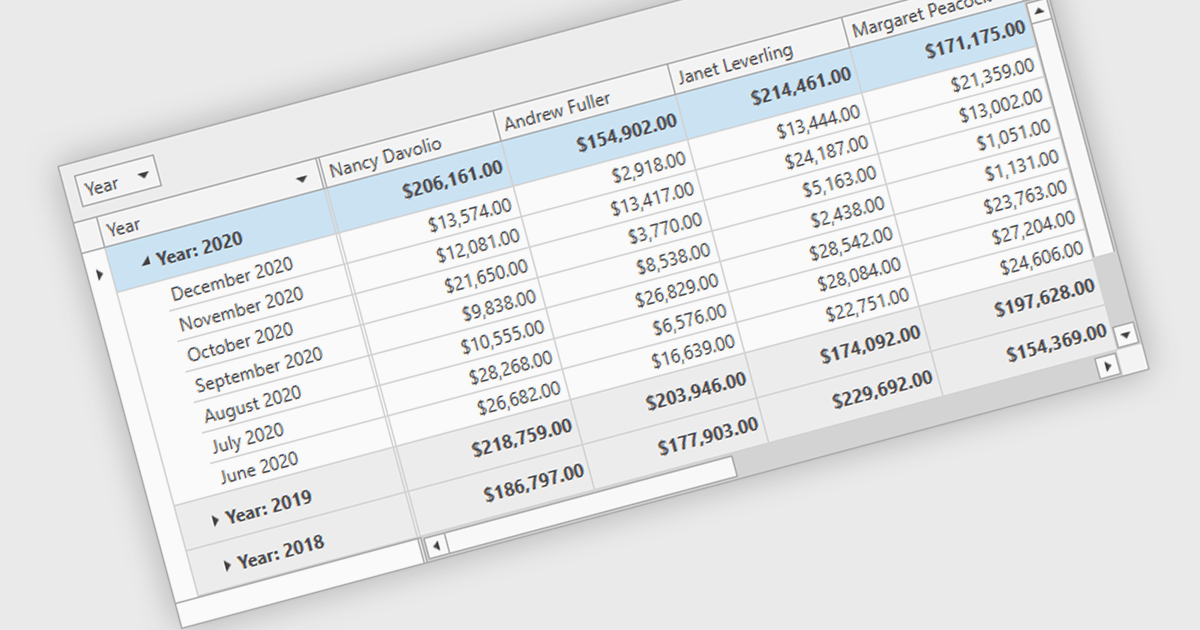
Group summary functionality enables grid components to aggregate and display key metrics such as sums, averages, and counts at the group level, offering a clear snapshot of grouped data. This feature streamlines data presentation by embedding calculated summaries directly within each group, eliminating the need for external tools or manual computations. By summarizing large datasets in real time, it improves readability, boosts decision-making efficiency, and optimizes performance through advanced data processing techniques.
Several .NET 9 WPF grid controls offer group summary functionality including:
For an in-depth analysis of features and price, visit our comparison of .NET 9 WPF Grid Controls.
JetBrains AI Assistant - AI Pro is a plugin for JetBrains IDEs that uses large language models to enhance your coding experience. It can answer your questions about code, suggest completions and refactorings, and even help you write documentation and commit messages. It analyzes the context of your project to provide the most relevant suggestions, and you can chat with it directly within the IDE. JetBrains AI Assistant is a powerful tool for programmers looking to boost their productivity.
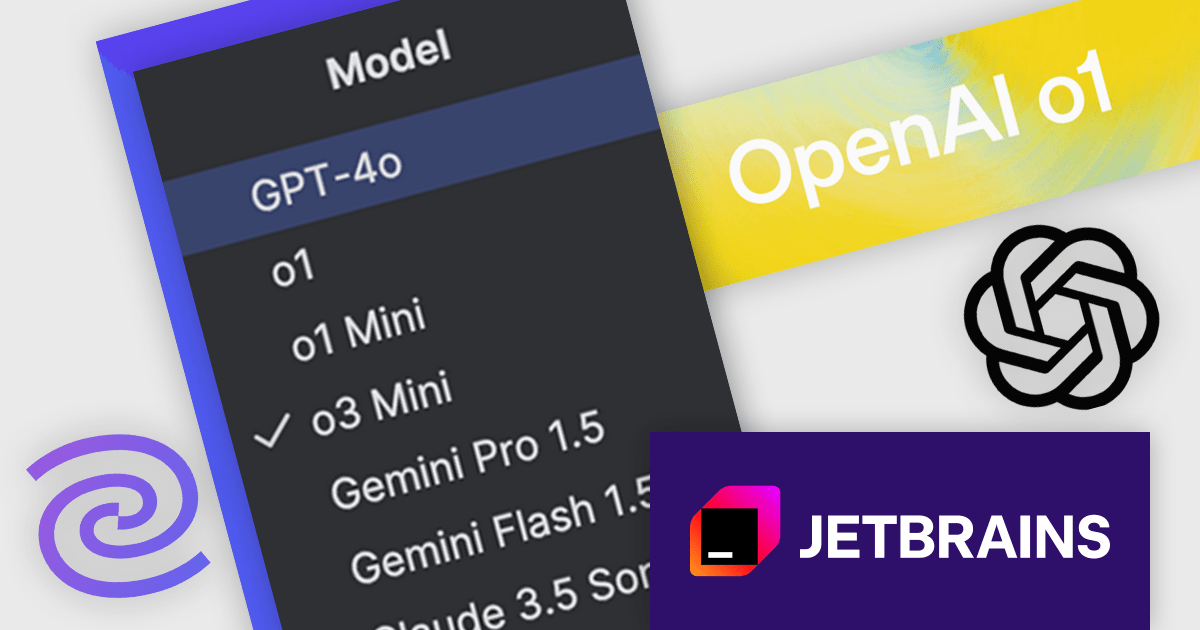
JetBrains AI Assistant now integrates OpenAI’s o1, o1 Mini, and o3 Mini models, delivering enhanced reasoning capabilities that improve code quality, accelerate debugging, and streamline problem-solving. These new models provide deeper contextual understanding, allowing for more precise code completions, smarter refactoring suggestions, and more effective explanations of complex logic. With improved performance in scientific computations, mathematical problem-solving, and structured reasoning, developers can rely on AI-driven insights to optimize workflows and reduce cognitive load. This update ensures a more efficient and intelligent coding experience, seamlessly embedded within JetBrains IDEs.
JetBrains AI Assistant requires that you already own a JetBrains IDE product with an active commercial subscription license and is licensed per user as a commercial annual subscription. We can supply new subscriptions, subscription renewals, lapsed subscription renewals, and additional developer licenses. See our JetBrains AI Assistant licensing page for full details.
For more information, visit our JetBrains AI Assistant product page.
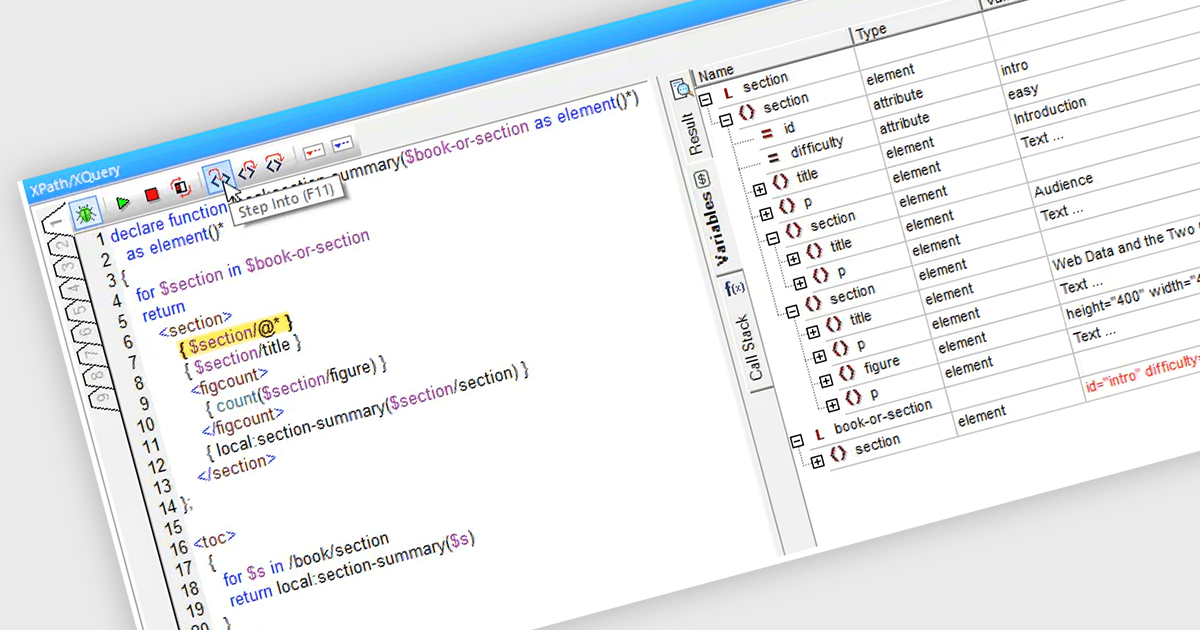
An XQuery debugger is a software tool designed to aid in the development and troubleshooting of XQuery expressions. Similar to debuggers used for traditional programming languages, it allows you to step through your XQuery code line by line, set breakpoints to pause execution at specific points, and inspect the values of variables during execution. This helps pinpoint errors in logic and data handling within your XQuery expressions, ensuring they manipulate XML data as intended.
Several structured document tools offer XQuery debugging functionality including:
For an in-depth analysis of features and price, visit our structured document tools comparison.





Tel: (888) 850 9911
Fax: +1 770 250 6199


