








Fornitore ufficiale
In qualità di distributori ufficiali e autorizzati, forniamo licenze software legittime direttamente da più di 200 autori di software.
Vedi tutte le nostre marche
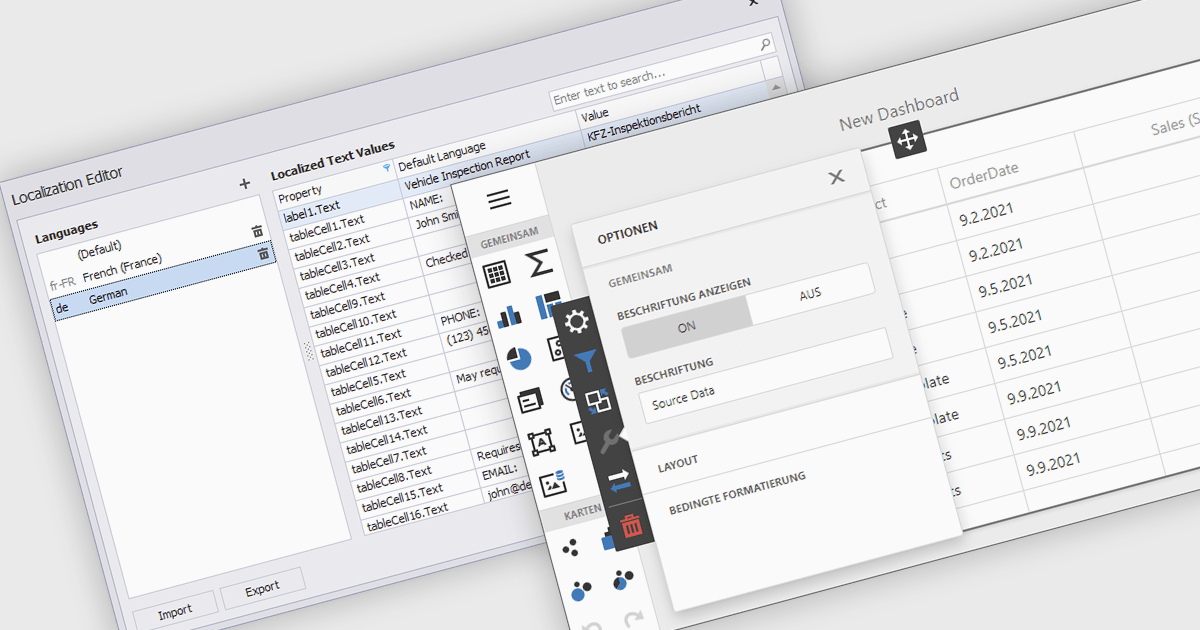
Localization is the process of adapting the user interface and data formatting to support multiple languages and regional conventions. This ensures users can interact with the editor in their preferred language while maintaining accuracy in date, number, and currency formats. It enhances usability, improves accessibility for global teams, ensures compliance with regional standards, and minimizes errors caused by inconsistent formatting. By enabling seamless multilingual collaboration, localization helps developers create inclusive, globally scalable applications that provide a consistent user experience across diverse markets.
Several React data editor collections offer localization support including:
For an in-depth analysis of features and price, visit our React data editors comparison:

Syncfusion Essential Studio Windows Forms (available as part of Syncfusion Essential Studio Enterprise) is a powerful UI component suite designed to enhance your WinForms development. It boasts over 100 high-performance controls, ranging from essential grids and charts to advanced schedulers and diagrams, enabling you to craft visually appealing and feature-rich applications with ease. Its extensive customization options and built-in themes allow for tailored user experiences, while touch-friendly design ensures seamless interaction across devices.
The Syncfusion Essential Studio Windows Forms 2024 Volume 4 update introduces advanced JavaScript integration capabilities within its PDF Library, empowering developers to add, retrieve, modify, and remove JavaScript actions at the document level. This enhancement enables the creation of dynamic and interactive PDF experiences, such as automated form handling, custom behaviors, and real-time content updates, directly within the application. By supporting ECMAScript, this feature ensures compatibility with industry-standard scripting practices, streamlining workflows and offering greater flexibility for tailoring PDFs to meet specific user and business requirements.
To see a full list of what's new in 2024 Volume 4, see our release notes.
Syncfusion Essential Studio Windows Forms is available as part of Syncfusion Essential Studio Enterprise which is licensed per developer starting with a Team License of up to five developers. It is available as a 12 Month Timed Subscription License which includes support and maintenance. See our Syncfusion Essential Studio Enterprise licensing page for full details.
Learn more on our Syncfusion Essential Studio Windows Forms product page.
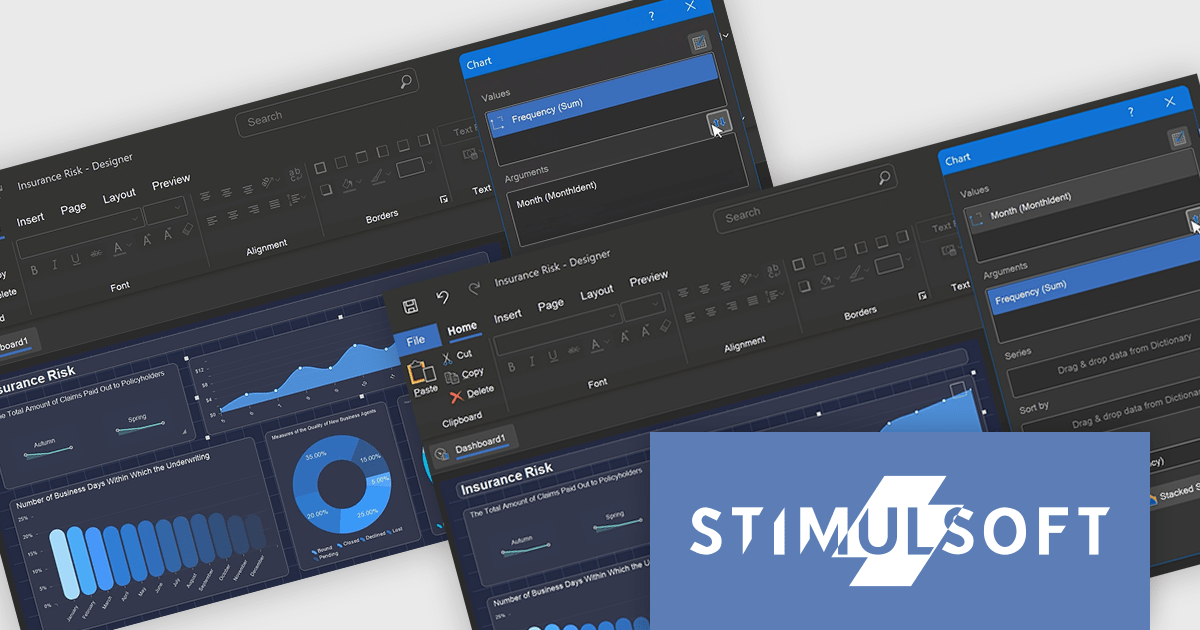
Stimulsoft Reports.PHP is a reporting tool designed to be embedded within PHP applications. It offers a client-server architecture for generating, viewing, printing, and exporting reports online. The solution includes a JavaScript report engine for fast execution, a native JavaScript report designer for building reports with various data sources and visualizations, and a PHP server-side component for data processing. This integration allows developers to seamlessly add robust reporting functionality to their PHP applications.
The Stimulsoft Reports.PHP 2025.1.1 update introduces a Swap control in the Chart editor, providing developers with a quick and efficient way to switch columns between Arguments and Values. This addition simplifies the process of customizing charts, allowing for faster experimentation and more flexible data visualization. By minimizing manual adjustments, the Swap control enhances productivity and helps developers focus on creating meaningful insights. Furthermore, the feature is designed with precision in mind, automatically disabling the Swap option for chart types with multiple value fields to ensure consistent configurations.
To see a full list of what's new in 2025.1.1, see our release notes.
Stimulsoft Reports.PHP is licensed per developer and is available as a Perpetual license with 1 year support and maintenance. See our Stimulsoft Reports.PHP licensing page for full details.
Stimulsoft Reports.PHP is available individually or as part of Stimulsoft Ultimate.
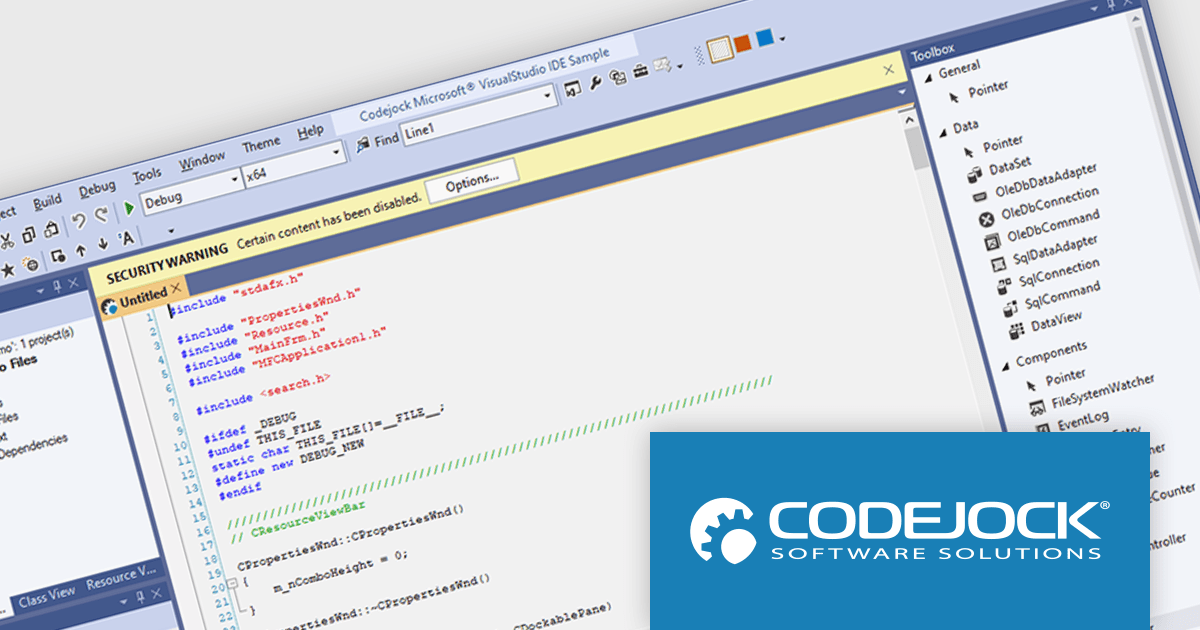
Codejock Suite Pro is a comprehensive collection of UI components and libraries designed to enhance the development process and create visually stunning applications. With a rich array of features including grids, charts, editors, docking windows and more, the suite empowers developers to rapidly build robust and user-friendly interfaces. Whether you're building enterprise applications, data visualization tools or custom user interfaces, Codejock Suite Pro provides the essential tools to elevate your projects and deliver exceptional user experiences.
The Codejock Suite Pro 24.0.0 introduces the ability for developers to embed interactive controls and menus directly onto the title bar of their application windows. This provides a more integrated and streamlined user experience, as frequently used functions can be readily available without requiring users to navigate through traditional menus or toolbars. It also opens up possibilities for more compact and efficient UI designs, especially for applications with limited screen real estate.
To see a full list of what's new in the 24.0.0 release, see our release notes.
Codejock Suite Pro is licensed per developer and is available as a perpetual license with 30 days or 1 year subscription (product updates and phone/email technical support). See our Codejock Suite Pro licensing page for full details.
For more information, visit our Codejock Suite Pro product page.
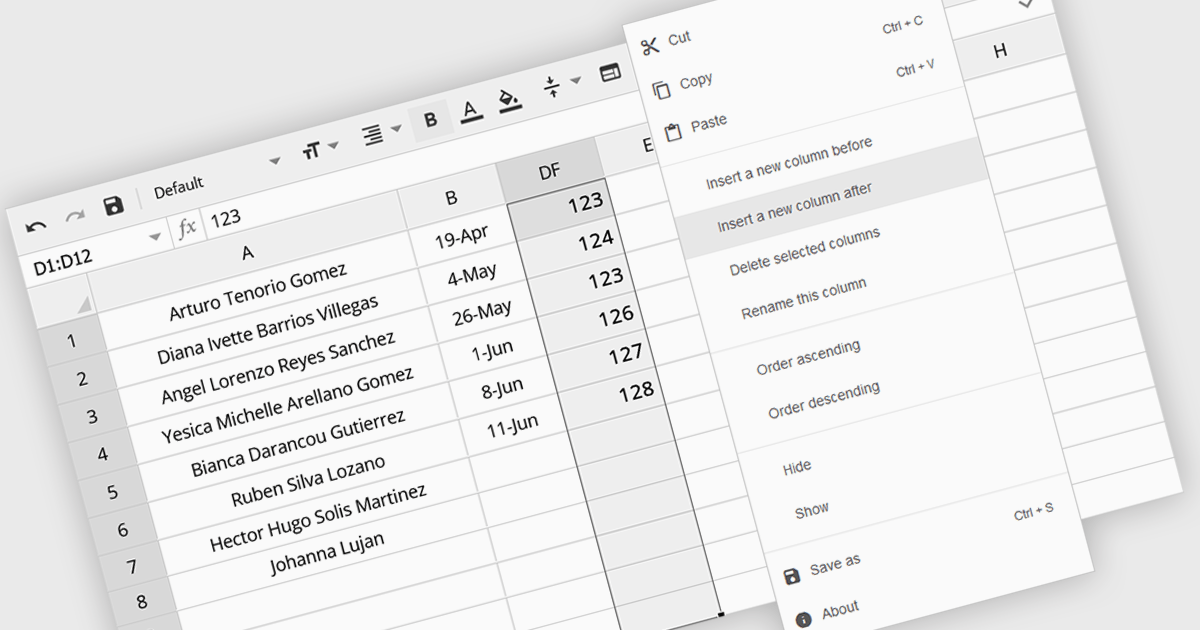
The option to insert columns in a spreadsheet gives users the flexibility to expand or reorganize their data as needed. This functionality allows for seamless adjustments, making it easier to add new data fields or restructure existing information. By enabling column insertion, users can customize their data views for more effective analysis and manipulation. This not only enhances productivity but also delivers a more responsive and adaptable interface that evolves with their data requirements, improving the overall user experience.
Several Angular spreadsheet controls offer the ability to insert columns including:
For an in-depth analysis of features and price, visit our Angular spreadsheet controls comparison.





Tel: (888) 850 9911
Fax: +1 770 250 6199


