








Fornitore ufficiale
In qualità di distributori ufficiali e autorizzati, forniamo licenze software legittime direttamente da più di 200 autori di software.
Vedi tutte le nostre marche
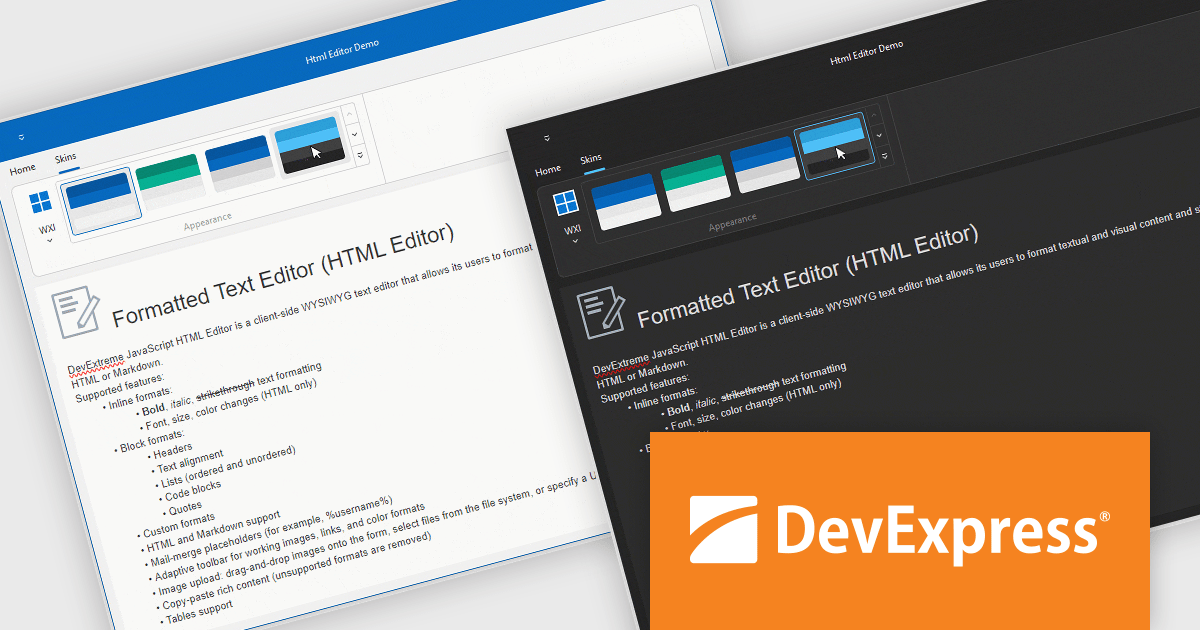
DevExpress VCL Subscription is a comprehensive suite for Delphi and C++ Builder developers that includes high-performance UI components, reporting tools, data visualization elements, and application templates. It lets you build rich, data-driven business applications with ease, offering ongoing updates, technical support, and royalty-free distribution rights, perfect for boosting developer productivity and delivering polished software experiences.
The DevExpress VCL Controls v24.2 update introduces hybrid development capabilities, enabling developers to seamlessly integrate JavaScript widgets into native VCL applications using an embedded WebView component. This allows for the creation of applications that combine the flexibility and modern features of web technologies with the performance and reliability of native VCL development. By supporting Delphi-driven configuration of JavaScript widgets and ensuring synchronized theme changes between DevExpress VCL Skins and DevExtreme CSS themes, this update simplifies the development of visually cohesive and functionally robust desktop applications tailored for Windows.
To see a full list of what's new in version 24.2, see our release notes.
DevExpress VCL Subscription is licensed per developer and is available as a Perpetual License with a 12 month support and maintenance subscription. See our DevExpress VCL Subscription licensing page for full details.
For more information, visit our DevExpress VCL Subscription product page.
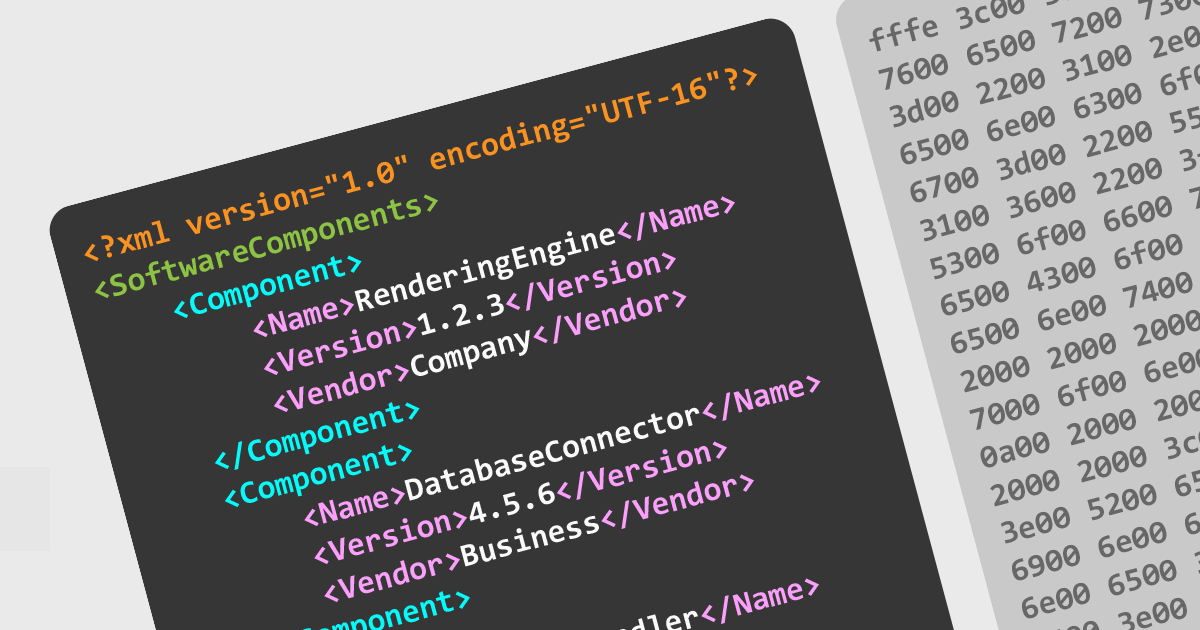
Support for multiple file encodings in structured document tools is essential for ensuring compatibility between different systems, preserving data integrity, and enabling seamless collaboration across environments. These tools allow users to work with various character encodings, such as UTF-8, UTF-16, and legacy formats like ISO-8859, ensuring that documents are correctly interpreted and displayed regardless of their origin. Robust encoding support also helps prevent data corruption and loss when working with XML, JSON, and other structured document formats, making it a critical feature for developers and technical writers handling internationalized content.
Several structured document tools offer file encoding support including:
For an in-depth analysis of features and price, visit our structured document tools comparison.
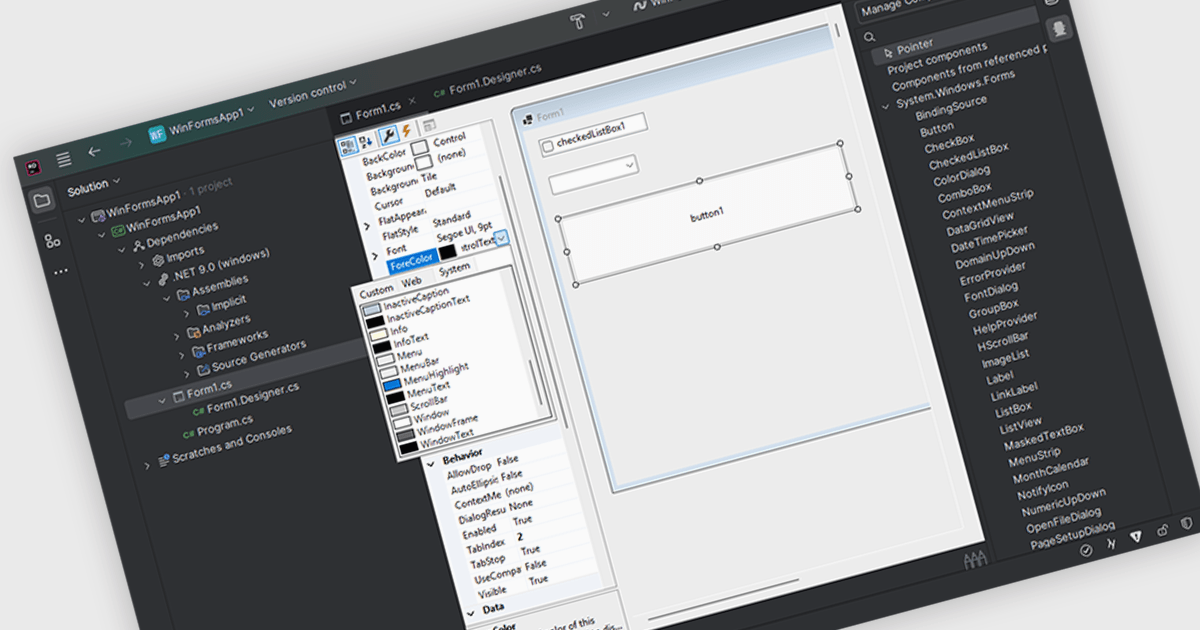
Customizing user interface component in an Integrated Development Environment (IDE) lets you easily modify the visual appearance and interactive functionality of user interface elements. Developers can adjust characteristics like dimensions, background and text colors, font styles, and event handling to tailor components to specific application needs. This customization enables the creation of visually appealing and user-friendly interfaces, ensures consistency across the application, and improves the overall user experience by optimizing component behavior for intended interactions.
Several IDEs support customizable UI components including:
For an in-depth analysis of features and price, visit our comparison of IDEs.
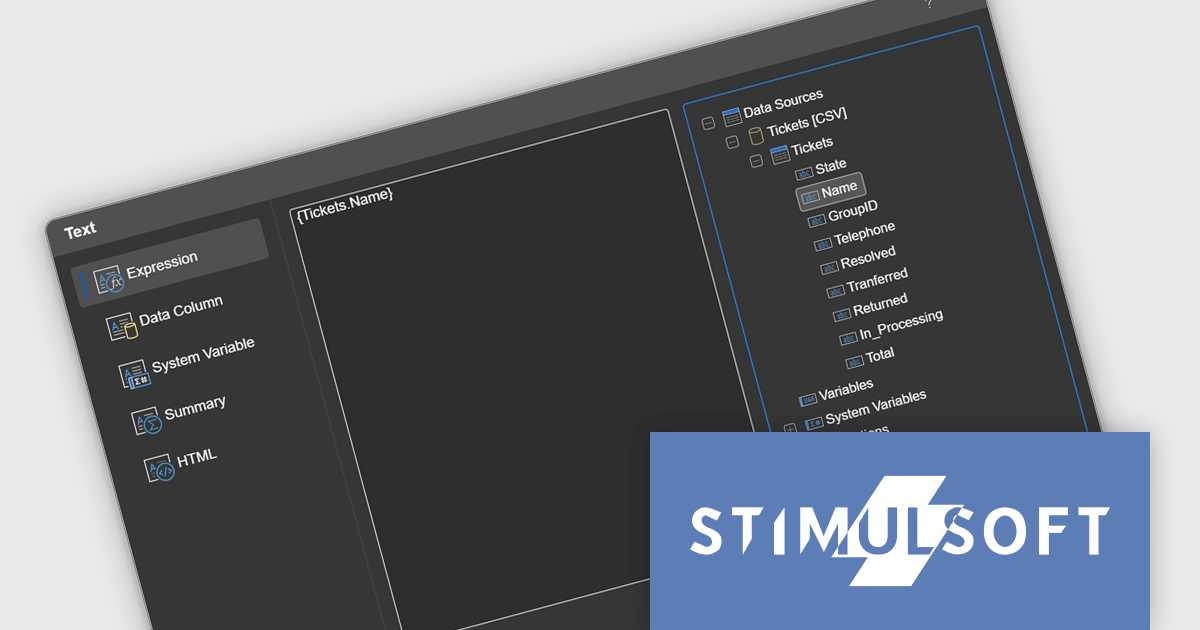
Stimulsoft Reports.JS provides a robust reporting toolkit designed specifically for JavaScript applications. This library leverages a client-side architecture, offering a pure JavaScript report engine for efficient report rendering directly within web browsers. The solution includes a user-friendly report designer for building reports with various data sources and visualizations, along with a report viewer for seamless integration and display within your JavaScript applications. This eliminates the need for server-side dependencies or browser plugins, simplifying the development process for embedding powerful reporting functionalities into your web projects.
The Stimulsoft Reports.JS 2025.1.1 update introduces integrated access to the data dictionary within component editors, enhancing the efficiency and precision of report design. This improvement enables developers to quickly reference and utilize data dictionary elements without switching contexts, simplifying the process of configuring and editing report components. By streamlining access to structured data, the update reduces the risk of errors, promotes consistency across reports, and accelerates the overall workflow, making it an essential enhancement for developers focused on creating complex and data-driven reports.
To see a full list of what's new in 2025.1.1, see our release notes.
Stimulsoft Reports.JS is licensed per developer and is available as a Perpetual license with 1 year support and maintenance. See our Stimulsoft Reports.JS licensing page for full details.
Stimulsoft Reports.JS is available individually or as part of Stimulsoft Ultimate.
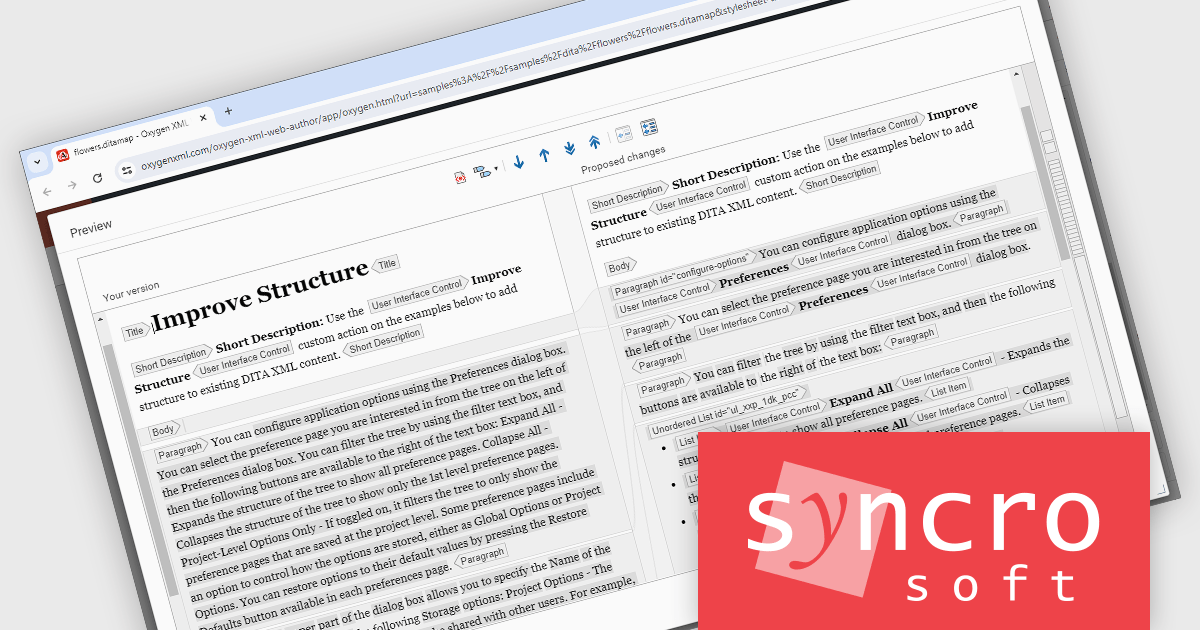
Oxygen XML Web Author is a tool that lets you edit and review XML code directly in your web browser, on any device. This means you can collaborate with others on creating and changing structured content, like technical documentation, from anywhere. It supports common formats like DITA and DocBook, and offers features like visual editing, automatic error checking, and suggestions to complete what you are typing. You can even customize the editing experience to fit your needs.
The Oxygen XML Web Author 27.0 release adds a new Improve Structure AI action which helps streamline the process of refining DITA XML (Darwin Information Typing Architecture) content by intelligently suggesting and applying structural enhancements. This can include adding missing inline elements or improving document organization without requiring manual intervention. This reduces the effort needed to maintain consistency and completeness by leveraging AI to ensure that content follows best practices, making it especially useful for large or complex documents.
To see a full list of what's new in 27.0, see our release notes.
Oxygen XML Web Author is licensed per Floating user and is available as a Timed License subscription. See our Oxygen XML Web Author licensing page for full details.
Learn more on our Oxygen XML Web Author product page.





Tel: (888) 850 9911
Fax: +1 770 250 6199


