








Fornitore ufficiale
In qualità di distributori ufficiali e autorizzati, forniamo licenze software legittime direttamente da più di 200 autori di software.
Vedi tutte le nostre marche

Syncfusion Essential Studio .NET MAUI, available as part of Syncfusion Essential Studio Enterprise, empowers developers with a comprehensive suite of native UI controls, data visualization tools, and performance optimizations for building modern, cross-platform mobile and desktop applications. This professional-grade toolkit leverages the power of C# and XAML, enabling rapid development of stunning and responsive experiences across diverse platforms.
The Syncfusion .NET MAUI 2024 Volume 3 release introduces the preview of the AI AssistView control which enhances user interaction with AI services by offering a customizable interface. Key features include support for various content types (text, images, hyperlinks, and cards), customizable control templates, selectable response suggestions for smoother conversations, and advanced styling options for request and response items. These updates streamline app development and improve user engagement.
To see a full list of what's new in 2024 Volume 3, see our release notes.
Syncfusion Essential Studio .NET MAUI is available as part of Syncfusion Essential Studio Enterprise which is licensed per developer starting with a Team License of up to five developers. It is available as a 12 Month Timed Subscription License which includes support and maintenance. See our Syncfusion Essential Studio Enterprise licensing page for full details.
Learn more on our Syncfusion Essential Studio .NET MAUI product page.
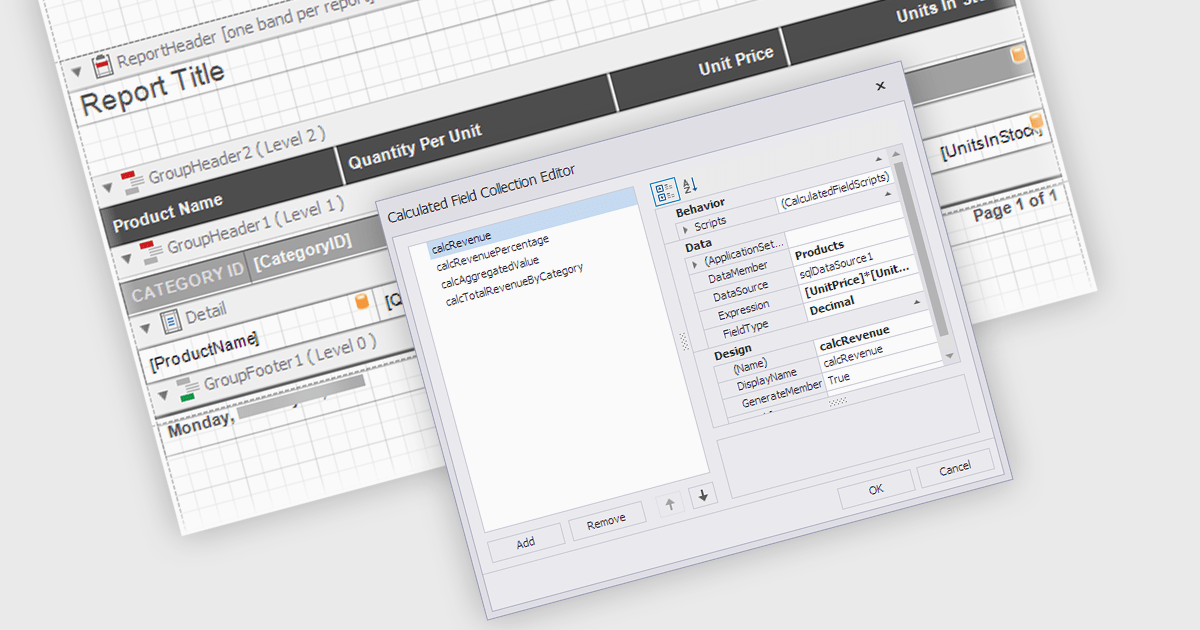
Calculated Fields in .NET WPF Reporting controls enable developers to dynamically compute values based on data from the report's dataset. These fields are not part of the original data source but are created by applying expressions, functions, or formulas to existing data. By leveraging calculated fields, developers can customize reports with real-time data manipulation, allowing for more sophisticated analysis and presentation without altering the underlying data model. The key benefits include reducing the need for external data processing, improving performance by handling computations within the report, and offering more flexibility in how data is displayed and interpreted.
Several .NET WPF reporting controls offer calculated field functionality including:
For an in-depth analysis of features and price, visit our comparison of .NET WPF Reporting controls.
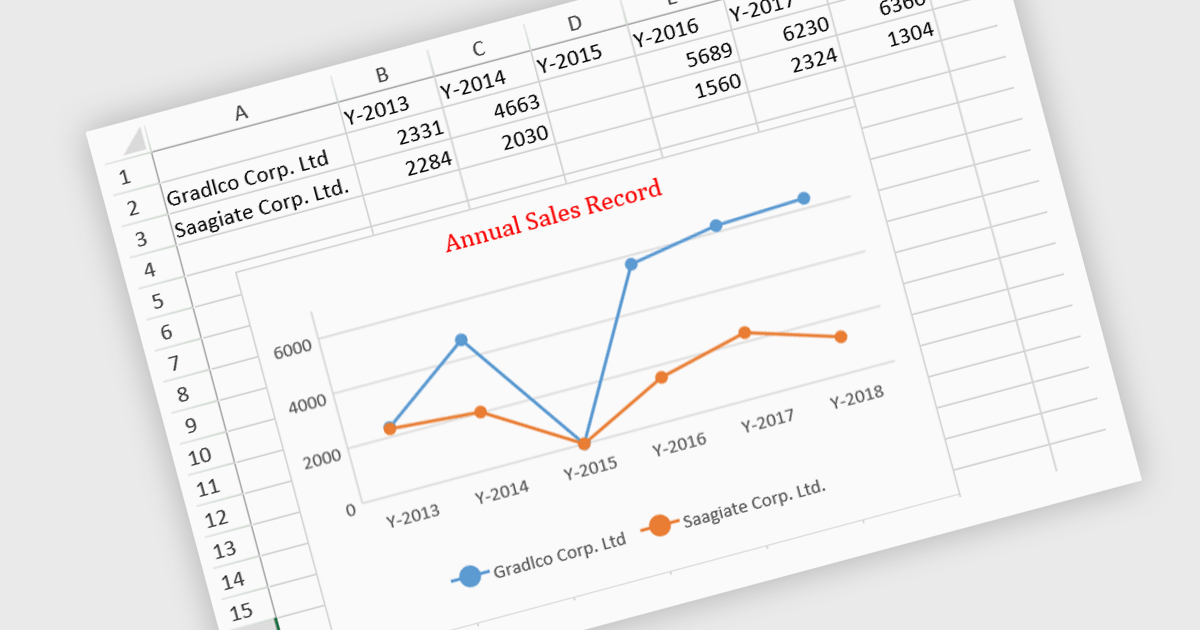
JavaScript spreadsheet controls with built-in chart features enable developers to visualize data directly within web-based spreadsheet applications. These charts are generated dynamically from the data within the spreadsheet, providing users with a more intuitive way to analyze and interpret complex datasets. By integrating charting capabilities, developers can offer real-time data visualization without relying on external libraries, resulting in more efficient user experiences. This functionality improves data-driven decision-making, enhances user engagement, and reduces the complexity of handling complex datasets in web applications.
Several JavaScript spreadsheet controls offer charts including:
For an in-depth analysis of features and price, visit our comparison of JavaScript Spreadsheet controls.
Oxygen Feedback is a comment management platform that helps you to collect and manage feedback from your users. It can be embedded in any HTML-based website or WebHelp Responsive output. It is a self-hosted solution that gives you complete control over your data. It also integrates with Oxygen XML Editor to allow you to see all of the comments in a side-view and react to user feedback by making corrections and updating the source content without leaving the application.
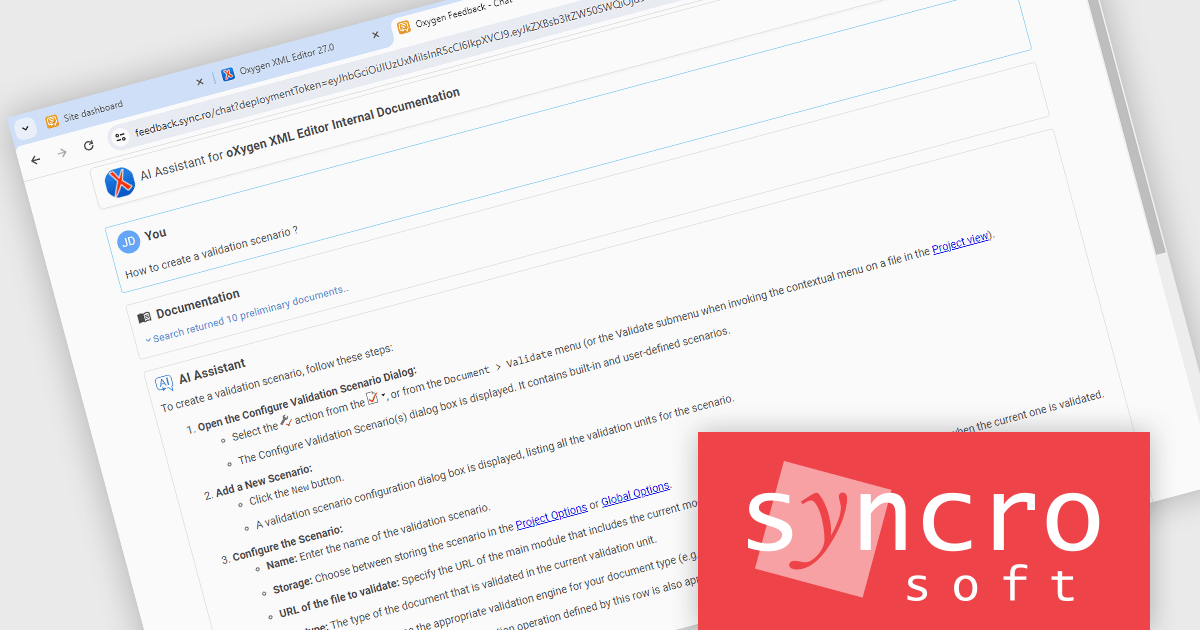
The Oxygen Feedback V5.0 release adds a new AI chatbot feature. By connecting Oxygen Feedback to your OpenAI account, you can enhance your website's help section with a powerful AI chatbot. This chatbot can provide users with instant, accurate answers to their questions, improving their overall experience.
To see a full list of what's new in V5.0 Build ID: 2024090417, see our release notes.
Oxygen Feedback is licensed per site configuration and is available as a Timed Subscription license. Support & Maintenance Pack (SMP) is included for the duration of your subscription. See our Oxygen Feedback licensing page for full details.
Learn more on our Oxygen Feedback product page.
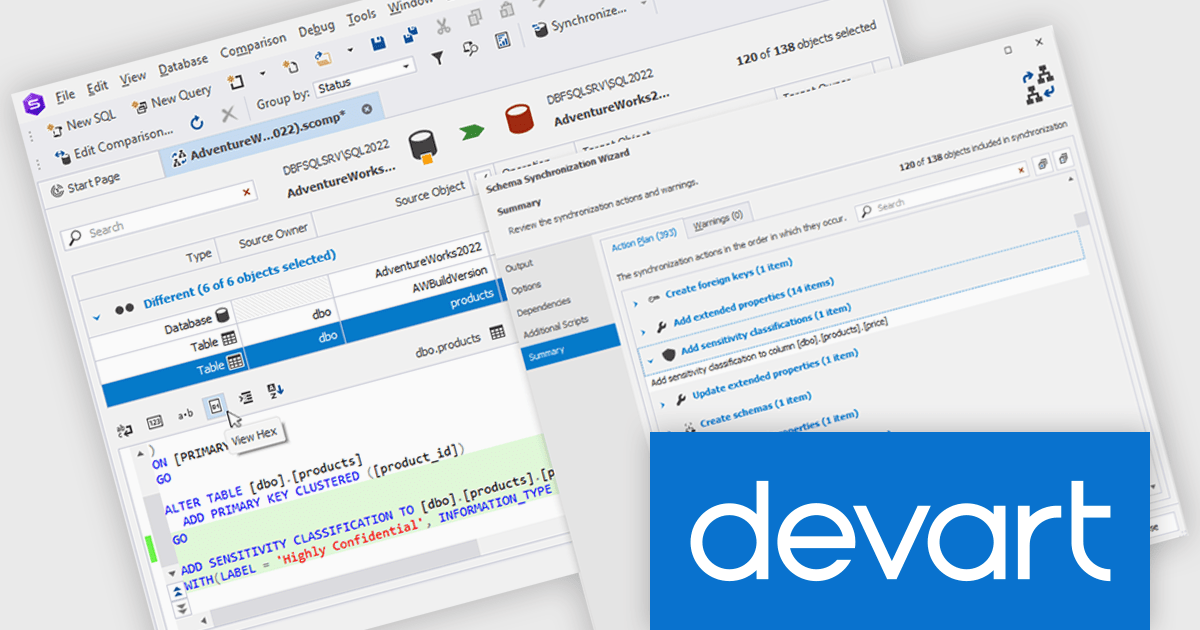
dbForge Schema Compare for SQL Server is a specialized tool designed to simplify the process of comparing and synchronizing SQL Server database schemas. It allows users to efficiently identify differences between two database structures, generate SQL scripts to automate schema updates, and integrate with SQL Server Management Studio for seamless workflow.
The dbForge Schema Compare for SQL Server V7.0.158 release introduces support for the 'ADD SENSITIVITY CLASSIFICATION' command, which allows you to efficiently tag columns based on data sensitivity levels and information types. For example, you could use this command to tag credit card numbers, personally identifiable information (PII), or other sensitive data as 'Highly Confidential', ensuring that they are handled with the appropriate security measures.
To see a full list of what's new in V7.0.158, see our release notes.
dbForge Schema Compare for SQL Server is licensed per developer and is available as an annual or perpetual license with a 12 month support and maintenance subscription. See our dbForge Schema Compare for SQL Server licensing page for full details.
dbForge Schema Compare for SQL Server is available in the following products:





Tel: (888) 850 9911
Fax: +1 770 250 6199


