








Fornitore ufficiale
In qualità di distributori ufficiali e autorizzati, forniamo licenze software legittime direttamente da più di 200 autori di software.
Vedi tutte le nostre marche
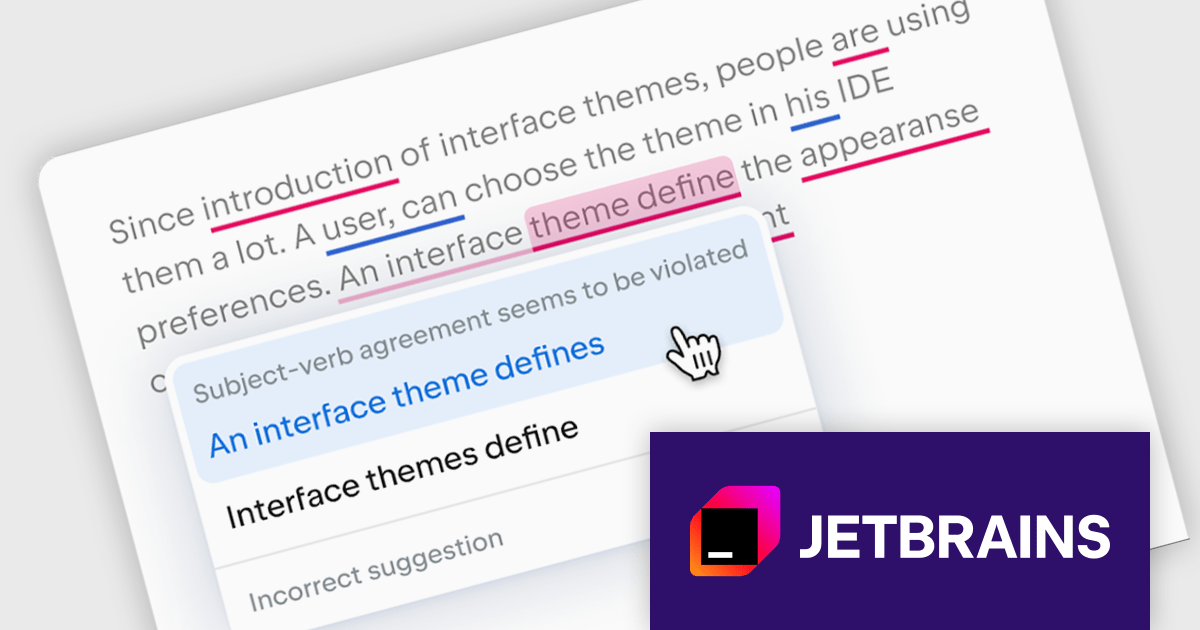
JetBrains AI Assistant is a plugin for their IDEs that uses large language models to enhance your coding experience. It can answer your questions about code, suggest completions and refactorings, and even help you write documentation and commit messages. It analyzes the context of your project to provide the most relevant suggestions, and you can chat with it directly within the IDE. It's a powerful tool for programmers looking to boost their productivity.
The latest JetBrains AI Assistant update introduces Grazie, an AI-powered writing companion that elevates your workflow. Grazie provides real-time proofreading, completes sentences, and even translates between languages, saving you time. Leverage its AI chat to brainstorm and explore ideas, whether you're generating new concepts, drafting documents, or simply seeking alternative perspectives. Grazie's context-aware functionality ensures clear, well-articulated text throughout your process.
JetBrains AI Assistant requires that you already own a JetBrains IDE product with an active commercial subscription license and is licensed per user as a commercial annual subscription. We can supply new subscriptions, subscription renewals, lapsed subscription renewals, and additional developer licenses. See our JetBrains AI Assistant licensing page for full details.
For more information, visit our JetBrains AI Assistant product page.
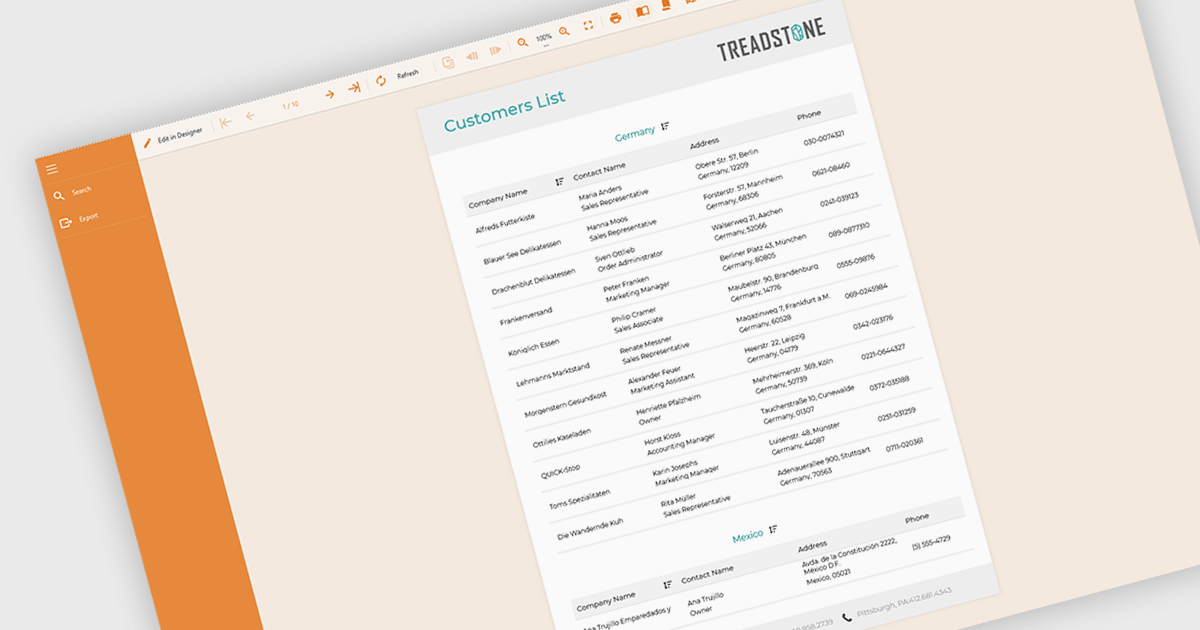
Filtering and grouping report data empowers users to drill down into specific details and identify trends. By filtering data based on relevant criteria, users can isolate subsets of information, while grouping organizes data points based on shared characteristics, allowing for comparisons and pattern recognition within the larger dataset. This combined functionality fosters a deeper understanding of the information being presented.
Several Angular reporting controls offer the ability to filter and group data including:
For an in-depth analysis of features and price, visit our Angular reporting controls comparison.
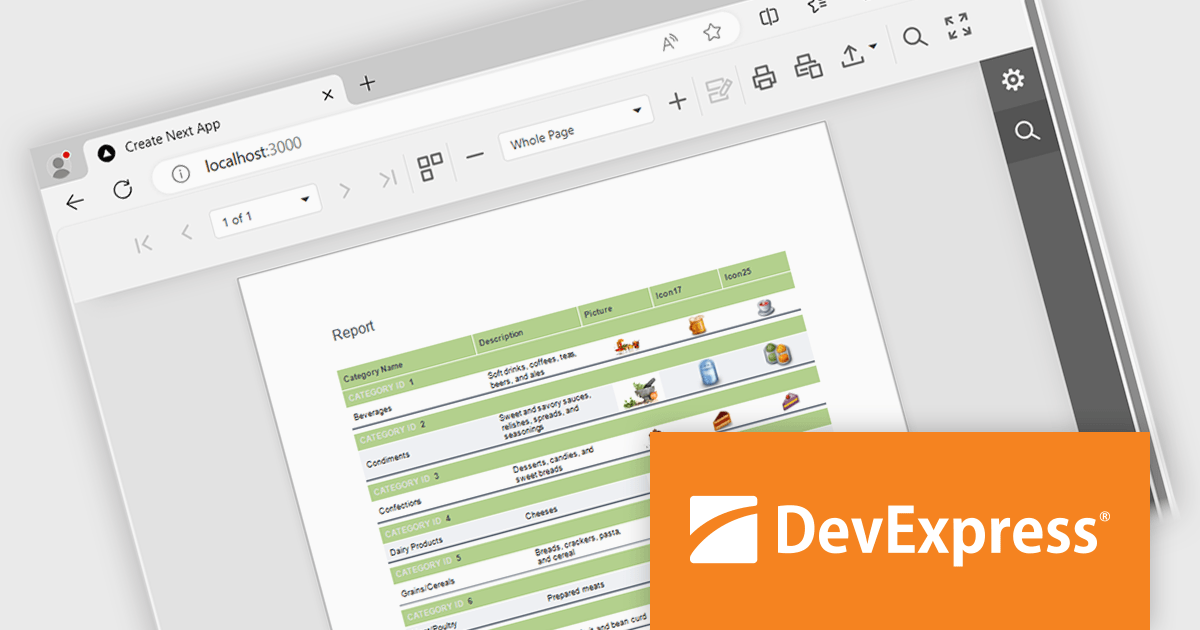
DevExpress Reporting is a powerful, versatile tool for building reports in the .NET ecosystem. It lets you design professional-looking reports with a visual editor, connect to various data sources, and customize them with charts, graphs, and interactive elements. Whether you're creating invoices, sales summaries, or complex dashboards, DevExpress Reporting offers the flexibility and features to bring your data to life in a clear and insightful way. It integrates seamlessly with WinForms, WPF, Web, and Blazor applications, making it a popular choice for developers who need a robust reporting solution.
The DevExpress Reporting 24.1 release introduces a native React Report Viewer component that streamlines the integration of reporting into React applications. This new component leverages the proven architecture of the DevExpress Angular Report Viewer, eliminating the need for JavaScript wrappers and ensuring a more responsive and performant user experience. This translates to benefits like faster rendering and a more intuitive user interface for interacting with reports within React applications, making it ideal for scenarios requiring seamless report viewing and interaction within complex React dashboards or data analysis tools.
To see a full list of what's new in version 24.1, see our release notes.
DevExpress Reporting is licensed per developer and is available as a Perpetual License with a 12 month support and maintenance subscription. See our DevExpress Reporting licensing page for full details.
DevExpress Reporting is available to buy in the following products:
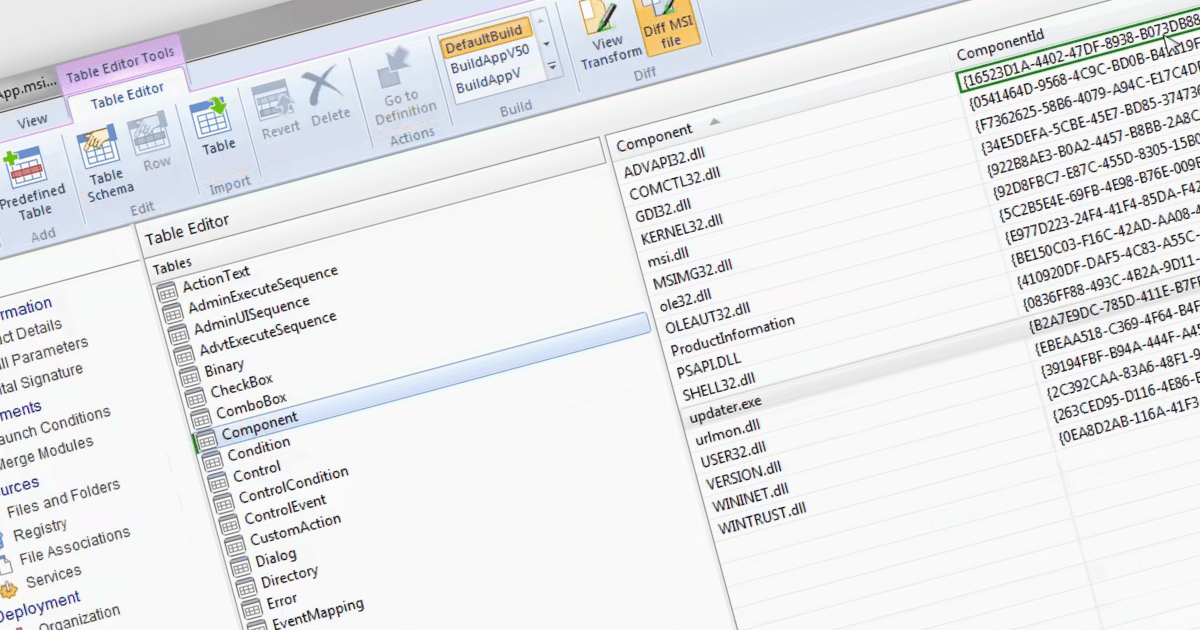
The ability to compare MSI files using an installation tool allows you to identify and analyze the differences between two Microsoft Installer (MSI) files, which are packages used for software installation on Windows. This functionality is particularly valuable for system administrators or developers who need to manage multiple versions and understand the specific changes between different versions of a software installer. By comparing the MSI files, they can identify modifications made to files, registry entries, and other installation configurations. Doing so ensures a smooth transition during updates, aids in troubleshooting potential issues, and maintains accurate documentation of software changes, ultimately enhancing the efficiency and reliability of software deployment processes.
Several installation tools allow you to compare MSI files, including:
For an in-depth analysis of features and price, visit our comparison of installation tools.
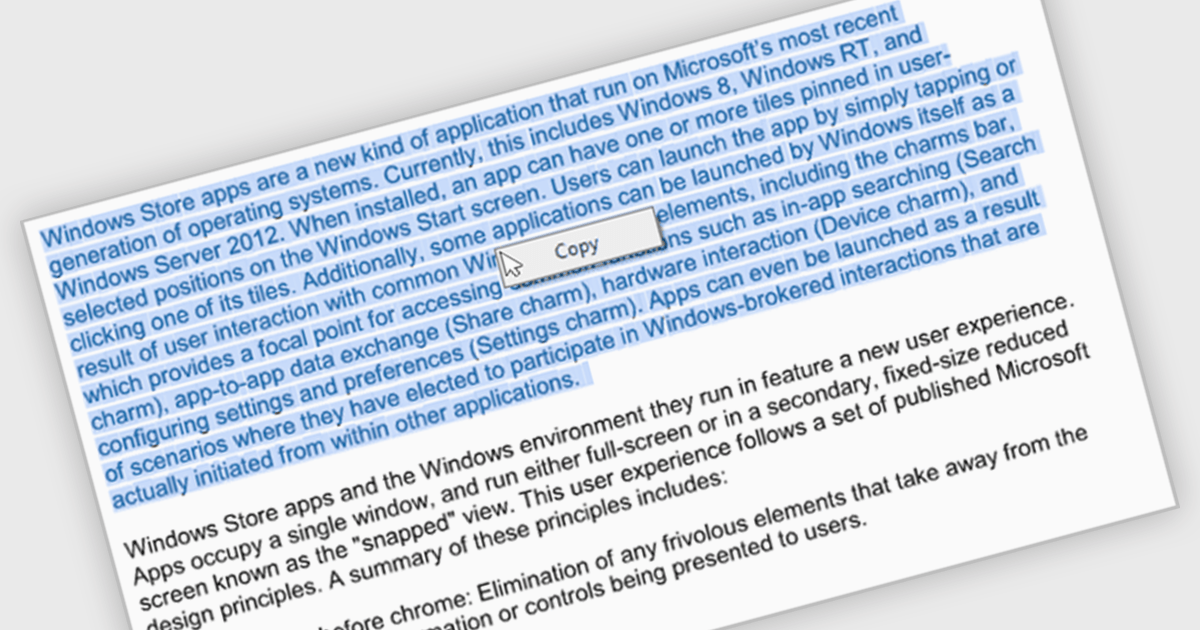
The ability to select and copy text empowers users to easily extract information from documents for pasting into other applications or sharing snippets. This not only saves time and reduces errors during data transfer but also broadens the utility of PDFs by making them more compatible with various workflows, such as research note-taking, quote extraction for proposals, or incorporating text into presentations.
Several .NET WinForms PDF viewer components include the ability to select and copy text in PDFs including:
For an in-depth analysis of features and price, visit our .NET WinForms PDF viewer components comparison.





Tel: (888) 850 9911
Fax: +1 770 250 6199


