








Fornitore ufficiale
In qualità di distributori ufficiali e autorizzati, forniamo licenze software legittime direttamente da più di 200 autori di software.
Vedi tutte le nostre marche
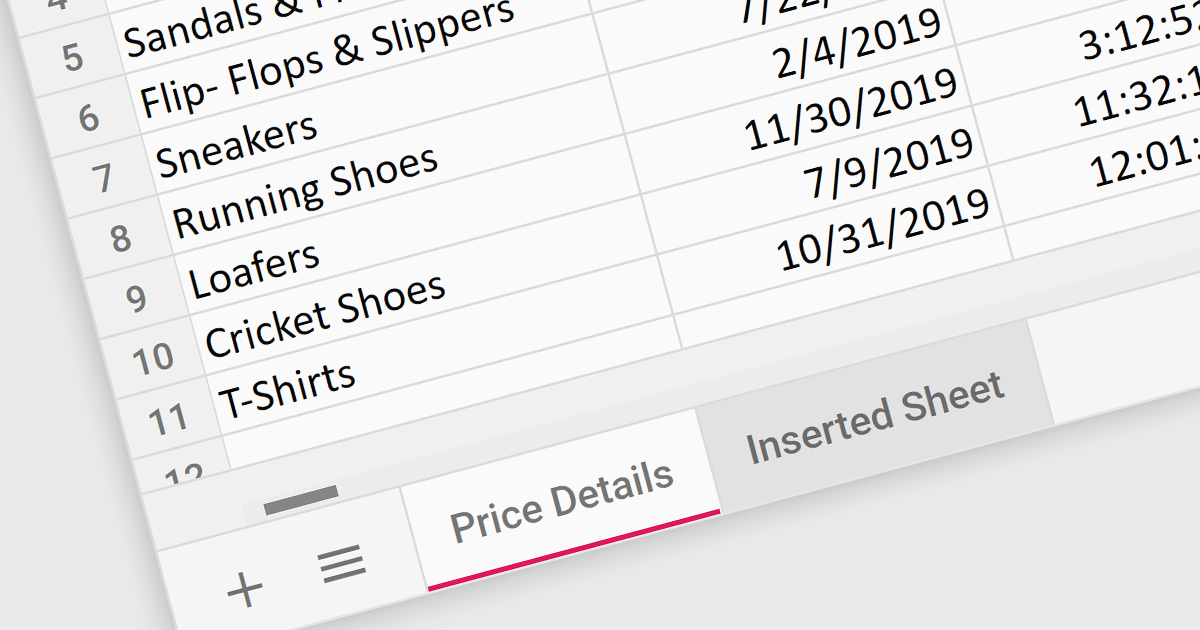
Worksheet tabs act as a visual and interactive index, enabling users to seamlessly navigate between distinct sections within a single workbook. This efficient organization facilitates data comparison and analysis. The clear visual distinction between tabs reduces cognitive load and enhances comprehension, making it easier for users to grasp the overall structure and navigate the information within the workbook.
Several React Spreadsheet controls offer support for tabs including:
For an in-depth analysis of features and price, visit our React Spreadsheet controls comparison.
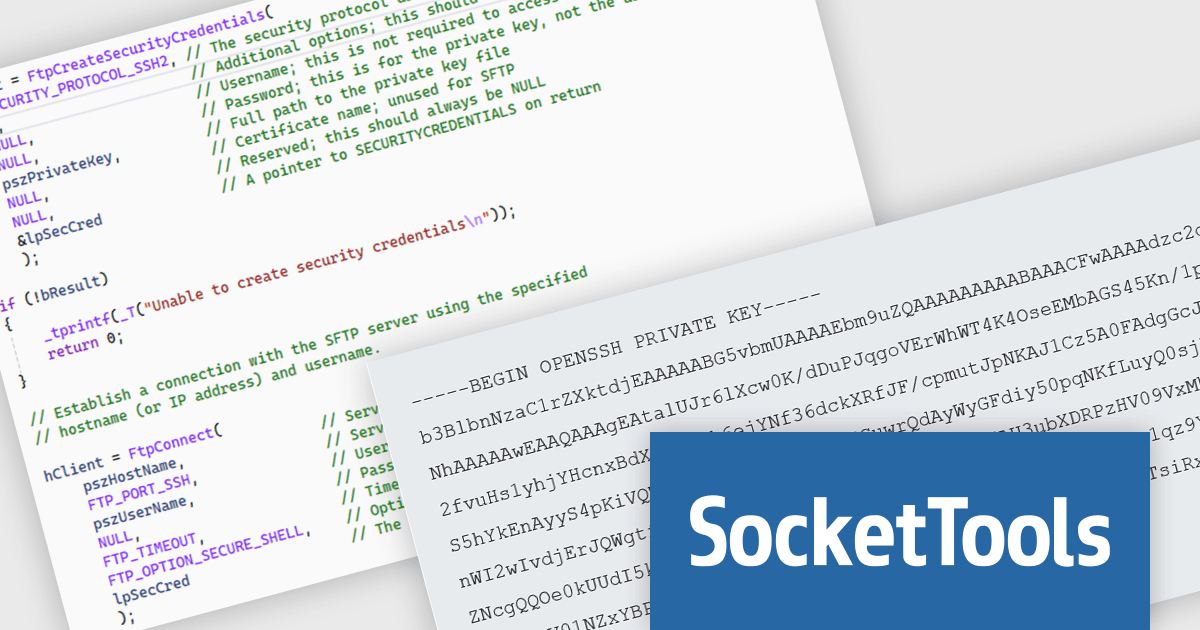
SocketTools .NET Edition by Catalyst Development Corp. is a development library designed to simplify adding internet functionality to your C# or Visual Basic applications. It provides managed .NET classes for tasks like file transfer, email communication, remote server management, and secure connections via TLS and SSH. The library offers private cloud storage and IP location lookup, eliminating the need for additional subscriptions or services.
The SocketTools .NET Edition 11.0.2194.1712 release introduces public/private key authentication for SSH and SFTP, significantly improving security for server access within your applications. This eliminates the risk associated with storing passwords and simplifies key management for automated tasks, providing a more robust and user-friendly approach.
To see a full list of what's new in version 11.0.2194.1712, see our release notes.
SocketTools .NET Edition is licensed per developer and is available as a Perpetual License with or without 1 Year Priority Support subscription. See our SocketTools .NET Edition licensing page for full details.
SocketTools .NET Edition is available to buy in the following products:
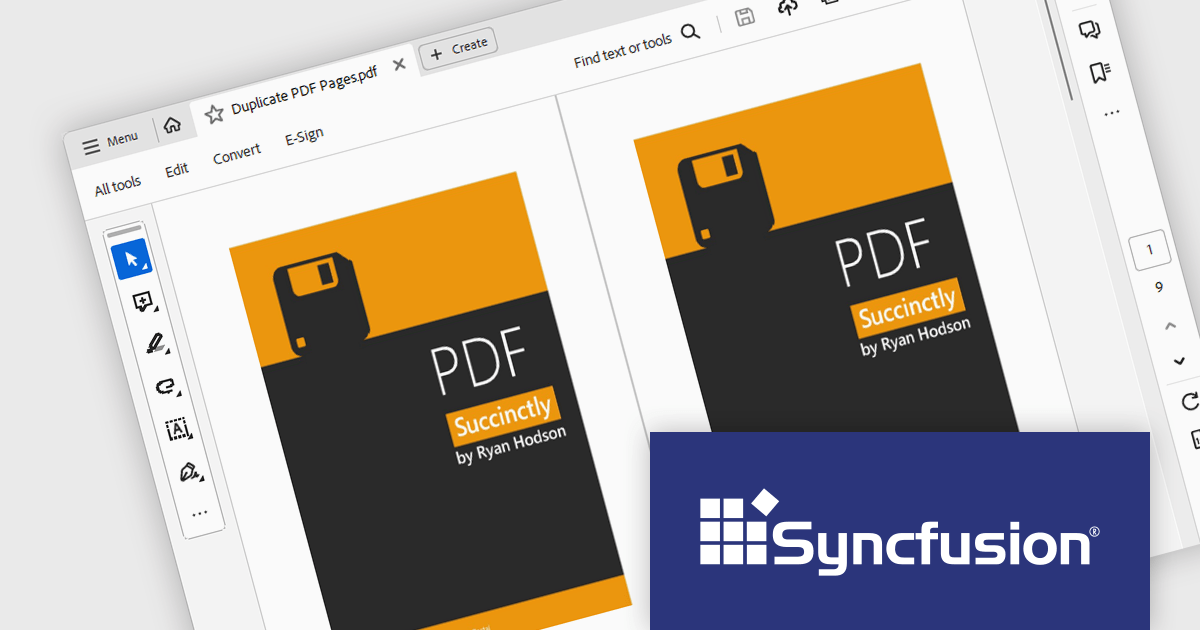
Syncfusion Essential Studio Windows Forms is a powerful UI component suite designed to enhance your WinForms development. It boasts over 100 high-performance controls, ranging from essential grids and charts to advanced schedulers and diagrams, enabling you to craft visually appealing and feature-rich applications with ease. Its extensive customization options and built-in themes allow for tailored user experiences, while touch-friendly design ensures seamless interaction across devices.
The Syncfusion Essential Studio Windows Forms 2024 Volume 2 (26.1.35) release allows users to duplicate pages within the same PDF document, facilitating easier content replication and organization. This support is useful for quickly creating templates, maintaining consistency across multiple sections, and streamlining document editing processes.
To see a full list of what's new in 2024 Volume 2 (26.1.35), see our release notes.
Syncfusion Essential Studio Windows Forms is available as part of Syncfusion Essential Studio Enterprise which is licensed per developer starting with a Team License of up to five developers. It is available as a 12 Month Timed Subscription License which includes support and maintenance. See our Syncfusion Essential Studio Enterprise licensing page for full details.
Learn more on our Syncfusion Essential Studio Windows Forms product page.
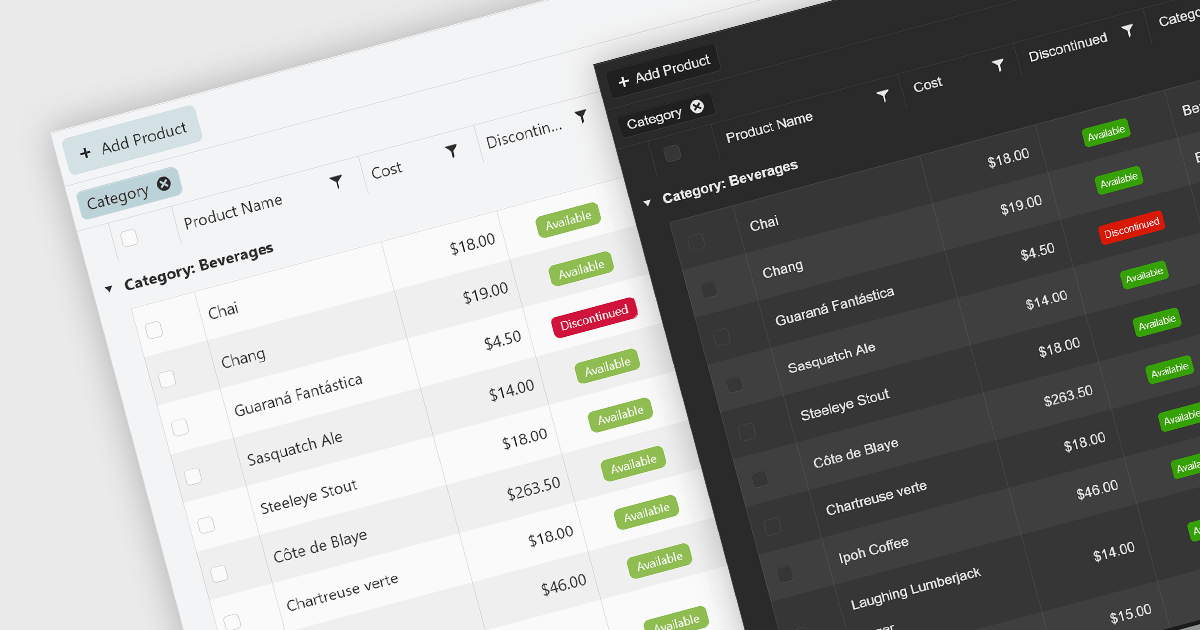
UI suites with theming support provide pre-built themes and the ability to customize them. This lets you easily change the look and feel of your application, from colors and fonts to overall design style (like Material Design or Bootstrap), ensuring a cohesive user experience that aligns with your brand identity. Theming not only improves aesthetics but also simplifies development by offering a pre-defined styling base and reducing the need for extensive custom styling.
Several Blazor UI suites offer Theming controls including:
For an in-depth analysis of features and price, visit our Blazor UI suites comparison.
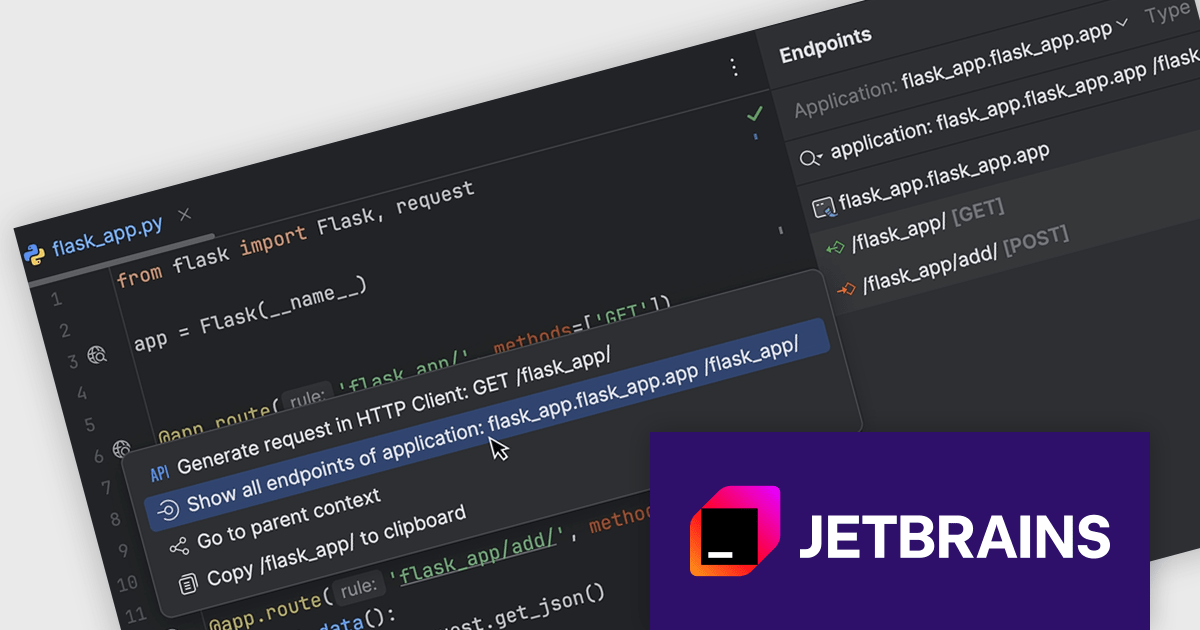
PyCharm by JetBrains is a comprehensive Integrated Development Environment (IDE) specifically designed for Python programming. It offers a range of features to enhance productivity, including code analysis for error detection, a visual debugger for troubleshooting, integrated unit testing for code verification, and support for version control systems to manage code changes. PyCharm also caters to web development using frameworks like Django, making it a powerful tool for both experienced developers and beginners in the Python world.
PyCharm 2024.1.4 introduces a powerful new feature for developers working with Flask, FastAPI, and Django projects: gutter actions and inlay hints for URLs. These new functionalities streamline URL management within your code. With just a click on the gutter icon next to a URL, you can easily test the endpoint using the built-in HTTP Client, allowing you to quickly verify its functionality. Additionally, inlay hints provide clear visibility of the URL directly within your code, improving readability. This combined approach saves you time and effort by simplifying the process of managing and testing URLs in your web development projects.
To see a full list of what's new in version 2024.1.4, see our release notes.
PyCharm is licensed per user, and is available as a commercial annual subscription license. We can supply new subscriptions, subscription renewals (including continuity discounts), lapsed renewals, and additional user licenses. See our PyCharm licensing page for full details.
PyCharm is available to buy in the following products:





Tel: (888) 850 9911
Fax: +1 770 250 6199


