








Fornitore ufficiale
In qualità di distributori ufficiali e autorizzati, forniamo licenze software legittime direttamente da più di 200 autori di software.
Vedi tutte le nostre marche
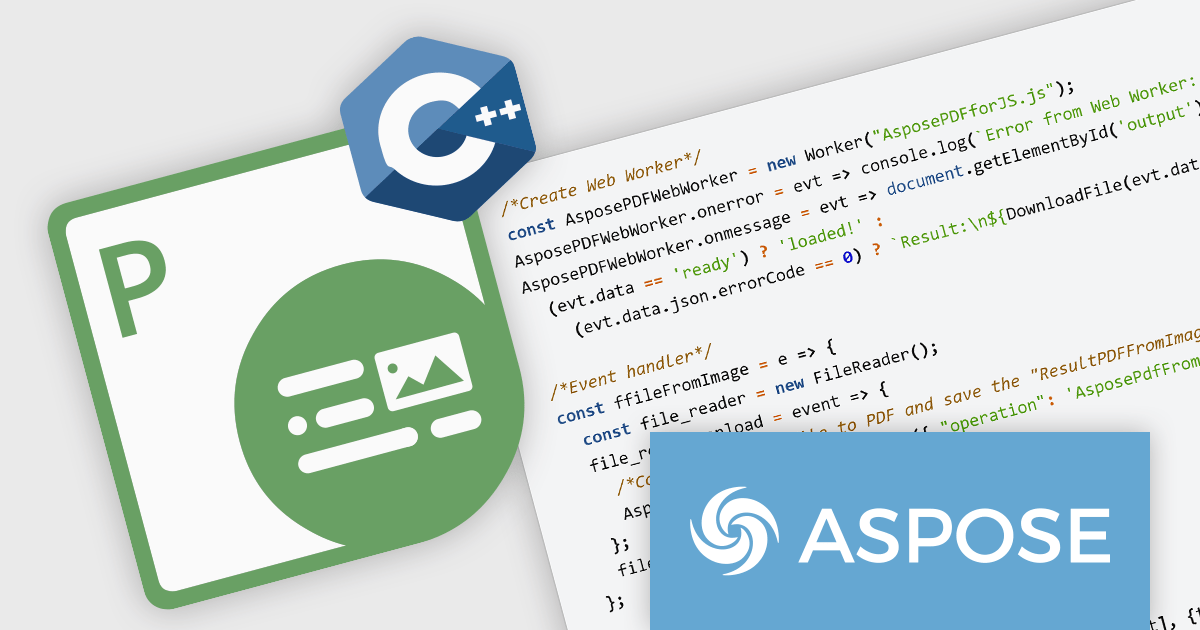
Aspose.PDF for JavaScript via C++ is a toolkit that empowers developers to manipulate PDF files directly within web browsers. Built on WebAssembly technology, it offers a secure and scalable solution for adding features like generation, viewing, editing, and conversion of PDFs to your JavaScript applications. This library, written in C++, eliminates the need for additional runtime environments, ensuring broad browser compatibility.
The Aspose.PDF for JavaScript via C++ V24.3 release adds a new AsposePdfFromImage API that allows you to convert image files to PDF format. This easy-to-use API grants developers the ability to integrate and automate the transformation of PNG, JPG, BMP, GIF, and TIFF files into universally accessible, secure, and easily manageable PDF files within web and desktop applications.
To see a full list of what's new in Aspose.PDF for JavaScript via C++, see our release notes.
Aspose.PDF for JavaScript via C++ is offered as Developer Small Business, Developer OEM, Developer SDK, Site Small Business, Site OEM, and Site SDK licenses catering to a range of business needs. Licenses are perpetual, and include 1 year of support and maintenance. Subscription renewals are also available. See our Aspose.PDF for JavaScript via C++ licensing page for full details.
Aspose.PDF for JavaScript via C++ is available in the following products:
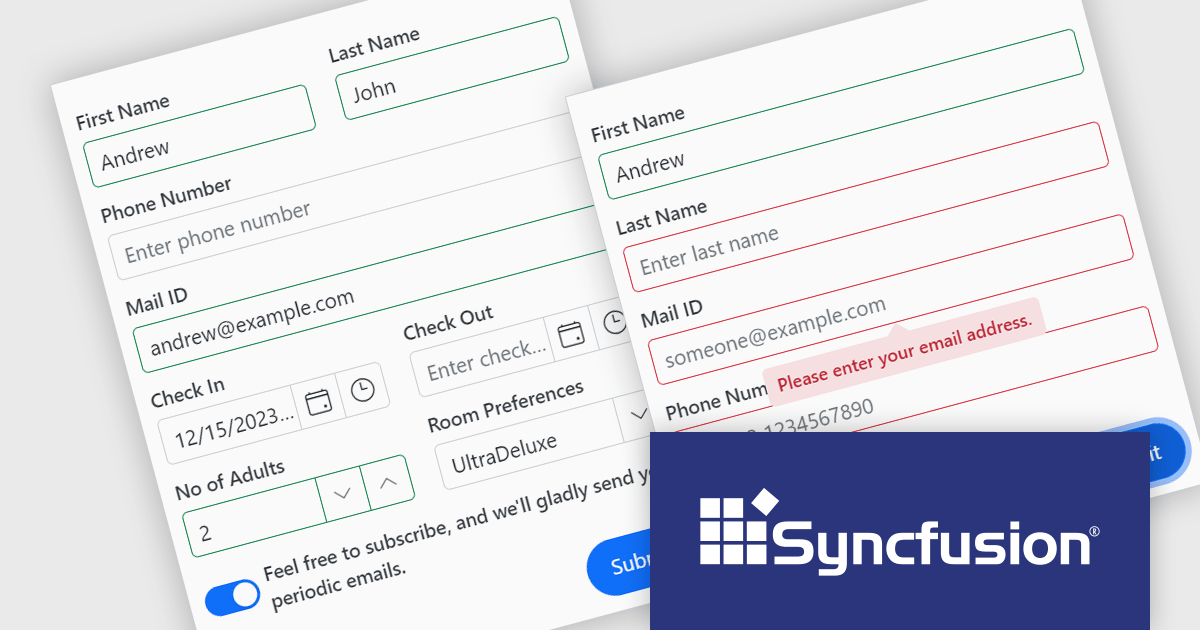
Syncfusion Essential Studio Blazor (available as part of Syncfusion Essential Studio Enterprise) is a comprehensive UI component library designed to accelerate the development of high-performance, modern web applications using the Blazor framework. It boasts over 85+ responsive, lightweight, and modular components spanning various categories such as data visualization, data editing, document processing, and interactive UI elements. This rich repertoire empowers developers to rapidly build user-friendly, feature-rich web interfaces, with seamless integration of both server-side and client-side Blazor applications.
The Syncfusion Essential Studio Blazor Version 2024 Volume 1 (25.1.35) release introduces the production-ready Blazor Data Form component, which is designed to streamline form creation within Blazor applications. It offers features such as automatic field generation based on your data model, seamless data binding for easy integration with your application's logic, and layout customization for a polished user experience. The Blazor Data Form component allows you to build complex or simple forms with minimal coding effort.
To see a full list of what's new in version 2024 Volume 1 (25.1.35), see our release notes.
Syncfusion Essential Studio Blazor is available as part of Syncfusion Essential Studio Enterprise which is licensed per developer starting with a Team License of up to five developers. It is available as a 12 Month Timed Subscription License which includes support and maintenance. See our Syncfusion Essential Studio Enterprise licensing page for full details.
For more information, visit our Syncfusion Essential Studio Blazor product page.
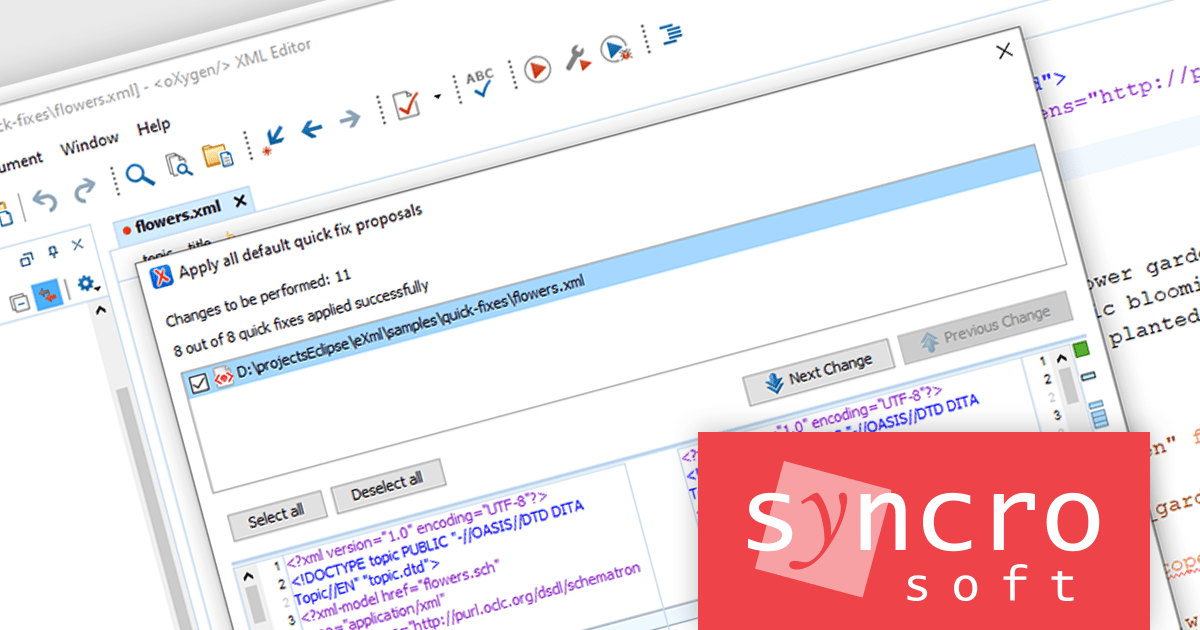
Oxygen XML Author by Syncro Soft is a comprehensive XML editing suite designed for users of all experience levels. It offers a user-friendly interface for creating, editing, and publishing XML content. The software supports industry standards like DITA and DocBook, integrates with content management systems, and provides collaboration features for efficient teamwork. With its extensibility, Oxygen XML Author allows customization for specific workflows and can be further enhanced with an AI assistant for content creation and editing.
Oxygen XML Author 26.1 adds a way to execute all quick fix proposals at the same time. This feature saves you significant time by automatically applying all the suggested quick fixes for validation errors at once. Instead of manually fixing each error individually, you can address them all with a single click.
To see a full list of what's new in version 26.1, see our release notes.
Oxygen XML Author is licensed per Named or Floating user and is available as a Timed or Perpetual License with support and maintenance subscription. See our Oxygen XML Author licensing page for full details.
Oxygen XML Author is available in the following products:
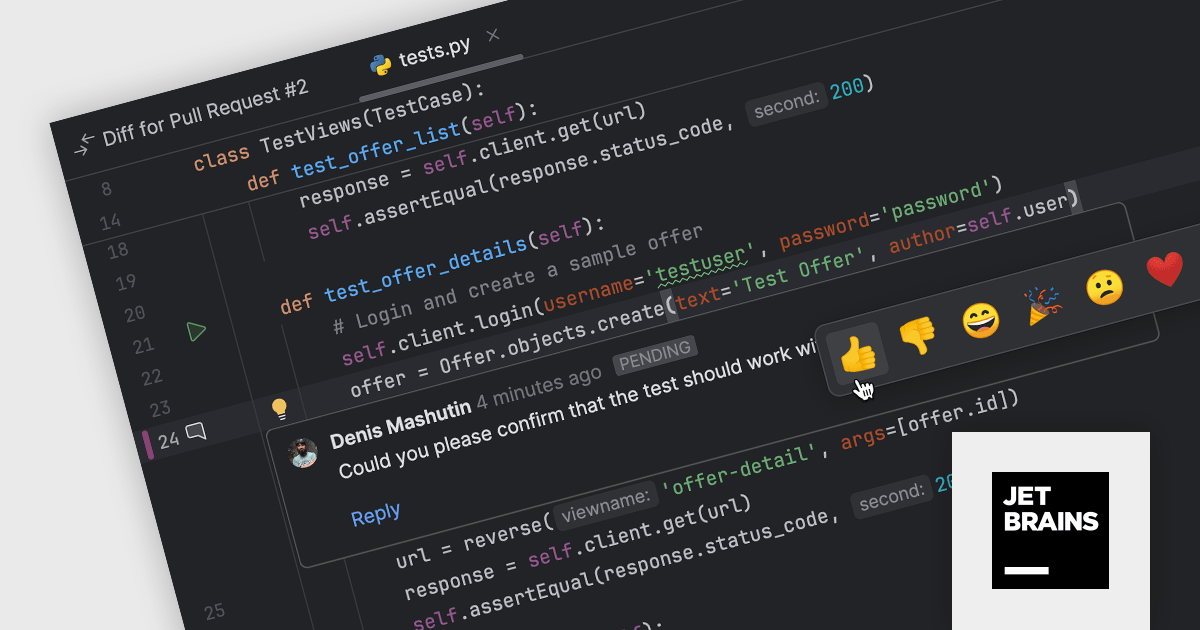
PyCharm by JetBrains is a comprehensive Integrated Development Environment (IDE) specifically designed for Python programming. It offers a range of features to enhance productivity, including code analysis for error detection, a visual debugger for troubleshooting, integrated unit testing for code verification, and support for version control systems to manage code changes. PyCharm also caters to web development using frameworks like Django, making it a powerful tool for both experienced developers and beginners in the Python world.
The PyCharm 2024.1 release streamlines code review for GitHub and GitLab users by enabling direct interaction within the editor. This integrated review mode lets you see both original code and comments alongside changes in pull/merge requests, fostering clear communication and ensuring all developers are on the same page.
To see a full list of what's new in version 2024.1, see our release notes.
PyCharm is licensed per user, and is available as a commercial annual subscription license. We can supply new subscriptions, subscription renewals (including continuity discounts), lapsed renewals, and additional user licenses. See our PyCharm licensing page for full details.
For more information, visit our PyCharm product page.
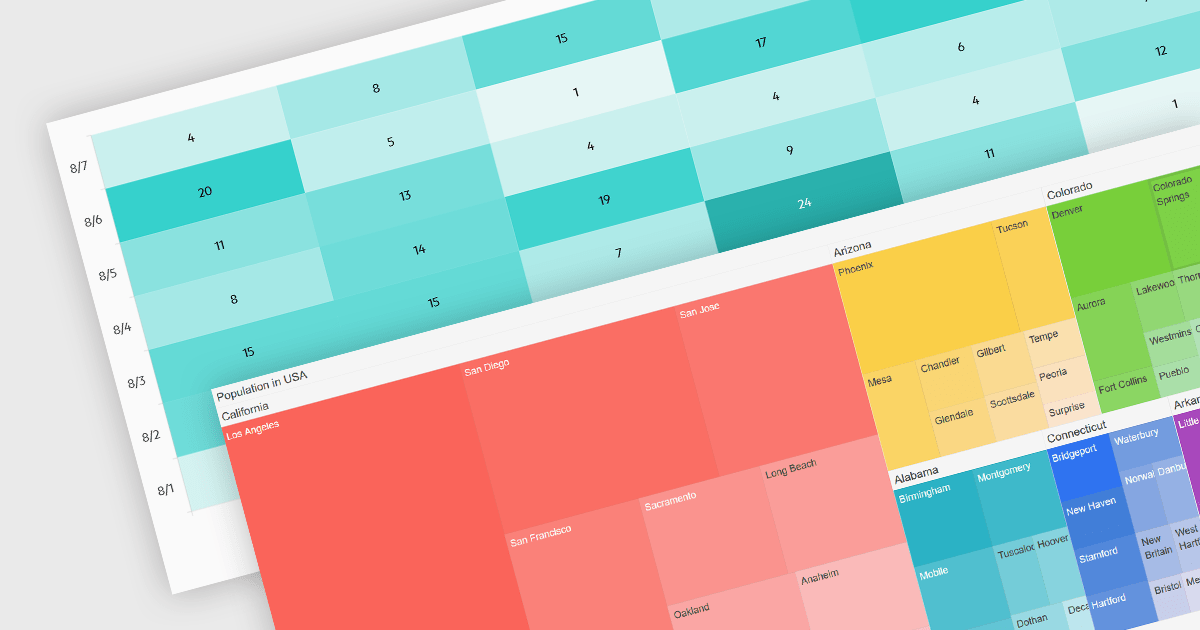
Heatmaps and treemaps are powerful data visualization tools that offer specific advantages when examining large datasets. A heatmap colorizes data values in a matrix, allowing for intuitive observation of trends, patterns, and outliers over two dimensions, making it helpful for spatial data analysis and correlation assessment. Treemaps exhibit hierarchical data as nested rectangles, with size and color variations indicating distinct quantitative values, allowing for effective use of space and fast comparison of proportions and relationships within hierarchical structures. Together, these chart types provide significant tools for visualizing and interpreting complex data, improving decision-making processes by presenting underlying data insights in a clear and actionable manner.
Several jQuery chart controls support the Heat and Treemap chart types, including:
For an in-depth analysis of features and price, visit our comparison of jQuery chart controls.





Tel: (888) 850 9911
Fax: +1 770 250 6199


