








Fornitore ufficiale
In qualità di distributori ufficiali e autorizzati, forniamo licenze software legittime direttamente da più di 200 autori di software.
Vedi tutte le nostre marche
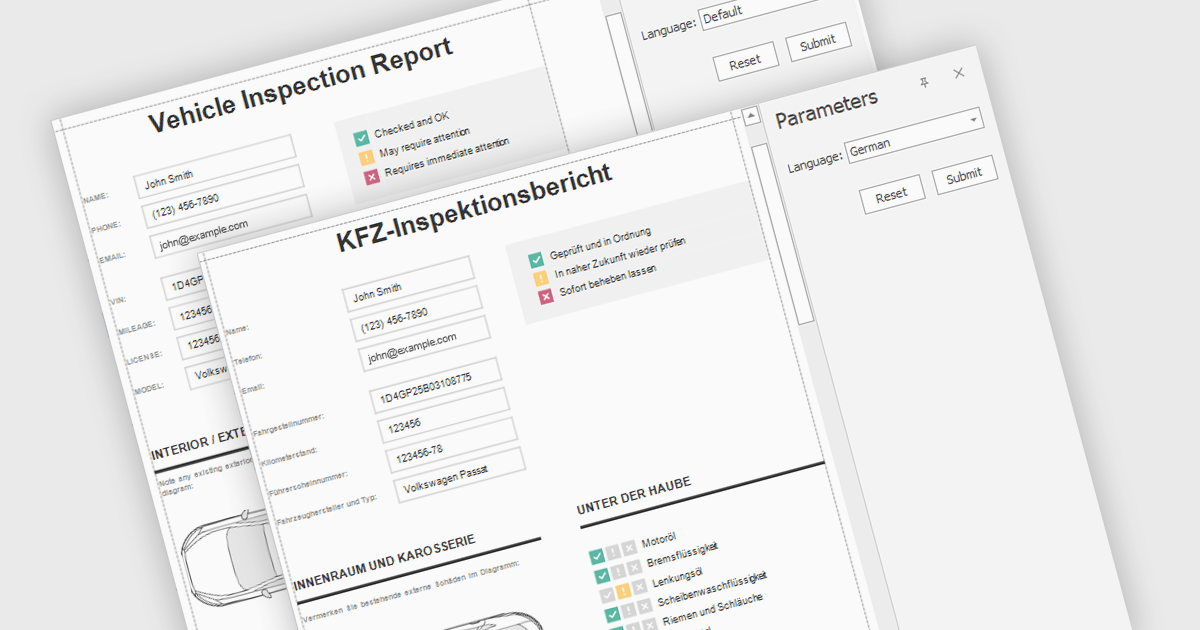
Report localization is the process of adapting a report for a target audience's language and cultural context. This involves translating text elements, formatting dates and currencies appropriately, and potentially adjusting the user interface to accommodate different reading habits such as right-to-left layouts. The goal is to ensure the report is clear, informative, and culturally sensitive for users worldwide.
Several React reporting controls offer localization including:
For an in-depth analysis of features and price, visit our React reporting controls comparison.
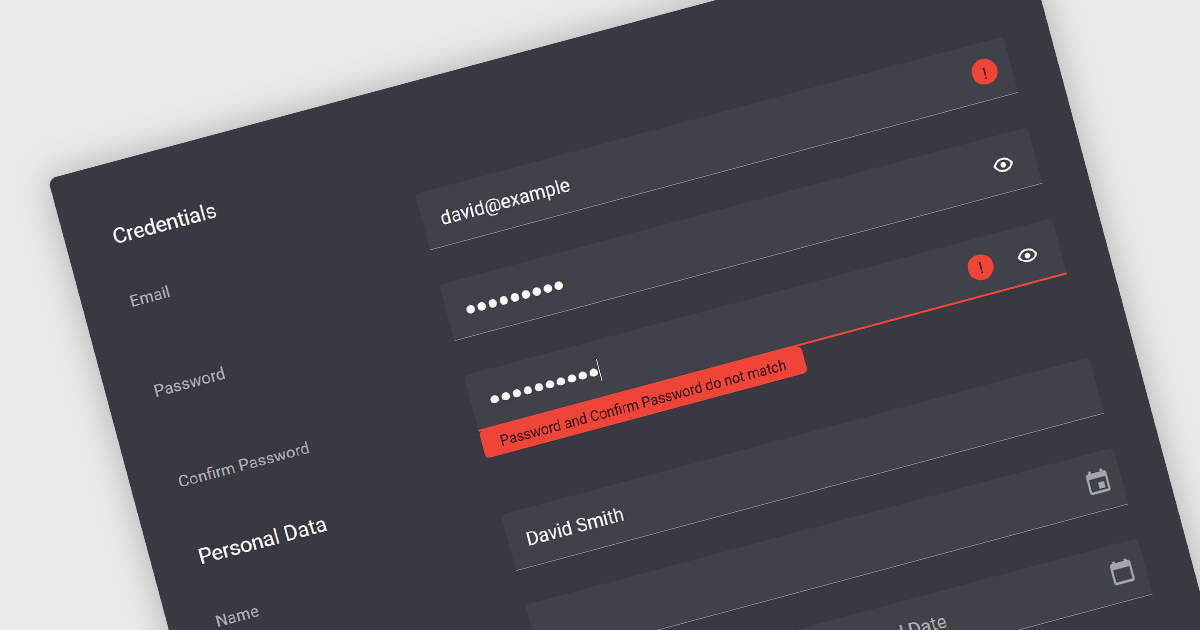
Validation in data editor controls refers to the process of ensuring user-entered information conforms to predefined rules. This helps prevent invalid or erroneous data from being stored in your application. By implementing data validation, you improve data integrity, reduce the need for manual data cleansing, and ultimately streamline the development process by catching errors early on.
Here are some examples of Vue.js data editors that support data validation:
For an in-depth analysis of features and price, visit our comparison of Vue.js Data Editors.
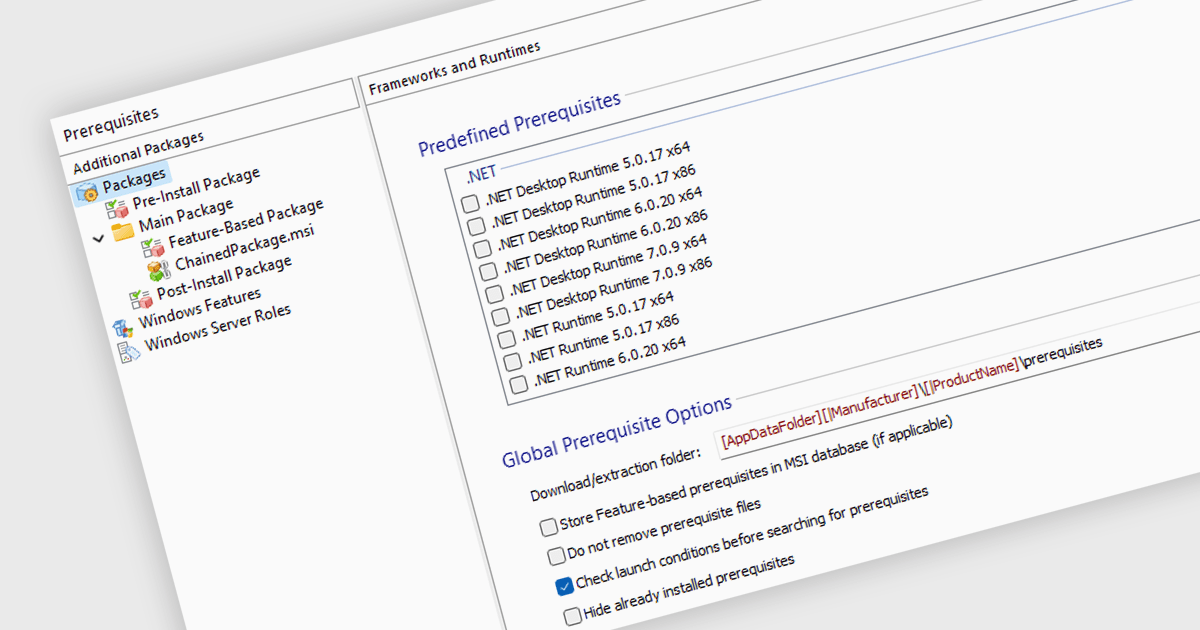
Prerequisite management refers to the functionality within an installation tool that automates the verification and installation of software dependencies required for a successful primary software deployment. This streamlines the installation process, reduces the risk of errors caused by missing dependencies, and ensures a consistent environment for the target software to run.
Several Installation Tools provide prerequisite management features, including:
For an in-depth analysis of features and price, visit our comparison of Installation Tools.
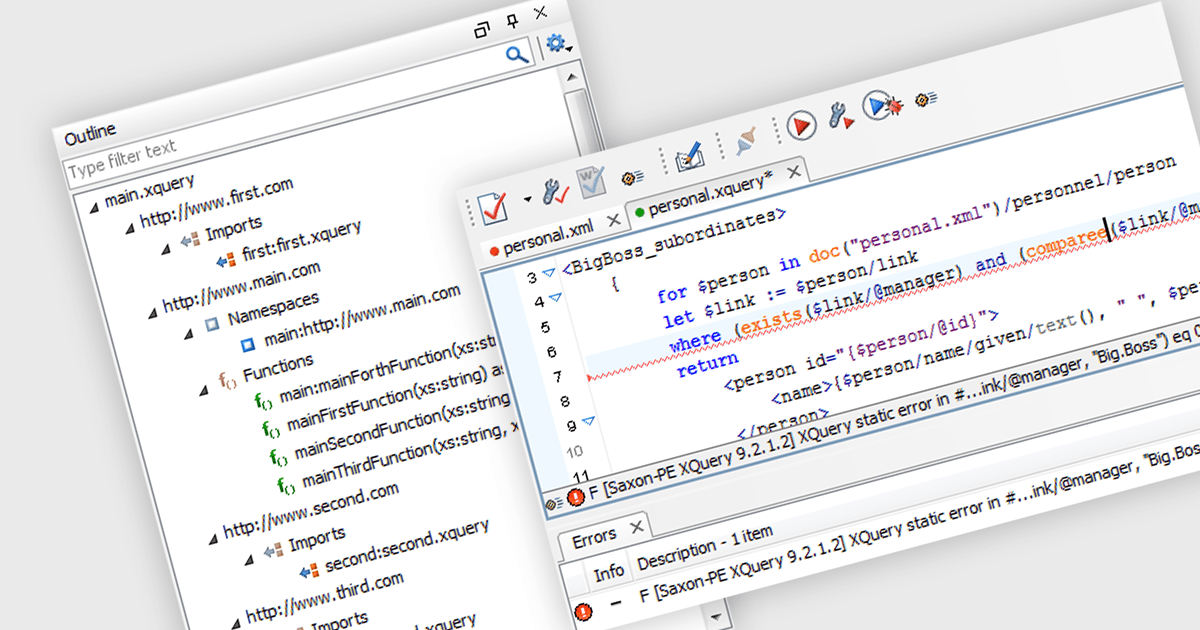
XQuery support allows software developers to write queries specifically designed for extracting and manipulating data within XML documents. This enables developers to efficiently target and retrieve relevant information from complex XML structures, simplifying data access and transformation tasks within their applications.
Several structured document tools offer XQuery support including:
For an in-depth analysis of features and price, visit our comparison of Structured Document Tools.
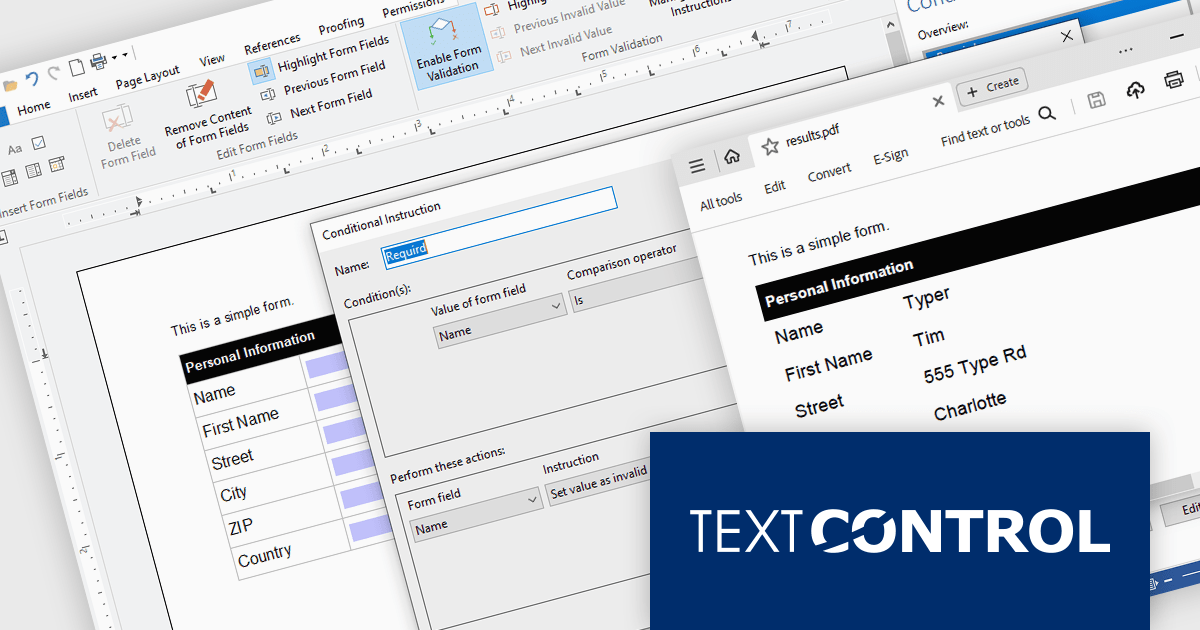
TX Text Control .NET Server for ASP.NET is a server-side component that equips developers with a powerful word processing engine for web applications. It integrates seamlessly with ASP.NET, ASP.NET Core, popular frameworks like Angular and React, and JavaScript, allowing you to build dynamic document editing and generation features directly within your web applications. This empowers you to create documents on the fly using data from various sources, edit existing documents in the browser, and handle functionalities like PDF processing and form filling, all on the server-side.
In this blog post, Text Control's Bjoern Meyer shows you how to use the Document Viewer in your Angular application to allow your users to open a PDF document, enter their data into the form fields, and save the document. Features include:
Read the full blog to get started handling form field data in your Angular apps.
TX Text Control .NET Server for ASP.NET is licensed per Developer and includes Run-time licensing for up to 5 Servers. Licensing is perpetual, and include a 1-year subscription. See our TX Text Control .NET Server for ASP.NET licensing page for more details.
Learn more about TX Text Control .NET Server for ASP.NET.





Tel: (888) 850 9911
Fax: +1 770 250 6199


