








Fornitore ufficiale
In qualità di distributori ufficiali e autorizzati, forniamo licenze software legittime direttamente da più di 200 autori di software.
Vedi tutte le nostre marche
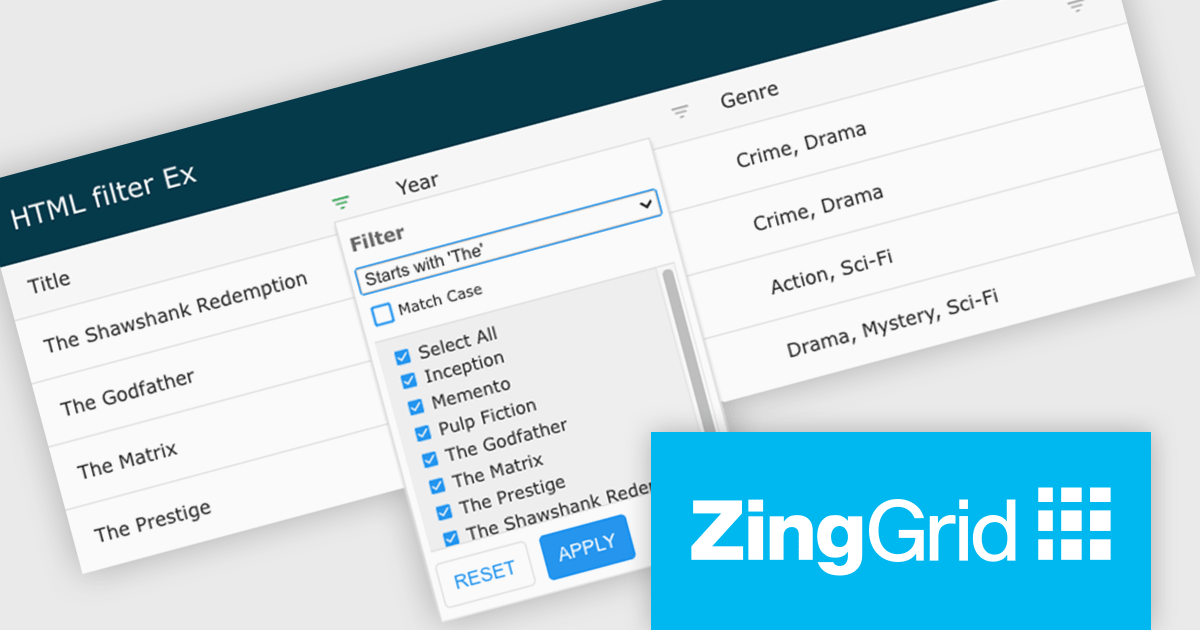
ZingGrid is a JavaScript library that simplifies the creation of interactive data tables and grids within web applications. Utilizing modern web components and focusing on performance and responsiveness, ZingGrid allows developers to implement features like searching, filtering, pagination, and in-line editing with minimal coding. This empowers efficient data visualization and manipulation for users, making it a valuable tool for web development.
Version 1.7.0 adds a rich set of filter conditions, including "contains," "notContains," "equal," "beginsWith," "endsWith," and many more, to pinpoint exactly the information you need. It also empowers you to create custom conditions, ensuring your filtering capabilities perfectly match your data and use case.
To see a full list of what's new in version 1.7.0, see our release notes.
ZingGrid is available as either a Single-Domain Website or Multi-Domain SaaS license. See our ZingGrid licensing page for full details.
For more information, visit our ZingGrid product page.
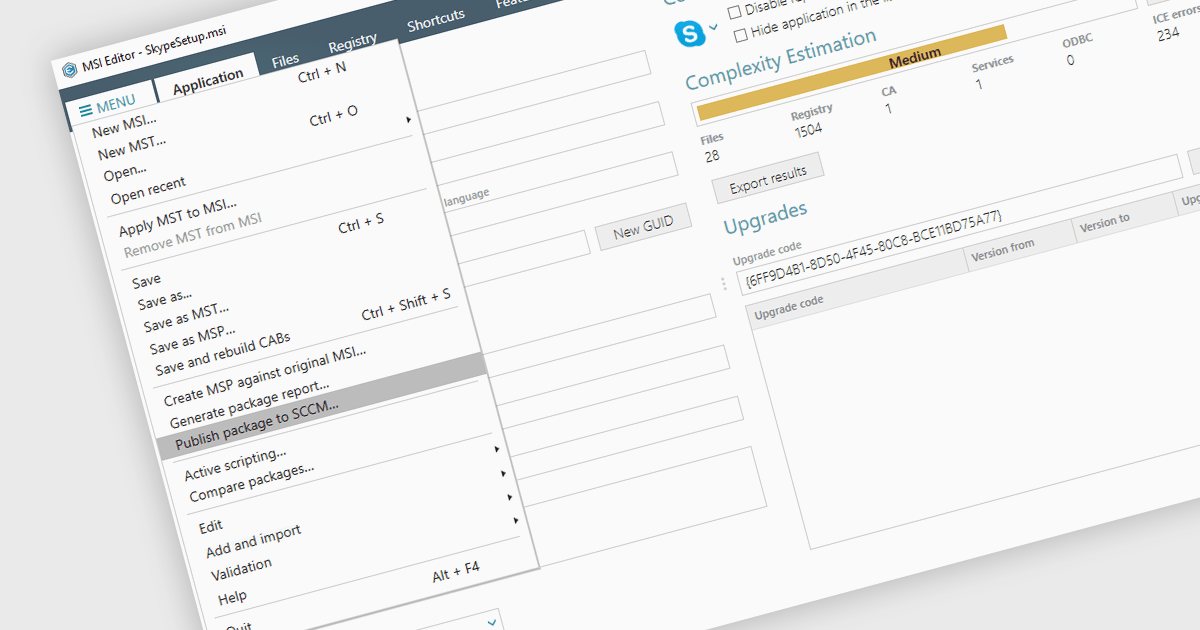
Publishing MSI packages to Microsoft System Center Configuration Manager (SCCM) enables centralized software deployment and administration across a network. SCCM can automate the packaging process by using the MSI installer's built-in features or integrating third-party solutions. This streamlines application distribution, reduces administrative overhead, and ensures consistency in software installations for all devices managed by SCCM.
Several installation tools allow you to publish MSI packages to SCCM, including:
For an in-depth analysis of features and price, visit our comparison of installation tools.
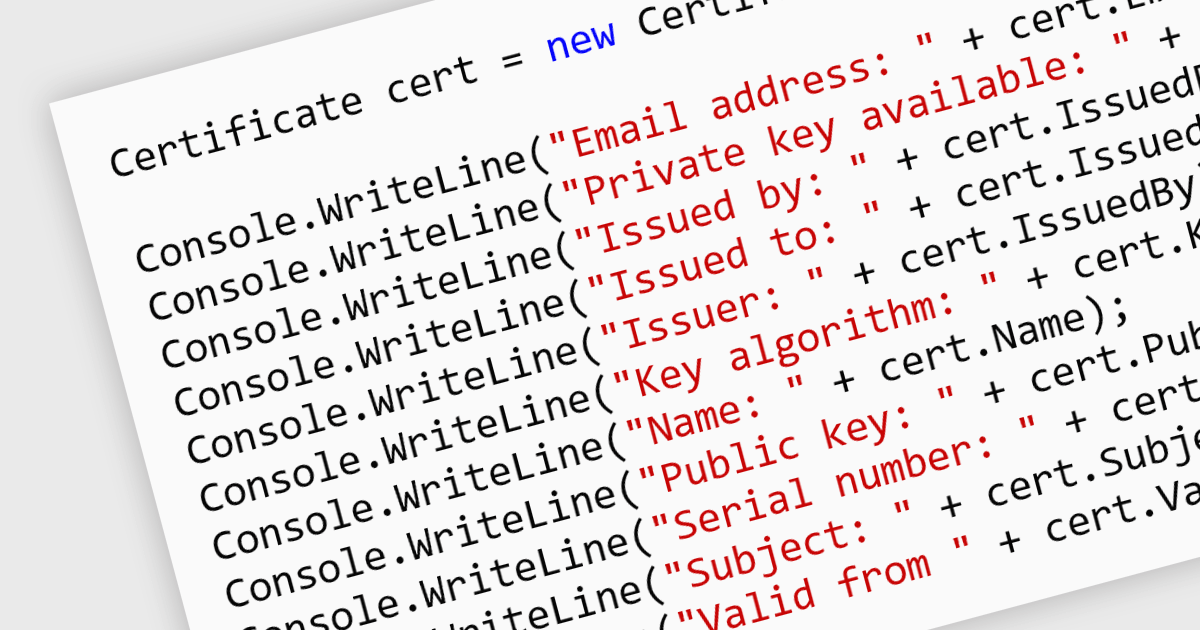
Digital certificates act as electronic credentials that authenticate the identities of communicating parties. They establish trust by verifying ownership of a public key through a trusted third-party (Certificate Authority) and enable secure data exchange through encryption and decryption using public-key cryptography. This ensures data integrity and confidentiality, mitigating risks like man-in-the-middle attacks in .NET applications.
Several .NET communications and messaging components offer digital certificate features including:
For an in-depth analysis of features and price, visit our .NET comms & messaging components comparison.
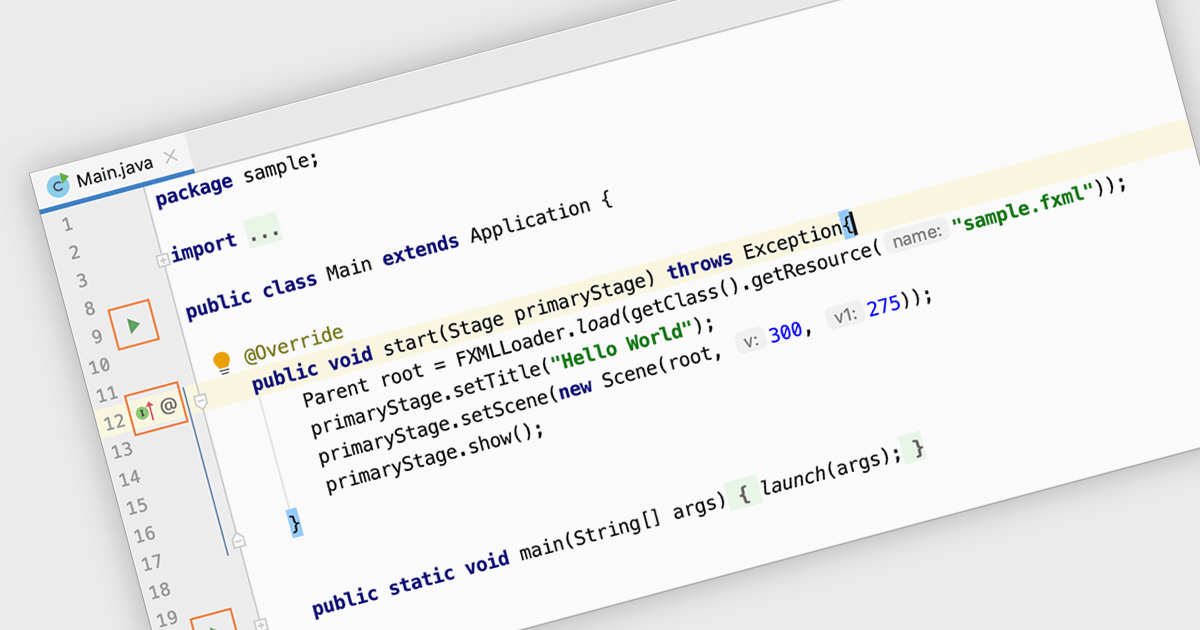
Code editing in an IDE goes beyond basic text editing by offering intelligent features specifically tailored to programmers. Syntax highlighting, autocompletion, and code navigation tools streamline the writing process, while debugging and build automation functionalities within the IDE help you identify and fix errors efficiently, all within a single, consolidated environment. This integrated approach significantly improves development workflow and productivity.
Several IDEs provide code editing including:
For an in-depth analysis of features and price, visit our IDEs comparison.
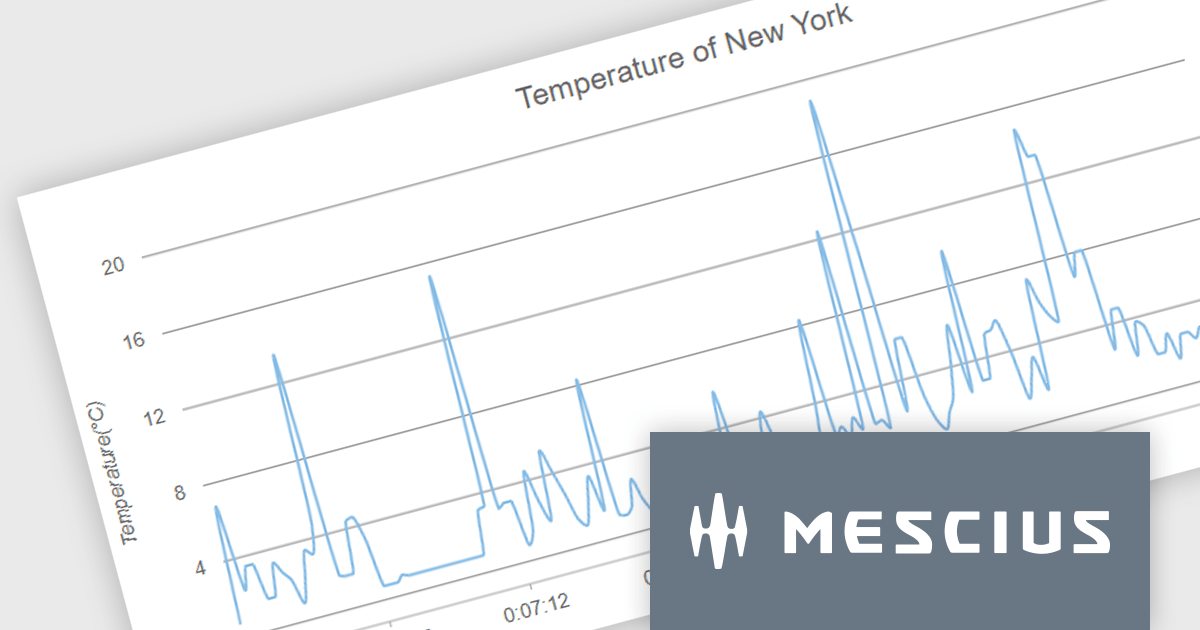
Wijmo by MESCIUS is a comprehensive suite of JavaScript UI controls for building interactive web applications. It offers a wide range of powerful components including grids, charts, inputs, and gauges, designed to streamline development processes and enhance user experiences. With its robust functionality and customizable features, Wijmo simplifies the creation of sophisticated web interfaces, empowering software developers to efficiently craft responsive and visually appealing applications without sacrificing performance or scalability.
The Wijmo 2024 v1 release includes significant rendering refinements for FlexChart and FlexPie. Notable improvements include smoother rounding for polylines and polygons in FlexChart, enhanced spline chart interpolation, and refined tooltips tailored specifically for small slices within FlexPie. These updates collectively enhance the visual quality, precision, and user experience of both chart components, providing developers with finer control over chart aesthetics and data representation.
To see a full list of what's new in 2024 v1, see our release notes.
Wijmo is licensed per developer. Developer Licenses are perpetual and include 1 year Subscription which provides upgrades, including bug fixes and new features. See our Wijmo licensing page for full details.
For more information, visit our Wijmo product page.





Tel: (888) 850 9911
Fax: +1 770 250 6199


