








Fornitore ufficiale
In qualità di distributori ufficiali e autorizzati, forniamo licenze software legittime direttamente da più di 200 autori di software.
Vedi tutte le nostre marche
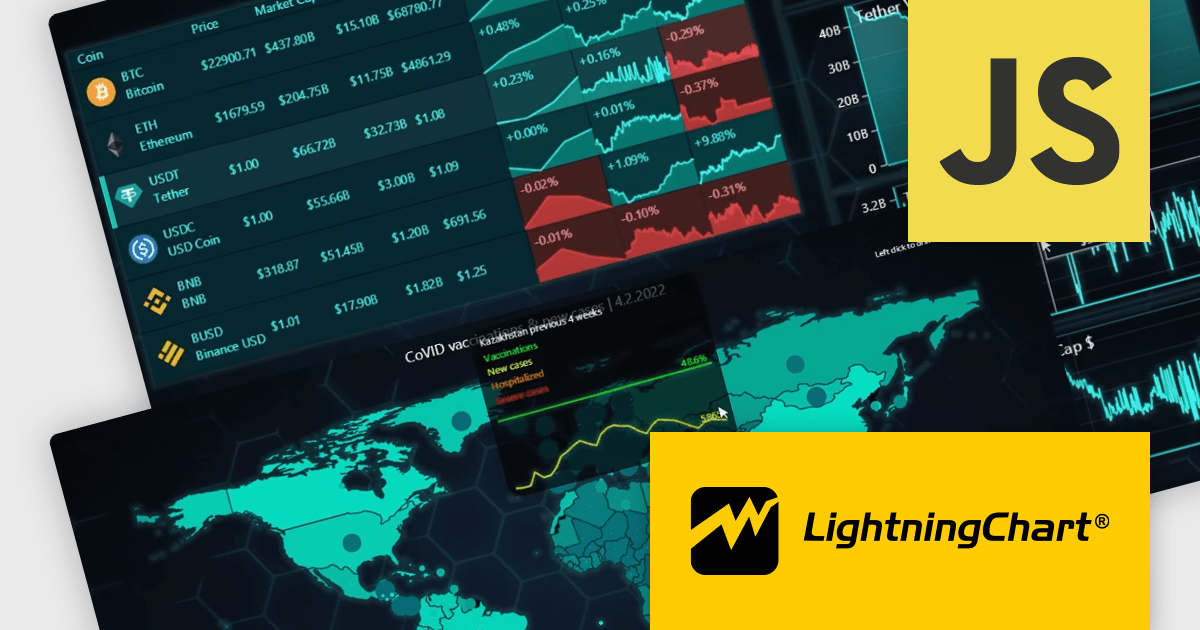
LightningChart JS Trader is a comprehensive charting solution specifically designed for building high-performance financial and trading applications in JavaScript. It equips developers with a rich set of financial charts, over 100 technical indicators for in-depth analysis, and 30+ drawing tools for visual annotations. Additionally, a fully featured datagrid with sparkline support allows for organized data management and display. This combination empowers developers to create interactive and visually engaging trading dashboards, charting tools, and other financial applications with high performance and extensive customization options.
LightningChart JS Trader features include:
LightningChart JS Trader is licensed per developer, per application, per year. The annual license includes technical support and product updates for one year. To continue using the software you will need to renew your license each year. There are three editions to choose from; Basic, Plus and Ultimate which offer different levels of functionality and distribution rights. See our LightningChart JS Trader Licensing page for full details.
For more information, visit our LightningChart JS Trader product page.
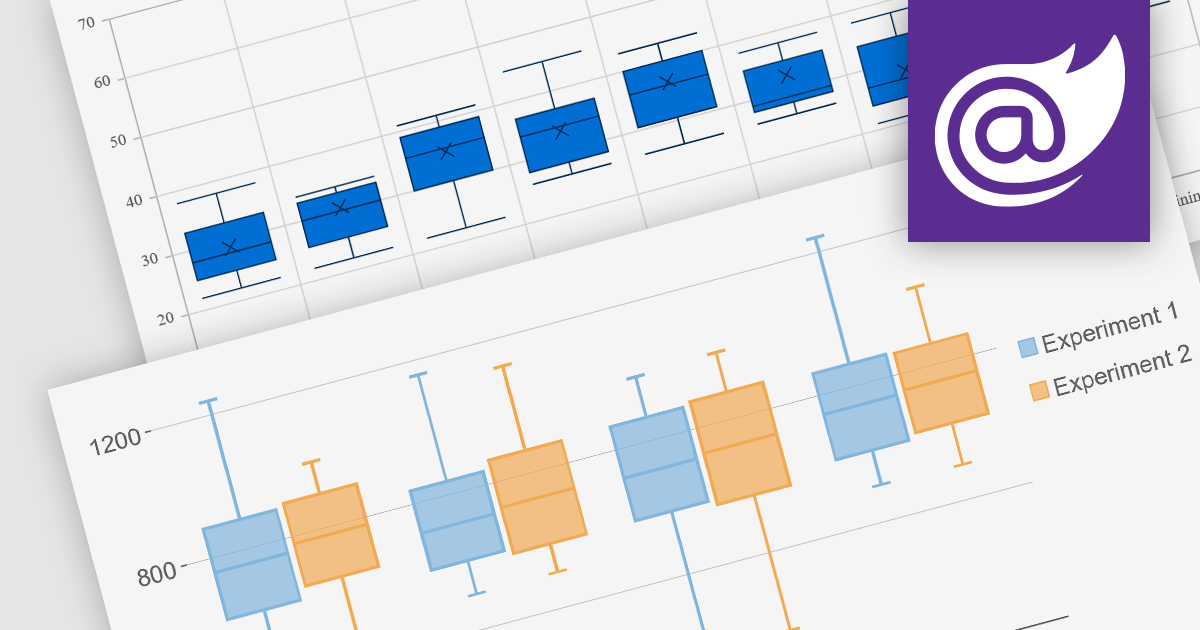
Box plots, also known as box-and-whisker plots, are used to display the distribution of a dataset. They show the median, quartiles, and extremes of the data, providing a quick visual summary of the data's central tendency and variability. This makes them particularly useful for statistical analysis and comparing data across categories.
Several Blazor chart controls offer Box plots including:
For an in-depth analysis of features and price, visit our Blazor chart controls comparison.
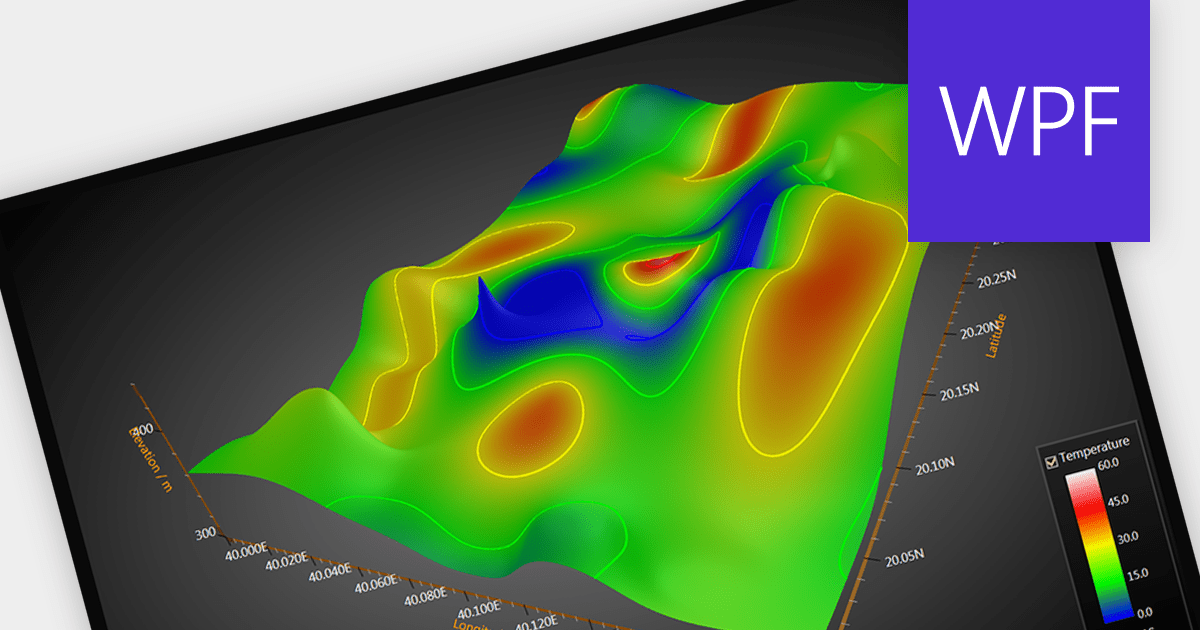
Surface charts are graphical representations that depict three-dimensional data in a two-dimensional format, typically using a grid of rows and columns. These charts provide a visual representation of how two independent variables (typically represented on the X and Y axes) influence a dependent variable, represented by the height or color of the surface. The primary benefit of surface charts lies in their ability to reveal complex relationships within datasets, making it easier for analysts and decision-makers to grasp patterns and trends. Surface charts offer a valuable tool for analyzing data in fields such as scientific research, engineering, finance, and various other domains.
Several WPF chart controls offer Surface charts including:
For an in-depth analysis of features and price, visit our WPF chart controls comparison.
Highcharts is a powerful and versatile JavaScript charting library that empowers developers to create interactive and visually appealing data visualizations for web and mobile applications. Renowned for its extensive chart types, from line and bar charts to heatmaps and gauges, Highcharts boasts advanced customization options, allowing you to tailor layouts, colors, and behaviors to seamlessly integrate with your project's aesthetic and functionality.
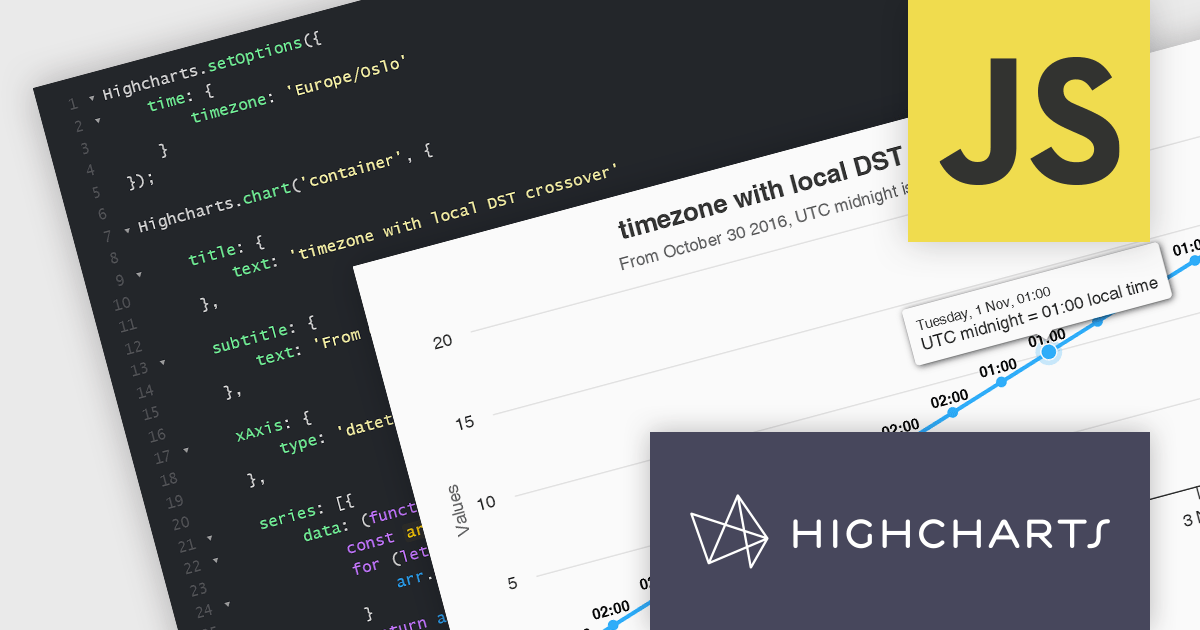
The Highcharts v11.3.0 release delivers enhanced datetime support with native handling of the time.timezone option. This streamlined approach leverages the browser's built-in time zone capabilities, ensuring compatibility and accuracy. For browsers that don't recognize a timezone, Highcharts provides a clear warning and defaults to the UTC. By eliminating the dependency on moment.js, Highcharts reduces library weight and improves overall project performance.
To see a full list of what’s new in version 11.3.0, see our release notes.
Highcharts is licensed per developer as an Annual or Perpetual License with Internal, Saas, SaaS+ and OEM distribution options. The annual license includes support and all product updates for 1 year and must be renewed to continue to use the software. The perpetual license includes an "Advantage Subscription" for 1 to 5 years which provides support and updates for that period. If you do not renew Advantage then you may continue to use the software at the last release available during the active Advantage period. See our Highcharts Core licensing page for full details.
Highcharts Core is available as part of the following products:
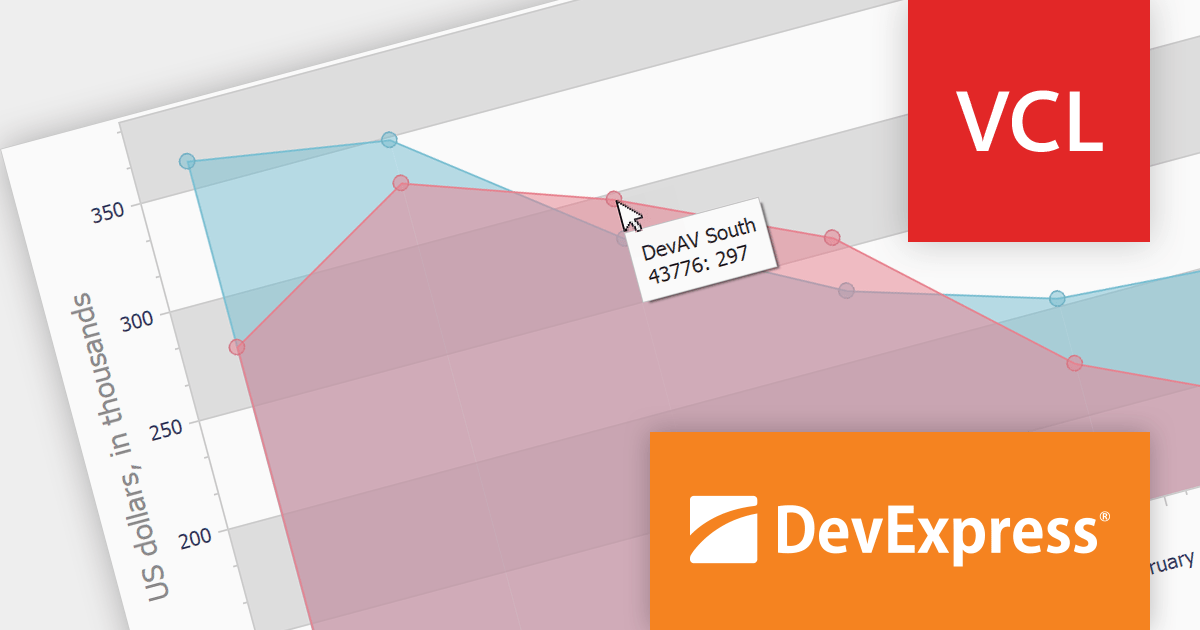
DevExpress VCL Subscription is a comprehensive suite for Delphi and C++Builder developers that includes high-performance UI components, reporting tools, data visualization elements, and application templates. It lets you build rich, data-driven business applications with ease, offering ongoing updates, technical support, and royalty-free distribution rights, perfect for boosting developer productivity and delivering polished software experiences.
Version 23.2 improves the chart component with tooltip support. This allows you to display informative popups when users hover over data points or series on your charts. These tooltips can include various details such as series captions, data point arguments, and corresponding values, providing additional context and clarity to your visualizations.
To see a full list of what's new in version 23.2, see our release notes.
DevExpress VCL Subscription is licensed per developer and is available as a Perpetual License with a 12 month support and maintenance subscription. See our DevExpress VCL Subscription licensing page for full details.
For more information, visit our DevExpress VCL Subscription product page.





Tel: (888) 850 9911
Fax: +1 770 250 6199


