








Fornitore ufficiale
In qualità di distributori ufficiali e autorizzati, forniamo licenze software legittime direttamente da più di 200 autori di software.
Vedi tutte le nostre marche
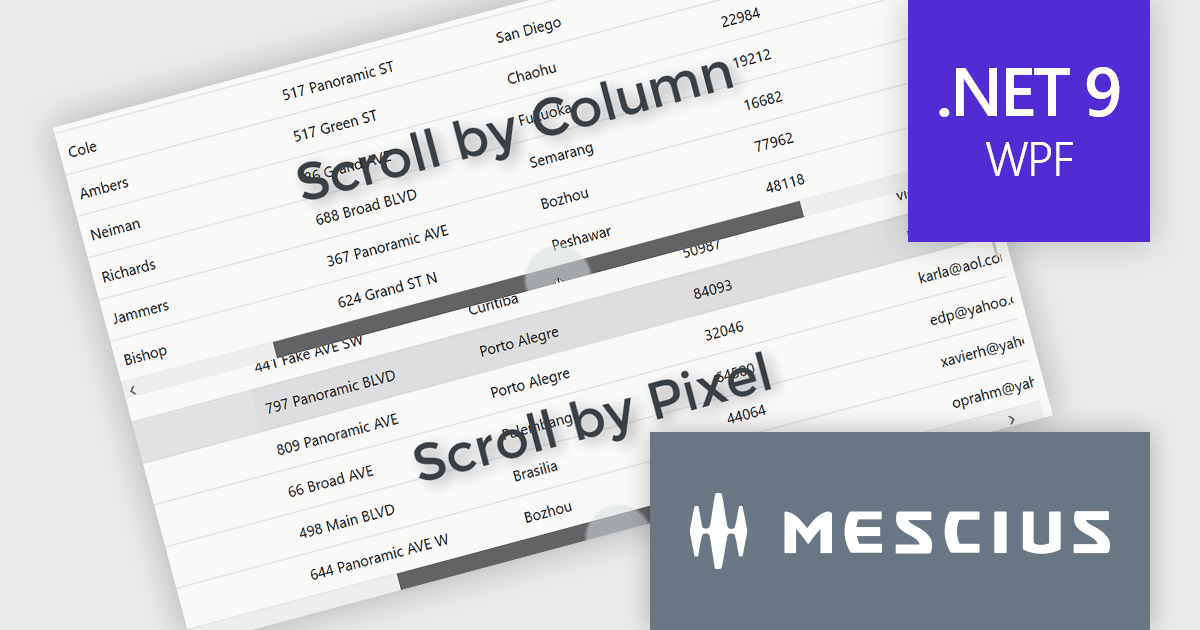
ComponentOne Studio WPF by MESCIUS is a comprehensive suite of controls designed to enhance the development of WPF applications. It offers a range of powerful and flexible UI components such as data grids, charts, and data visualization tools that integrate seamlessly into WPF projects. This suite enables developers to create modern, responsive, and visually appealing applications with greater efficiency, leveraging robust features and customization options. Its components are optimized for performance and ease of use, allowing for the rapid development of high-quality WPF applications that meet complex business requirements.
The ComponentOne Studio WPF 2024 v2 update introduces a new ScrollMode property to FlexGrid, enabling developers to implement scrolling by row or column instead of the default pixel-based behavior. This enhancement ensures that rows and columns are fully visible, preventing partial display and improving data readability within the grid. By offering a more precise and structured navigation experience, this feature supports applications where clarity and user focus are critical. This addition provides developers with greater flexibility to customize the grid's behavior, allowing them to tailor the user experience to meet specific application requirements.
To see a full list of what's new in 2024 v2, see our release notes.
ComponentOne Studio WPF is licensed per developer on a perpetual basis and includes a 12 month subscription. See our ComponentOne Studio WPF licensing page for full details.
ComponentOne Studio WPF is available individually or as part of ComponentOne Studio Enterprise.
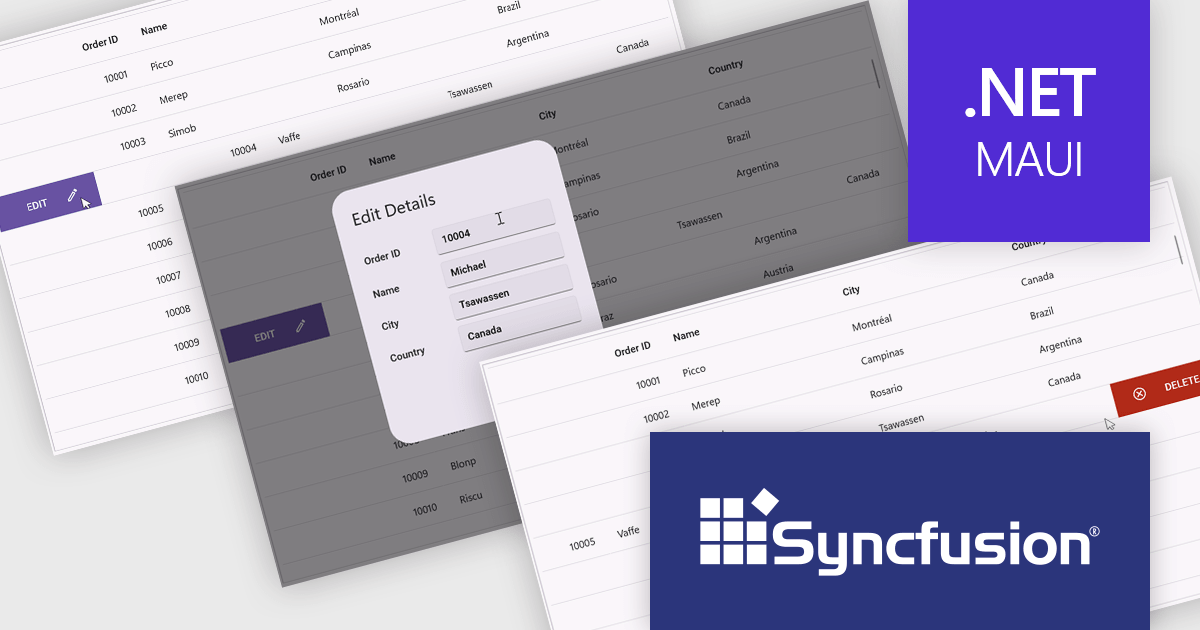
Syncfusion Essential Studio .NET MAUI (available as part of Syncfusion Essential Studio Enterprise) empowers developers with a comprehensive suite of native UI controls, data visualization tools, and performance optimizations for building modern, cross-platform mobile and desktop applications. This professional-grade toolkit leverages the power of C# and XAML, enabling rapid development of stunning and responsive experiences across diverse platforms.
The Syncfusion Essential Studio .NET MAUI 2024 Volume 4 update introduces a new swiping feature in the DataGrid, enabling users to perform actions efficiently by swiping rows either to the left or right. This functionality enhances usability in mobile and touch-based applications by offering a streamlined way to interact with data, such as triggering actions like edit or delete directly through intuitive swipe gestures. With its flexibility, developers can customize the swipe behavior to align with their application's requirements, improving workflow efficiency and delivering a modern, touch-friendly user experience.
To see a full list of what's new in 2024 Volume 4, see our release notes.
Syncfusion Essential Studio .NET MAUI is available as part of Syncfusion Essential Studio Enterprise which is licensed per developer starting with a Team License of up to five developers. It is available as a 12 Month Timed Subscription License which includes support and maintenance. See our Syncfusion Essential Studio Enterprise licensing page for full details.
Learn more on our Syncfusion Essential Studio .NET MAUI product page.
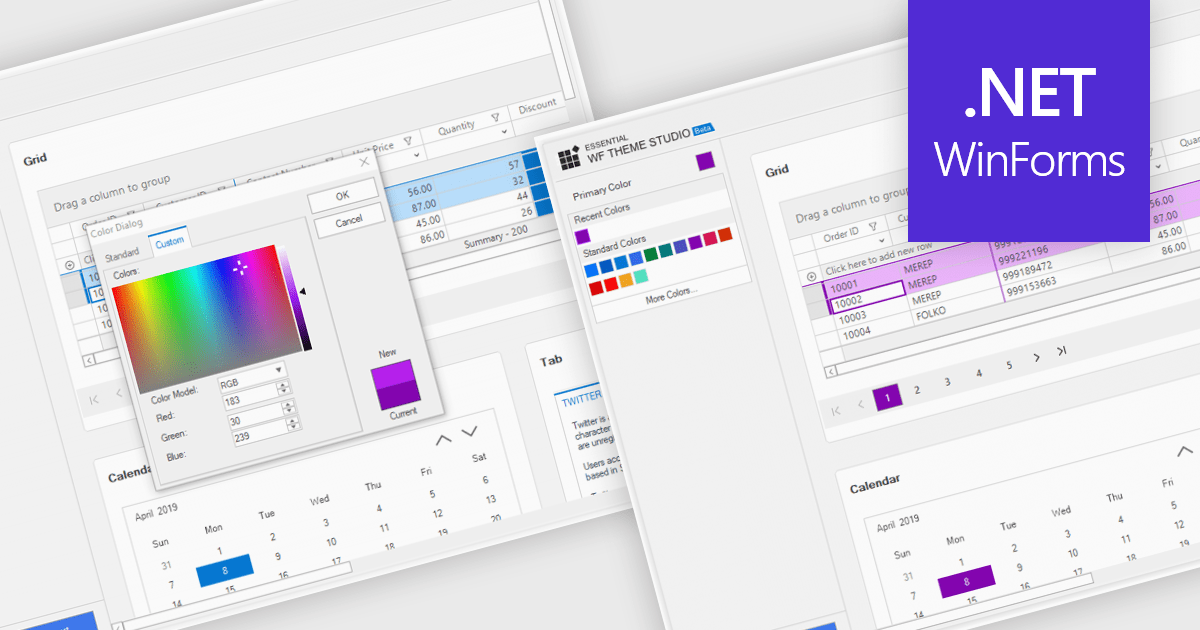
Customizable themes allow developers to define and manage the visual appearance of applications by modifying elements such as colors, typography, spacing, and component styles to align with specific branding or design requirements. These themes ensure a consistent and professional user interface across all components, simplify the process of applying design changes, and enhance scalability for future updates or multiple projects. By centralizing style management, customizable themes improve development efficiency, reduce redundancy, and enable the creation of accessible and responsive designs that deliver a seamless user experience across devices and platforms.
Several Windows Forms grid components offer support for customizable themes including:
For an in-depth analysis of features and price, visit our WinForms grid controls comparison.
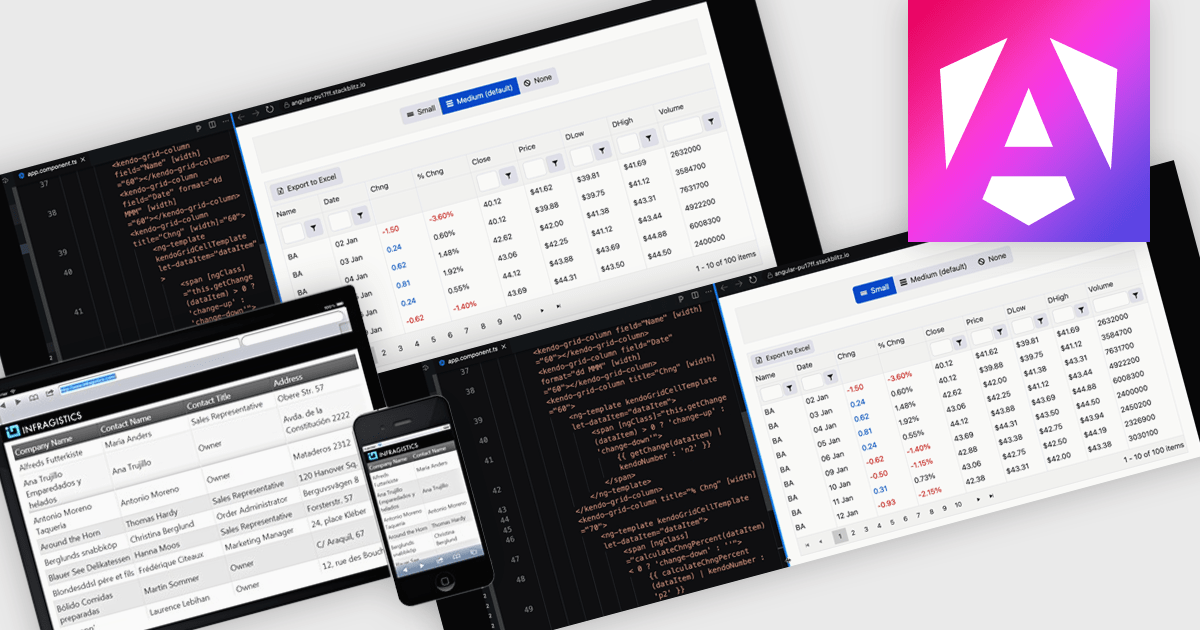
A responsive layout is a design approach that enables web and application interfaces to automatically adjust and optimize their structure, content, and elements for different screen sizes and devices. By using flexible grids, scalable images, and adaptable components, responsive layouts ensure a consistent and user-friendly experience across desktops, tablets, and mobile devices. For software developers, this approach simplifies the creation of cross-platform applications, improves accessibility, and enhances user satisfaction by delivering interfaces that perform seamlessly in diverse environments.
Several Angular grid components support responsive layouts including:
For an in-depth analysis of features and price, visit our comparison of Angular grid controls.
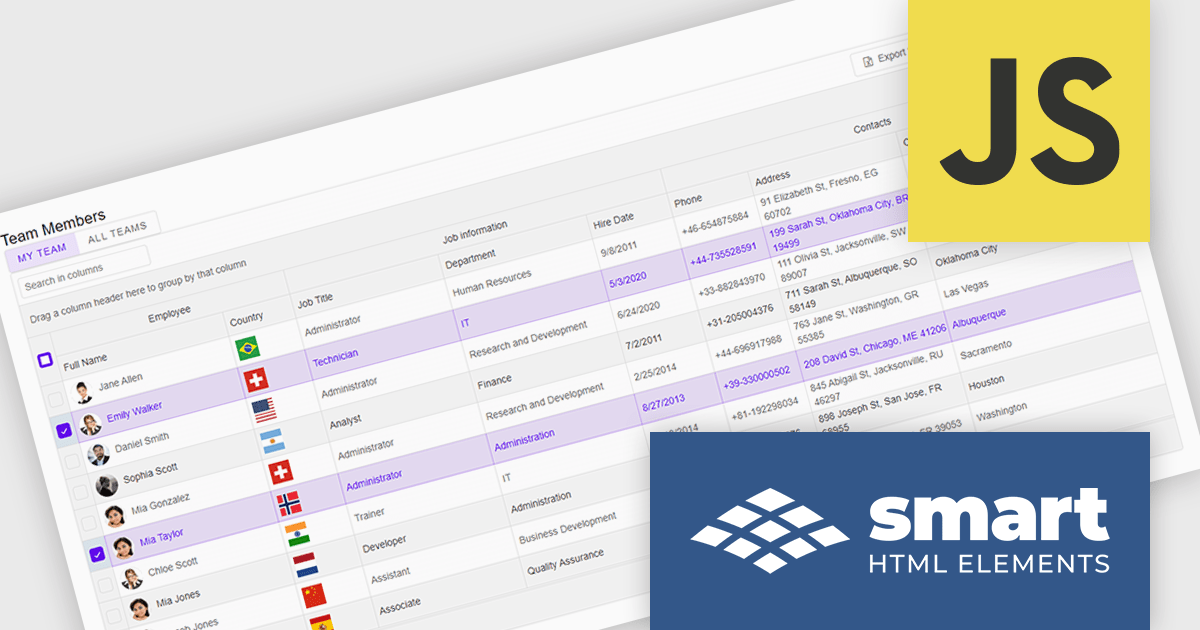
Smart UI by Smart HTML Elements is an enterprise-grade UI library offering pre-built web components for developers in Angular, React, Vue, Blazor, and JavaScript. It boasts over 60 ready-to-use components like grids, charts, schedulers, and editors, all featuring two-way data binding, responsiveness, accessibility, and theming capabilities. This library helps developers rapidly build dynamic and modern web applications with consistent look-and-feel and rich functionalities, accelerating development time and ensuring professional quality.
The Smart UI v21.0.0 release introduces significant enhancements to grid Excel export functionality. Users can now export one or more images from grids or components directly into Excel files and limit exports to selected rows or cells. These features provide greater flexibility, enabling users to include precisely the data they need while adding visual context to enhance understanding. The ability to tailor exports in this way ensures clearer communication of the underlying meaning and significance of the data.
To see a full list of what's new in v21.0.0, see our release notes.
Smart UI (Smart HTML Elements) is licensed per developer and is available as a perpetual license with 1 year support and maintenance. It includes distribution to unlimited Web applications, SaaS projects, Intranets and Websites. Team, OEM and Enterprise licensing options are also available. See our Smart UI licensing page for full details.
Learn more on our Smart UI product page.





Tel: (888) 850 9911
Fax: +1 770 250 6199


