








Fornitore ufficiale
In qualità di distributori ufficiali e autorizzati, forniamo licenze software legittime direttamente da più di 200 autori di software.
Vedi tutte le nostre marche
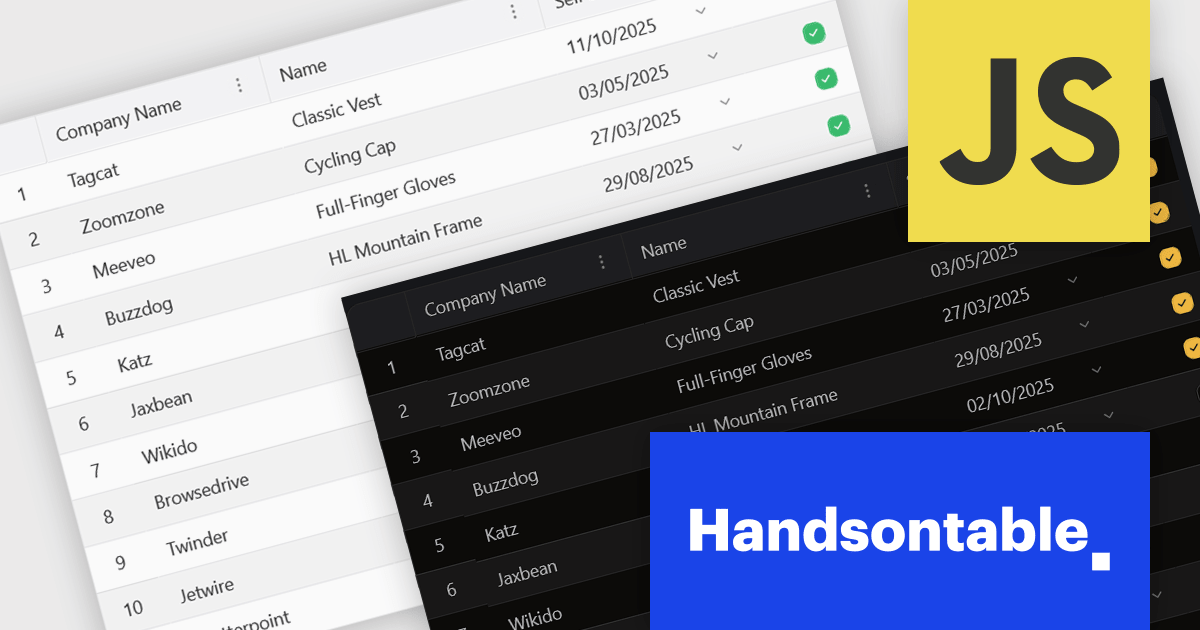
Handsontable is a JavaScript library designed to help developers build interactive data grids into their web applications. Offering a familiar spreadsheet-like interface, it allows users to edit, sort, and filter data with ease. Highly customizable and compatible with popular frameworks like React and Angular, Handsontable empowers developers to build robust data manipulation features into their web applications.
The 15.0.0 release introduces a significant enhancement in terms of styling flexibility. The underlying CSS framework has been entirely overhauled, granting developers unprecedented control over the visual presentation of their grids. This update boasts a comprehensive library of over 180 CSS variables, allowing for meticulous customization of every visual aspect. From subtle adjustments to font sizes and colors to more radical transformations of borders, cell padding, and overall layout, users can seamlessly align the table's appearance with their specific design preferences and branding guidelines. This level of granular control empowers designers and developers to create truly unique and visually compelling data tables that seamlessly integrate with their existing user interfaces.
To see a full list of what's new in version 15.0.0, see our release notes.
Handsontable is licensed per developer and is available as an Annual or Perpetual license with 1 year support and maintenance. See our Handsontable licensing page for full details.
For more information, visit our Handsontable product page.
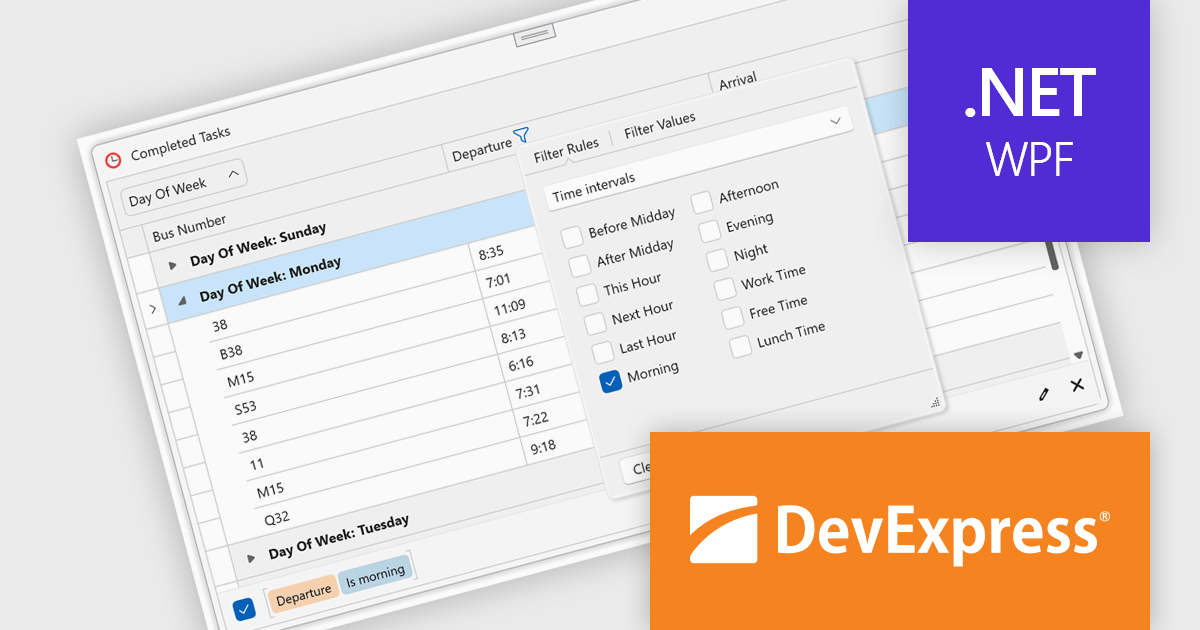
DevExpress WPF is a powerful suite of controls that enhances your WPF development toolkit. It offers data grids, ribbon menus, rich text editors, spreadsheets, charts, and more – all with beautiful themes and touch-friendly interfaces. DevExpress WPF empowers you to build professional-looking, responsive applications that meet modern user expectations, saving you time and effort while adding polish and functionality.
The DevExpress WPF v24.2 update introduces enhanced TimeOnly Column Filters, providing users with a streamlined and precise way to analyze time-specific data. This feature enables users to efficiently filter grid data based solely on time values using an intuitive, Excel-inspired interface. By offering dedicated time interval rules within the column filter popup, developers can deliver a more focused and user-friendly experience for end users working with time-based datasets. This enhancement simplifies data exploration, improves productivity, and ensures that time-related insights can be identified quickly and accurately within WPF applications.
To see a full list of what's new in version 24.2, see our release notes.
DevExpress WPF is licensed per developer and is available as a Perpetual License with a 12 month support and maintenance subscription. We can supply new subscriptions, subscription renewals, and additional licenses. See our DevExpress WPF licensing page for full details.
DevExpress WPF is available to buy in the following products:
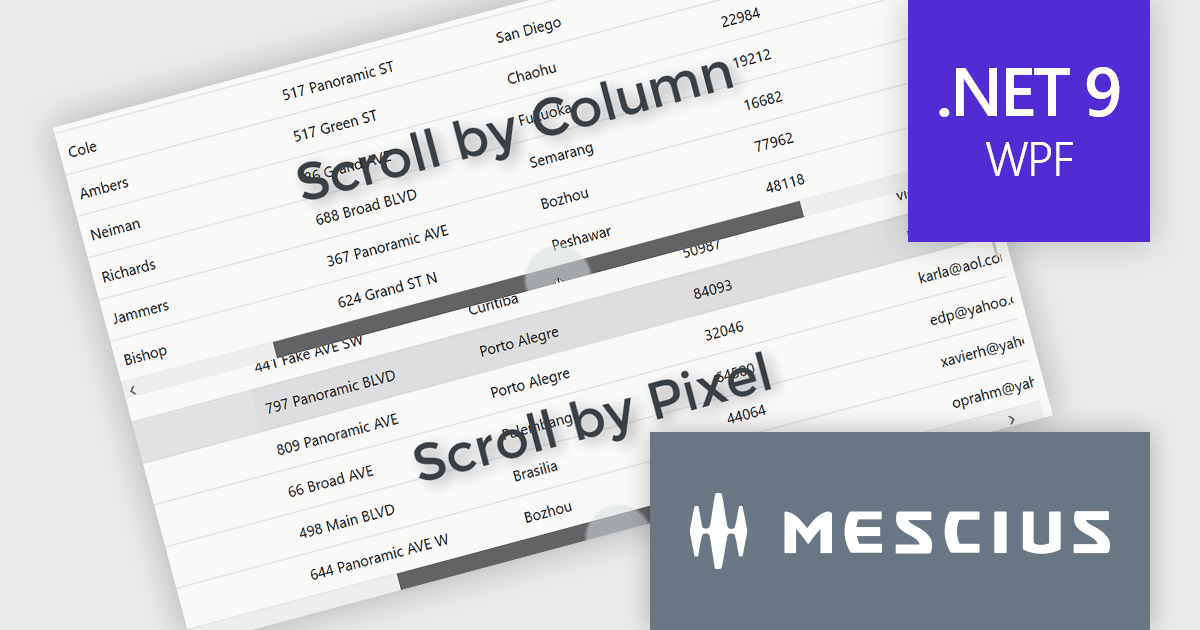
ComponentOne Studio WPF by MESCIUS is a comprehensive suite of controls designed to enhance the development of WPF applications. It offers a range of powerful and flexible UI components such as data grids, charts, and data visualization tools that integrate seamlessly into WPF projects. This suite enables developers to create modern, responsive, and visually appealing applications with greater efficiency, leveraging robust features and customization options. Its components are optimized for performance and ease of use, allowing for the rapid development of high-quality WPF applications that meet complex business requirements.
The ComponentOne Studio WPF 2024 v2 update introduces a new ScrollMode property to FlexGrid, enabling developers to implement scrolling by row or column instead of the default pixel-based behavior. This enhancement ensures that rows and columns are fully visible, preventing partial display and improving data readability within the grid. By offering a more precise and structured navigation experience, this feature supports applications where clarity and user focus are critical. This addition provides developers with greater flexibility to customize the grid's behavior, allowing them to tailor the user experience to meet specific application requirements.
To see a full list of what's new in 2024 v2, see our release notes.
ComponentOne Studio WPF is licensed per developer on a perpetual basis and includes a 12 month subscription. See our ComponentOne Studio WPF licensing page for full details.
ComponentOne Studio WPF is available individually or as part of ComponentOne Studio Enterprise.
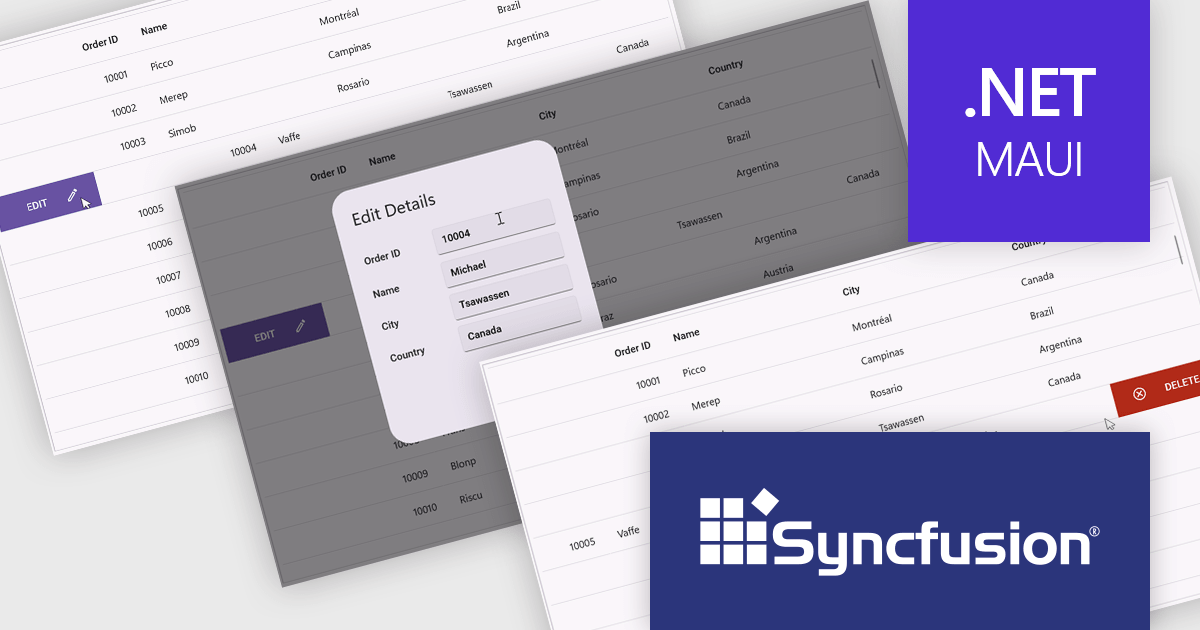
Syncfusion Essential Studio .NET MAUI (available as part of Syncfusion Essential Studio Enterprise) empowers developers with a comprehensive suite of native UI controls, data visualization tools, and performance optimizations for building modern, cross-platform mobile and desktop applications. This professional-grade toolkit leverages the power of C# and XAML, enabling rapid development of stunning and responsive experiences across diverse platforms.
The Syncfusion Essential Studio .NET MAUI 2024 Volume 4 update introduces a new swiping feature in the DataGrid, enabling users to perform actions efficiently by swiping rows either to the left or right. This functionality enhances usability in mobile and touch-based applications by offering a streamlined way to interact with data, such as triggering actions like edit or delete directly through intuitive swipe gestures. With its flexibility, developers can customize the swipe behavior to align with their application's requirements, improving workflow efficiency and delivering a modern, touch-friendly user experience.
To see a full list of what's new in 2024 Volume 4, see our release notes.
Syncfusion Essential Studio .NET MAUI is available as part of Syncfusion Essential Studio Enterprise which is licensed per developer starting with a Team License of up to five developers. It is available as a 12 Month Timed Subscription License which includes support and maintenance. See our Syncfusion Essential Studio Enterprise licensing page for full details.
Learn more on our Syncfusion Essential Studio .NET MAUI product page.
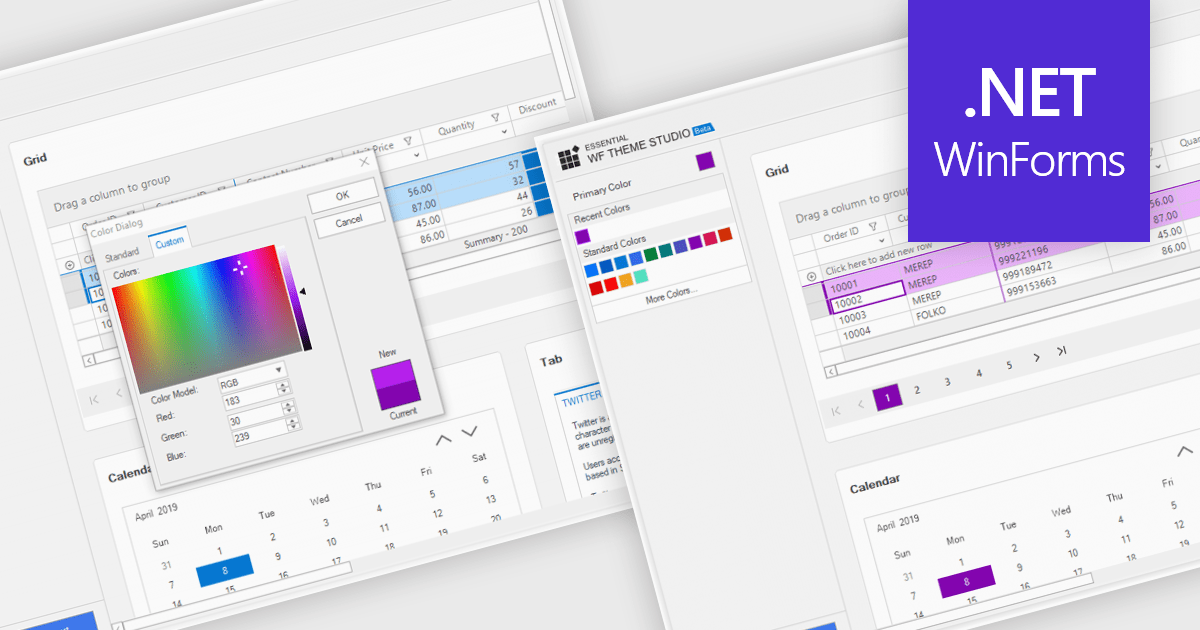
Customizable themes allow developers to define and manage the visual appearance of applications by modifying elements such as colors, typography, spacing, and component styles to align with specific branding or design requirements. These themes ensure a consistent and professional user interface across all components, simplify the process of applying design changes, and enhance scalability for future updates or multiple projects. By centralizing style management, customizable themes improve development efficiency, reduce redundancy, and enable the creation of accessible and responsive designs that deliver a seamless user experience across devices and platforms.
Several Windows Forms grid components offer support for customizable themes including:
For an in-depth analysis of features and price, visit our WinForms grid controls comparison.





Tel: (888) 850 9911
Fax: +1 770 250 6199


