Notizie su

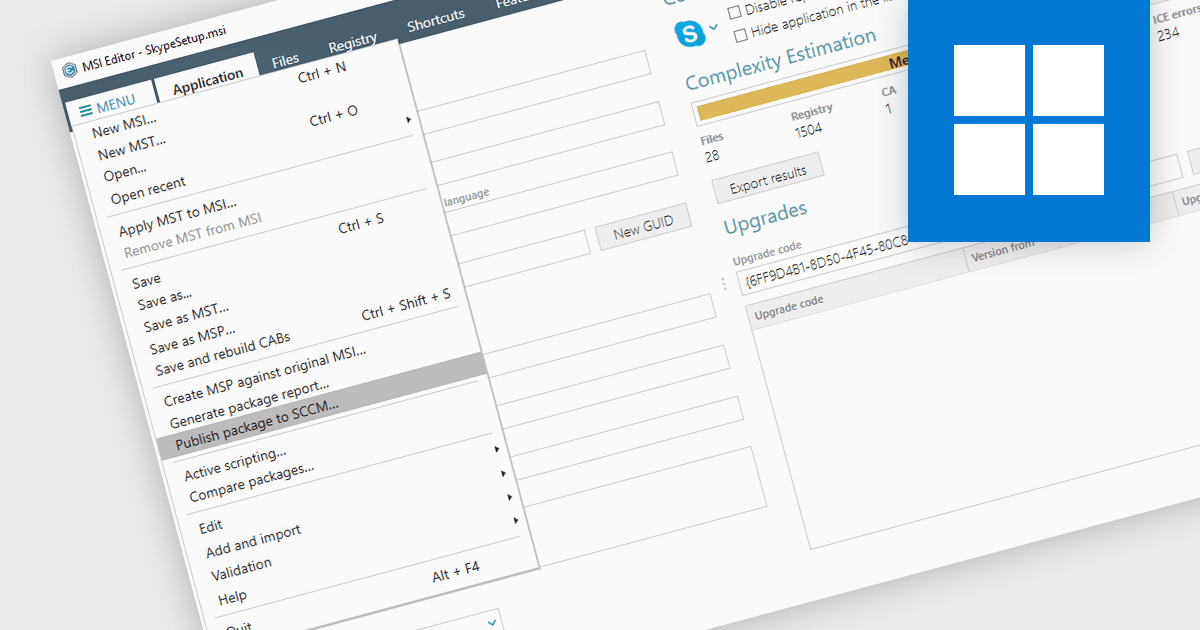
Centralizza la distribuzione MSI con SCCM

Aprile 2, 2024
La pubblicazione di pacchetti MSI in Microsoft SCCM ottimizza la distribuzione del software e garantisce installazioni uniformi tra i dispositivi gestiti.

Publishing MSI packages to Microsoft System Center Configuration Manager (SCCM) enables centralized software deployment and administration across a network. SCCM can automate the packaging process by using the MSI installer's built-in features or integrating third-party solutions. This streamlines application distribution, reduces administrative overhead, and ensures consistency in software installations for all devices managed by SCCM.

Several installation tools allow you to publish MSI packages to SCCM, including:

  • Advanced Installer Architect by Caphyon is an authoring tool for Windows installers that allows you to build and edit MSI packages that can be deployed to SCCM.
  • InstallShield by Revenera is a leading Windows installation development solution that offers the ability to create and manage MSI installers for SCCM distribution.
  • AdminStudio Enterprise by Flexera provides centralized management and advanced editing tools for preparing applications, as well as a package distribution wizard for publishing MSI packages to Microsoft SCCM.

For an in-depth analysis of features and price, visit our comparison of installation tools.

Compare Installation Tools

Crea programmi di installazione brandizzati con i temi di configurazione

Febbraio 29, 2024
Costruisci uno stile coerente del marchio e migliora l'esperienza dell'utente finale sfruttando strumenti di installazione professionali con supporto per i temi.

Setup themes are predefined visual styles and user interface configurations that customize the appearance and flow of the software installation process. These themes allow developers to tailor the installer's look and feel to align with their software branding, provide a seamless user experience, and potentially simplify the installation steps by offering pre-configured settings based on the selected theme. Many installation tools include a variety of built-in themes, along with the ability to create custom themes for advanced control over the installer's aesthetic and functionality. Themed installers contribute to brand recognition and foster a positive perception of the software, ultimately enhancing the software deployment process for both developers and end-users.

Several Installation Tools offer Setup Themes including:

  • Advanced Installer Architect by Caphyon streamlines installations with over 80 sophisticated setup themes, ensuring a professional and efficient branded deployment experience for developers.
  • Setup Factory by Indigo Rose offers dozens of pre-made themes (skins) with live dialog previews, plus the option of downloadable ready-to-use MSSTYLES themes, and the ability to create your own theme.
  • InstallShield Premier by Revenera includes a range of varied themes that give your end-user dialogs a unified and distinctive look, and can be easily applied to all interior and exterior dialogs.

For an in-depth analysis of features and price, visit our comparison of Installation Tools.
Compare Installation Tools

Automatizza la distribuzione con installazioni automatiche

Febbraio 23, 2024
Risparmia tempo e interruzioni installando il software senza la necessità di interazione da parte dell'utente, semplificando le configurazioni per più dispositivi.

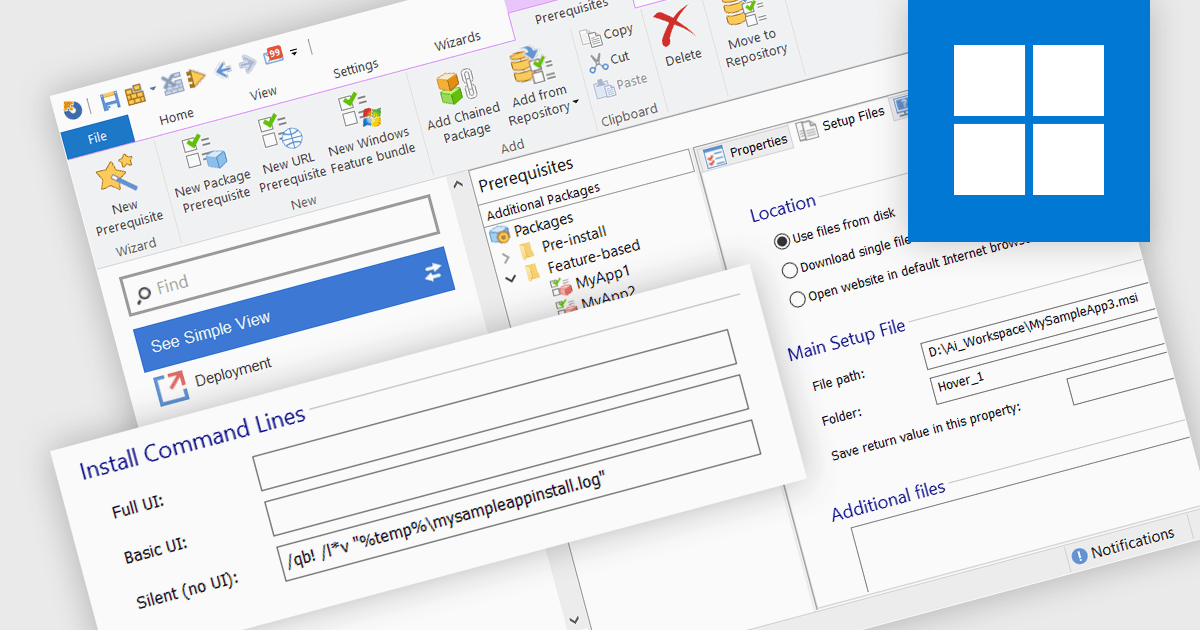
The ability to create silent installations, or unattended installations, refers to the process of deploying software onto a device without user interaction. This is achieved through pre-defined parameters that dictate installation options, configuration settings, and destination directories. This capability is valuable for IT professionals who need to automate software deployments across multiple devices, ensuring consistency and reducing manual intervention, especially in large organizations.

Several installation tools offer the ability to create silent installations including:

  • Advanced Installer Architect by Caphyon allows you to craft tailored MSI and EXE installers with granular silent deployment control and detailed logging.
  • InstallShield Premier by Revenera enables you to simplify silent installations of complex applications with pre-built components and command-line customization.
  • AdminStudio Professional by Flexera lets you automate silent deployments for Windows applications and patches, leveraging pre-built packages, comprehensive testing, and scripting.

For an in-depth analysis of features and price, visit our installation tools comparison.
Compare Installation Tools

Semplifica la creazione di installer grazie alle procedure guidate per nuovi pacchetti

Febbraio 20, 2024
Riduci i costi e i tempi di implementazione utilizzando intuitive procedure guidate di configurazione dell'installazione per creare pacchetti personalizzati e privi di errori.

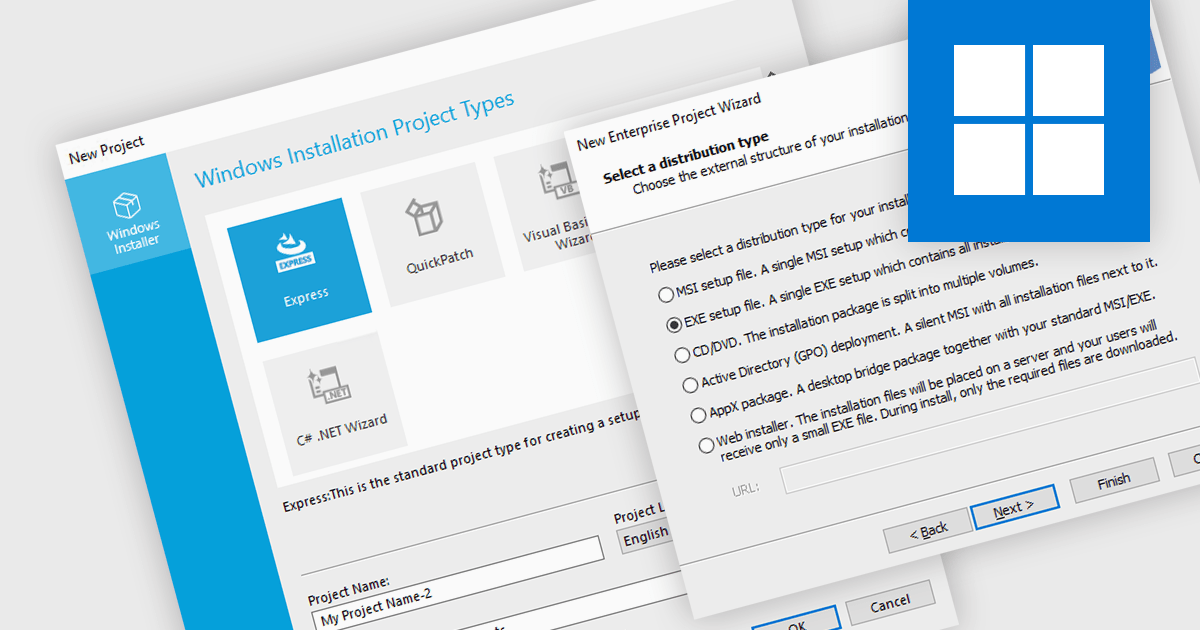
A new project wizard is a guided interface that assists users in creating an installer. It simplifies the process by presenting options and collecting necessary information step-by-step, saving time and reducing errors compared to manual configuration. They are user-friendly regardless of your experience, and are particularly helpful for complex projects with various settings, languages, or dependencies.

Several installation tools offer a new project wizard, including:

  • Advanced Installer Architect by Caphyon simplifies Windows installer creation with intuitive and user-friendly wizards that efficiently guide you through the project setup.
  • InstallShield Premier by Revenera offers a robust Windows installation development solution and includes wizards that help you construct complex installers with ease.
  • PACE Suite by Infopulse is a versatile packaging solution which features several helpful wizards for building new, and repackaging existing software installations.
  • Master Packager is an application packaging tool for creating and modifying Microsoft Windows Installer files such as MSI or MST, and includes an installation wizard.

For an in-depth analysis of features and price, visit our comparison of installation tools.
Compare Installation Tools

Migliora la sicurezza del programma di installazione con le firme digitali

Febbraio 9, 2024
La firma digitale dei file di installazione verifica l'autenticità e previene le manomissioni, offrendo agli utenti un processo di installazione più sicuro e affidabile.

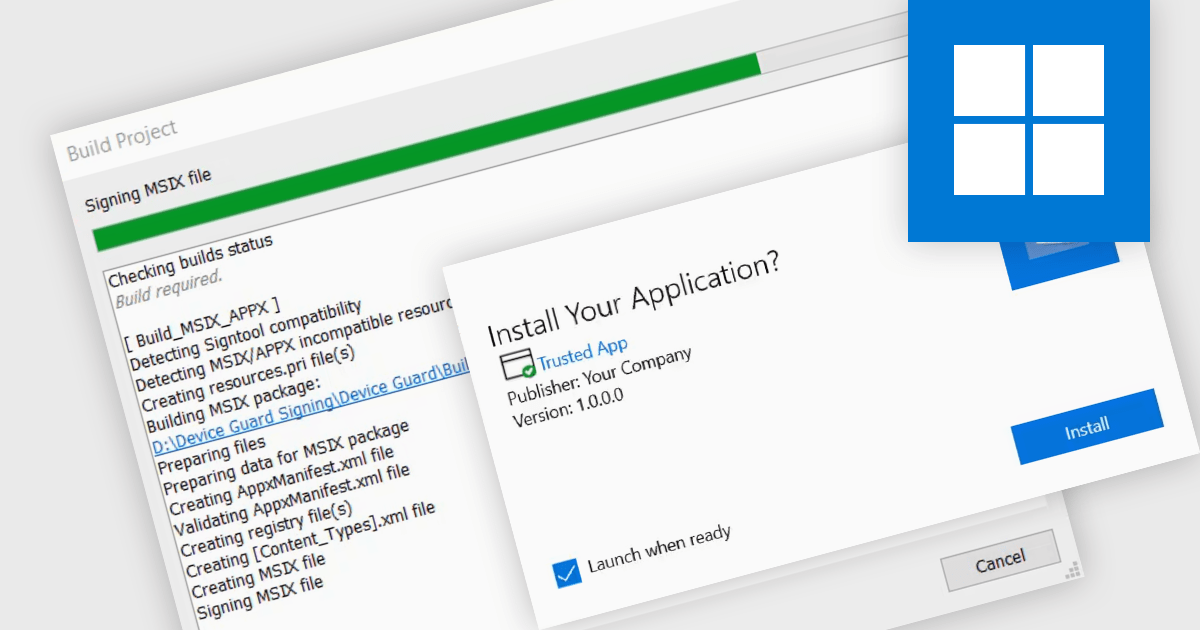
Digital signatures offer a powerful security shield against software tampering or impersonation. These electronic seals act as a digital fingerprint, verifying the software's authenticity and ensuring users download exactly what they intended. This provides several benefits including increased trust for users who will know they're installing genuine software, reduced risk of malware infections or unauthorized modifications, and enhanced compliance with industry regulations and security standards.

Several installation tools support digital signatures including:

  • Advanced Installer Architect by Caphyon supports signing installers using a SHA-2 certificate to ensure they pass the UAC and Windows SmartScreen check.
  • InstallShield Premier by Revenera lets you digitally sign installers for enhanced security and user trust with flexible signing options.
  • PACE Suite by Infopulse can securely sign and validate installers with tamper detection and multi-level signing capabilities.
  • Master Packager simplifies installer signing with an intuitive interface and support for multiple signing methods.

For an in-depth analysis of features and price, visit our Installation Tools comparison.

Compare Installation Tools