








Fornitore ufficiale
In qualità di distributori ufficiali e autorizzati, forniamo licenze software legittime direttamente da più di 200 autori di software.
Vedi tutte le nostre marche
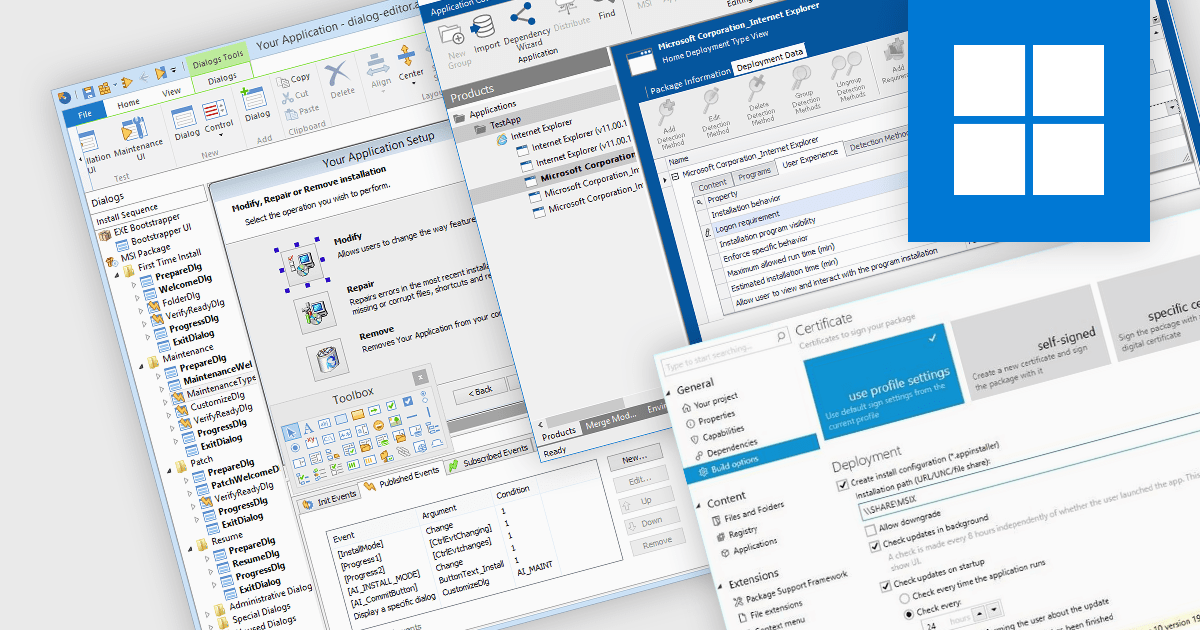
Cloud deployment is the process of delivering and managing software applications in a cloud computing environment. This eliminates the need for physical installations on individual devices and allows for centralized updates, easier scaling, and improved accessibility for users. Cloud deployment streamlines development workflows and reduces infrastructure costs, making it an attractive option for modern software development.
Several installation tools offer Cloud deployment including:
For an in-depth analysis of features and price, visit our comparison of Installation Tools.
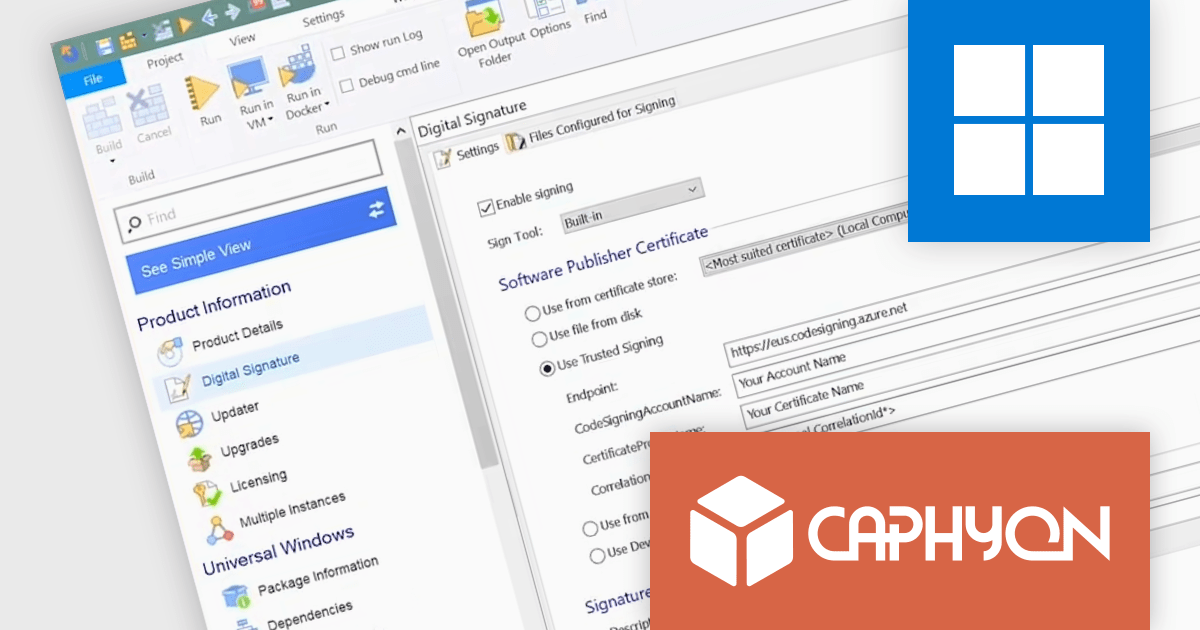
Advanced Installer by Caphyon is a powerful and versatile Windows installer authoring tool that enables developers and IT professionals to create professional-grade installation packages for their software applications. It offers a comprehensive set of features for building installers that are reliable, efficient, and compliant with industry standards.
The Advanced Installer V21.7 release adds Microsoft Azure Trusted Signing support in the Microsoft Visual Studio Extension. This integration simplifies your workflow by enabling you to sign your packages without leaving your development environment.
To see a full list of what's new in version 21.7, see our release notes
Advanced Installer is licensed per user and is available as an annual or perpetual license with 1 year support and maintenance. See our Advanced Installer licensing page for full details.
For more information, visit our Advanced Installer product pages:
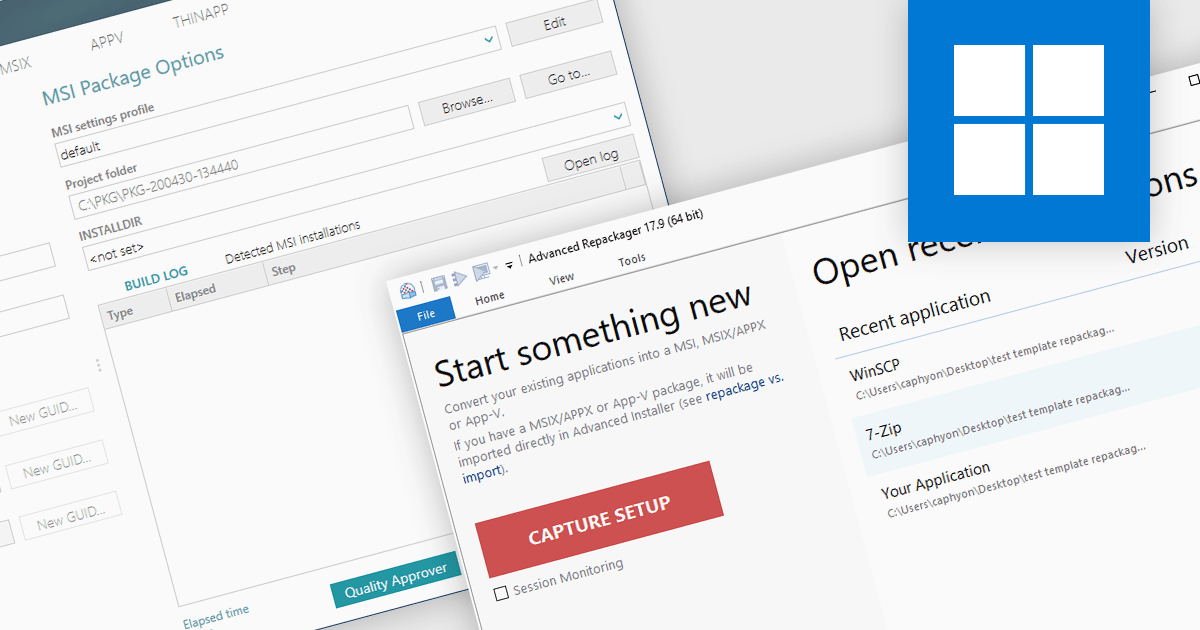
In the realm of Windows software deployment, repackaging refers to the process of adapting an existing installation program, often a traditional installer such as an EXE, into a more manageable format for large-scale deployments. This can involve capturing file system and registry changes during installation, then utilizing a repackaging tool to create a streamlined package such as an MSI that offers silent deployment, improved consistency, and better control over the installation process.
Several installation tools offer repackaging functionality including:
For an in-depth analysis of features and price, visit our Installation Tools comparison.
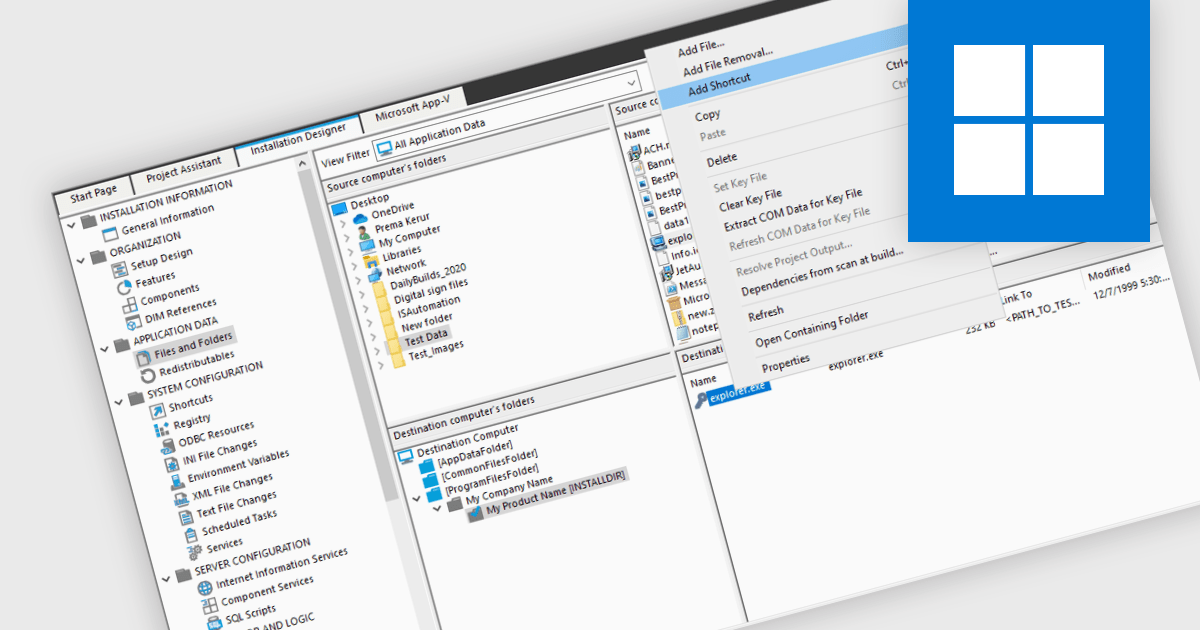
Many software installation tools offer the functionality to create shortcuts during the installation process. This streamlines user experience by placing readily accessible icons for the program on the desktop, Start menu, or other designated locations, all within the installation workflow. These shortcuts can be customized to specify administrator privileges or different launch behaviors, ensuring a user-friendly experience from the very first interaction.
Several installation tools support the creation of shortcuts including:
For an in-depth analysis of features and price, visit our Installation Tools comparison.
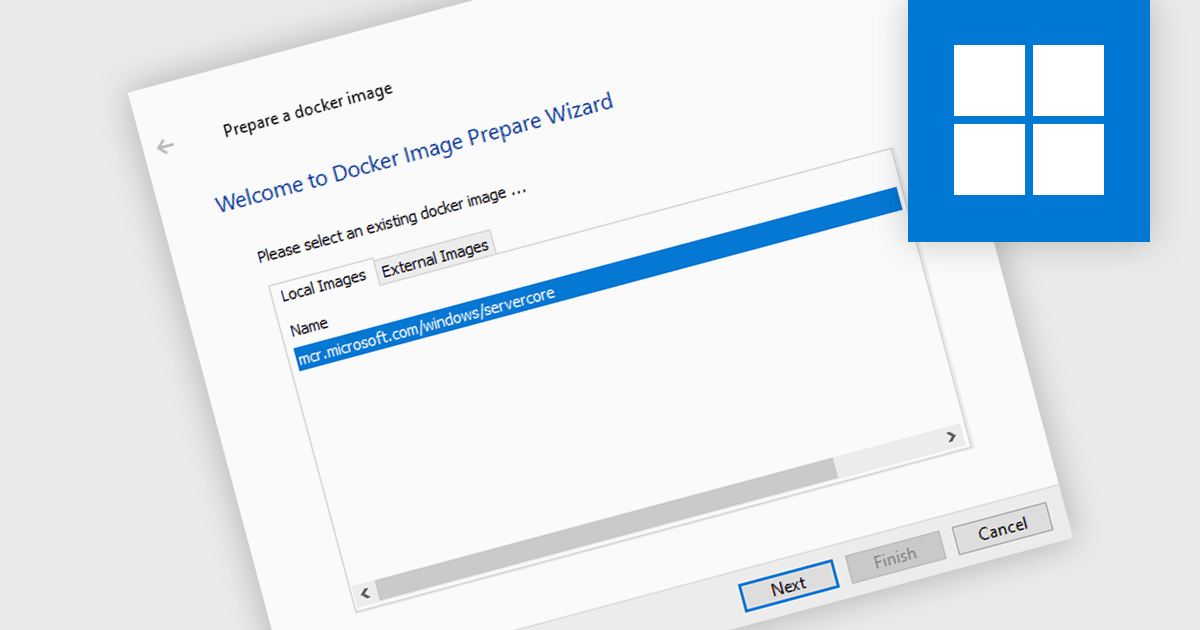
Release automation with Docker involves building workflows that leverage Docker images for development, testing, and deployment stages. These allow applications to be shipped as self-contained units; they are lightweight, standalone, executable packages that include everything needed to run a piece of software, including the code, a runtime, libraries, environment variables, and configuration files. They allow applications to run reliably and securely across different computing environments. This approach enhances development efficiency and resource utilization by enabling easy deployment, consistent operation, and flexible scaling.
Several installation tools support the creation of Docker images, including:
For an in-depth analysis of features and price, visit our comparison of installation tools.





Tel: (888) 850 9911
Fax: +1 770 250 6199


