








Fornitore ufficiale
In qualità di distributori ufficiali e autorizzati, forniamo licenze software legittime direttamente da più di 200 autori di software.
Vedi tutte le nostre marche
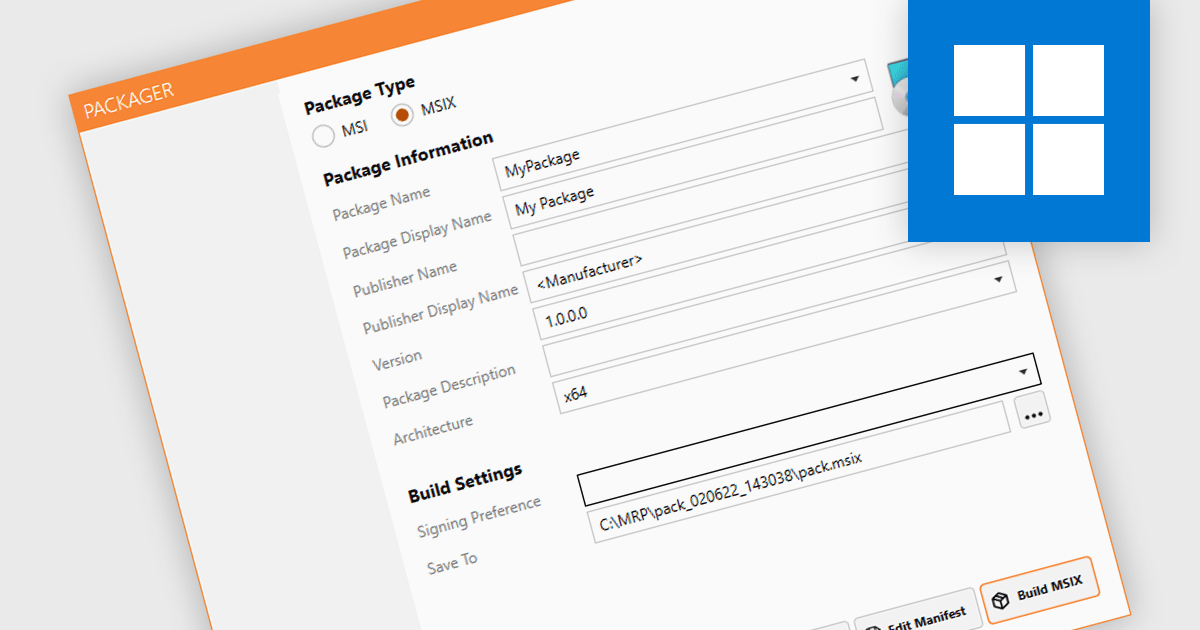
MSIX package authoring is the process of creating, configuring, and managing MSIX packages, which are a modern deployment format for Windows applications. It encapsulates an application and its dependencies into a single, lightweight and self-contained file, ensuring that applications run in isolated environments to prevent conflicts with other software and system settings. This format combines the best features of existing packaging formats like MSI and AppX, and makes for cleaner installations with more efficient use of resources. Being able to create such packages streamlines the deployment process and reduces the complexity of maintaining applications.
Several installation tools support MSIX package authoring, including:
For an in-depth analysis of features and price, visit our comparison of installation tools.
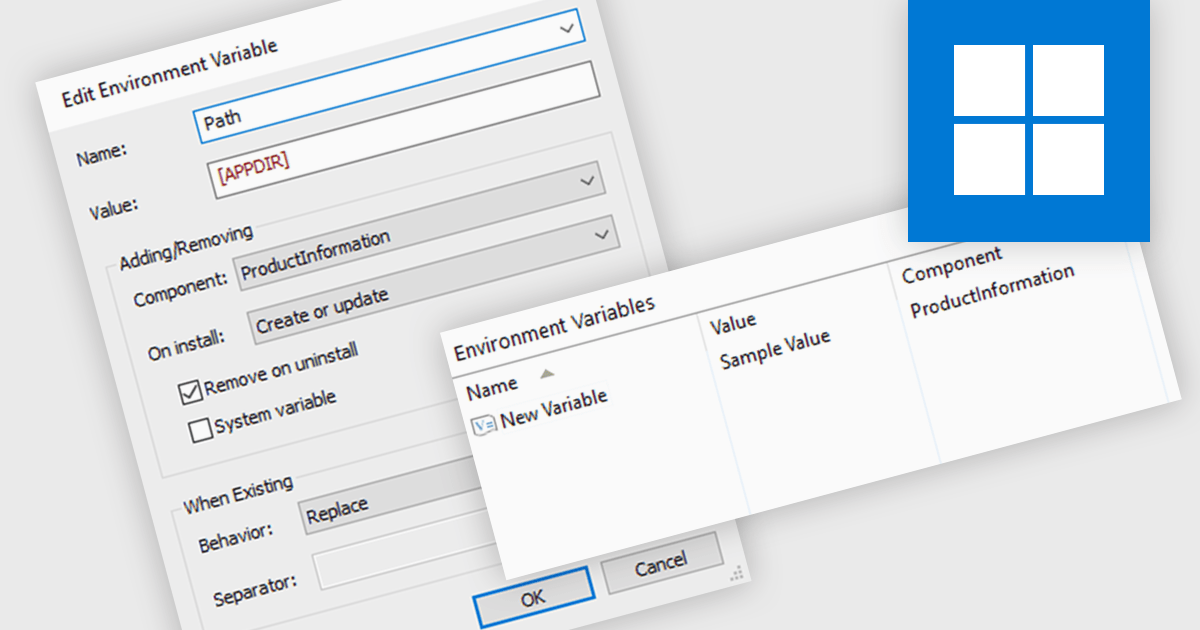
Environment variables offer a flexible mechanism for configuring application settings within an installer. By defining variables that can be modified before or during installation, developers can tailor software behavior to specific environments without recompiling. This approach promotes reusability, simplifies deployment, and ensures compatibility across different systems. Common use cases include specifying installation paths, database connection strings, and licensing information, enhancing both user experience and administrative control.
Several installation tools offer the ability to adjust environment variables including:
For an in-depth analysis of features and price, visit our comparison of Installation Tools.
TeamCity by JetBrains is a continuous integration (CI) server that streamlines your software development workflow. It automates builds and tests upon code commits, allowing you to identify and fix integration issues early in the development cycle. TeamCity offers a user-friendly interface for configuration and integrates with popular IDEs, promoting efficient collaboration and improved code quality.
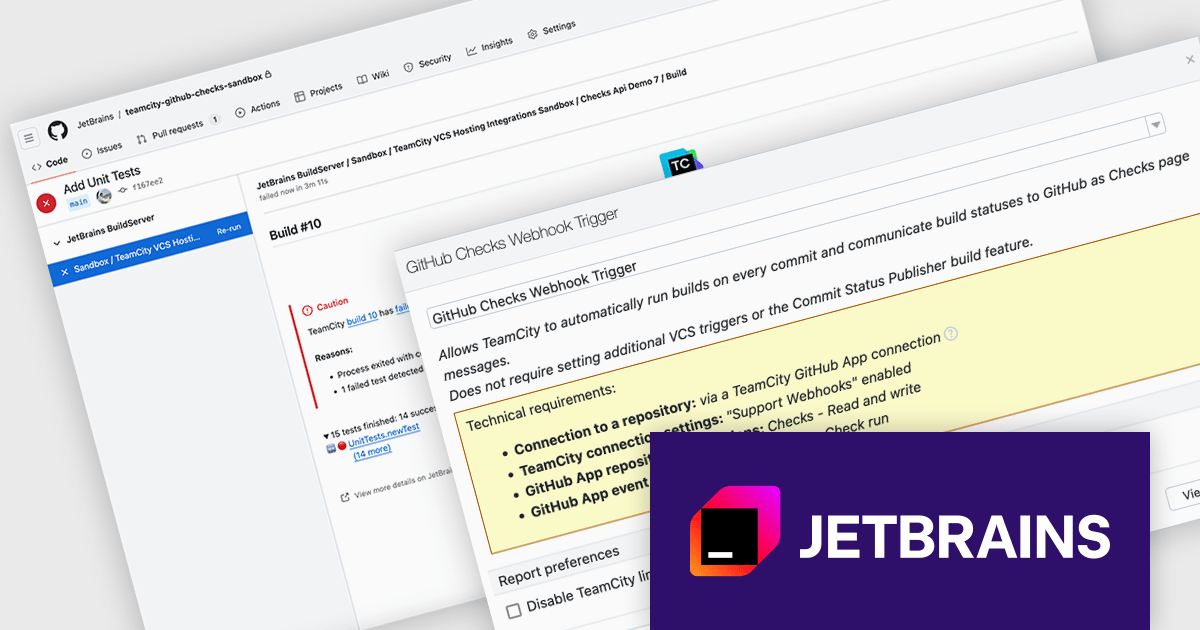
Version 2024.07 adds a new GitHub Checks webhook trigger that enhances your development workflow by establishing a direct link between your Git commits and CI builds. When you push a commit to GitHub, TeamCity will automatically queue a build thanks to the webhook. This eliminates the need for manual intervention and ensures immediate feedback. TeamCity will also publish the build status and details directly as GitHub checks, providing clear visibility into the build process. This streamlines communication and aids in faster troubleshooting.
To see a full list of what's new in version 2024.07, see our TeamCity Cloud release notes or TeamCity On-Premises release notes.
TeamCity Cloud is licensed per committer, and is available as a commercial annual license. See our TeamCity Cloud licensing page for full details.
TeamCity On-Premises is licensed per server and per build agent, and is available as a commercial perpetual license. See our TeamCity On-Premises licensing page for full details.
For more information, visit our TeamCity On-Premises or TeamCity Cloud product pages.

InstallAnywhere by Revenera, is software designed to streamline the creation of professional multi-platform installers. As a developer, it allows you to build reliable installations for various environments, including physical, virtual, and cloud deployments. This includes on-premise platforms like Windows, Linux and macOS, along with packaging for Docker containers. InstallAnywhere empowers you to create a consistent user experience across these platforms with a user-friendly interface and advanced features for customization.
The InstallAnywhere 2024 R1 release expands your signing options with a new Custom Signing feature. This allows you to avoid built-in signing methods and integrate your own preferred third-party signing solution during the build process. This is ideal if your organization already has a trusted signing solution in place, or if you have specific signing requirements that are not met by the standard InstallAnywhere options. With Custom Signing, you can digitally sign all your Windows Installer files, including the main installer (.exe), launcher, and uninstaller launcher, using your chosen signing tool. This streamlines your workflow and ensures your installers are signed with the appropriate credentials for your organization.
To see a full list of what's new in version 2024 R1, see our release notes.
InstallAnywhere is licensed per user and is available as a three year timed subscription. See our InstallAnywhere licensing page for full details.
For more information, visit our InstallAnywhere product page.
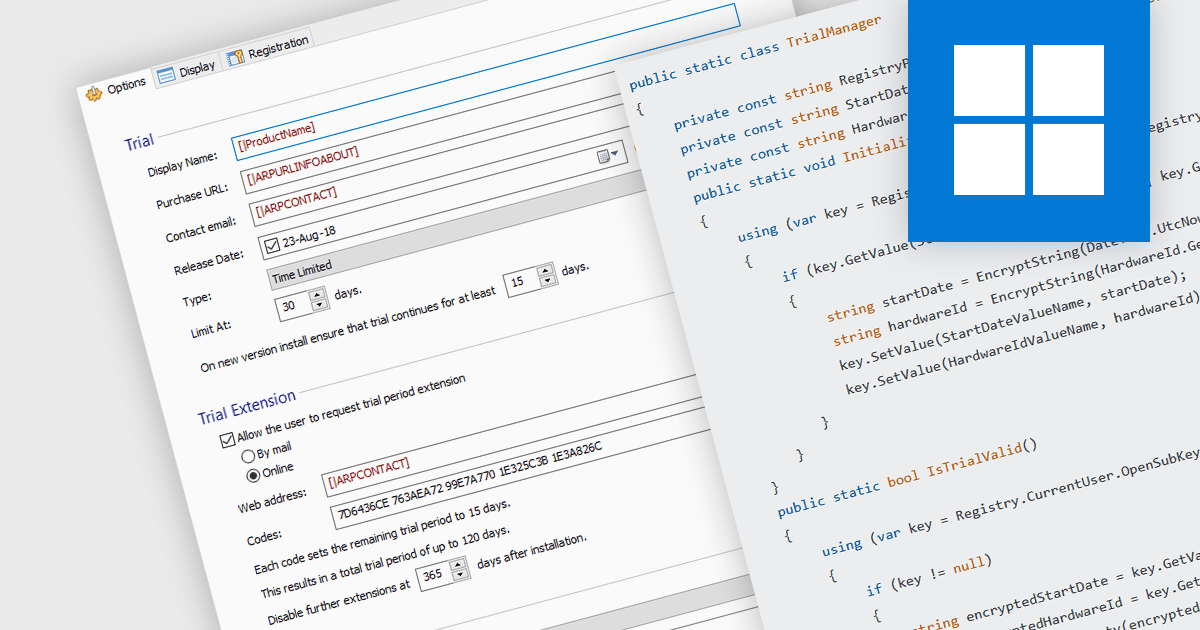
Installation tools with trial version functionality allow developers to easily create temporary, limited-use versions of their applications. These trials offer potential customers a chance to experience the software firsthand in a real-world environment, fostering trust and boosting sales. This functionality is particularly valuable for complex programs, where a trial allows users to assess specific features and compatibility before committing to a purchase. Trials also help to establish the software's value and effectiveness, reducing perceived risks.
Several installation tools allow you to create trials, including:
For an in-depth analysis of features and price, visit our comparison of installation tools.





Tel: (888) 850 9911
Fax: +1 770 250 6199


