








Fornitore ufficiale
In qualità di distributori ufficiali e autorizzati, forniamo licenze software legittime direttamente da più di 200 autori di software.
Vedi tutte le nostre marche
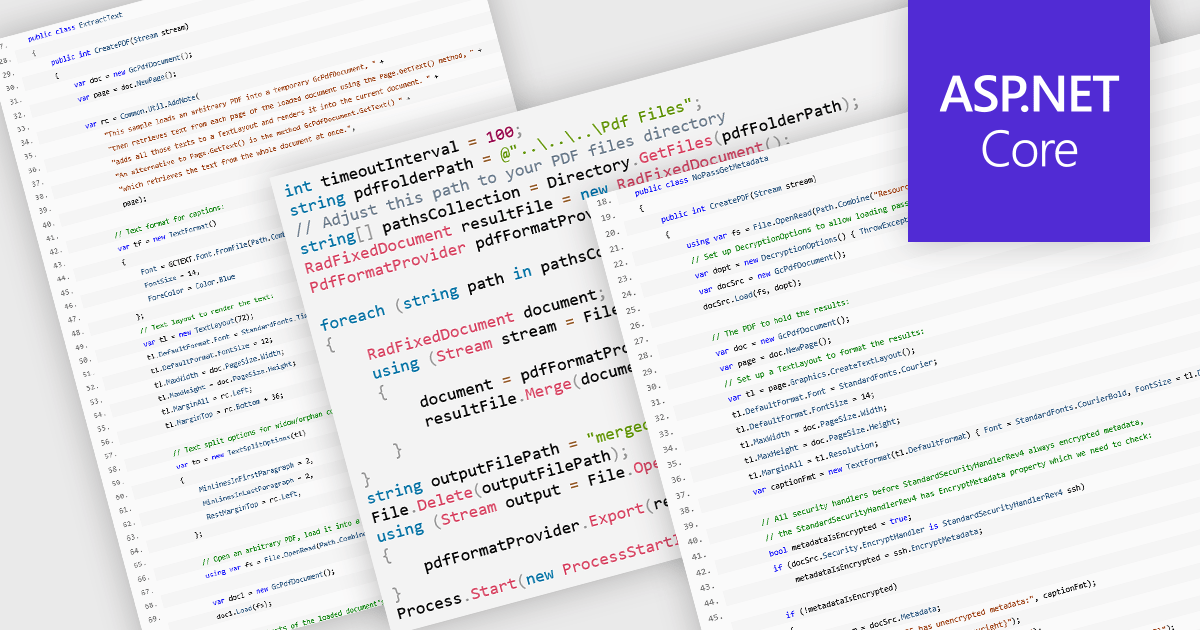
PDF manipulation allow applications to create, modify, and manage PDF documents programmatically or through integrated user interfaces. These features support a wide range of document workflows, from reorganizing pages to extracting information and optimizing file sizes. By incorporating PDF manipulation tools directly into applications, developers can support more efficient document processing without relying on external software.
Common features include:
For an in-depth analysis of features and price, visit our ASP.NET Core PDF components comparison.
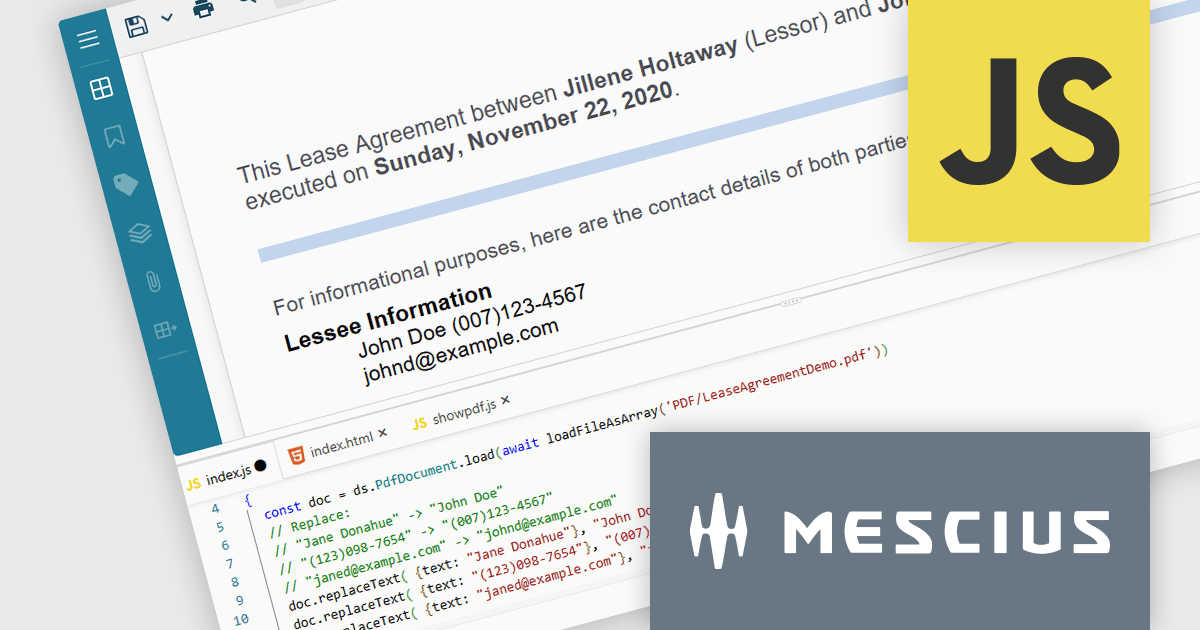
Document Solutions for PDF JS by MESCIUS is a JavaScript PDF API that enables software teams to add PDF functionality to web applications. It supports use cases such as generating documents, modifying existing files, rendering pages, handling forms, converting content, and automating PDF-related processes across browser-based and server-side JavaScript environments.
Beyond core document processing, the product provides tools for creating richer document workflows within custom applications. Its WebAssembly-based engine is designed for efficient performance, while the optional viewer component supports interactive scenarios such as annotation, review, and form filling. This gives teams more control over how PDFs are handled and helps reduce reliance on separate PDF software in reporting, compliance, data collection, and collaboration scenarios.
Document Solutions for PDF JS is licensed per developer and is available in several license options for differing distribution needs. Team licenses are also available for multiple developers within the same organization. See our Document Solutions for PDF JS licensing page for full details.
Learn more on our Document Solutions for PDF JS product page.
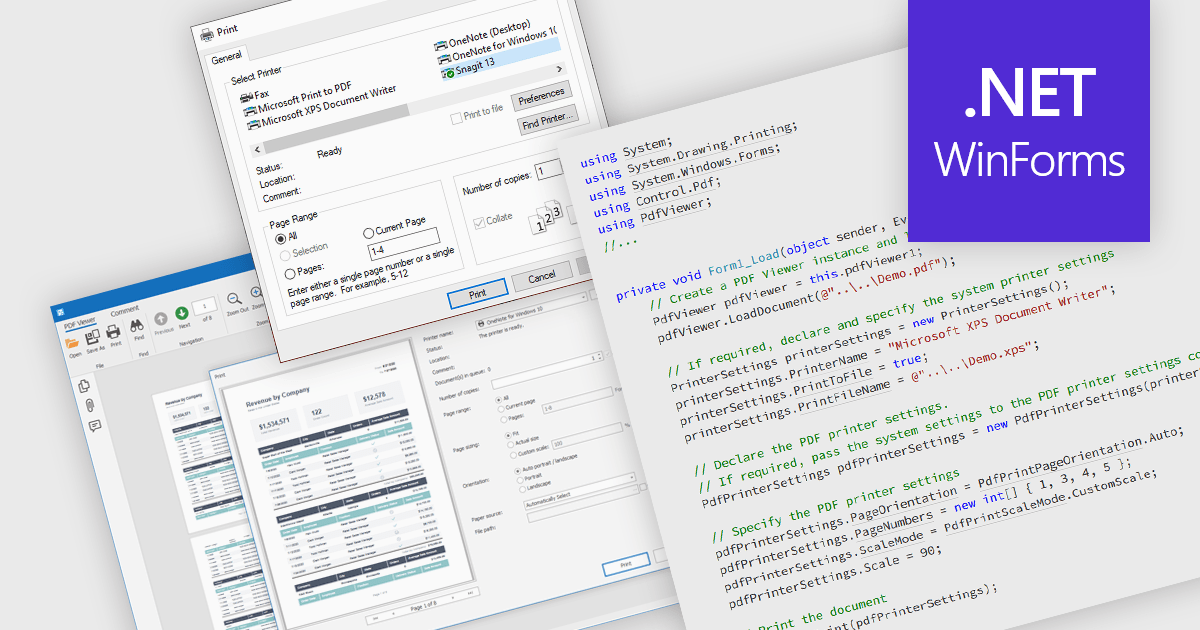
Printing PDFs to a printer is the process of sending a Portable Document Format (PDF) file from an application to a physical or virtual printer while preserving its layout, fonts, and graphical fidelity. A PDF viewer control typically handles rendering and pagination, ensuring consistent output across devices and print environments. The main benefit is predictable, high-quality output, which is especially important for documents that require precise formatting. Modern PDF viewer components support printing either directly through built-in user interface elements such as a toolbar or print dialog, or programmatically through application code using API methods, giving developers flexibility in how printing capabilities are exposed and controlled within an application.
Several WinForms PDF Viewer components allow you to print PDFs to a printer, including:
For an in-depth analysis of features and price, visit our comparison of WinForms PDF Viewer components.
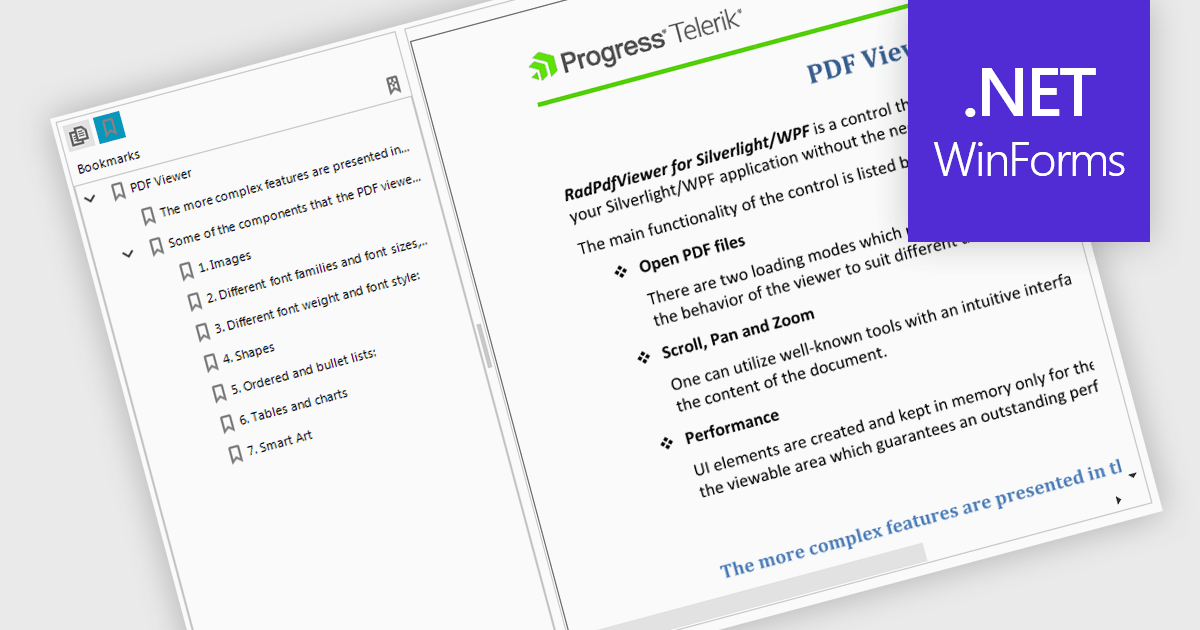
Bookmark navigation in a PDF Viewer enables developers to expose the hierarchical bookmark structure embedded within a PDF so users can quickly jump to specific sections or pages. It typically presents bookmarks in a tree view synchronized with the document, allowing programmatic control and event handling for selection changes. This capability improves usability in applications that handle large or structured documents by reducing manual scrolling, supporting faster content discovery, and providing a more organized reading experience.
Several WinForms PDF Viewer components support bookmark navigation, including:
For an in-depth analysis of features and price, visit our comparison of WinForms PDF Viewer components.
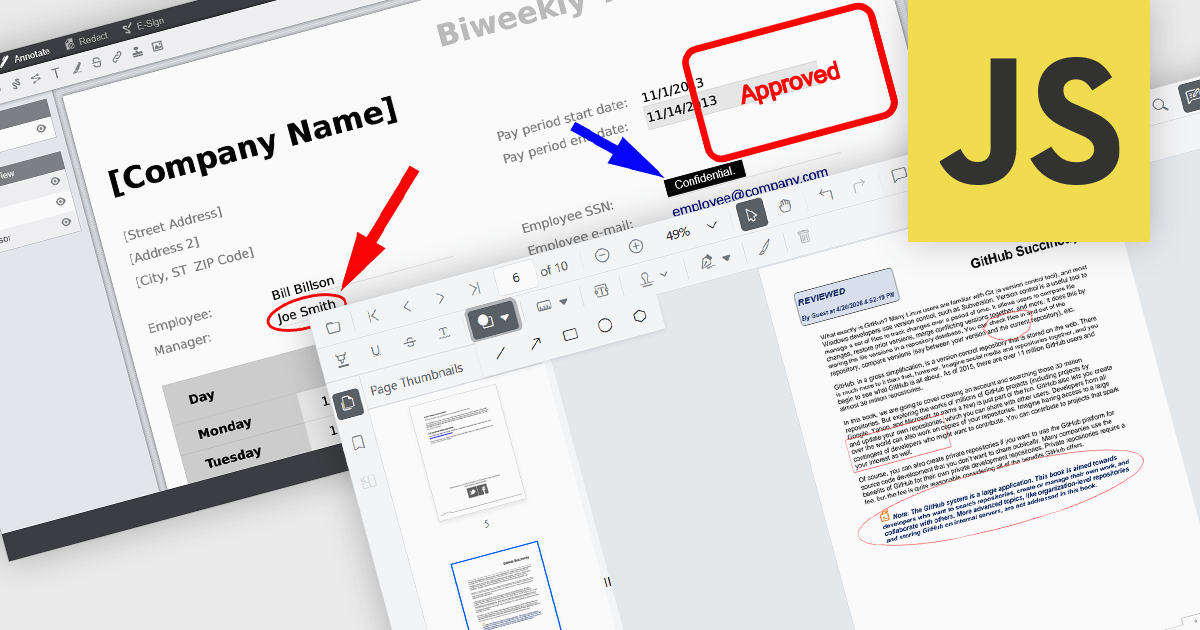
Annotation capabilities in PDF Viewer components allow users to interact with documents through visual and textual markup, supporting review, collaboration, and documentation processes. Tools such as Line, Rectangle, and Free text help highlight structure and add clarity, while Sticky note and Stamp annotations provide contextual feedback and status indicators. By embedding these capabilities directly into a viewer, applications can offer a cohesive experience for editing and reviewing PDFs without requiring external software.
Common annotations include:
For an in-depth analysis of features and price, visit our JavaScript PDF viewer components comparison.





Tel: (888) 850 9911
Fax: +1 770 250 6199


