








Fornitore ufficiale
In qualità di distributori ufficiali e autorizzati, forniamo licenze software legittime direttamente da più di 200 autori di software.
Vedi tutte le nostre marche
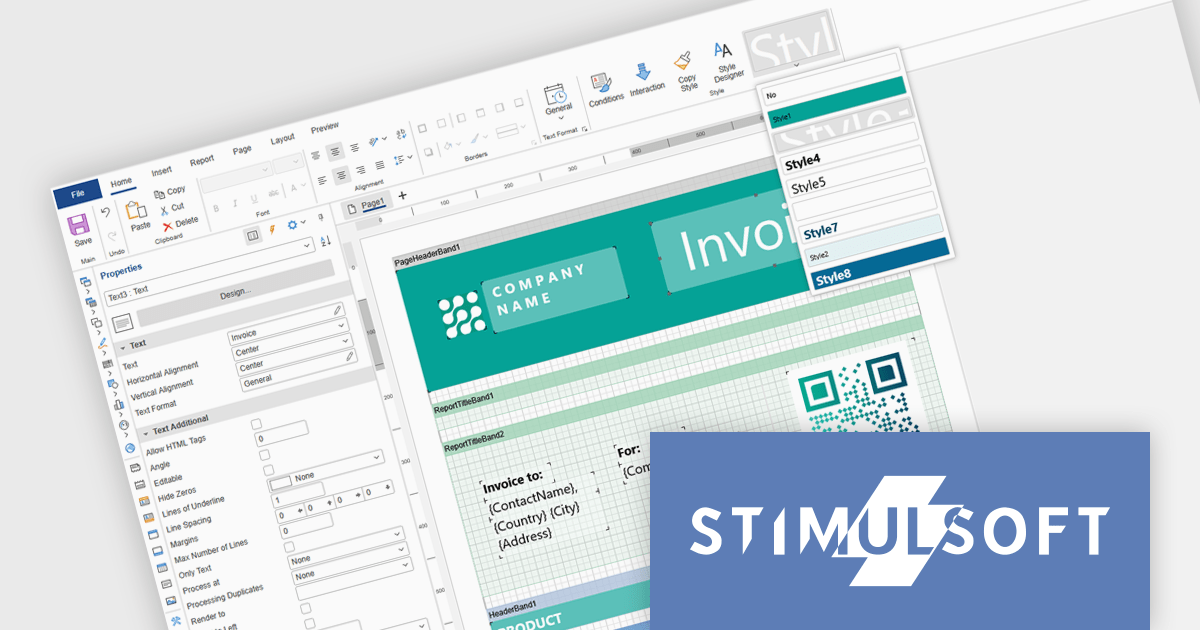
Stimulsoft Ultimate is a reporting and dashboard solution that provides a set of tools for building interactive reports and data visualizations across platforms, including WinForms, ASP.NET, .NET Core, Blazor, JavaScript, WPF, PHP, Java, and Avalonia. It enables developers and organizations to design, generate, and deploy professional reports and dashboards using visual designers, flexible styling options, rich charting and data visualization components, and extensive data connectivity. With support for multiple development environments and technologies, Stimulsoft Ultimate helps teams improve report creation, maintain consistent designs, and deliver clear, data-driven insights for business intelligence, analytics, operational reporting, and enterprise applications.
Stimulsoft Ultimate enables developers to apply centralized report styling that ensures consistent formatting across report elements while reducing the time required to design and maintain reports. By using reusable styles for fonts, colors, borders, and other visual properties, developers can standardize report layouts, quickly apply formatting to multiple components, and implement global design changes without editing each element individually. This approach improves development efficiency, simplifies maintenance, and helps teams deliver professional, visually consistent reports across applications and platforms.
Stimulsoft Ultimate is licensed per developer with Single, Team, Enterprise, and WorldWide options that support one to unlimited developers within an organization. Licenses include a 12 month subscription with updates, priority technical support, a royalty free runtime report designer and viewer, and a build server license for Team and higher tiers. See our Stimulsoft Ultimate licensing page for full details.
For more information, visit our Stimulsoft Ultimate product page.
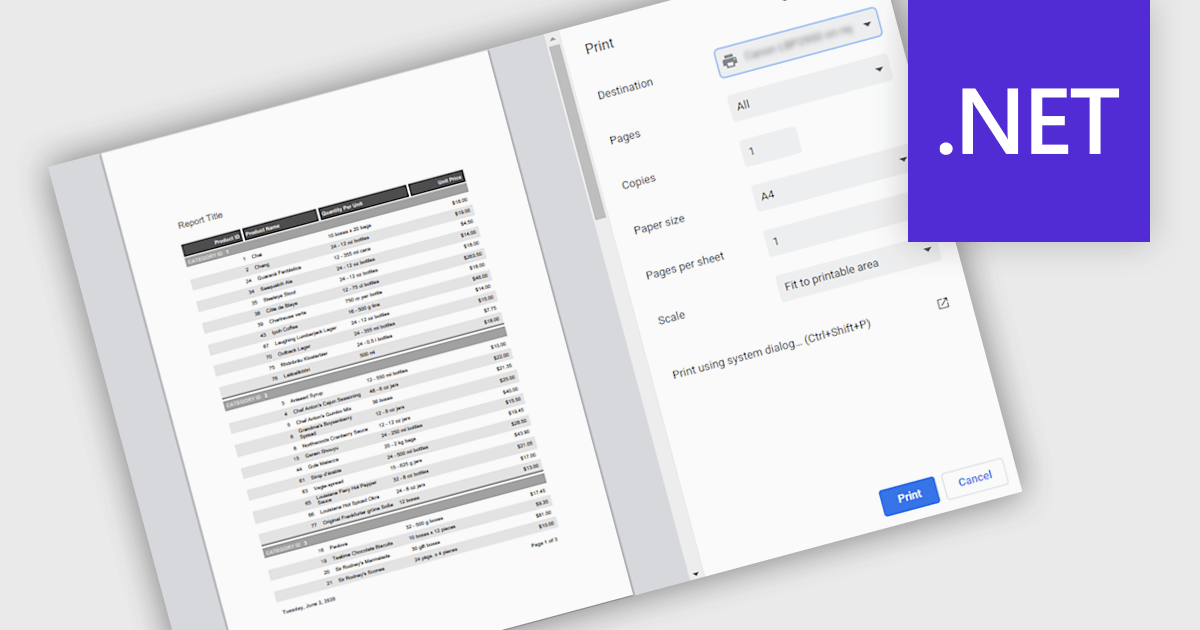
Printing reports allows users to generate physical copies of structured data, summaries, or analysis directly from an application. By converting digital information into printed documents, users can easily review content offline, share insights in meetings, and maintain clear records for documentation or compliance. Printed reports provide a consistent layout that improves readability and makes complex information easier to present to stakeholders who may prefer or require hard copies. Common use cases include distributing reports during team meetings, preparing documentation for audits or regulatory requirements, archiving important records, and sharing key findings with clients or decision-makers in a clear and professional format.
Several .NET reporting components support printing including:
For an in-depth analysis of features and price, visit our .NET reporting comparison.
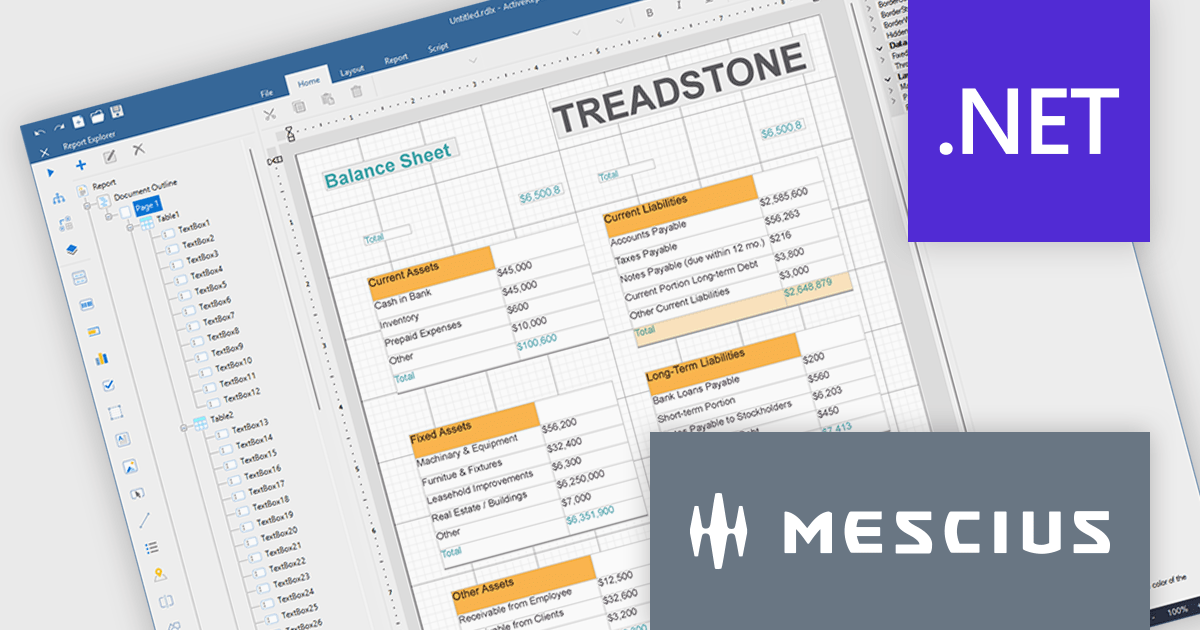
ActiveReports.NET helps you deliver beautiful reports with intuitive Visual Studio integrated report designers and rich controls. ActiveReports provides code-based cross-platform reporting, easy-to-use designers, and a flexible API. MESCIUS recently released ActiveReports.NET v20, which includes the powerful AI Image to report feature.
In this blog post, MESCIUS Product Manager Alec Gall presents a detailed walkthrough for creating a report from an image in the Designer. Steps include:
Read the full blog to learn how to turn screenshots, scans, and even photographs of reports into editable .NET RDL reports.
ActiveReports.NET is licensed per developer. Dependent on geographic location it is available as either an Annual (Timed) Subscription License or as a Perpetual Developer License which comes with 1 year of software updates and support. Each developer requires a license to design, develop, or maintain applications. The Annual Subscription License must be renewed each year to continue to work with the software. Published applications are royalty free and do not expire. Optional pipeline licenses available for CI/CD build servers. See our ActiveReports.NET licensing page for full details.
Learn more on our ActiveReports.NET product page.
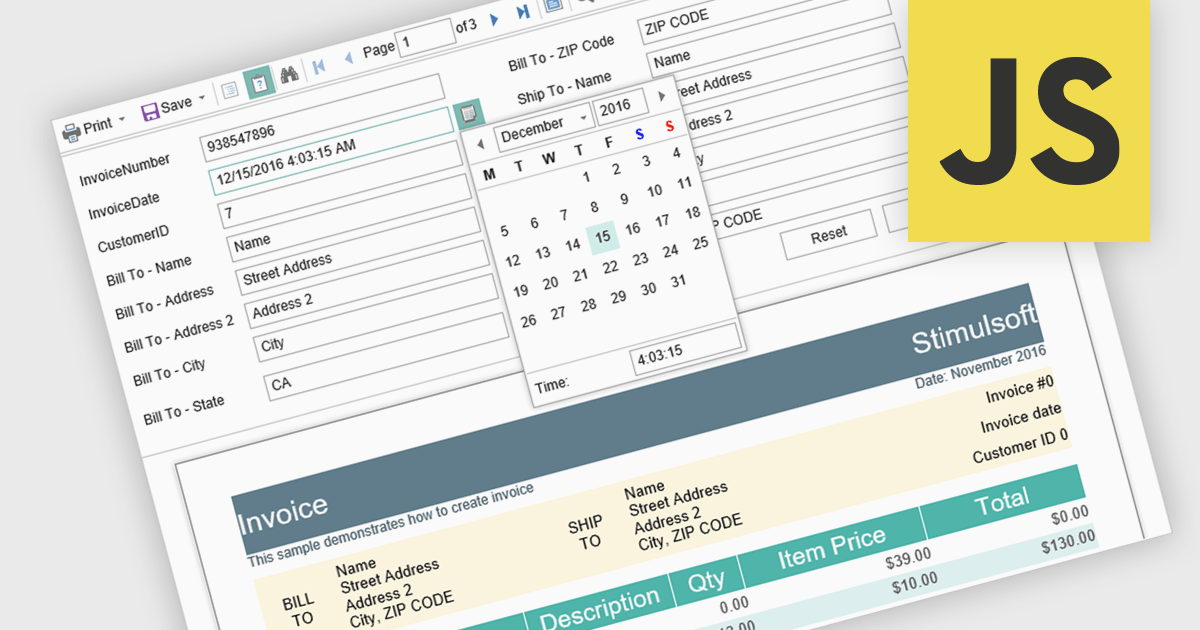
Parameter support in a reporting component refers to the ability to define input variables that control how a report is generated at runtime. These parameters can be used to filter data, adjust date ranges, select categories, or toggle specific report options without modifying the underlying report design or query logic. For software developers, this capability enables the creation of reusable and adaptable reports that respond dynamically to user input or application context. It improves maintainability by separating report structure from variable inputs, reduces duplication by allowing a single report definition to serve multiple scenarios, and enhances integration with applications by supporting programmatic parameter binding through application programming interfaces (APIs).
Several JavaScript reporting components support report parameters including:
For an in-depth analysis of features and price, visit our JavaScript reporting comparison.
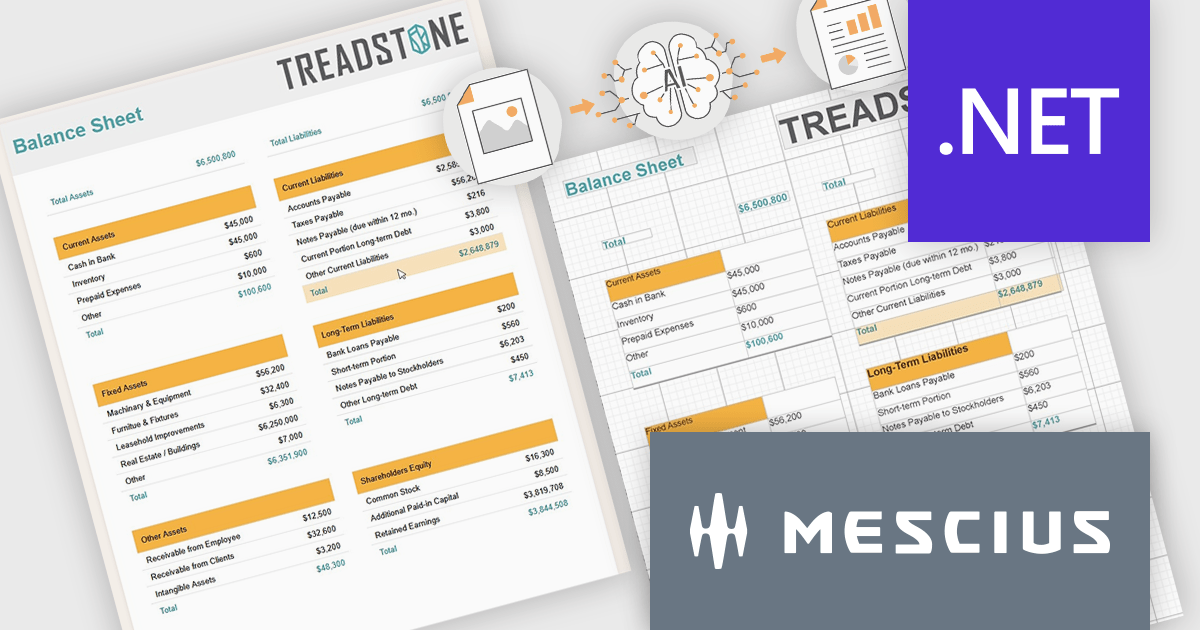
ActiveReports.NET by MESCIUS is a reporting solution for the Microsoft .NET platform that enables developers to create and deliver data-driven reports in web, desktop, and cloud applications. It supports multiple report types, including section, page, and RDL (Report Definition Language) reports, and provides visual designers, a robust rendering engine, and export options such as PDF and Excel. Designed to integrate with modern .NET and ASP.NET Core applications, it helps teams build interactive, enterprise-grade reporting features into their software.
The ActiveReports.NET v20 update introduces a new AI powered image to report capability that enables developers to convert static report images such as screenshots, mockups, PDFs, or even photos of printed pages into fully editable report layouts in minutes. By leveraging Azure Document Intelligence to analyze page structure, text, and visual elements, it significantly reduces the manual effort required to recreate existing reports, accelerates the modernization of legacy assets, and streamlines migrations from other reporting platforms. This capability provides a practical starting point for rebuilding or refining reports while preserving full control over layout structure, styling, grouping, and data bindings to ensure alignment with application architecture and development standards.
To see a full list of what's new in v20, see our release notes.
ActiveReports.NET is licensed per developer. Dependent on geographic location it is available as either an Annual (Timed) Subscription License or as a Perpetual Developer License which comes with 1 year of software updates and support. Each developer requires a license to design, develop, or maintain applications. The Annual Subscription License must be renewed each year to continue to work with the software. Published applications are royalty free and do not expire. Optional pipeline licenses available for CI/CD build servers. See our ActiveReports.NET licensing page for full details.
Learn more on our ActiveReports.NET product page.





Tel: (888) 850 9911
Fax: +1 770 250 6199


