








Fornitore ufficiale
In qualità di distributori ufficiali e autorizzati, forniamo licenze software legittime direttamente da più di 200 autori di software.
Vedi tutte le nostre marche
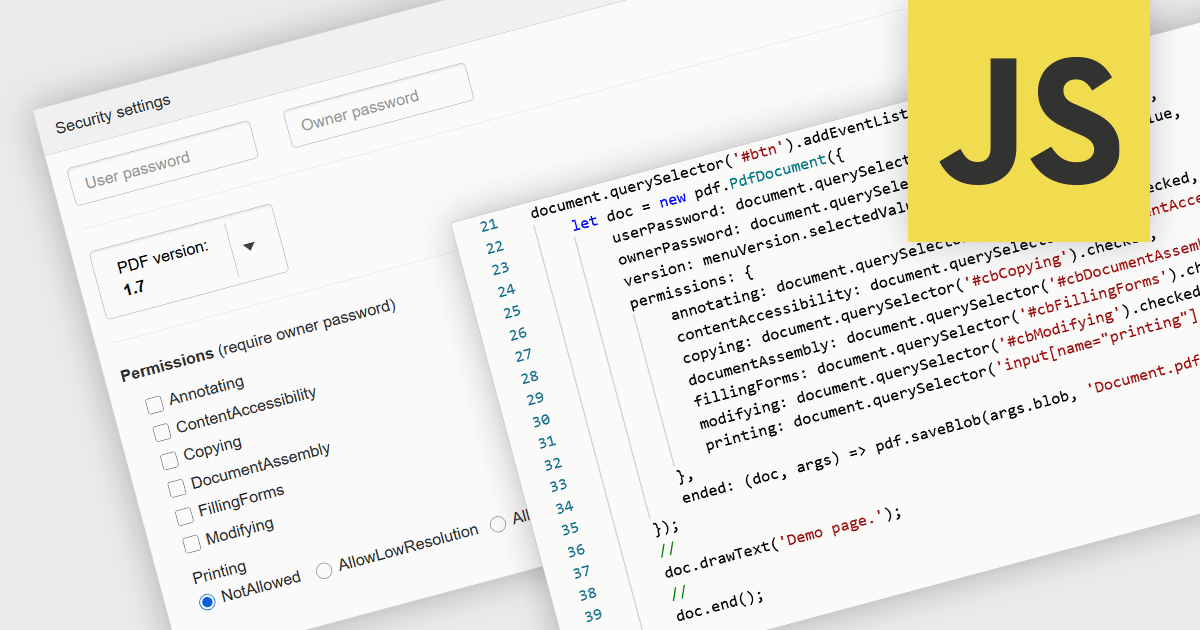
PDF password protection is a security feature that restricts access to the PDF file by requiring a password to open, modify, print or copy its contents. By setting either an open password (to prevent unauthorized viewing) or a permissions password (to control actions such as editing or printing), this mechanism ensures that document owners can safeguard sensitive information against unauthorized access or tampering. This is particularly useful in professional and legal contexts where data confidentiality and document integrity are critical, helping to maintain compliance with privacy standards and internal data protection policies.
Several JavaScript PDF components allow you to protect PDFs with passwords, including:
For an in-depth analysis of features and price, visit our comparison of JavaScript PDF components.
Telerik Reporting is a comprehensive and lightweight embedded reporting tool for .NET web and desktop applications. It enables developers and reporting users to create, design, and export visually appealing, interactive, and reusable reports to effectively present analytical and business data. It supports various technologies, including ASP.NET Core, Blazor, ASP.NET MVC, ASP.NET AJAX, HTML5/JS, Angular, WPF, WinForms, and WinUI.
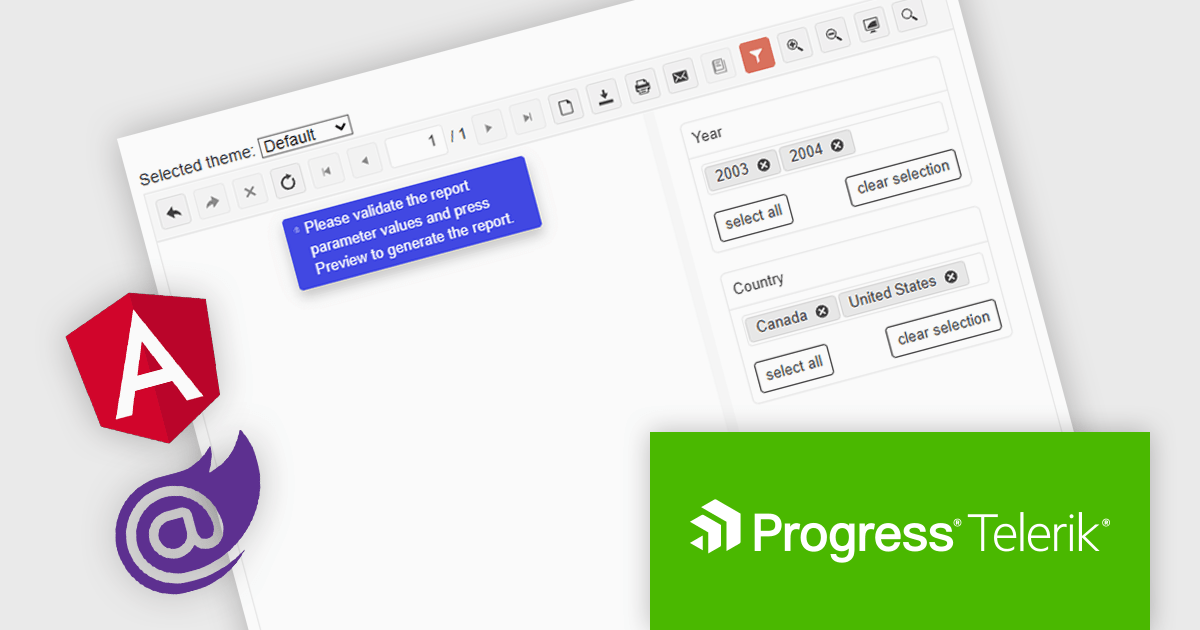
The Telerik Reporting 2025 Q1 update introduces user-initiated initial report preview in the native Blazor and Angular viewers, giving developers greater control over how and when reports are rendered. Instead of automatically generating reports on viewer load, this feature allows end users to manually trigger the preview process. This improvement helps reduce unnecessary data processing and improves application performance, particularly in scenarios involving large datasets or complex report logic. It also supports more efficient resource management on both the client and server sides, enabling developers to create faster, more responsive, and user-friendly reporting experiences.
To see a full list of what's new in 2025 Q1 (19.0.25.211), see our release notes.
Telerik Reporting is licensed per developer and has two licensing models: an annual Subscription License and a Perpetual License. The Subscription license provides access to the latest product updates, technical support, and exclusive benefits for a flat annual fee, and must be renewed to continue using the software. The Perpetual license is a one-time purchase granting access to the current released version and includes a one-year subscription for product updates and technical support. After this initial period, users can choose to renew the subscription element to continue receiving updates and support; otherwise, they may continue using the installed version available during their active subscription term but will forgo future updates and support. See our Telerik Reporting licensing page for full details.
Telerik Reporting is available to buy in the following products:
Stimulsoft BI Designer is a powerful reporting tool designed to create visually appealing and interactive reports. It empowers users to design and develop complex reports with ease, integrating data from various sources and presenting it in a clear, concise, and informative manner. With its rich feature set, Stimulsoft BI Designer is widely used in diverse industries, including finance, healthcare, retail, and manufacturing, to generate reports for analysis, decision-making, and compliance purposes. Key benefits include its intuitive interface, extensive customization options, and support for multiple data sources, making it an essential tool for organizations seeking to enhance their reporting capabilities and gain valuable insights.
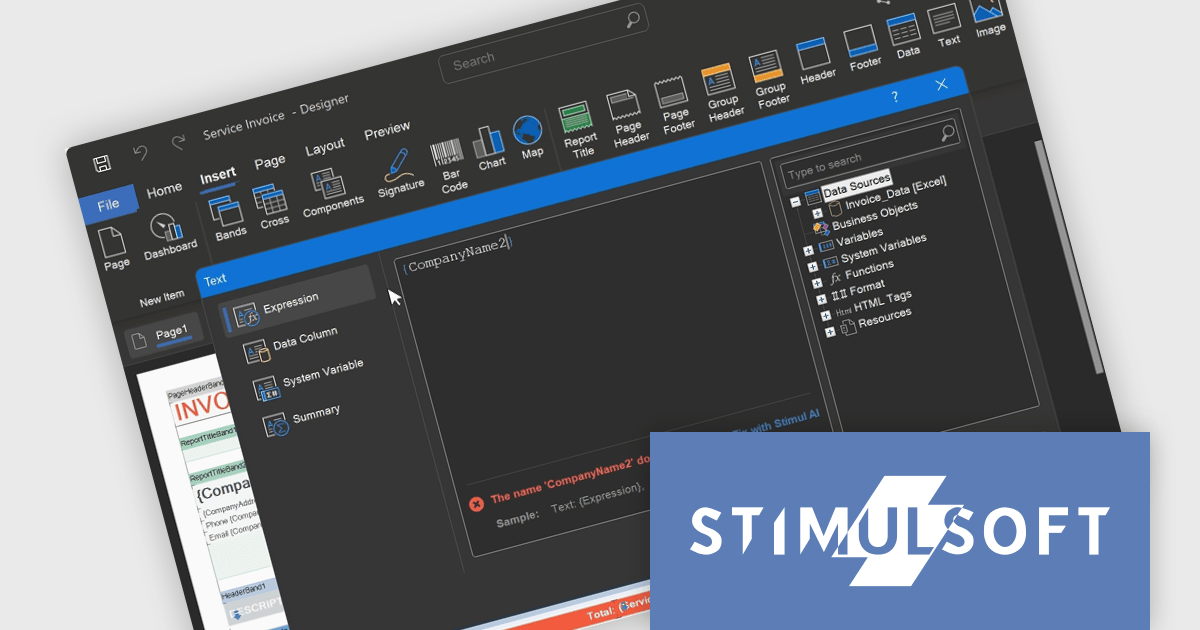
The Stimulsoft BI Designer 2025.2.1 update introduces an updated expression editor that supports real-time calculation and automatic interpretation. When the report's calculation mode is set to Interpretation, expressions are evaluated instantly as the developer types, with results displayed directly in the editor. This significantly improves the speed and accuracy of report design by reducing context switching and allowing immediate validation of logic. Combined with editor interface improvements and built-in expression samples, the update provides a more efficient and responsive environment for building complex, data-driven reports.
To see a full list of what's new in 2025.2.1, see our release notes.
Stimulsoft BI Designer is available as a perpetual license and is licensed per creator. A creator has an account on the server, has access from the client-side, registered as an editor, and uses the product to work with report templates and dashboards - create, edit, view, delete, etc. See our Stimulsoft BI Designer licensing page for full details.
Stimulsoft BI Designer is available individually or as part of Stimulsoft Ultimate.
Oxygen XML Web Author is a tool that lets you edit and review XML code directly in your web browser, on any device. This means you can collaborate with others on creating and changing structured content, like technical documentation, from anywhere. It supports common formats like DITA and DocBook, and offers features like visual editing, automatic error checking, and suggestions to complete what you are typing. You can even customize the editing experience to fit your needs.
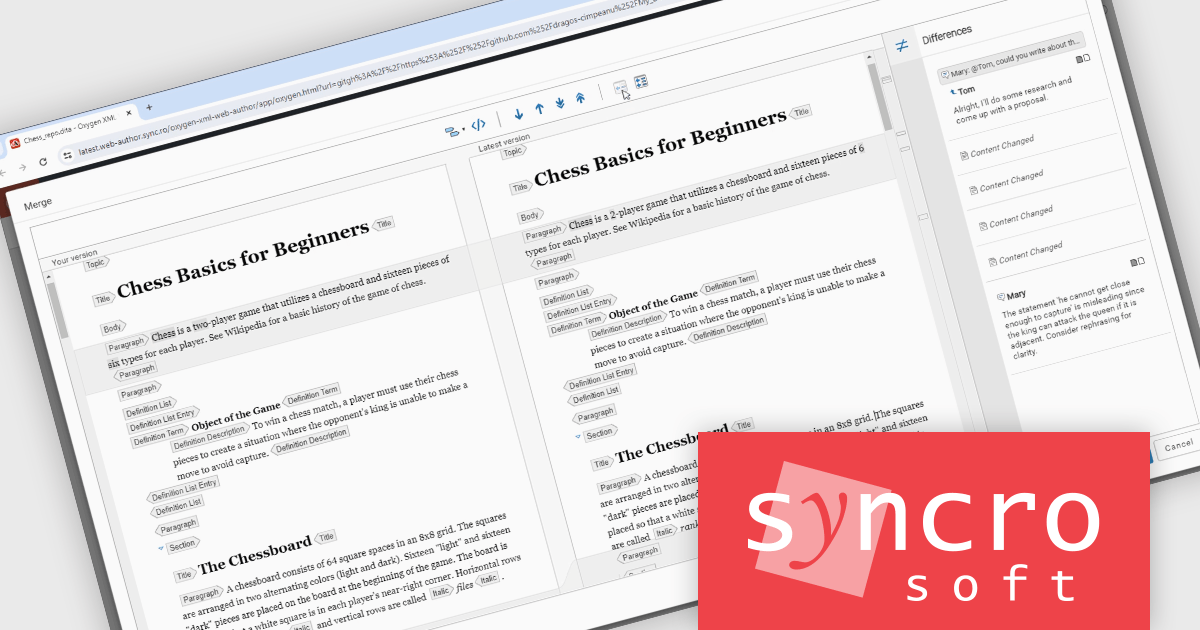
The Oxygen XML Web Author V27.1 release adds a new Differences view in the File Comparison tool, significantly enhancing content review and change tracking. Instead of viewing entire documents side by side, users can now quickly identify and navigate specific edits, reducing the cognitive load during reviews and accelerating collaborative editing tasks.
To see a full list of what's new in V27.1, see our release notes.
Oxygen XML Web Author is licensed per Floating user and is available as a Timed License subscription. See our Oxygen XML Web Author licensing page for full details.
Learn more on our Oxygen XML Web Author product page.
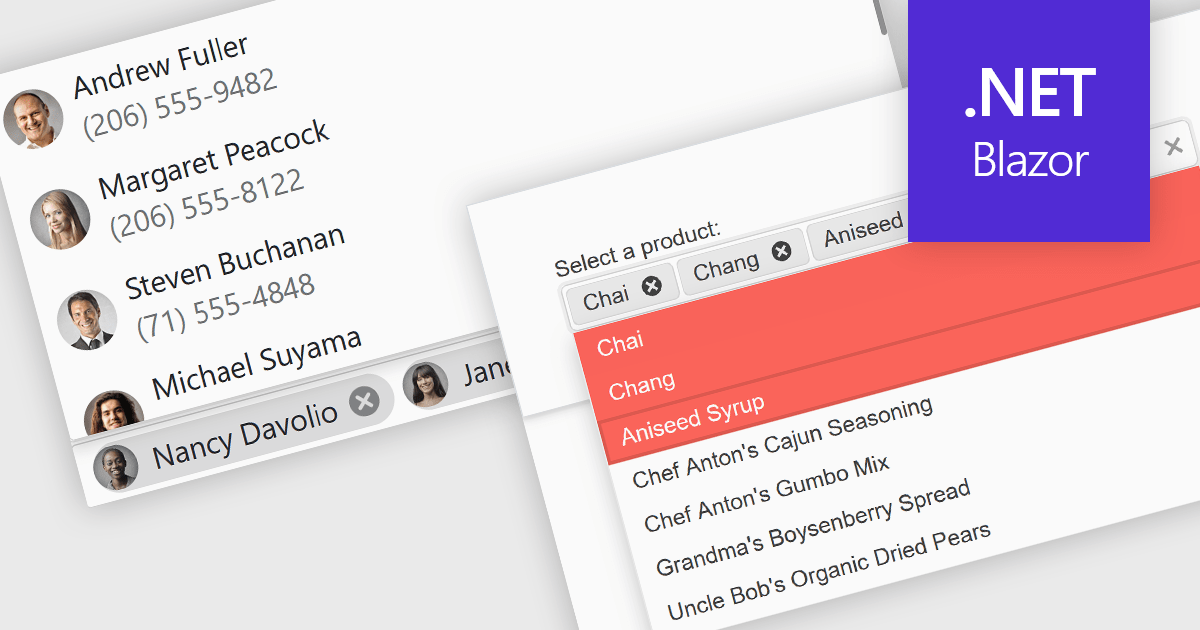
Token or tag boxes provide a user-friendly interface for selecting multiple items from a list. These controls present each selected item as a visually distinct "tag" or "token" within the input area, allowing for quick recognition and easy removal. Ideal for scenarios like multi-category selection or user input of discrete values such as emails or keywords, token boxes enhance both the user experience and data clarity, particularly in web applications that require dynamic form entry or filtering.
Several Blazor Data Editors offer support for token boxes including:
For an in-depth analysis of features and price, visit our Blazor data editors comparison.





Tel: (888) 850 9911
Fax: +1 770 250 6199


