








Fornitore ufficiale
In qualità di distributori ufficiali e autorizzati, forniamo licenze software legittime direttamente da più di 200 autori di software.
Vedi tutte le nostre marche
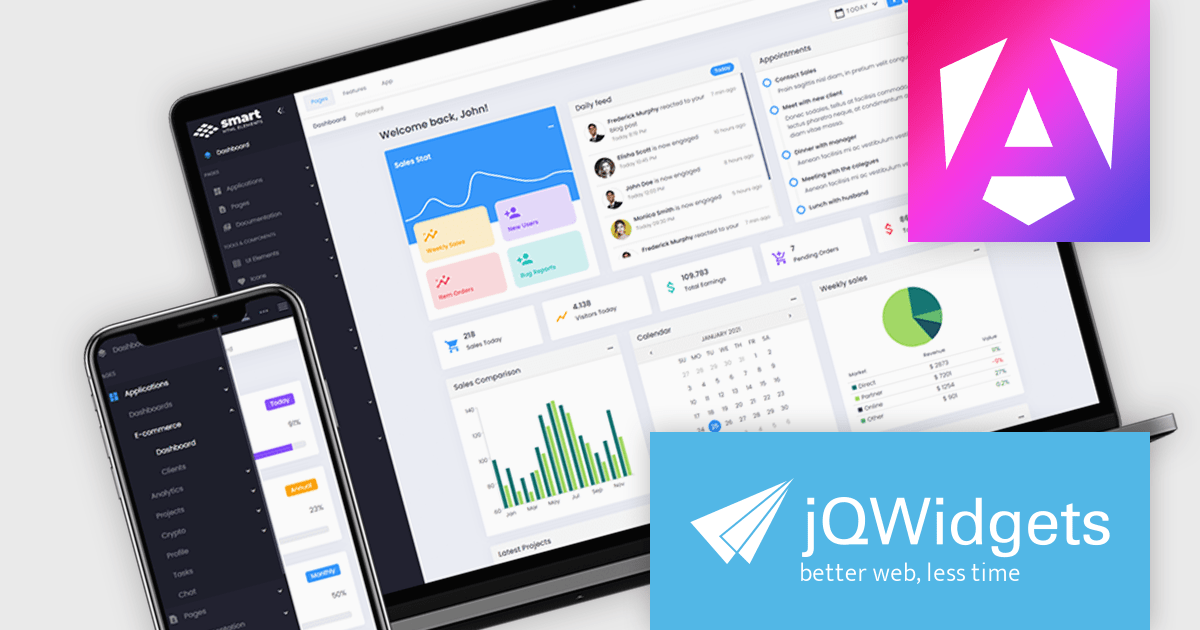
jQWidgets is a comprehensive JavaScript UI framework offering a robust collection of over 60 widgets, themes, and utilities for building professional-grade, cross-platform web applications. Built on jQuery, HTML5, and CSS, it provides extensive functionality including data grids, charts, navigation, input validation, and more. jQWidgets simplifies web development, ensuring your applications work seamlessly across desktop browsers, tablets, and smartphones.
The jQWidgets v21.0.0 release adds support for Angular 19 enabling developers to build modern, high-performance web applications with a rich set of pre-built, customizable UI components. This update ensures seamless integration with the latest Angular features, improves compatibility, and provides access to the latest performance optimizations and security enhancements. By leveraging jQWidgets, developers can accelerate development cycles, enhance user experiences, and create robust, scalable Angular applications.
To see a full list of what's new in v21.0.0, see our release notes.
jQWidgets is licensed per developer and is available as a Perpetual license 1 year support and maintenance. See our jQWidgets licensing page for full details.
Learn more on our jQWidgets product page.
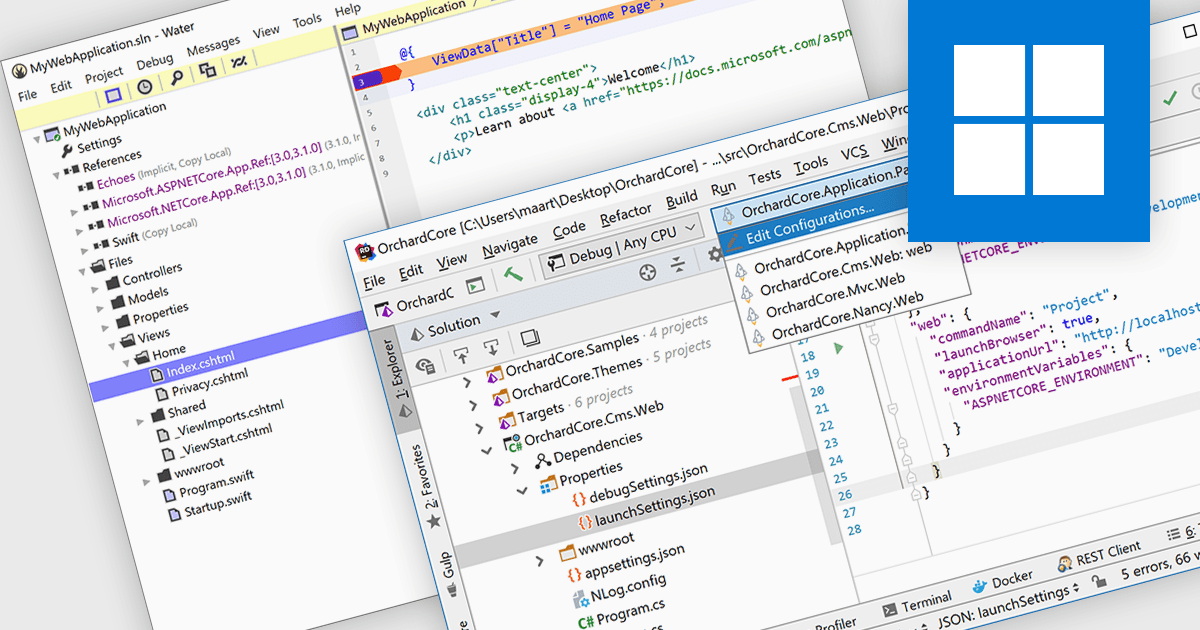
ASP.NET, Microsoft’s framework for building dynamic web applications, is well-supported in modern integrated development environments. These IDEs provide features like syntax highlighting, intelligent code completion, and debugging tools. Many offer project templates designed specifically for ASP.NET applications. This support helps developers automate repetitive tasks and catch issues early with real-time feedback. By improving code quality and simplifying workflows, it enables faster development cycles and enhances overall productivity.
Several IDEs offer support for ASP.NET including:
For an in-depth analysis of features and price, visit our comparison of Integrated Development Environments (IDEs).
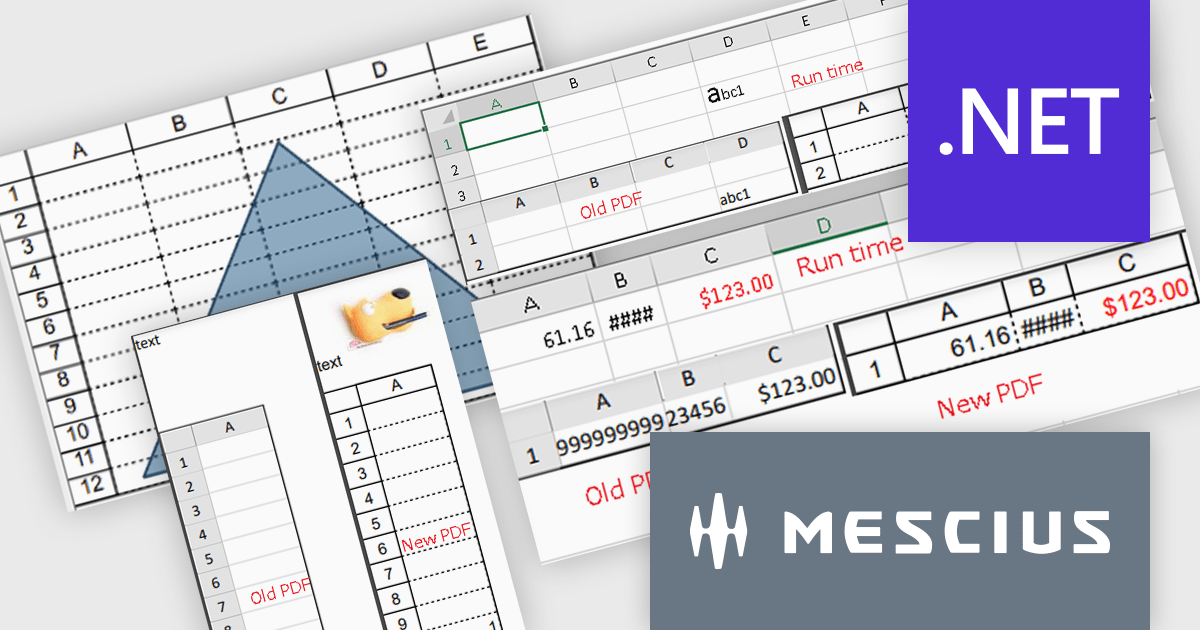
Spread.NET by MESCIUS is a versatile spreadsheet component for .NET applications, enabling developers to integrate Excel-compatible functionalities into Windows Forms, WPF and ASP.NET. With features like advanced data visualization, pivot tables, conditional formatting, and customizable formulas, Spread.NET handles large data sets efficiently and allows seamless Excel import/export. This tool is ideal for applications needing robust data analytics and reporting, such as financial software and business intelligence solutions, enhancing user experience with a familiar spreadsheet interface.
The Spread.NET 18 update enhances PDF export capabilities by delivering high-resolution outputs with improved image quality and rendering precision. This update aligns closely with Excel-compatible printing features, ensuring accurate representation of rich text, flat style modes, transparent shapes and header/footer images in PDF documents. Developers can now save individual sheets, entire workbooks or directly print to PDF, providing greater flexibility and efficiency. With these improvements, the PDF export functionality meets professional-grade standards, making it a reliable tool for creating polished, high-quality outputs directly from .NET spreadsheets.
To see a full list of what's new in version 18, see our release notes.
Spread.NET is licensed per developer and is available as a Perpetual License with a 12 month support and maintenance subscription. We can supply any Spread.NET license including new licenses, maintenance renewals, and upgrade licenses. See our Spread.NET licensing page for full details.
For more information, visit our Spread.NET product page.
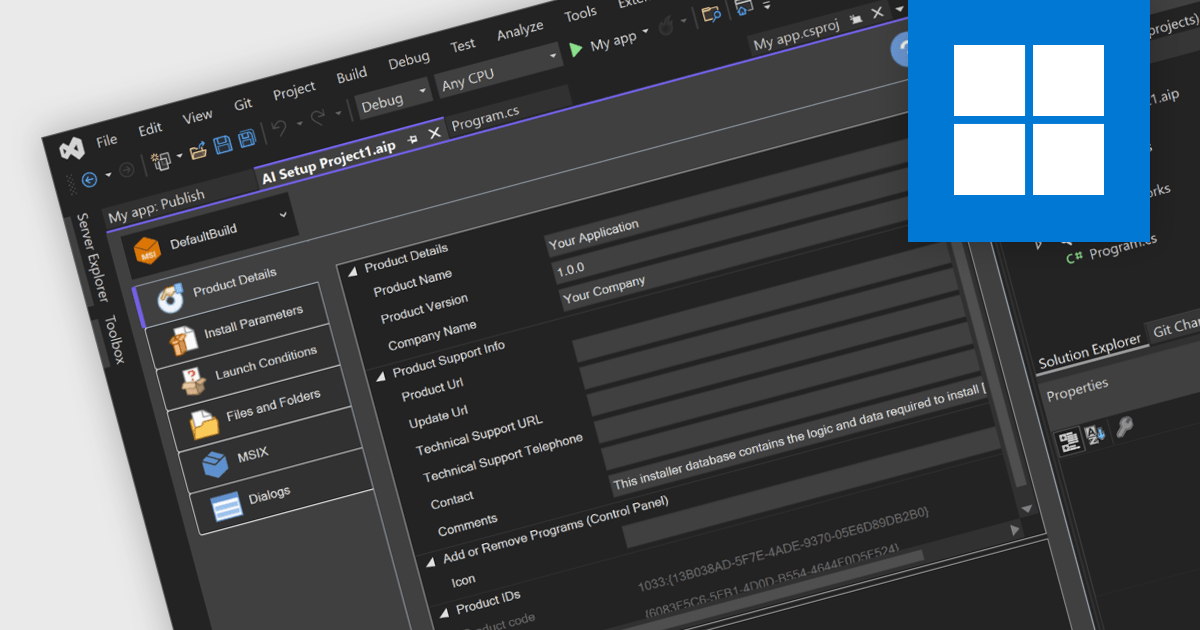
Visual Studio installer authoring allows you to create professional, user-friendly installation packages for your applications by leveraging integration with third-party tools, all directly within the Visual Studio environment. This seamless integration provides powerful capabilities for managing installation workflows, such as handling dependencies, configuring registry settings, and incorporating custom scripts, while eliminating the need to switch between multiple platforms. By streamlining the packaging process within the same environment where your application is developed, it enhances productivity and ensures that your software is deployed efficiently and configured to meet the specific needs of end users and systems. With this functionality, you can deliver polished, ready-to-use applications with ease, all while staying focused on your development workflow.
Installation Tools offering Visual Studio installer authoring include:
For an in-depth analysis of features and price, visit our comparison of Installation Tools.
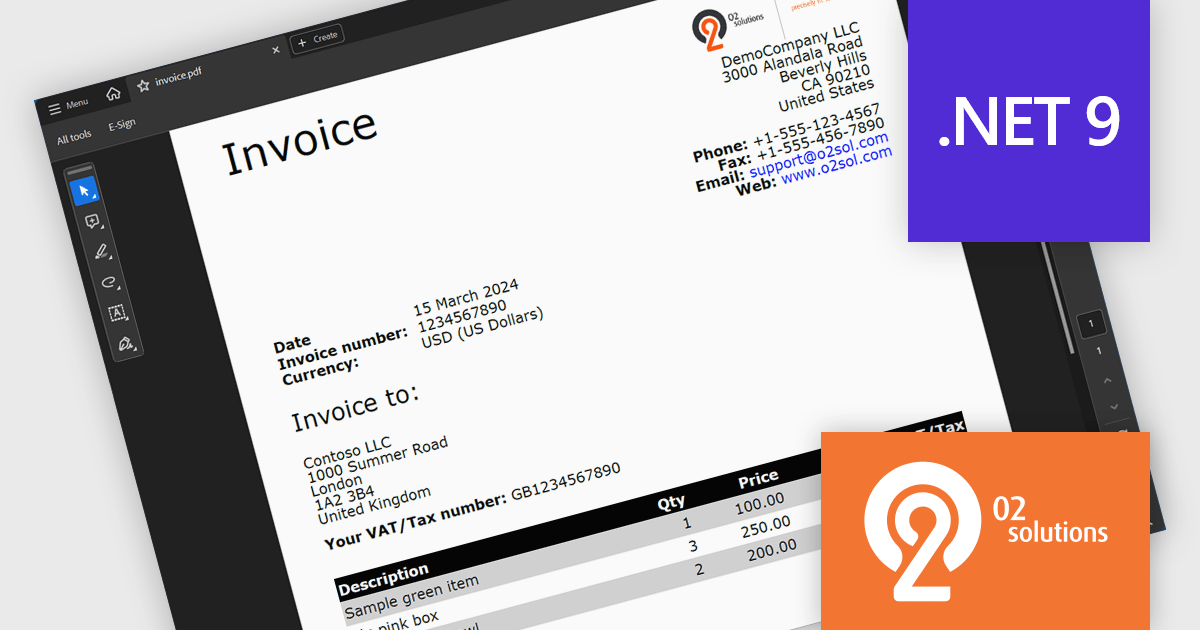
O2 Solutions offers advanced .NET components for PDF manipulation and rendering, designed to integrate seamlessly into .NET environments. Its flagship products, PDF4NET and PDFView4NET, make building robust PDF solutions simple. PDF4NET streamlines PDF creation and editing with an intuitive object model, eliminating the need for Adobe tools. PDFView4NET enables viewing, annotating, and printing PDFs, supporting Windows Forms and WPF with features like bookmark navigation and file attachments. Trusted by developers globally, O2 Solutions empowers efficient workflows and enterprise-grade application development.
O2 Solutions has introduced full support for .NET 9 in its PDF4NET and PDFView4NET products, ensuring seamless integration with the latest .NET advancements. This update allows users to leverage the enhanced performance, security, and features of .NET 9 while utilizing PDF4NET's powerful PDF creation capabilities and PDFView4NET's robust PDF rendering and viewing features. By maintaining day-zero compatibility, O2 Solutions continues to empower developers with cutting-edge tools for building modern, PDF-centric applications.
Support for .NET 9 is available across the O2 Solutions .NET product range:
O2 Solutions products are licensed per developer and include a 12 month subscription which provides all major and minor product updates and technical support. See our PDFBundle4NET licensing page for full details.





Tel: (888) 850 9911
Fax: +1 770 250 6199


