








Fornitore ufficiale
In qualità di distributori ufficiali e autorizzati, forniamo licenze software legittime direttamente da più di 200 autori di software.
Vedi tutte le nostre marche
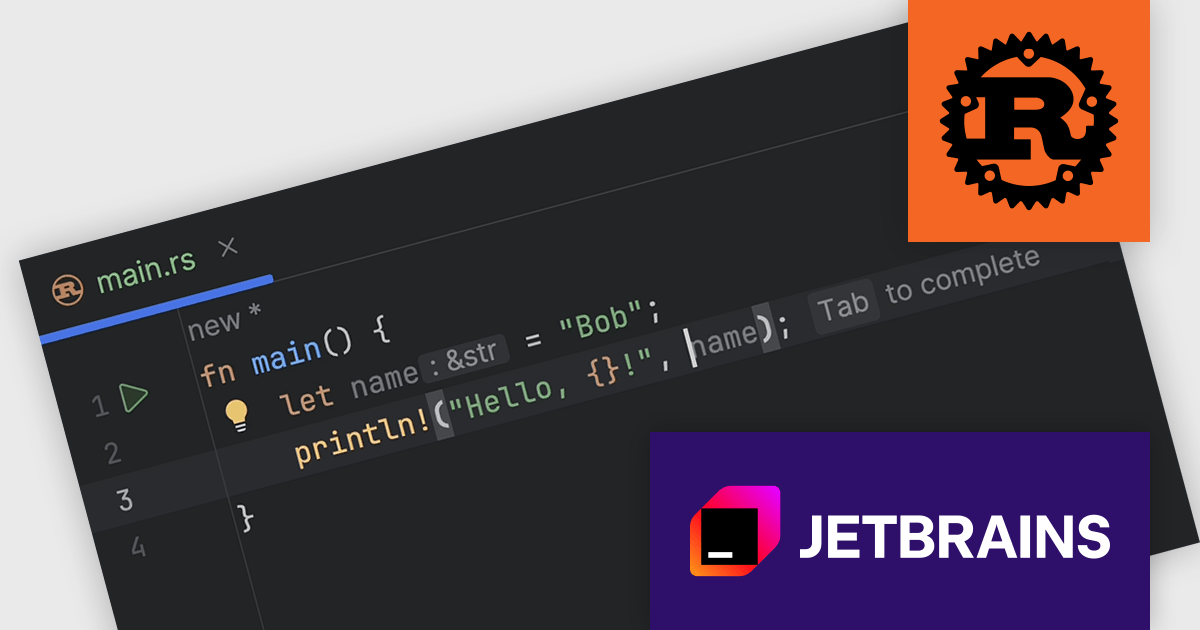
RustRover by JetBrains is a Integrated Development Environment designed specifically for the Rust programming language. It provides a comprehensive set of tools for writing and editing Rust code, all within a single program. RustRover offers advanced features tailored to Rust development, making it a powerful tool for both beginners and experienced Rust programmers.
The RustRover 2024.2 release introduces full line code completion. This powerful tool utilizes a local deep learning model to suggest entire lines of Rust code, customized to the specific context of your current project. The text suggestions, appearing as complete statements, streamline your coding process and minimize the need for manual input. By offering intelligent and context-aware code suggestions, RustRover empowers you to write code faster, more accurately, and with greater efficiency.
To see a full list of what's new in 2024.2, see our release notes.
RustRover is licensed per user, and is available as a commercial annual subscription license. We can supply new subscriptions, subscription renewals (including continuity discounts), lapsed renewals, and additional user licenses. See our RustRover licensing page for full details.
RustRover is available to buy in the following products:
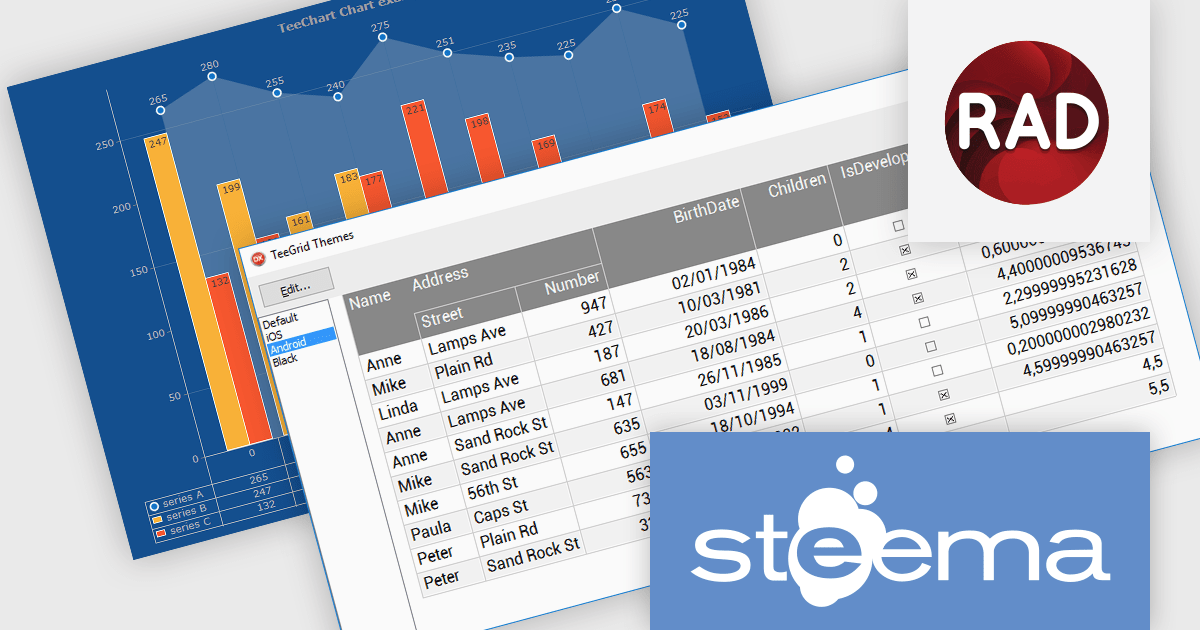
TeeChart Pro VCL/FMX is a comprehensive charting component library that empowers you to create visually stunning and informative data visualizations. With its vast array of chart types, including line, bar, pie, and scatter charts, and extensive customization options, TeeChart Pro caters to a wide spectrum of visualization needs.
TeeGrid VCL/FMX is a powerful and versatile grid component library for Delphi, C++Builder, and RAD Studio. It seamlessly handles tabular data presentation and management, offering flexible cell formatting, data binding, and extensive customization. Its lightweight and efficient nature makes TeeGrid VCL an ideal choice for a diverse array of applications.
Steema Software has announced that its TeeChart VCL 2024 (Build 2024.41.240913) and TeeGrid VCL v1.16 releases are now fully compatible with RAD Studio 12.2 Athens (Delphi and C++Builder). This release enhances the development experience by ensuring compatibility with the latest features and optimizations of Embarcadero’s IDEs. Developers can fully leverage TeeChart's comprehensive charting tools and TeeGrid's efficient data grid capabilities whilst benefiting from the performance improvements of RAD Studio 12.2. It ensures smoother workflows, better performance, and access to the latest Delphi and C++ Builder features, thus enabling developers to build modern, responsive, and visually appealing applications across multiple platforms.
Steema VCL products are licensed per developer and include a one year subscription for minor and major updates plus access to technical support. Priority support is also available. For more information see our licensing pages for TeeChart Standard VCL/FMX, TeeChart Pro VCL/FMX, TeeGrid VCL/FMX, and TeeSuite for RAD Studio.
Learn more on our Steema VCL product pages:
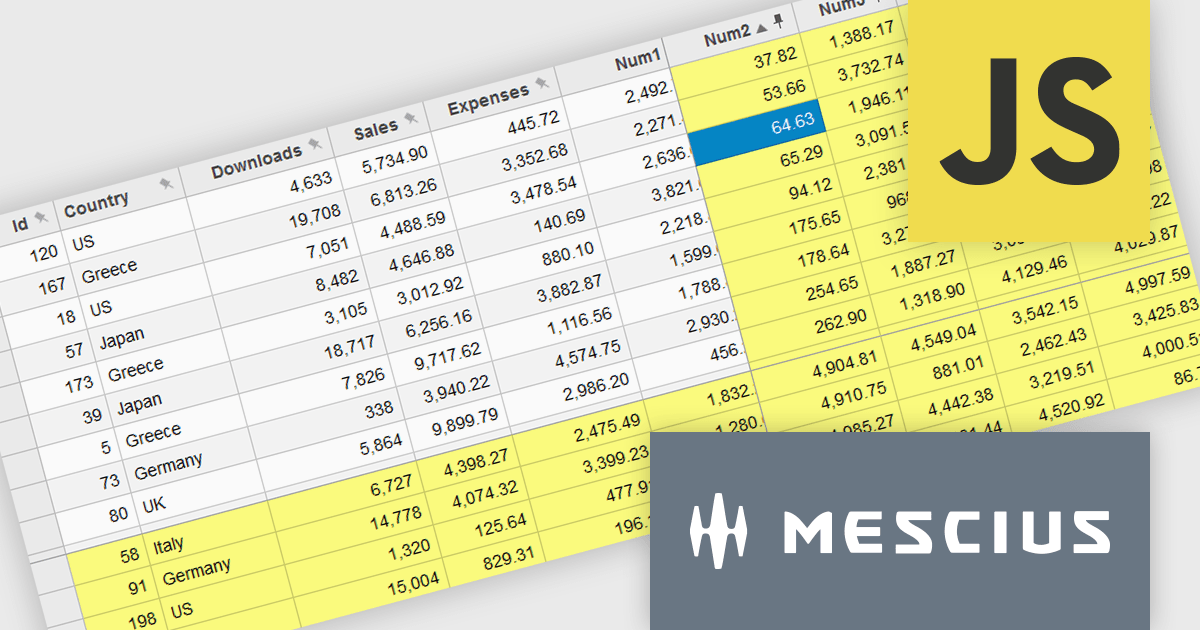
Wijmo by MESCIUS is a comprehensive JavaScript library offering a suite of high-performance UI components and data grids specifically designed to streamline the development of modern enterprise applications. It emphasizes reduced development time and improved maintainability, along with a focus on performance through its efficient design and small module size. Wijmo integrates seamlessly with popular JavaScript frameworks like Angular, React, and Vue.js, and supports cutting-edge technologies like TypeScript, making it a versatile solution for building complex web applications.
The Wijmo 2024 v2 update improves FlexGrid with the ability to freeze and pin columns to the right and rows to the bottom. Previously, freezing was limited to the left side for columns and the top for rows. Experience greater flexibility and improved data presentation with the ability to freeze cells in any direction. This feature streamlines data analysis by keeping critical rows and columns visible, enhancing usability and allowing users to focus on key information. With a more intuitive interface, users enjoy a seamless experience, leading to higher satisfaction and a more professional software tool.
To see a full list of what's new in 2024 v2 (Build 5.20242.21), see our release notes.
Wijmo is licensed per developer. Developer Licenses are perpetual and include 1 year Subscription which provides upgrades, including bug fixes and new features. See our Wijmo licensing page for full details.
Learn more on our Wijmo product page.

Grial UI Kit by UXDivers is a collection of pre-designed user interface components and templates specifically built for Xamarin.Forms and .NET MAUI app development. It offers a wide range of customizable XAML code snippets, custom controls, and helpers, allowing developers to rapidly build modern and visually appealing mobile applications for Android and iOS platforms while focusing on the core functionalities of the app.
The Grial UI Kit 2024.4 release adds a new Task Flow interface which offers three interconnected pages for a comprehensive view of summarized and detailed data, such as employees, tasks, and performance. Though it features employee data by default, it is highly customizable. Thanks to the flexibility of bindings and the MVVM pattern, you can easily replace the sample content with your own, making it adaptable for various use cases like project tracking and performance analysis.
To see a full list of what's new in 2024.4 (version 4.2.117.0), see our release notes.
Grial UI Kit is licensed per application and is available as an perpetual license. See our Grial UI Kit licensing page for full details.
For more information, see our Grial UI Kit product page.
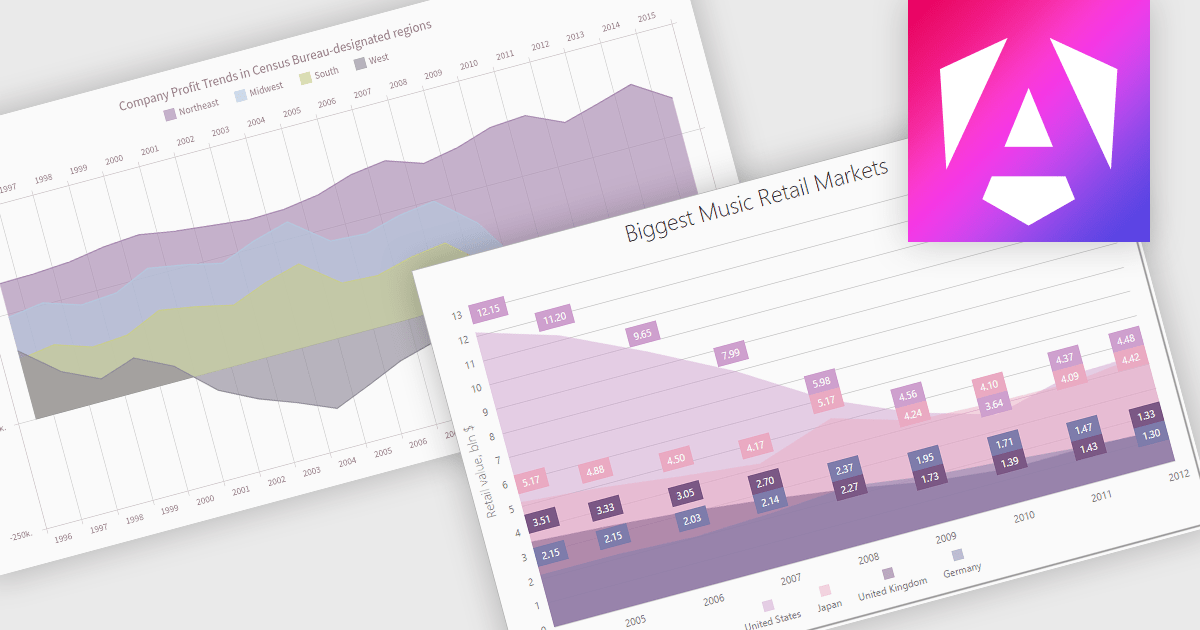
An area chart is a visualization tool that displays data as a filled area bounded by a line and the x-axis. It's particularly effective for illustrating trends and changes in data over time. By filling the area beneath the line, it visually represents the cumulative value of the data, making it easier to understand overall trends. This makes area charts ideal for visualizing metrics like sales over time, inventory levels, or stock prices.
Several Angular chart controls offer area charts including:
For an in-depth analysis of features and price, visit our Angular chart controls comparison.





Tel: (888) 850 9911
Fax: +1 770 250 6199


