








Fornitore ufficiale
In qualità di distributori ufficiali e autorizzati, forniamo licenze software legittime direttamente da più di 200 autori di software.
Vedi tutte le nostre marche
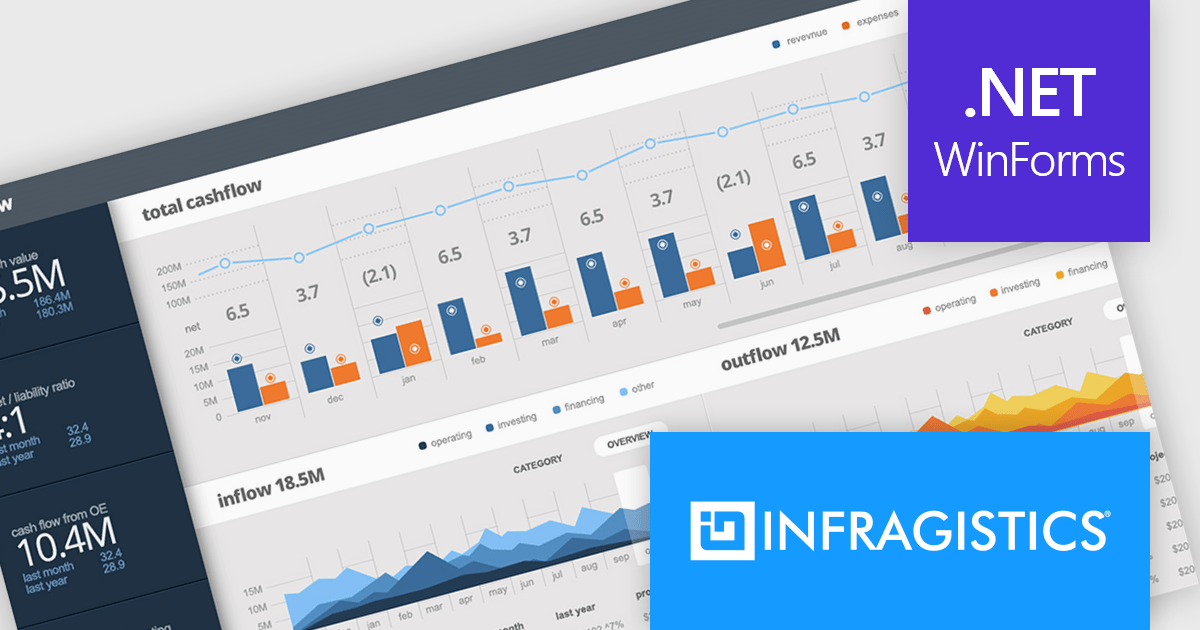
Infragistics Ultimate UI for Windows Forms is a comprehensive suite of over 100 pre-built UI controls and components designed to accelerate Windows Forms application development. It offers a rich feature set including grids, charts, dashboards, reports, and Microsoft Office-style UI elements, enabling developers to create visually appealing, high-performing, and touch-enabled applications with minimal coding effort.
The Infragistics Ultimate UI for Windows Forms 24.1 release introduces a powerful new feature for the UltraDataChart: Data Legend and Data Tooltip Grouping. This innovative enhancement allows users to effectively categorize and organize large datasets by grouping related series together. When multiple series share the same group text, they are visually clustered together within both the data legend and tooltips, providing a clear and intuitive representation of the data. This feature significantly improves data comprehension and analysis, making it easier for users to extract meaningful insights from complex datasets.
To see a full list of what's new in 24.1, see our release notes for Infragistics Ultimate UI for Windows Forms.
Infragistics Ultimate UI for Windows Forms is licensed per developer and is available as a perpetual license with 1, 2 or 3 year support and maintenance subscription. See our Infragistics Ultimate UI for Windows Forms licensing page for full details.
Infragistics Ultimate UI for Windows Forms is available to buy in the following products:
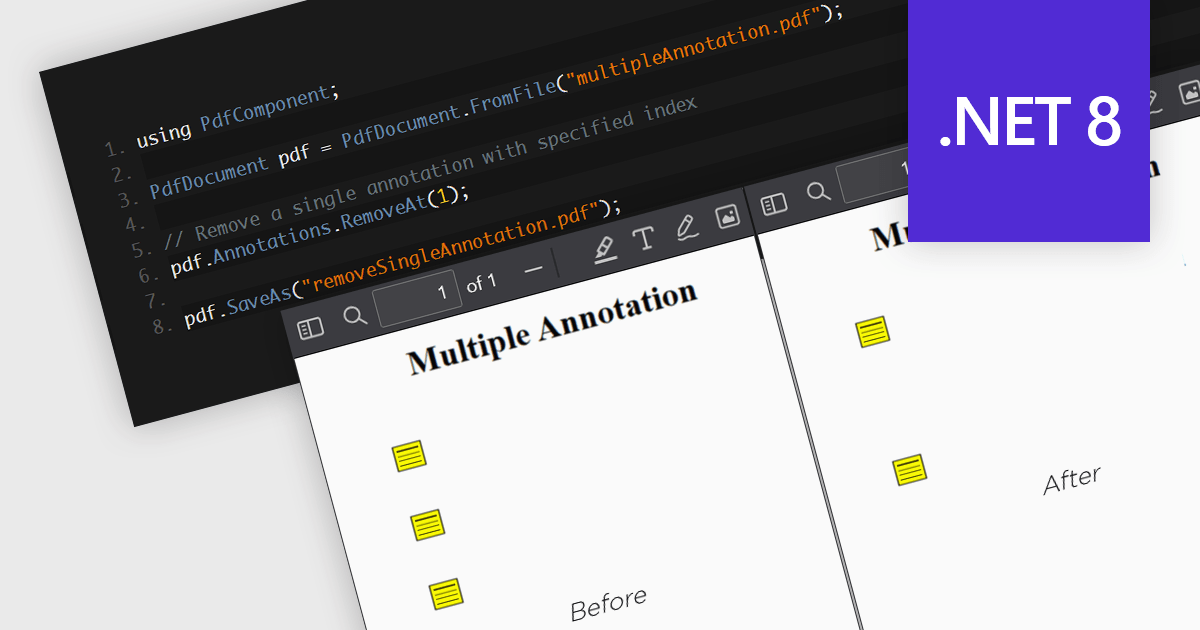
The removal of annotations from a PDF entails deleting any added notes, highlights, comments, or other markup elements that have been inserted into the document during its review or editing. This process reverts the PDF to its original state, yielding a clean version, free from any additional commentary or visual markers. By removing annotations, users can ensure that sensitive information is protected and additional notes have been removed, whilst preparing the document for final distribution or archiving.
Several .NET 8 PDF components allow you to remove annotations, including:
For an in-depth analysis of features and price, visit our comparison of .NET 8 PDF components.
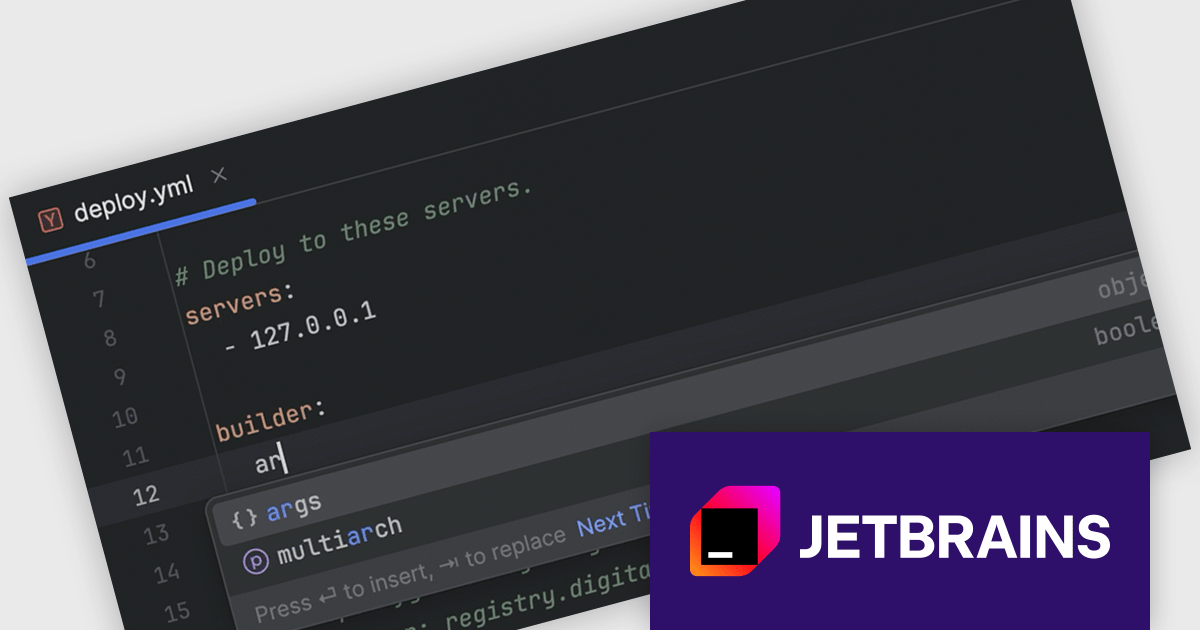
RubyMine by JetBrains is a powerful Integrated Development Environment (IDE) specifically designed for Ruby and Ruby on Rails development. It offers a comprehensive suite of features to boost your coding efficiency, including smart code completion, syntax highlighting, code refactoring tools, built-in debugging and testing frameworks, and seamless integration with popular libraries and databases. Whether you're a seasoned Rails developer or just starting out, RubyMine's intuitive interface and robust features can help you write cleaner, more maintainable code and accelerate your development workflow.
The RubyMine 2024.2 release enhances support for Kamal with code completion for configuration files. When working with deploy.yaml and .env files, you will benefit from intelligent code suggestions tailored to Kamal-specific properties, significantly improving your efficiency and accuracy. This feature streamlines the configuration process, reduces errors, and enhances your overall development experience with Kamal.
To see a full list of what's new in version 2024.2, see our release notes.
RubyMine is licensed per user, and is available as a commercial annual subscription license. We can supply new subscriptions, subscription renewals (including continuity discounts), lapsed renewals, and additional user licenses. See our RubyMine licensing page for full details.
RubyMine is available to buy in the following products:
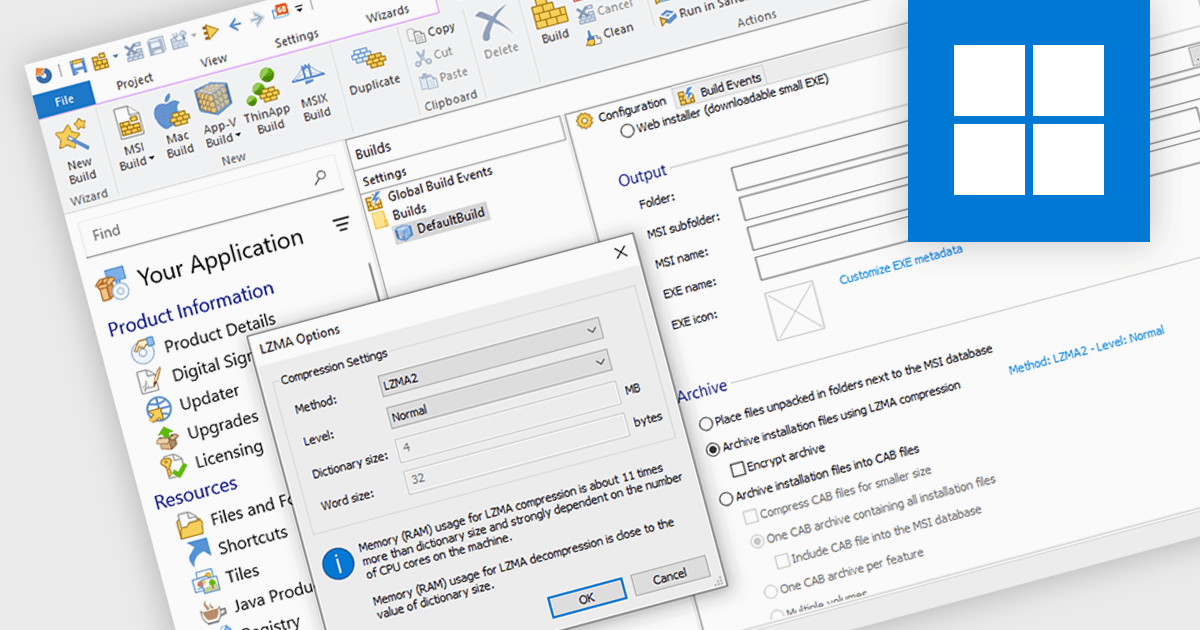
Data compression is a critical component of modern installation tools, enabling efficient delivery and reduced storage requirements. By reducing file sizes, compression accelerates download times, minimizes network bandwidth consumption, and optimizes installation package storage. Advanced compression algorithms specifically designed for software installation packages further enhance performance, ensuring swift and reliable deployment while preserving data integrity.
Several installation tools offer data compression including:
For an in-depth analysis of features and price, visit our comparison of Installation Tools.
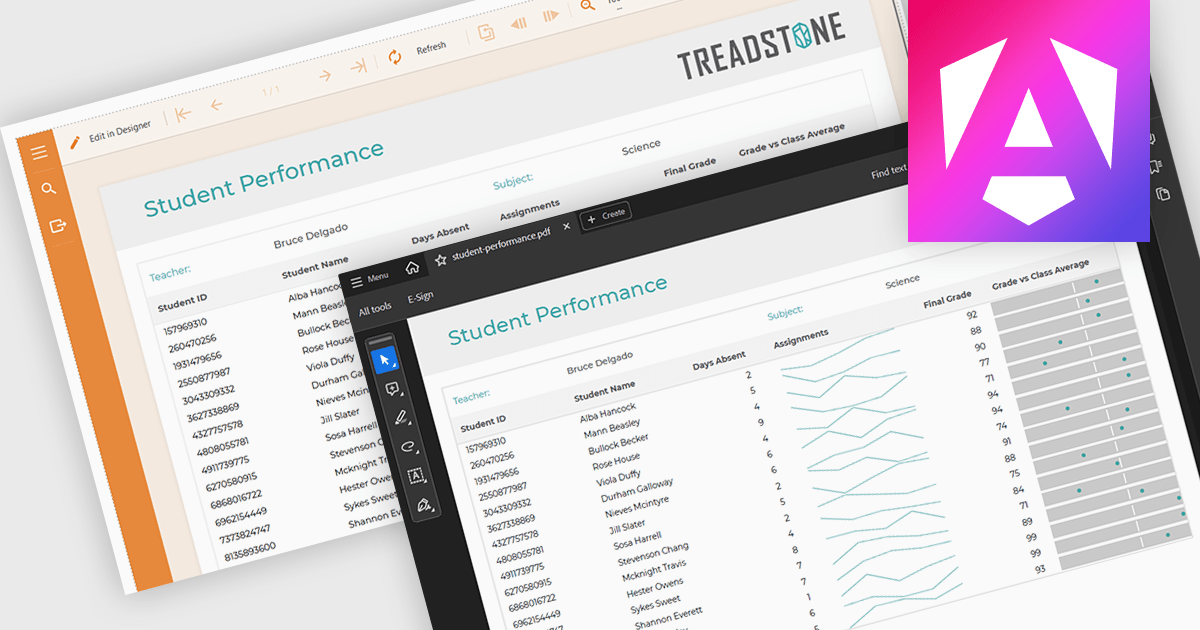
PDF export functionality within a reporting component enables the transformation of generated report data into a portable, high-fidelity PDF document. This capability offers significant advantages, including standardized document format compatibility, enhanced security through encryption options, optimized file size for efficient storage and transmission, and preservation of complex layout and formatting, ensuring consistent visual representation across different platforms and devices.
Several Angular reporting components offer PDF export support including:
For an in-depth analysis of features and price, visit Angular reporting components comparison.





Tel: (888) 850 9911
Fax: +1 770 250 6199


