








Fornitore ufficiale
In qualità di distributori ufficiali e autorizzati, forniamo licenze software legittime direttamente da più di 200 autori di software.
Vedi tutte le nostre marche
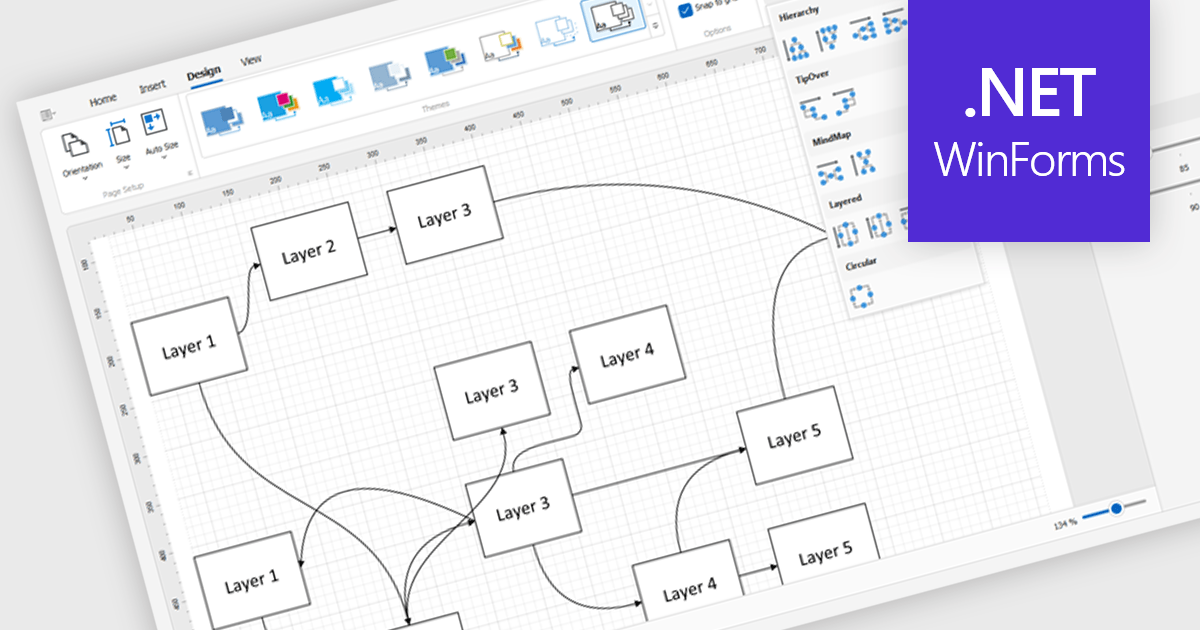
Diagram controls provide pre-built graphical elements for constructing various diagrams, flowcharts, and organizational charts within applications. These components accelerate development by offering customizable shapes, connectors, layouts, and interaction features, enabling developers to rapidly create visually appealing and interactive diagrams without extensive manual coding, thereby enhancing user experience and application functionality.
Many .NET WinForms UI Suite collections contain diagram controls including:
For an in-depth analysis of features and price, visit our comparison of .NET WinForms UI Suites.
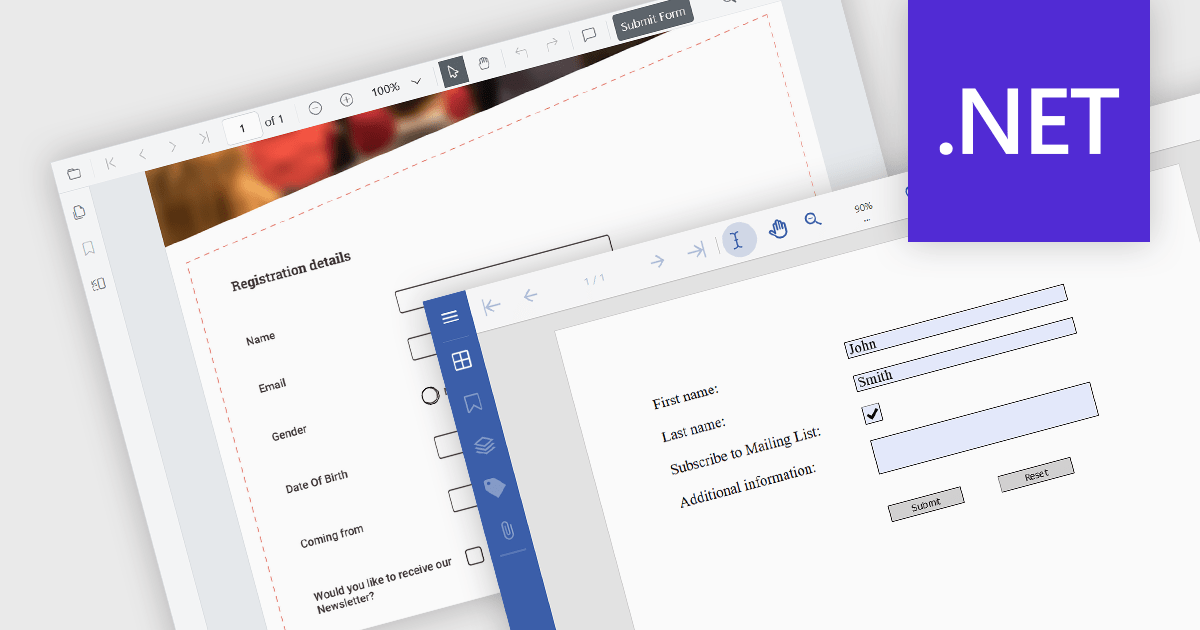
A submit action within a PDF form is a designated button or field that, when activated, sends the completed form data in a structured format, like FDF, XFDF, HTML, or PDF to a specified destination, such as a web server, email address, or database. This action streamlines data collection and processing, enabling quick and efficient transmission of information without requiring the user to manually extract or send the data. It enhances the usability of PDF forms, particularly in scenarios where timely data submission is crucial, such as in online applications, surveys, or order forms.
Several .NET PDF viewer components allow you to submit a PDF form, including:
For an in-depth analysis of features and price, visit our comparison of .NET PDF viewer components.
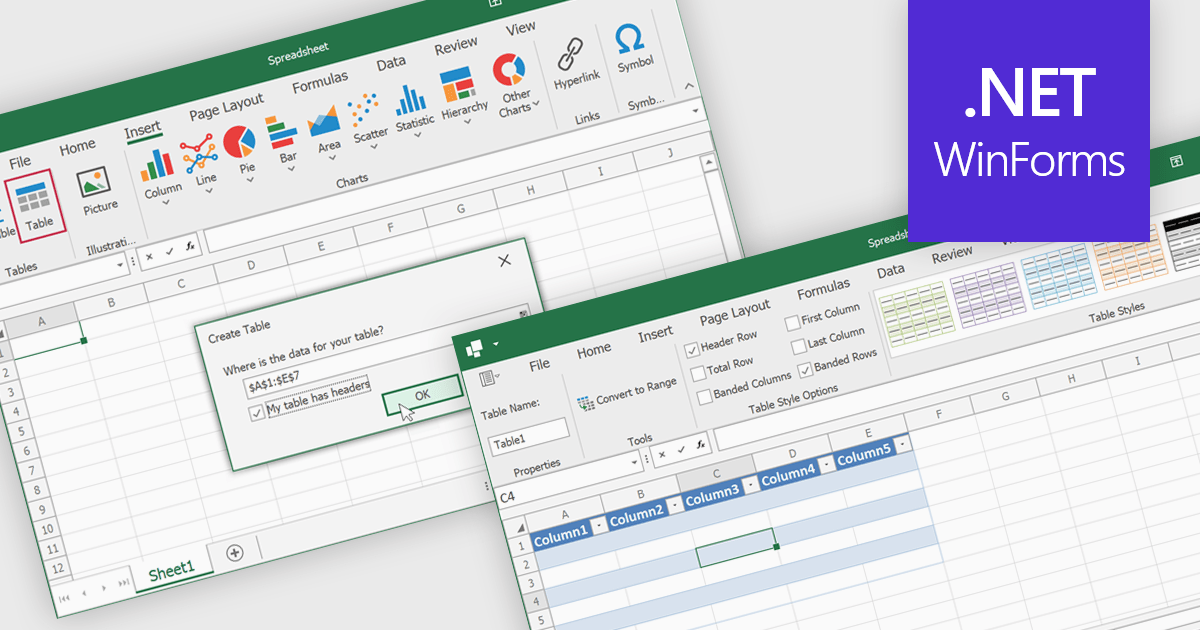
Spreadsheet tables are organized groups of data in a spreadsheet, often with a header row and a range of cells containing related information. They make data management easier by grouping related information, improving how it looks and how easy it is to use. You can use functions and formulas on entire tables to automate calculations and reduce manual work. Tables often let you filter and sort data based on specific criteria, making analysis and reporting easier. Common uses include financial analysis, inventory management, project tracking, and customer databases.
Several WinForms spreadsheet controls offer table support including:
For an in-depth analysis of features and price, visit our WinForms spreadsheet controls comparison.
Telerik UI for ASP.NET AJAX is a library of over 120 user interface components designed for developers building Web Forms applications on the ASP.NET AJAX framework. It provides a variety of pre-built and high-performant controls which are fully customizable, ranging from data management to layout, navigation and data visualization. This feature-rich suite allows for the creation of responsive and visually appealing web applications, whilst enabling developers to enhance the user experience and expedite the development process.
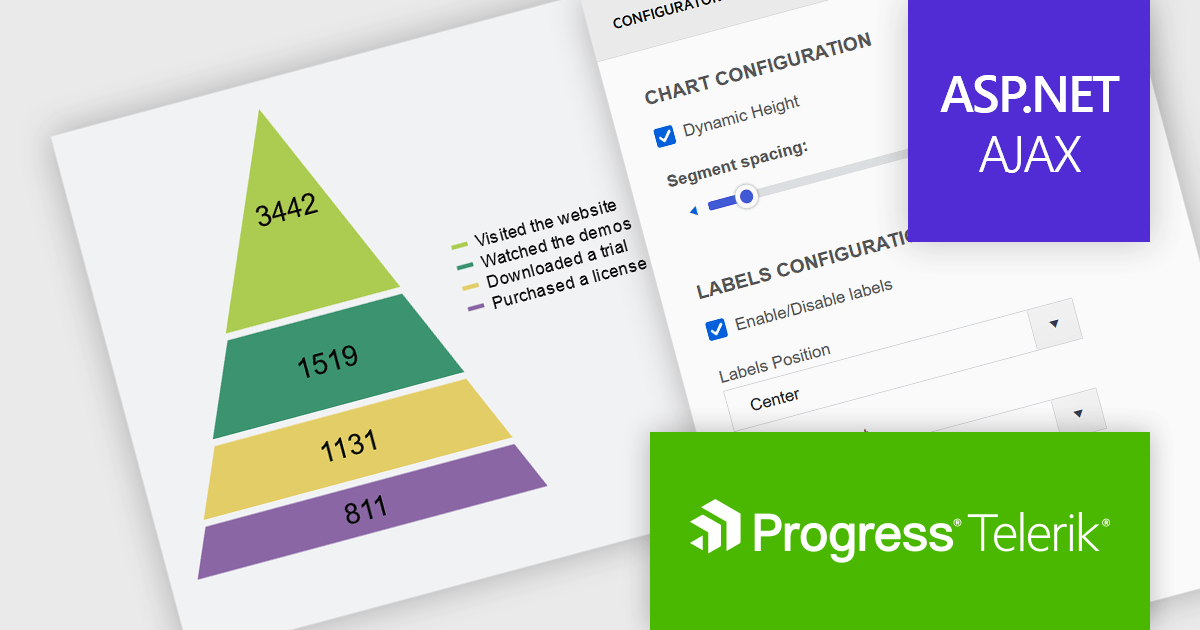
The Telerik UI for ASP.NET AJAX 2024 Q3 update (2024.3.805) introduces a new data visualization component that enables developers to employ the pyramid chart type. Specifically designed for visualizing hierarchical data structures, this chart type displays a single series of data in progressively increasing proportions, organized into segments, where the size of each segment is determined by the value of the corresponding series item. With built-in properties for effortless customization, it equips developers with a versatile tool for illustrating data distribution more effectively using a pyramidal structure in their web applications.
To see a full list of what's new in 2024 Q3 (2024.3.805), see our release notes.
Telerik UI for ASP.NET AJAX is licensed per developer and is available as a perpetual license with a one year support subscription, which is available in three tiers: Lite, Priority or Ultimate. See our Telerik UI for ASP.NET AJAX licensing page for full details.
Telerik UI for ASP.NET AJAX is available to buy in the following products:
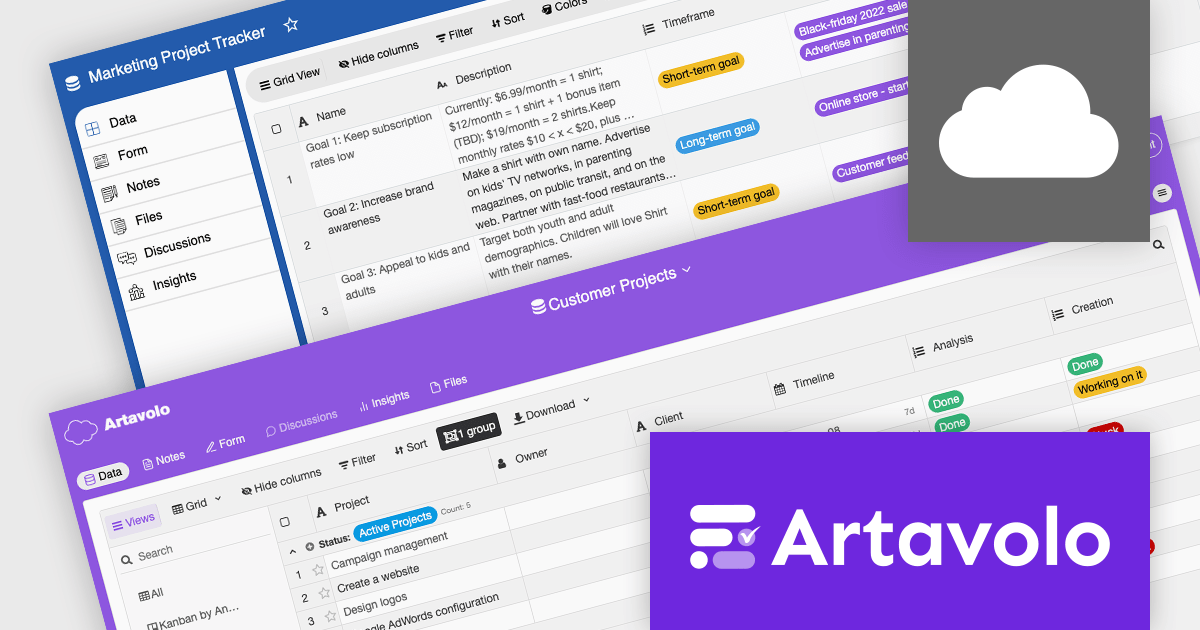
ComponentSource, a leading provider of software development tools, has announced a new partnership with Artavolo, an innovative software platform from the makers of jQWidgets designed to visualize projects, connect teams, and optimize productivity. This collaboration provide users with a powerful project management solution with customizable workflows, real-time team collaboration, and robust data management.
Artavolo is a powerful project management and collaboration platform designed for teams across various fields, including technology startups, marketing, human resources, and customer support. It features a customizable interface with tools like Kanban boards and real-time collaboration, enabling teams to streamline workflows, enhance productivity, and centralize data management. By facilitating efficient project management, task automation, and seamless integration with existing tools, Artavolo supports organizations of all sizes in maintaining focus, improving coordination, and effectively scaling their operations as they grow.
Through this strategic partnership, ComponentSource enhances its offering of project management tools, further cementing its position as a trusted provider of reliable and efficient solutions for developers, backed by guaranteed support.
Artavolo offers an annual user-based licensing model, requiring each team member to have a license to create, manage, and collaborate on boards and tasks. Subscription plans are tiered according to team size and feature needs: Standard for individuals and small teams, Pro for growing teams and scaling businesses, and Enterprise for organizations seeking advanced governance and administration features. For full licensing information visit our Artavolo licensing page.
For more information, visit our Artavolo publisher page.





Tel: (888) 850 9911
Fax: +1 770 250 6199


