








Fornitore ufficiale
In qualità di distributori ufficiali e autorizzati, forniamo licenze software legittime direttamente da più di 200 autori di software.
Vedi tutte le nostre marche
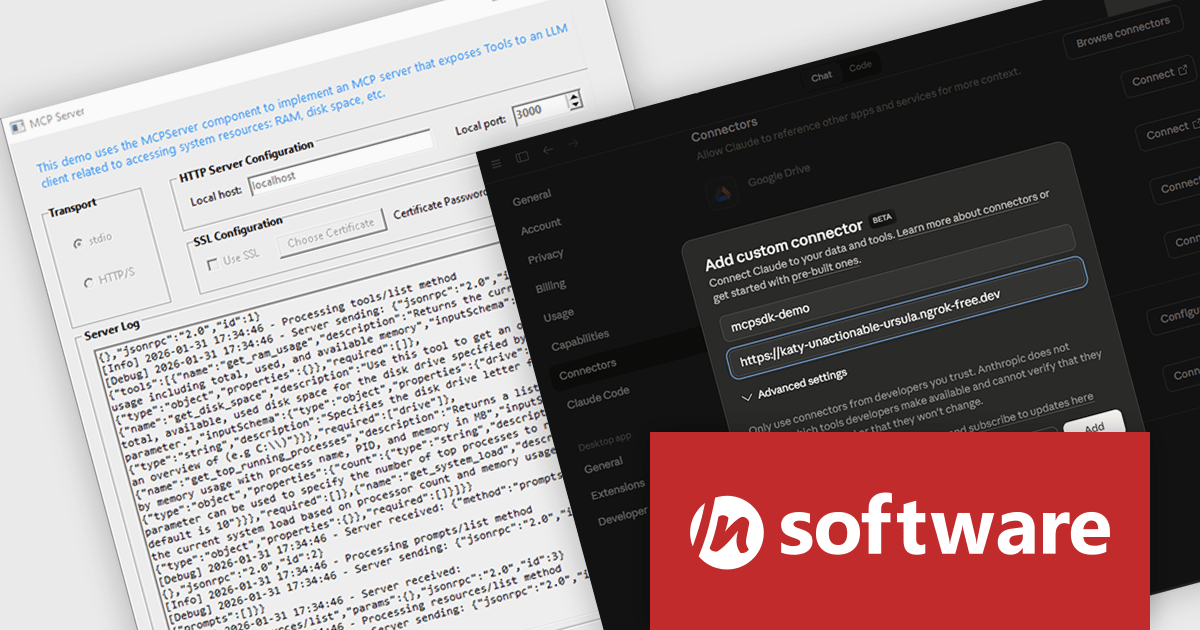
MCP SDK (included in Red Carpet Subscription) is a developer-focused library that reduces the complexity of implementing MCP (Model-Context-Protocol) servers and clients. Built around an event-driven API, it enables large language models (LLMs) to interact with your application logic - retrieving data, invoking tools, executing predefined operations, or following structured prompts.
The latest MCP SDK release adds full support for HTTP and HTTPS transport, giving developers more options for deploying MCP servers in modern, distributed architectures. With network-based connectivity, Large Language Model (LLM) clients can securely connect to MCP servers across environments, making it easier to integrate AI capabilities into cloud-native and multi-service systems. The included MCPServer component simplifies the process of building servers that link LLMs such as Claude to custom data sources, internal services, and application logic, helping teams extend AI functionality into real-world processes with minimal friction.
To see a full list of what's new in Red Carpet Subscription Vol. 1 2026, see our release notes.
MCP SDK is available as part of Red Carpet Subscription which is licensed per developer and is available as a Perpetual License with a 12 month support and maintenance subscription. See our Red Carpet Subscription licensing page for full details.
For more information, visit our /n software Red Carpet Subscription product page.
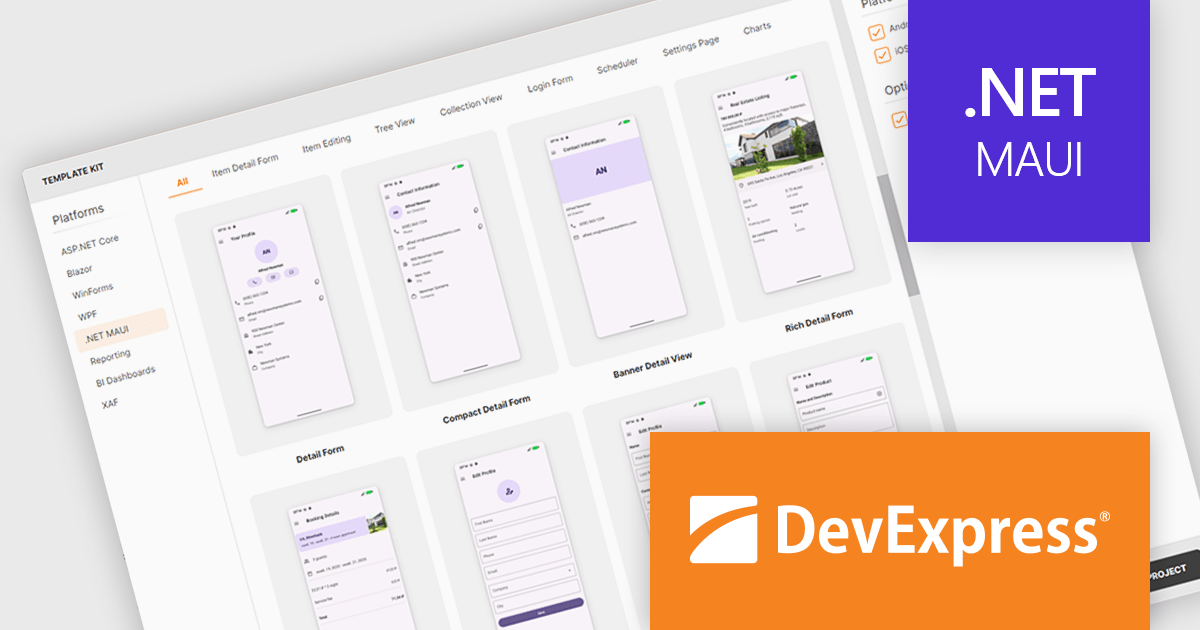
DevExpress .NET MAUI is a comprehensive suite of high-performance UI components designed for building modern, native cross-platform applications on iOS and Android using .NET Multi-platform App UI (MAUI). It includes a wide range of tools such as advanced data grids, interactive charts, responsive data editors, and PDF controls, all created to deliver a polished and professional user experience. With its optimized performance and extensive customization options, DevExpress .NET MAUI helps developers create feature-rich applications.
The DevExpress .NET MAUI Template Kit now extends full support to macOS, making its pre-designed templates available to developers building apps with .NET Multi-platform App UI on Apple hardware. The update ensures the same set of templates can be used regardless of whether development happens on Windows or macOS, and regardless of the chosen integrated development environment. By supporting all major IDEs used for .NET MAUI development, the Template Kit provides a consistent starting point for projects, helping teams adopt shared application structures and patterns across different platforms.
DevExpress .NET MAUI is included with DevExpress Universal, which is licensed per developer. This license includes a 12-month subscription for technical support and updates, providing full support for all included components, including .NET MAUI. See our DevExpress Universal licensing page for full details.
DevExpress .NET MAUI is available as part of DevExpress Universal.
Integrated Development Environments (IDEs) are comprehensive software applications that provide developers with a unified workspace for writing, editing, compiling, debugging, and managing source code across one or more programming languages. In addition to core coding features such as syntax highlighting, intelligent code completion, and version control integration, most modern IDEs include built-in testing functionality that supports popular testing frameworks for unit, integration, and sometimes end-to-end testing. These environments typically allow developers to create and organize test projects, run tests directly from the editor, view structured test results, and quickly navigate from failed tests to the relevant source code. Many IDEs also offer advanced capabilities such as code coverage analysis, test discovery, continuous test execution, and debugging tools that work seamlessly within test cases, helping development teams maintain code quality and detect issues early in the development lifecycle.
Common testing features include:
For an in-depth analysis of features and price, visit our IDEs comparison.
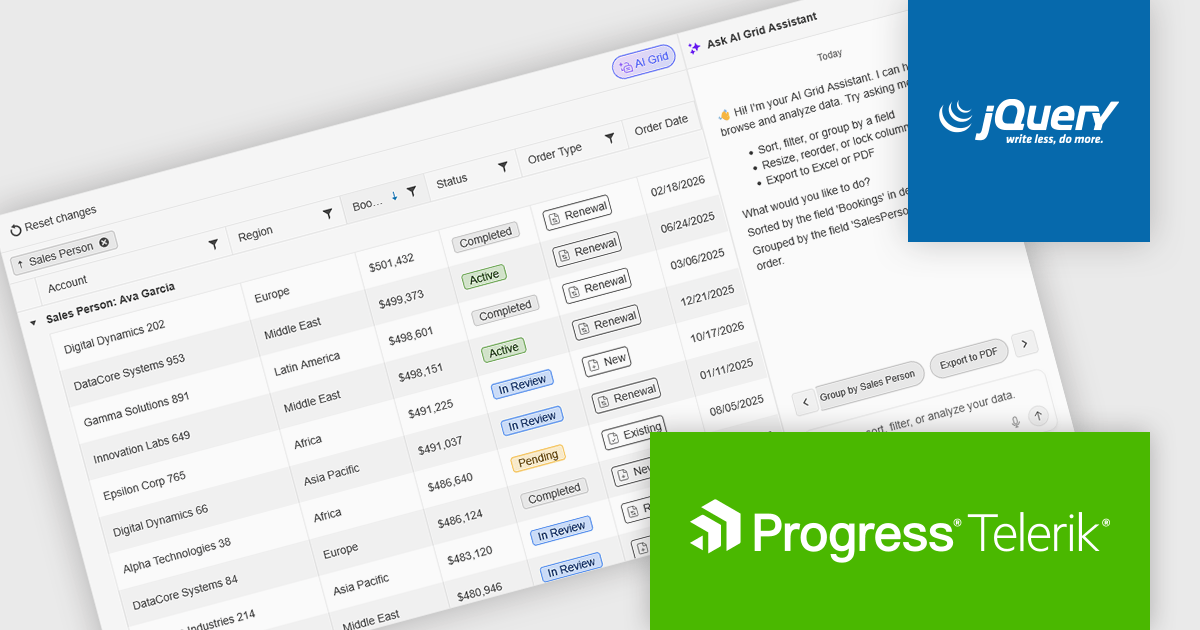
Kendo UI by Telerik is a comprehensive suite of JavaScript UI components designed to accelerate web application development. Offering pre-built, customizable elements for grids, charts, schedulers, and more, it streamlines UI creation across popular frameworks like jQuery, Angular, React, and Vue. Key features include responsive design, accessibility, and high performance, enhancing user experience. Developers benefit from reduced development time, consistent UI patterns, and the ability to build feature-rich applications faster.
The Kendo UI for jQuery v2026 Q1 update introduces AI Chat integration for the Smart Grid, enabling developers to incorporate a conversational interface into data-driven web applications. End users can explore and query structured Grid data using natural-language input, while the integration leverages the Grid’s schema, configuration, and current view to generate precise, context-aware responses. This approach minimizes the need for complex filtering configurations and custom-built query tools, reduces user training requirements, and enhances overall usability. For development teams, it improves implementation while delivering a more efficient and accessible data exploration experience within existing jQuery applications.
To see a full list of what’s new in version 2026 Q1 (2026.1.212), see our release notes.
Kendo UI is licensed per developer and has two licensing models: an annual Subscription License and a Perpetual License. The Subscription license provides access to the latest product updates, technical support, and exclusive benefits for a flat annual fee, and must be renewed to continue using the software. The Perpetual license is a one-time purchase granting access to the current released version and includes a one-year subscription for product updates and technical support. After this initial period, users can choose to renew the subscription element to continue receiving updates and support; otherwise, they may continue using the installed version available during their active subscription term but will forgo future updates and support. See our Kendo UI licensing page for full details.
Kendo UI is also available to buy individually or as part of:
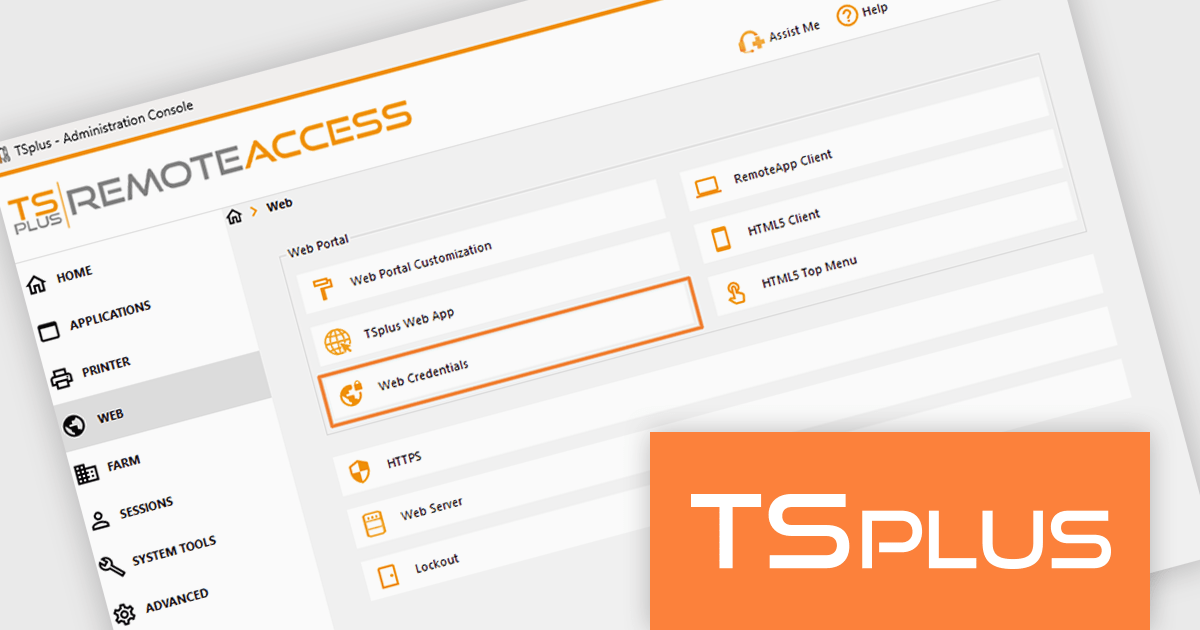
TSplus Remote Access enables secure remote access to desktops and applications from anywhere, on any device. It provides organizations with a centralized platform to manage remote working environments efficiently. With features like application publishing, web portal customization, and advanced security settings, it ensures that users can access the tools they need without compromising data integrity. Its intuitive design makes it easy to deploy and scale, catering to businesses of all sizes across industries such as IT, healthcare, education, and finance. By improving remote access management and delivering a reliable, user-friendly experience, TSplus Remote Access supports businesses in adapting to modern work demands with ease.
The TSplus Remote Access v19.10 update introduces Web Credentials synchronization across infrastructures, enabling automatic replication of authentication configuration files to a shared remote location so that multiple servers and farms maintain consistent login settings. For software developers and system administrators managing distributed environments, this reduces manual configuration effort, minimizes the risk of configuration drift between servers, and ensures predictable authentication behavior at scale. By allowing users to authenticate with business-specific identifiers such as email addresses or PIN codes instead of exposing Windows account credentials, the update also improves security posture while simplifying identity management across complex infrastructures.
To see a full list of what's new in v19.10, see our release notes.
TSplus Remote Access is licensed per concurrent user. Licenses are perpetual and include a 1 year subscription for updates and support. See our TSPlus Remote Access licensing page for full details.
For more information, visit our TSPlus Remote Access product page.





Tel: (888) 850 9911
Fax: +1 770 250 6199


