








Fornitore ufficiale
In qualità di distributori ufficiali e autorizzati, forniamo licenze software legittime direttamente da più di 200 autori di software.
Vedi tutte le nostre marche
GroupDocs.Metadata for .NET is a powerful API that grants developers granular control over the hidden information within various document formats, like Word, Excel, PDFs, and even images and audio. It seamlessly enables reading, editing, and removal of metadata properties, empowering you to organize, categorize, and extract valuable insights from your file collection with ease. This metadata manipulation capability unlocks enhanced document searchability, automated classification, and streamlined information retrieval, boosting the efficiency and organization of your data ecosystem.
The GroupDocs.Metadata for .NET V24.2 release adds support for the following additional 3D formats: STL, 3DS, DAE and FMX. This expands its utility for professionals working with 3D models and allows them to extract, view, and manage critical metadata directly within these file formats, streamlining workflows in areas like design analysis, version control, and intellectual property protection.
To see a full list of what's new in V24.2, see our release notes.
GroupDocs.Metadata for .NET is offered as Developer Small Business, Developer OEM, Site Small Business, and Site OEM licenses catering to a range of business needs. Licenses are perpetual, and include 1 year of support and maintenance. Subscription renewals are also available. See our GroupDocs.Metadata for .NET licensing page for full details.
GroupDocs.Metadata for .NET is available in the following products:

Actipro Avalonia UI Pro is a suite of professionally designed UI controls, themes, and components specifically built for the Avalonia UI framework. It empowers developers to craft beautiful, modern cross-platform applications while leveraging their existing C# and WPF skills. Actipro offers a range of controls from essential navigation and data visualization components to advanced charting and scheduling features, all adhering to its signature high-quality design and seamless integration with Avalonia.
The Actipro Avalonia UI Pro 23.1.3 release adds new Avatar and AvatarGroup controls. Avatars provide diverse visualization options - images, glyphs, initials, or text - catering to various use cases. The AvatarGroup efficiently arranges multiple avatars with overlap, hover expansion, and overflow handling, improving space utilization and visual hierarchy. These new controls enable developers to create modern, user-friendly interfaces with clear visual cues for identification and interaction.
To see a full list of what's new in 23.1.3, see our release notes.
Actipro Avalonia UI Pro is licensed per developer and is available as a Perpetual license with 1 year support and maintenance. See our Actipro Avalonia UI Pro licensing page for full details.
Learn more on our Actipro Avalonia UI Pro product page.

Wijmo by MESCIUS is a comprehensive suite of JavaScript UI components and data grids designed for building modern, performant enterprise applications. It offers a rich library of customizable elements like charts, gauges, calendars, and grids, compatible with popular frameworks like Angular, React, and Vue. Wijmo boasts efficient data handling, accessibility features, and regular updates, making it a popular choice for developers seeking to enhance their web app's interactivity and visual appeal. Wijmo's FlexGrid component provides a JavaScript UI datagrid which includes built-in sorting, formatting, pagination, and flexible data binding.
In this blog post, MESCIUS Technical Engagement Engineer Andrew Peterson takes you through the process for building a React application to fetch and display data using the WijmoGrid Component. Steps include:
Read the full blog post and get started creating immersive and visually appealing React applications.
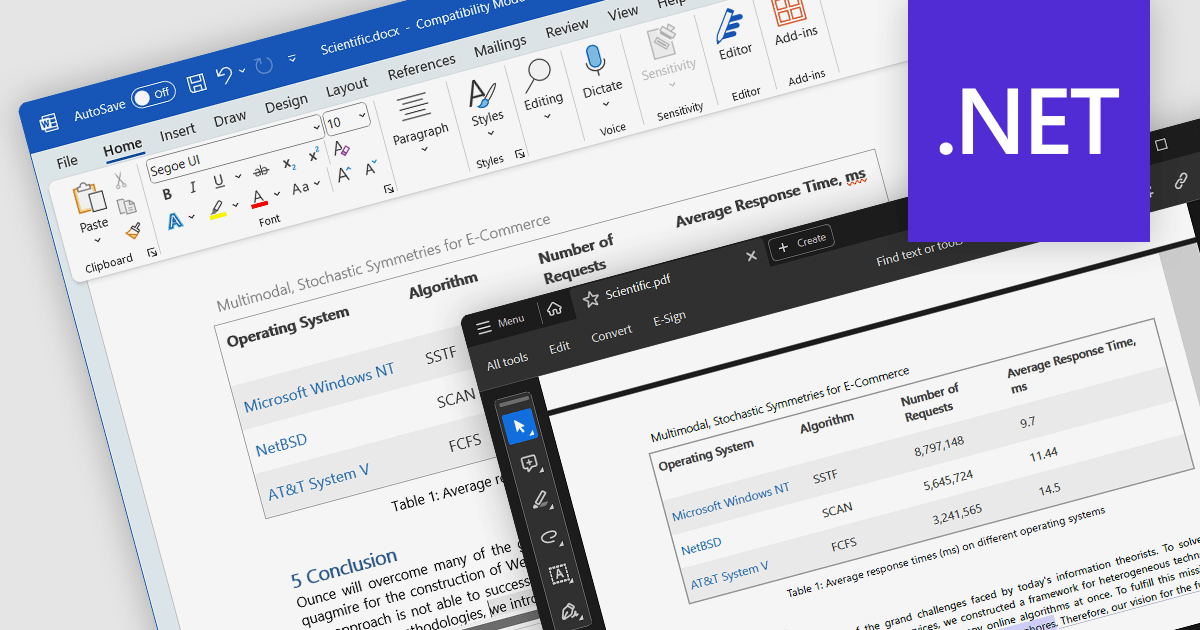
Word to PDF conversion streamlines the transfer of editable Word documents into universally shareable and platform-independent PDFs. This functionality empowers developers to offer document preservation and secure distribution directly within their applications. Users can convert reports, forms, or agreements into PDFs with consistent formatting and layout, ensuring content integrity and accessibility across various devices and software.
Several .NET components offer Word to PDF conversion including:
For an in-depth analysis of features and price, visit our comparison of .NET PDF components.
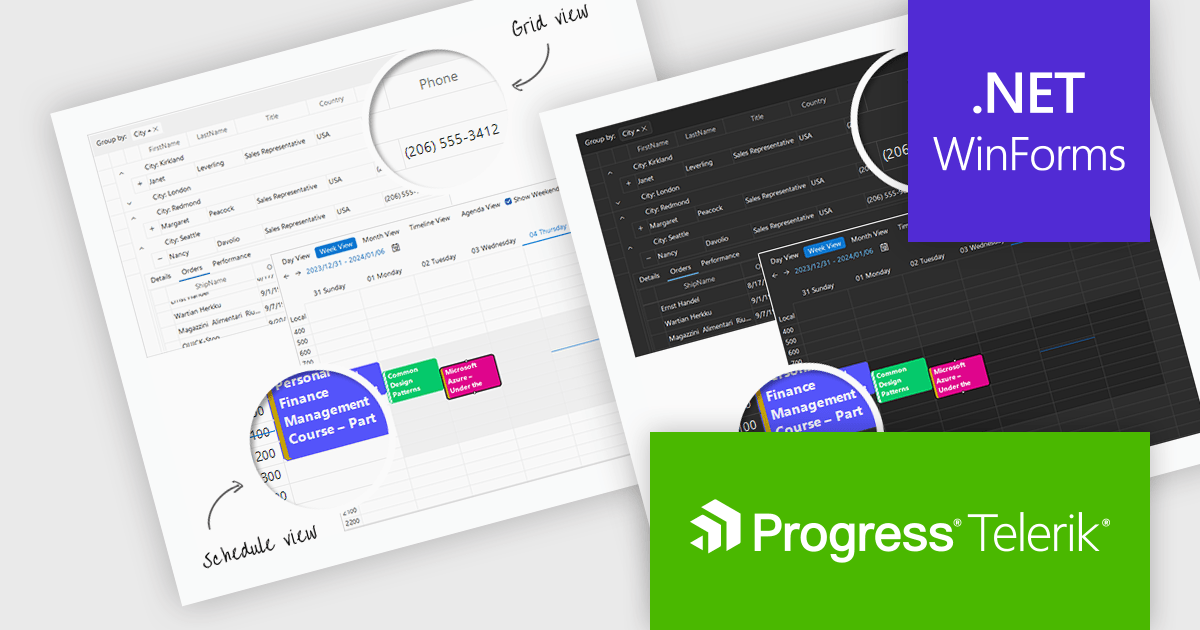
Telerik UI for WinForms is a comprehensive UI library offering over 160 versatile controls designed to streamline the development of modern, data-rich desktop applications. With features like built-in High DPI support, extensive customization options, and components ranging from grids and charts to schedulers and rich text boxes, it empowers developers to craft visually appealing and feature-packed Windows Forms applications.
The Telerik UI for WinForms 2024 Q1 update adds new Windows 11 Light and Dark compact themes, empowering developers to deliver modern, space-optimized UIs tailored to user preferences. These compact alternatives to the existing Windows 11 themes enhance application aesthetics, align with the latest design trends, and cater to users who prefer more compact interfaces. Users will enjoy improved focus and clarity with the uncluttered interface, ideal for multitasking and complex workflows.
To see a full list of what's new in 2024 Q1, see our release notes.
Telerik UI for WinForms is licensed per developer and is available as a perpetual license with a one year support subscription, which is available in three tiers: Lite, Priority or Ultimate. See our Telerik UI for WinForms licensing page for full details.
Telerik UI for WinForms is available to buy in the following products:





Tel: (888) 850 9911
Fax: +1 770 250 6199


