








Fornitore ufficiale
In qualità di distributori ufficiali e autorizzati, forniamo licenze software legittime direttamente da più di 200 autori di software.
Vedi tutte le nostre marche
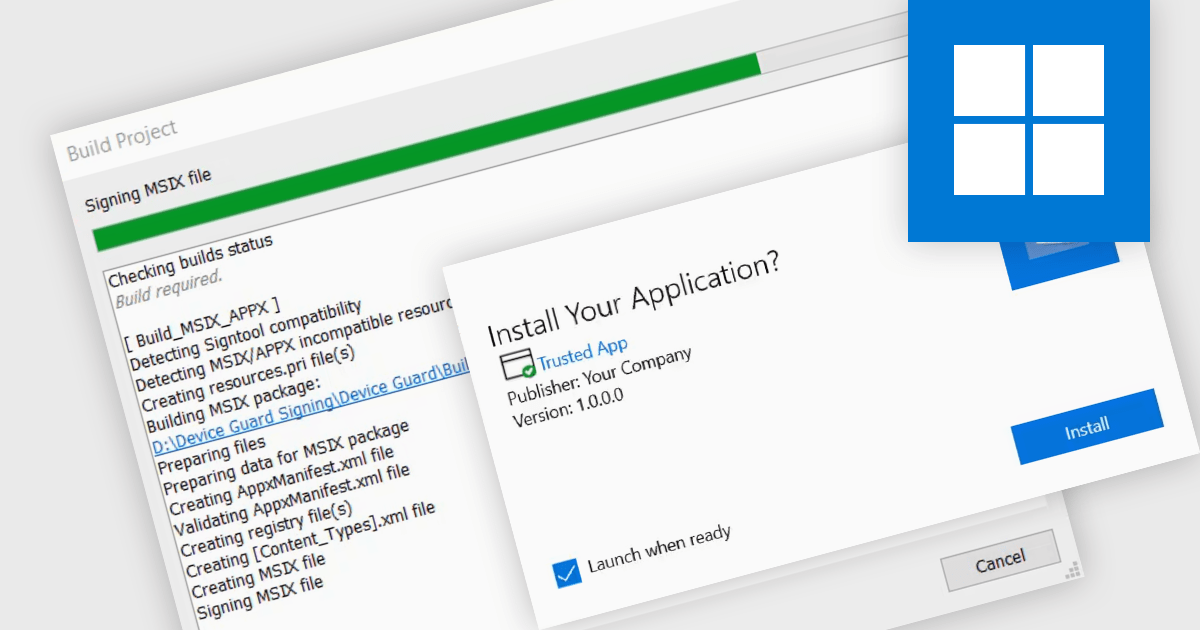
Digital signatures offer a powerful security shield against software tampering or impersonation. These electronic seals act as a digital fingerprint, verifying the software's authenticity and ensuring users download exactly what they intended. This provides several benefits including increased trust for users who will know they're installing genuine software, reduced risk of malware infections or unauthorized modifications, and enhanced compliance with industry regulations and security standards.
Several installation tools support digital signatures including:
For an in-depth analysis of features and price, visit our Installation Tools comparison.
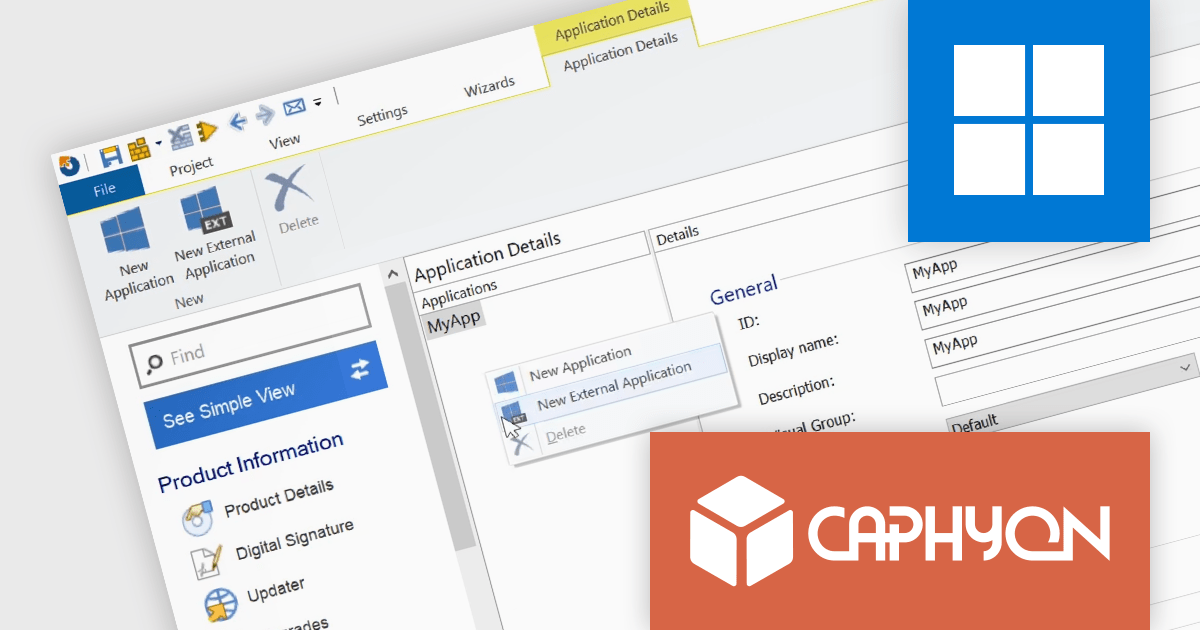
Advanced Installer by Caphyon is a powerful and versatile Windows installer authoring tool that enables developers and IT professionals to create professional-grade installation packages for their software applications. It offers a comprehensive set of features for building installers that are reliable, efficient, and compliant with industry standards.
The Advanced Installer V21.4 release adds the ability to target external application shortcuts or URLs. It allows installers to create shortcuts that launch pre-existing applications or open web pages that are not part of the installation package itself. This integrates existing tools and resources seamlessly, ultimately providing a more intuitive and convenient user experience.
To see a full list of what's new in version 21.4, see our release notes
Advanced Installer is licensed per user and is available as an annual or perpetual license with 1 year support and maintenance. See our Advanced Installer licensing page for full details.
For more information, visit our Advanced Installer product pages:

Telerik UI for Blazor is a comprehensive UI library that provides over 110 native Blazor components for building modern and feature-rich web applications. This professional-grade solution offers a complete set of components to satisfy all user interface requirements, saving time and effort in UI design.
The Telerik UI for Blazor v5.1.0 update (part of the 2024 Q1 release) adds a popover component. More advanced than a tooltip, this component offers a temporary overlay that surfaces contextually relevant information, options or actions upon user interaction (a click or mouse hover) with a designated anchor element. You can set position and collision parameters, as well as customizable parameters for appearance and animations. This provides Blazor developers with a way to offer users additional content without cluttering the primary interface.
To see a full list of what's new in 2024 Q1 (v5.1.0), see our release notes.
Telerik UI for Blazor is licensed per developer and is available as a perpetual license with a one year support subscription, which is available in three tiers: Lite, Priority or Ultimate. See our Telerik UI for Blazor licensing page for full details.
Telerik UI for Blazor is available to buy in the following products:
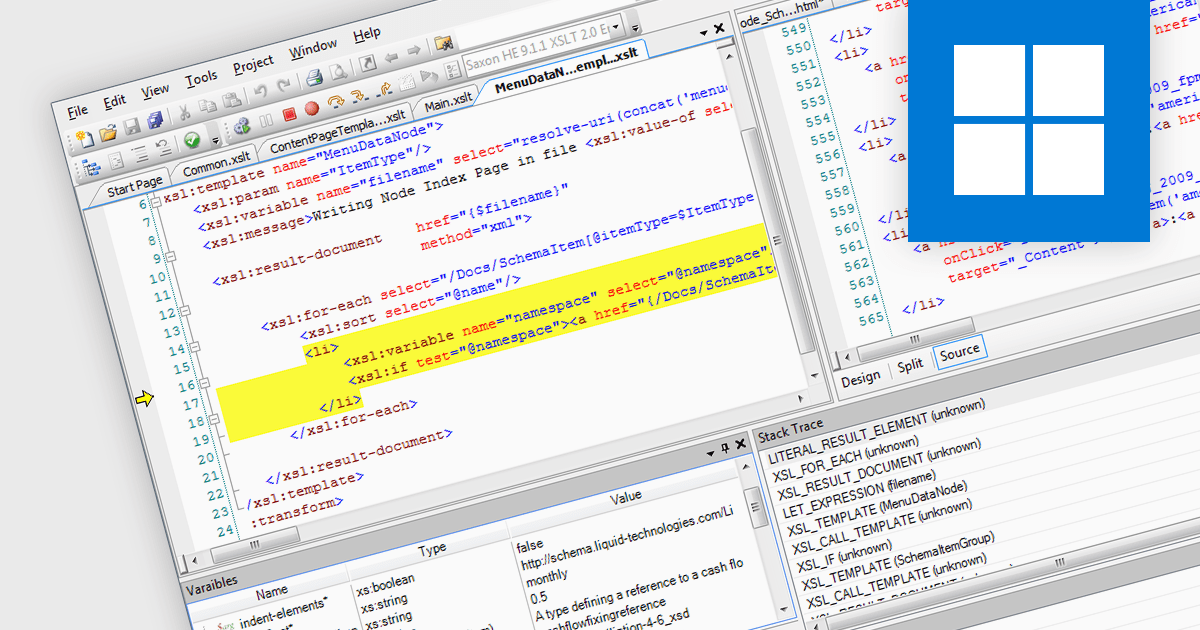
An XSLT editor is a specialized software program designed to facilitate the creation, editing, and testing of XSLT (Extensible Stylesheet Language Transformations) stylesheets. These stylesheets transform XML documents into various formats like HTML, plain text, or PDF. XSLT editors offer benefits like syntax highlighting, code completion, debugging tools, and transformation previews, streamlining the development process and ensuring accurate and efficient transformations. They save developers time and effort by providing a dedicated environment tailored to the specific needs of working with XSLT.
Several Structured Document Tools provide XSLT editing including:
For an in-depth analysis of features and price, visit our Structured Document Tools comparison.
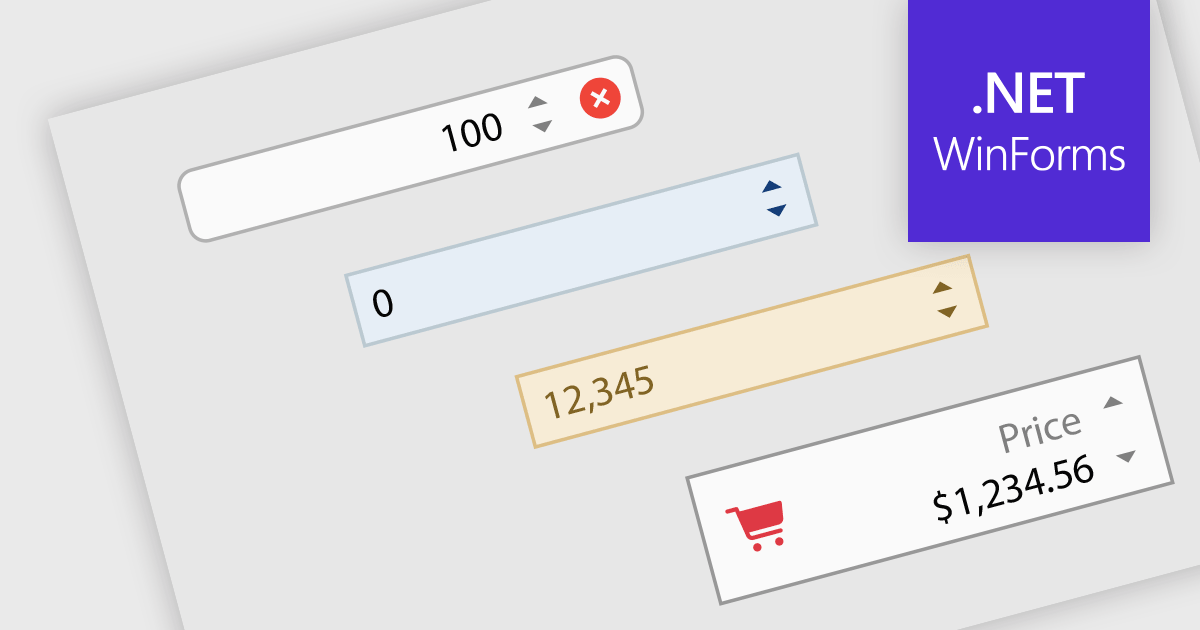
Numeric Spin data editor controls are intended for the efficient and precise input of numerical values. By combining an edit box with up/down spin buttons, users may either type to input directly or utilize the spin buttons to increase or decrease the value. This method promotes faster and less error-prone data entry than manual typing, particularly for large quantities or recurrent value revisions. Many spin editors include built-in validation, range limitations, data type selection, and formatting choices, which further improve data accuracy.
Many .NET WinForms data editor collections contain numeric spin components including:
For an in-depth analysis of features and price, visit our comparison of WinForms data editors.





Tel: (888) 850 9911
Fax: +1 770 250 6199


