








Fornitore ufficiale
In qualità di distributori ufficiali e autorizzati, forniamo licenze software legittime direttamente da più di 200 autori di software.
Vedi tutte le nostre marche
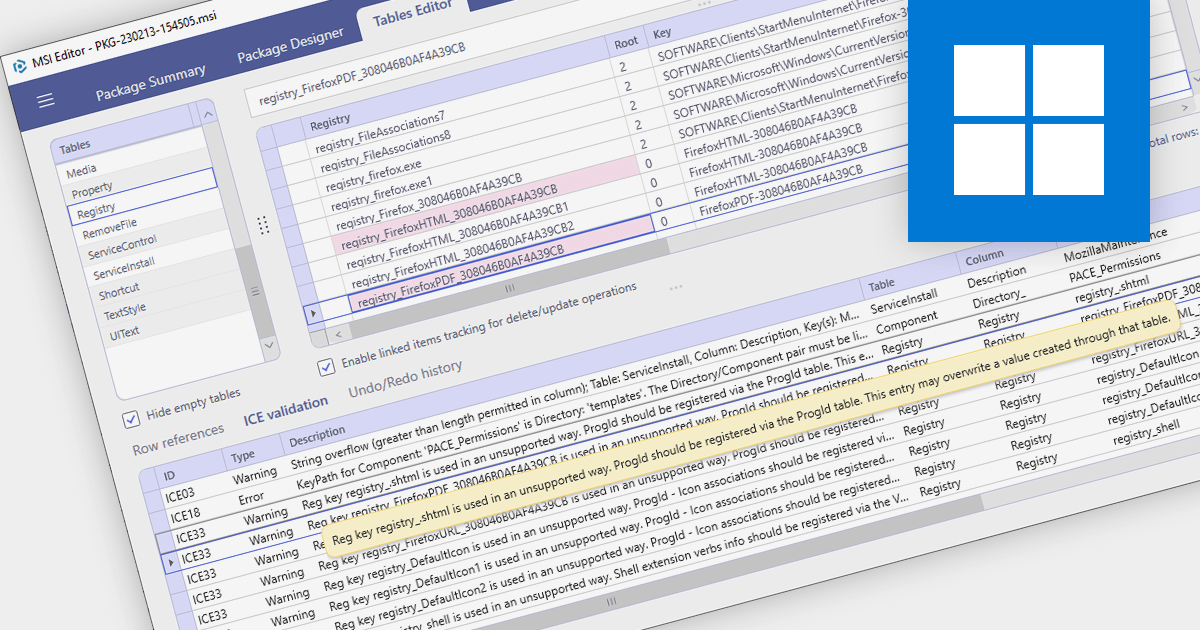
MSI Package Validation with Internal Consistency Evaluators (ICEs) is a critical process for ensuring the quality and reliability of Windows Installer packages. It involves running checks based on predefined rules to identify potential issues within the package structure and data. These checks, conducted by ICEs, are essential for maintaining package integrity, preventing installation failures, and ultimately fostering a smooth user experience. By employing ICE validation, developers can proactively identify and rectify potential problems before releasing their software. This helps avoid bugs, installation errors, and compatibility issues that could impact end users. Moreover, validated packages are more likely to comply with Microsoft Windows Installer certification requirements, enhancing their credibility and marketability.
Several installation tools provide MSI Package Validation including:
For an in-depth analysis of features and price, visit our Installation Tools comparison.
Devart Python Connectors are a collection of tools that bridge the gap between Python and various databases and cloud services, allowing you to interact with them directly from your Python code. They adhere to the Python Database API Specification v2.0, ensuring a consistent and familiar experience across different data sources. These connectors enable you to establish direct connections to databases via TCP/IP, eliminating the need for external client libraries, and to access cloud services securely through HTTPS.
The Python Connectors are licensed per developer and are available as a Perpetual License with a 12 month support and maintenance subscription. See our Python Connector licensing pages for ASE, BigCommerce, BigQuery, Dynamics 365, Firebird, HubSpot, InterBase, MySQL, NetSuite, Oracle, PostgreSQL, QuickBooks, Salesforce, SQL Server, SQLite, xBase, and Zoho CRM.
For more information about the Python Connectors visit our product pages:
Database servers:
Cloud services:
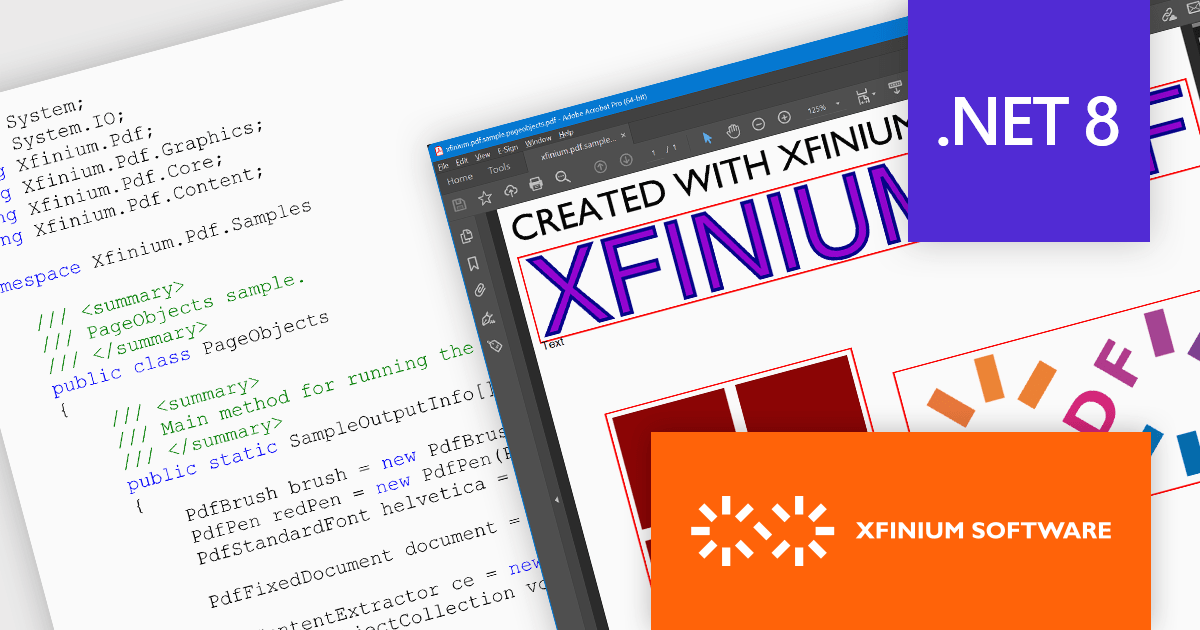
XFINIUM.PDF CROSS-PLATFORM BUNDLE is a software development library that lets you write PDF applications once and run them natively on multiple platforms, including .NET, Windows Forms, and Xamarin. This eliminates the need for separate codebases for each platform, saving you time and effort while ensuring consistent functionality across devices.
The XFINIUM.PDF CROSS-PLATFORM BUNDLE V12.2.2 release adds support for .NET 8. This allows developers to enjoy the performance boosts, enhanced cross-platform compatibility, and new APIs in the latest version of Microsoft's popular development framework.
To see a full list of what's new in version 12.2.2, see our release notes.
XFINIUM.PDF CROSS-PLATFORM BUNDLE is licensed per developer and is run-time royalty free. All licenses include a 12 month subscription which provides all major and minor product updates and technical support.
See our XFINIUM.PDF CROSS-PLATFORM BUNDLE licensing page for full details.
For more information, visit our XFINIUM.PDF CROSS-PLATFORM BUNDLE product page.

Syncfusion Essential Studio .NET MAUI, available as part of Syncfusion Essential Studio Enterprise, empowers developers with a comprehensive suite of native UI controls, data visualization tools, and performance optimizations for building modern, cross-platform mobile and desktop applications. This professional-grade toolkit leverages the power of C# and XAML, enabling rapid development of stunning and responsive experiences across diverse platforms.
The Syncfusion Essential Studio .NET MAUI 2023 Volume 4 (24.1.41) release adds a new Date Time Picker component. This lets users effortlessly select dates, times, or both, and boasts impressive features like different picker modes (inline, popup, and relative), extensive date and time formatting options, minimum and maximum date restrictions, and granular customization of headers, columns, footers, and selection views. This versatile tool helps you build intuitive and visually appealing UIs for capturing date and time data with ease.
To see a full list of what's new in version 2023 Volume 4 (24.1.41), see our release notes.
Syncfusion Essential Studio .NET MAUI is available as part of Syncfusion Essential Studio Enterprise which is licensed per developer starting with a Team License of up to five developers. It is available as a 12 Month Timed Subscription License which includes support and maintenance. See our Syncfusion Essential Studio Enterprise licensing page for full details.
For more information, visit our Syncfusion Essential Studio .NET MAUI product page.
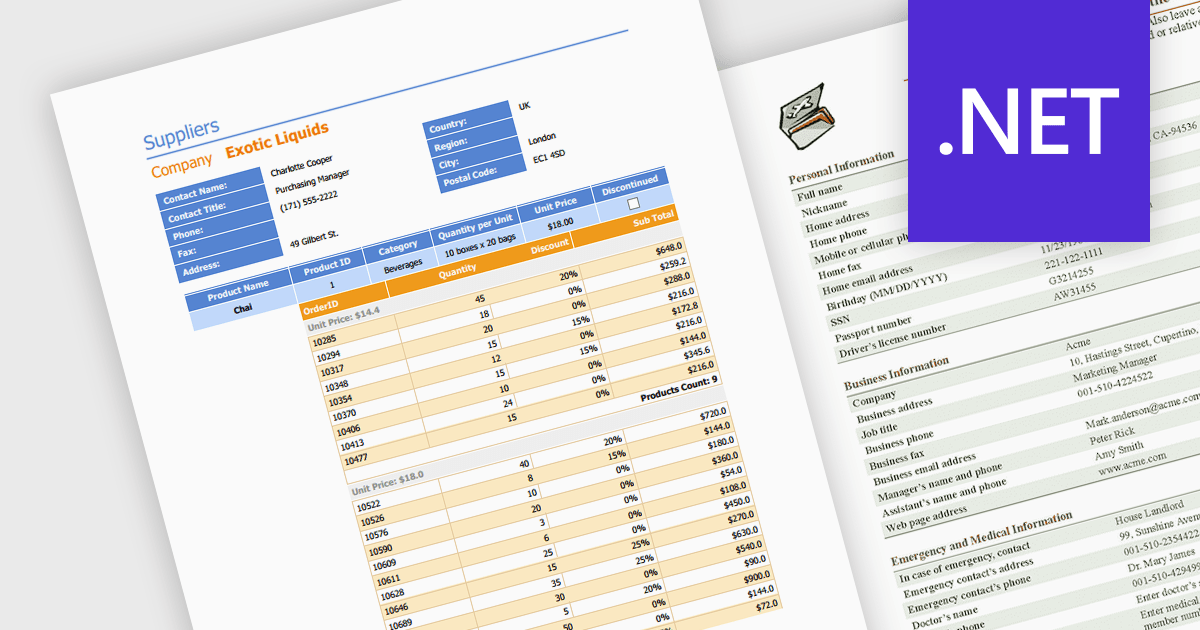
Editing PDFs programmatically allows developers to transcend manual manipulation and embrace code-driven control. By leveraging dedicated libraries and C#, applications can now extract data, update content, and dynamically generate complex documents, all without user intervention. This unlocks profound efficiency gains, automates repetitive tasks, and empowers developers to integrate sophisticated document automation directly into their .NET workflows.
Several .NET components support programmatic editing of PDFs including:
For an in-depth analysis of features and price, visit our .NET PDF Components comparison.





Tel: (888) 850 9911
Fax: +1 770 250 6199


