데이터 안의 추세와 관계를 드러내세요
영역(Area) 차트는 데이터가 시간에 따라 어떻게 변화하는지 보여주며, 추세를 시각화하고 변동의 크기를 강조하여 사용자가 데이터를 비교할 수 있도록 합니다.
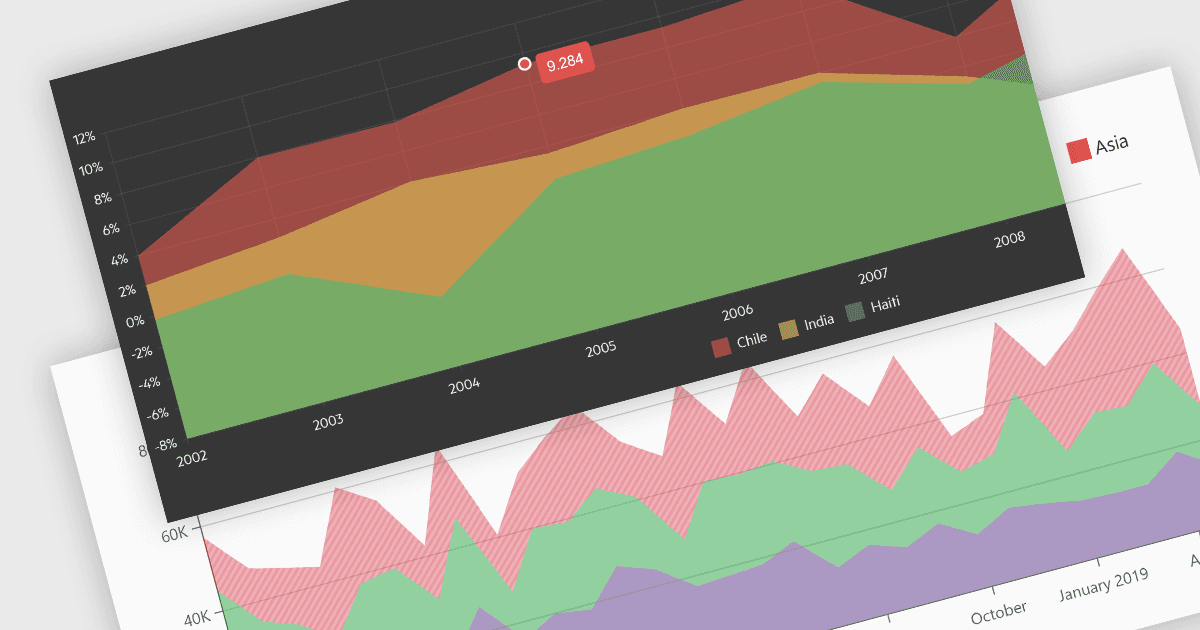
영역(Area) 차트는 꺾은선형(Line) 차트와 막대형(Bar) 차트의 장점을 결합하여, 보통 정량 데이터 가 시간에 따라 어떻게 변화하는지를 보여줍니다. 선 아래 영역은 음영 처리되어 추세, 여러 데이터 시리즈 간 비교, 각 시리즈 내 변화의 크기가 강조됩니다. 누적 합계와 비율을 시각화하는 데 이상적이며, 영역 차트는 데이터 안의 추세와 관계를 파악하는 데 특히 뛰어납니다.
다양한 Blazor 차트 컨트롤에서 영역 차트를 제공합니다. 예:
- DevExpress Blazor Chart (DevExpress ASP.NET 및 Blazor의 일부) 는 그라데이션부터 툴팁까지 풍부한 사용자 지정 옵션을 통해, 통찰력 있는 데이터 스토리를 위한 대화형 영역 차트를 제작할 수 있게 해줍니다.
- Telerik Blazor Chart (Telerik UI for Blazor의 일부) 는 Blazor 애플리케이션의 데이터에서 추세와 비교를 효과적으로 보여주기 위해, 풍부하고 대화형이며 반응형인 영역 시각화를 만들 수 있습니다.
- ComponentOne Charts for Blazor (MESCIUS의 ComponentOne Studio Blazor Edition의 일부) 에서는 내장 줌 및 팬으로 심층 데이터 탐색을 위한 픽셀 단위까지 정확한 영역 차트를 생성할 수 있습니다.
- Syncfusion Blazor Chart (Syncfusion Essential Studio Enterprise의 일부) 에서는 광범위한 스타일링 도구와 애니메이션 효과로 청중의 참여를 이끌 수 있는 역동적인 영역 차트를 설계할 수 있습니다.
기능과 가격에 대한 자세한 분석은 Blazor 차트 컨트롤 비교를 방문하세요.