그리드 데이터를 구분되는 그룹으로 정리
그리드에서 데이터를 그룹화하면 사용자가 데이터 포인트 간의 관계를 시각적으로 표현할 수 있어 패턴과 추세를 더 쉽게 식별할 수 있습니다.
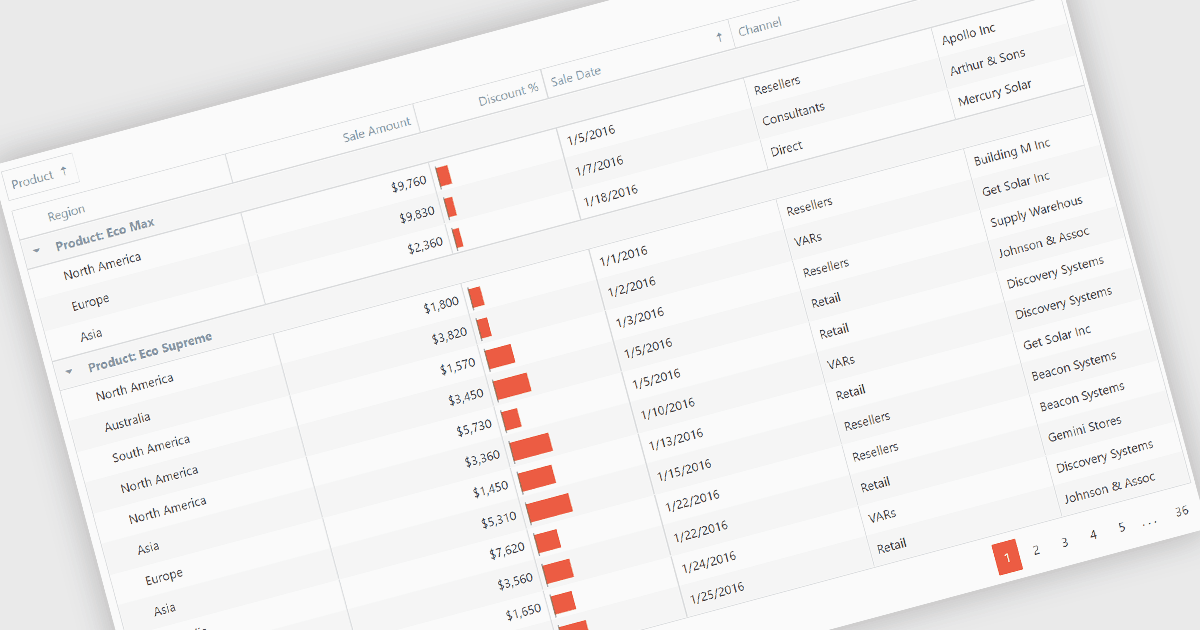
그리드 데이터 그룹화는 데이터를 그리드와 같은 구조 내에서 서로 구분되는 그룹으로 정리합니다. 시각적으로 관련 데이터 포인트를 함께 클러스터링하며, 종종 색상, 음영 또는 테두리를 사용해 패턴 인식을 돕고 복잡한 데이터셋을 더 이해하기 쉽게 만듭니다. 이 방법은 대량의 정보 속에서 추세, 이상치, 상관관계를 파악하는 데 유용합니다.
여러 Angular 그리드 컨트롤은 그룹화를 지원합니다. 예:
- DevExtreme HTML5 JavaScript Data Grid (DevExpress의 DevExtreme Complete 일부)에서는 여러 수준을 사용해 데이터를 동적으로 그룹화할 수 있어 유연한 뷰를 제공합니다.
- Wijmo FlexGrid (MESCIUS의 Wimo 일부)에서는 사용자 지정 그룹 헤더를 만들고 그룹 표시를 커스터마이즈해 맞춤형 경험을 제공합니다.
- Kendo UI for Angular Grid (Telerik의 Kendo UI 일부)에서는 기본 제공 그룹화 기능으로 시각적으로 매력적이고 상호작용하는 그리드를 만들 수 있습니다.
- Syncfusion Grid control for JavaScript (Syncfusion Essential Studio Enterprise 일부)에서는 중첩과 요약을 포함한 그룹화 기능을 제공하여 더 자세한 통찰을 얻을 수 있습니다.
기능과 가격에 대한 자세한 분석은 Angular 그리드 컨트롤 비교를 방문하세요.