다중 시리즈 스플라인 차트로 추세 비교
다중 데이터셋 간의 변화하는 관계를 시각화하고, 멀티-시리즈 스플라인 차트를 통해 시간에 따른 상관관계를 효과적으로 파악하세요.
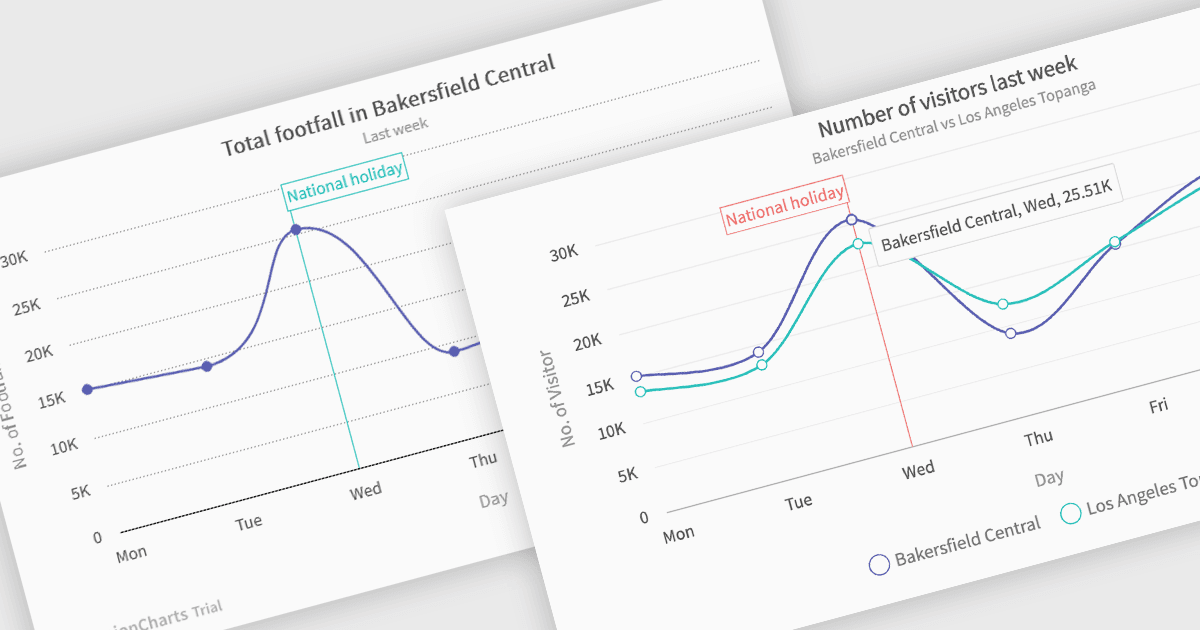
Several .NET Blazor chart controls offer spline charts including:
- TeeChart Blazor renders interactive spline charts, enabling clear trend visualization and data comparison through smooth, customizable curves.
- FusionCharts Blazor Suite XT empowers Blazor developers with versatile spline charts to illustrate continuous data and highlight comparative trends across multiple series.
- Infragistics Blazor Charts (part of Infragistics Ignite UI) provides feature-rich spline chart components, facilitating insightful trend analysis and smooth data representation.
- Syncfusion Blazor Chart (part of Syncfusion Essential Studio Enterprise) offers comprehensive spline chart functionality, allowing dynamic data visualization.
For an in-depth analysis of features and price, visit our .NET Blazor chart controls comparison.