차트 데이터를 보고서에 바로 사용할 수 있는 형식으로 변환
브라우저를 넘어 내보내기 도구로 대화형 차트를 공유, 인쇄 및 임베드 가능한 형식으로 전환하세요.
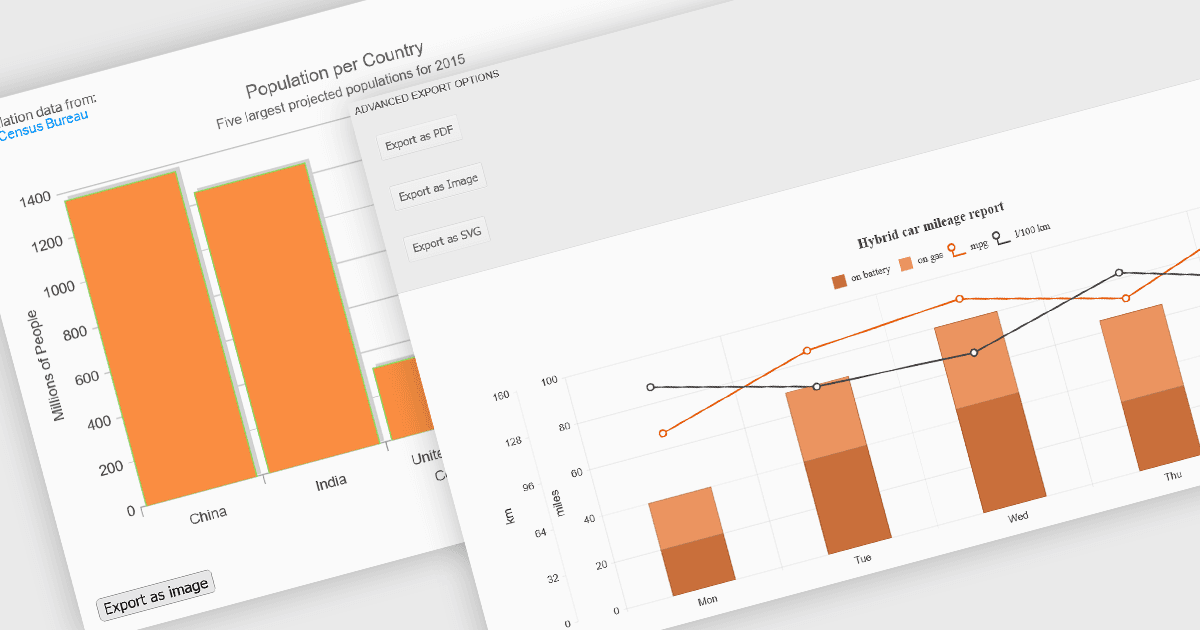
차트 구성 요소의 내보내기 기능을 통해 개발자와 사용자는 시각화된 데이터를 브라우저를 넘어 확장하여 공유, 보관 또는 보고서와 프레젠테이션에 통합하는 등 다양한 목적에 활용할 수 있습니다. 이러한 도구는 광범위한 형식과 워크플로를 지원하여, 대화형 차트를 인쇄, 저장 또는 다른 애플리케이션에 임베드할 수 있는 휴대용 자산으로 변환합니다. 대화형 차팅과 함께 내보내기 기능을 제공하는 현대적인 구성 요소는 시각적 탐색과 데이터의 공식적인 커뮤니케이션 간의 격차를 연결하여, 디지털 및 하드카피 형식 모두에서 인사이트를 효과적으로 배포할 수 있도록 합니다.
일반적인 기능은 다음과 같습니다:
- CSV로 내보내기를 통해 사용자는 차트 뒤에 있는 기본 데이터를 추출하여 스프레드시트 및 데이터 처리 도구에 적합한 구조화된 일반 텍스트 형식으로 만들 수 있습니다.
- HTML로 내보내기를 통해 차트를 독립 실행형 HTML 스니펫으로 변환할 수 있으며, 대시보드 또는 임베디드 웹 보고서에서 사용하기 위해 대화형 기능을 유지합니다.
- 이미지로 내보내기를 통해 PNG 또는 JPEG 이미지와 같은 형식으로 손쉽게 공유할 수 있으며, 이메일, 슬라이드 덱 또는 대화형이 필요하지 않은 문서에서 활용하기 좋습니다.
- PDF로 내보내기를 통해 차트를 고해상도의 인쇄 준비 문서에 포함할 수 있으며, 공식 보고 또는 오프라인 배포에 유용합니다.
- SVG로 내보내기는 해상도에 독립적인 벡터 그래픽을 생성하여, 디자인 도구에서 크기를 조정하거나 편집할 수 있습니다.
- XLS/XLSX로 내보내기를 통해 차트와 해당 데이터를 Excel 파일에 임베드할 수 있어, 스프레드시트 기반의 보다 심층적인 분석 또는 보고를 지원합니다.
- 인쇄 지원을 통해 사용자는 차트의 레이아웃, 크기 및 페이지 서식을 제어하면서 차트의 실물 복사본을 만들 수 있습니다.
기능과 가격에 대한 자세한 분석을 보려면 ASP.NET Core 차트 구성 요소 비교를 방문하세요.