구조화된 데이터를 강력한 비주얼로 바꾸세요
막대 및 열 차트는 복잡한 데이터를 누구나 읽고 이해하기 쉬운 그래픽으로 바꿔 주며, 비즈니스 사용자와 데이터 분석가 모두에게 적합합니다.
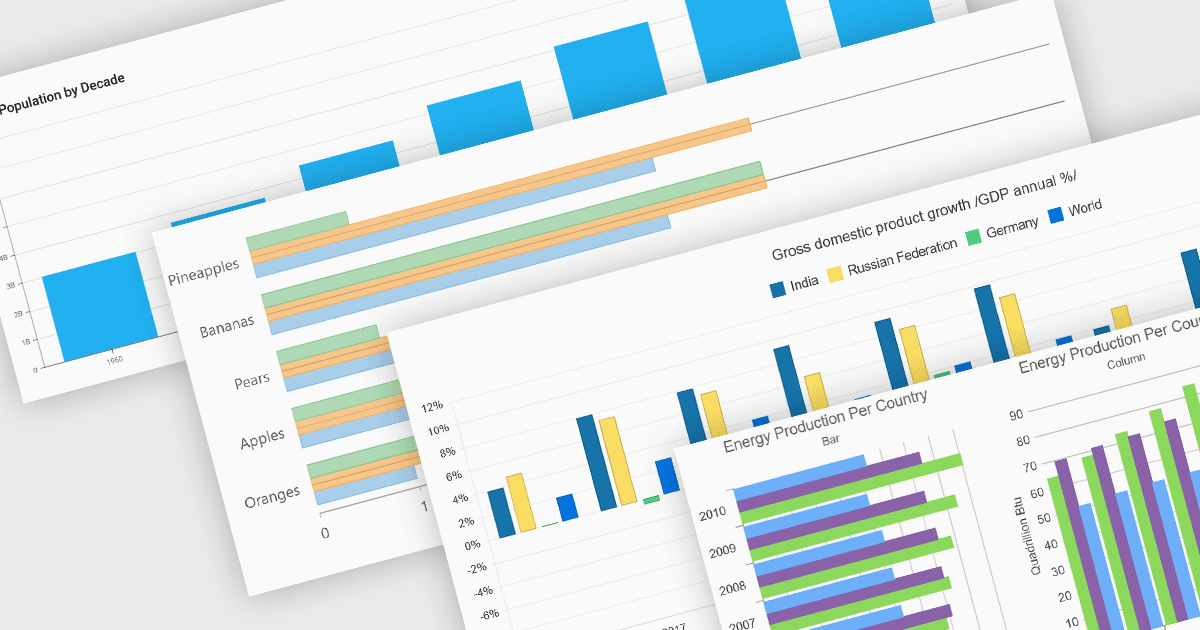
열(컬럼) 및 막대(bar) 차트는 많은 차트 작성 도구에서 기본적인 시각화 도구입니다. 이러한 차트 유형은 카테고리에 걸쳐 정량 데이터를 나타내기 위해 세로(열) 또는 가로(막대) 막대를 사용하며, 손쉽게 비교하기에 이상적입니다. 일반적으로 단일 또는 다중 시리즈를 표시하고, 누적 합계를 보여주기 위해 값을 스택하거나, 차이를 강조하기 위해 카테고리를 그룹화할 수 있습니다. 단순함과 명확성 덕분에 열 및 막대 차트는 빠른 통찰이 필요할 때 사용하는 대시보드, 비즈니스 보고서, 분석 애플리케이션의 핵심 구성 요소입니다.
여러 ASP.NET Core 차트 컨트롤에서 열 & 막대 차트를 지원합니다. 예:
- DevExpress ASP.NET Core Chart (DevExpress ASP.NET 및 Blazor의 일부)는 스택 변형에 대한 예제와 함께 열 및 막대 시리즈 모두를 지원합니다.
- ComponentOne Charts for ASP.NET MVC (MESCIUS의 ComponentOne Studio ASP.NET MVC 일부)는 열 및 막대 차트 모두를 지원하며, 스택 및 플로팅 막대 기능을 제공합니다.
- Telerik ASP.NET Core Chart (Telerik UI for ASP.NET Core의 일부)는 열 및 막대 시리즈를 지원하여 개발자가 방향 및 스택/그룹 기능을 선택할 수 있습니다.
- Infragistics ASP.NET Core Charts (Infragistics Professional의 일부)는 막대 및 열을 포함한 다양한 차트 유형을 제공하며, 2D 및 3D 변형과 레이어링을 지원합니다.
기능 및 가격에 대한 심층 분석은 ASP.NET Core 차트 컨트롤 비교를 참조하세요.