애니메이션 전환으로 차트에 선명함을 더하세요
부드러운 애니메이션이 적용된 Web Components 차트는 데이터 변경 사항을 더 쉽게 확인할 수 있게 하고, 시각 요소가 복잡하더라도 사용자가 핵심에 집중하도록 돕습니다.
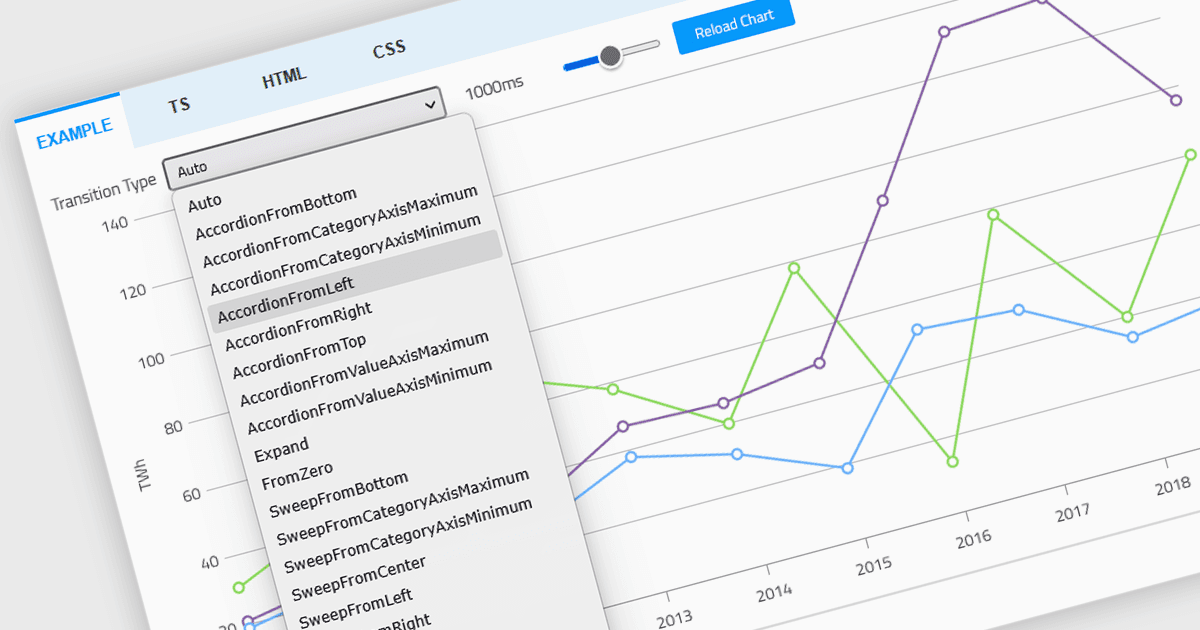
Web Components 차트 컨트롤의 애니메이션은 데이터가 렌더링, 업데이트 또는 상호작용될 때 차트 요소에 적용되는 시각적 전환을 의미합니다. 특히 동적 또는 실시간 데이터셋을 다룰 때 사용자 경험을 향상시켜 데이터 변경 사항을 보다 분명하게 인지할 수 있고 따라가기 쉽게 해줍니다. 개발자 입장에서는 애니메이션이 데이터 가독성을 개선하고, 차트가 자주 업데이트되거나 사용자 상호작용이 포함될 때 더욱 몰입감 있고 세련된 인터페이스를 제공합니다. 또한 시각 요소가 복잡하더라도 사용자가 차트에서 무엇이 바뀌었는지 추적하기가 더 쉬워집니다.
여러 Web Components 차트 컨트롤에서 애니메이션을 제공합니다.
- Wijmo Web Components Chart (MESCIUS의 Wijmo Enterprise 일부)는 차트 업데이트를 매끄럽게 애니메이션 처리하여 사용자가 동적 데이터 전환을 명확하게 따라갈 수 있도록 돕습니다.
- jQWidgets Chart는 애니메이션 렌더링 및 전환을 지원하여, 변화하는 데이터를 시각적으로 제시하되 사용자를 압도하지 않도록 더 쉽게 합니다.
- Ignite UI Web Components Chart (Infragistics Ignite UI의 일부)를 사용하면 정교한 애니메이션 효과를 추가하여 데이터 변경 시 향상된 시각적 피드백을 제공할 수 있습니다.
- ZingChart는 유연한 애니메이션 옵션을 지원하므로, 업데이트와 사용자 상호작용에 직관적으로 반응하는 동적 시각화를 만들 수 있습니다.
기능과 가격에 대한 심층 분석은 Web Components 차트 컨트롤 비교를 참고하세요.