트렌드 라인으로 핵심 데이터 패턴 파악하기
트렌드 라인은 숨은 패턴을 드러내고 장기적인 추세를 명확히 하며, 차트 데이터를 빠른 의사결정을 위한 명확하고 실행 가능한 인사이트로 바꿔 줍니다.
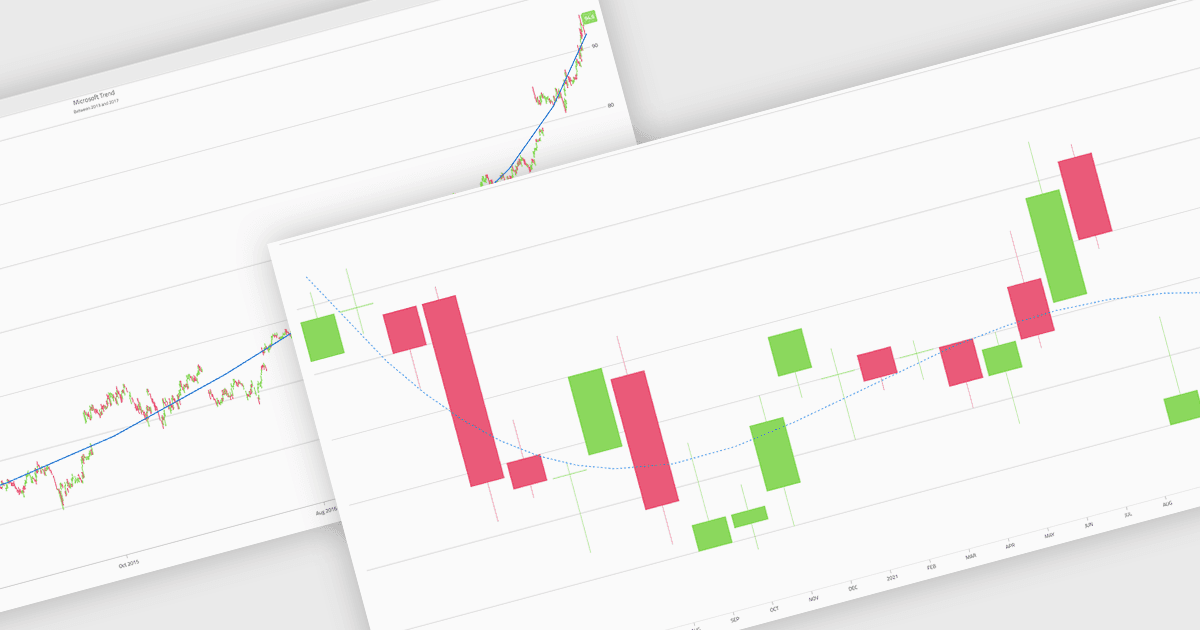
차트의 트렌드 라인은 시간이 지남에 따라 데이터의 전반적인 방향이나 경향을 나타내는 분석 도구로, 원시 데이터에서는 즉시 눈에 띄지 않을 수 있는 패턴을 사용자가 해석하는 데 도움을 줍니다. 단기적인 변동을 완화함으로써 트렌드 라인은 장기적인 거동을 명확히 하고, 성장 또는 하락을 강조하며, 보다 정보에 근거한 의사결정을 지원합니다. 트렌드 라인은 비즈니스 대시보드에서 성과 지표를 추적하는 데, 금융 분석에서 시장 동향을 평가하는 데, 운영 보고에서 반복 패턴을 파악하고 결과를 예측하며 여러 데이터 시리즈를 더 명확하게 비교하는 데 널리 사용됩니다.
여러 Blazor 차트 컴포넌트는 트렌드 라인 지원을 제공합니다. 여기에는 다음이 포함됩니다:
- Telerik UI Blazor Chart (Telerik UI for Blazor의 일부)에서는 구성 가능한 트렌드 라인을 사용해 데이터 트렌드를 명확하게 시각화하므로, 더 빠른 인사이트와 확신 있는 의사결정을 할 수 있습니다.
- ComponentOne Blazor Charts (MESCIUS의 ComponentOne Studio Blazor Edition 일부)는 가독성을 높이는 사용자 지정 트렌드 라인으로 패턴을 분석할 수 있게 해 줍니다.
- Infragistics Ignite UI for Blazor Chart (Infragistics Ignite UI의 일부)는 지원되는 차트 유형 전반에 걸쳐 사용자 지정 트렌드 라인을 오버레이하여 트렌드 발견을 용이하게 합니다.
- Syncfusion Blazor Charts (Syncfusion Essential Studio Enterprise의 일부)는 적응형 트렌드 라인을 사용해 전체 방향을 강조함으로써 복잡한 데이터셋을 해석할 수 있습니다.
기능과 가격에 대한 심층 분석은 Blazor Chart Component 비교를 방문하세요.