













공식 공급 업체
200 이상의 소프트웨어 개발처와 판매 계약을 맺은 공인 디스트리뷰터로서 합법적인 라이선스를 제공합니다.
모든 브랜드 보기.
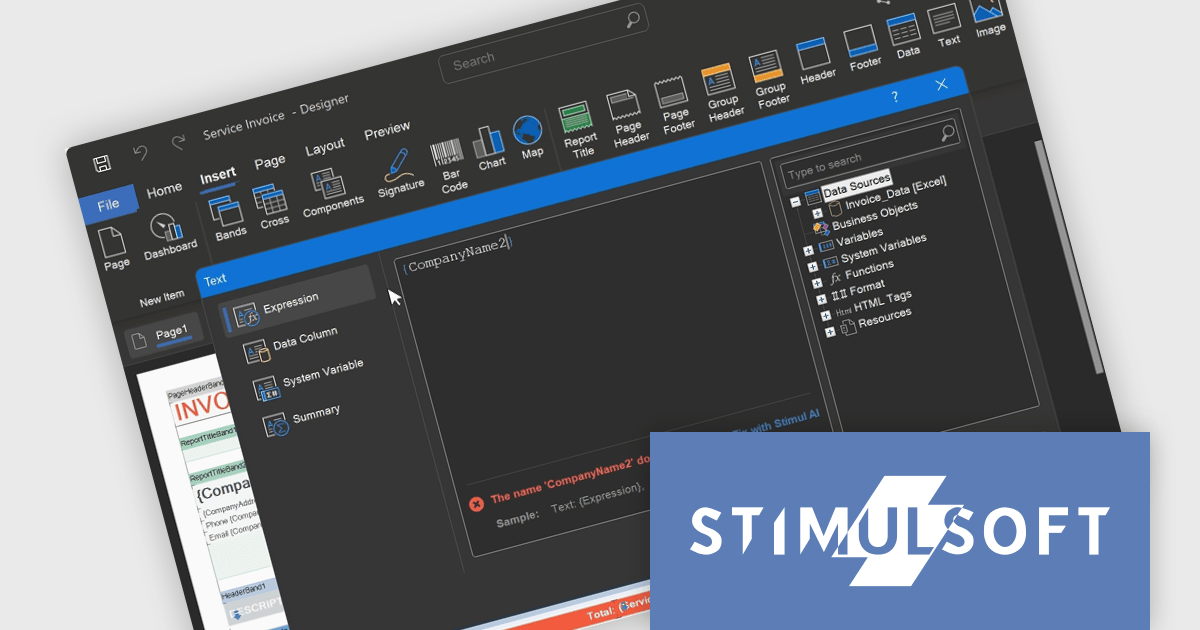
Stimulsoft BI Designer is a powerful reporting tool designed to create visually appealing and interactive reports. It empowers users to design and develop complex reports with ease, integrating data from various sources and presenting it in a clear, concise, and informative manner. With its rich feature set, Stimulsoft BI Designer is widely used in diverse industries, including finance, healthcare, retail, and manufacturing, to generate reports for analysis, decision-making, and compliance purposes. Key benefits include its intuitive interface, extensive customization options, and support for multiple data sources, making it an essential tool for organizations seeking to enhance their reporting capabilities and gain valuable insights.
The Stimulsoft BI Designer 2025.2.1 update introduces an updated expression editor that supports real-time calculation and automatic interpretation. When the report's calculation mode is set to Interpretation, expressions are evaluated instantly as the developer types, with results displayed directly in the editor. This significantly improves the speed and accuracy of report design by reducing context switching and allowing immediate validation of logic. Combined with editor interface improvements and built-in expression samples, the update provides a more efficient and responsive environment for building complex, data-driven reports.
To see a full list of what's new in 2025.2.1, see our release notes.
Stimulsoft BI Designer is available as a perpetual license and is licensed per creator. A creator has an account on the server, has access from the client-side, registered as an editor, and uses the product to work with report templates and dashboards - create, edit, view, delete, etc. See our Stimulsoft BI Designer licensing page for full details.
Stimulsoft BI Designer is available individually or as part of Stimulsoft Ultimate.
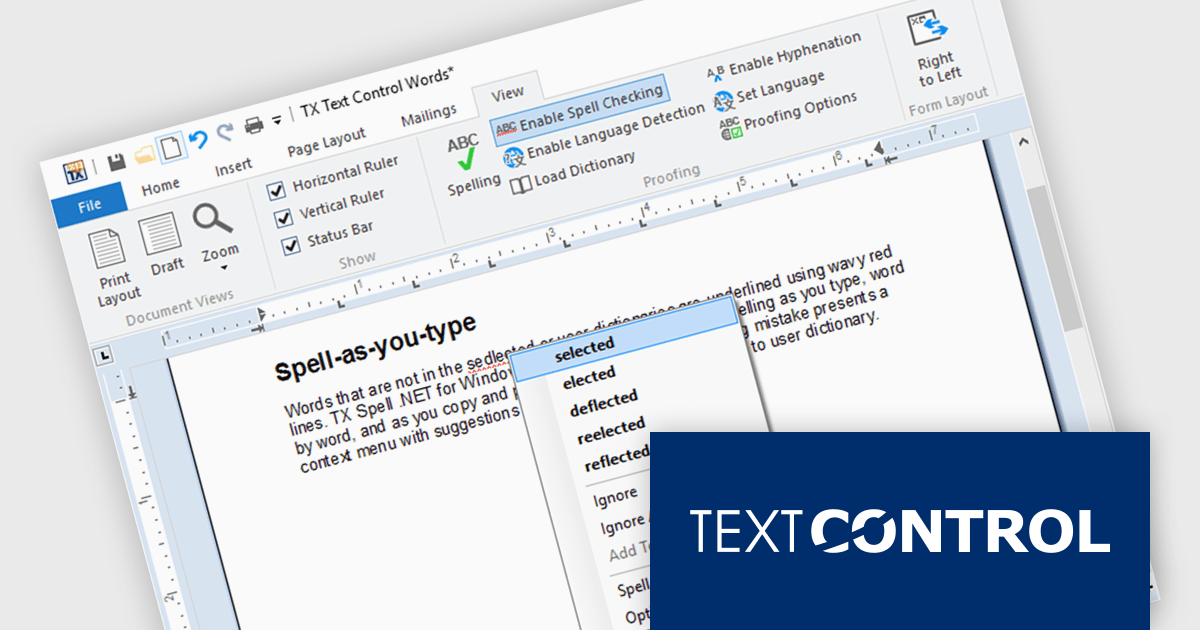
TX Spell .NET is a component that offers developers an easy way to integrate advanced spelling correction into their software. It supports multiple dictionaries, including custom word lists, and provides real-time spell checking for rich text editors, word processors, and other text-based applications. Whether for desktop, web, or cloud-based applications, it enhances text input quality with minimal development effort.
The TX Spell .NET 11.0 release fully supports .NET 9, integrating with the latest framework. This update includes adjustments to licensing, improved NuGet package compatibility, and other refinements to align with .NET 9’s evolving ecosystem. Developers can confidently use TX Spell .NET in modern applications, ensuring stability and compatibility with the latest runtime advancements.
TX Spell .NET for WinForms and ASP.NET and TX Spell .NET for WPF are licensed per developer and are available as a Perpetual License with a 12 month support and maintenance subscription. See our TX Spell .NET for WinForms and ASP.NET licensing page or TX Spell .NET for WPF licensing page for full details.
TX Spell .NET is available to buy in the following products:
TX Text Control .NET is a royalty-free, fully programmable document editor that empowers developers to add rich WYSIWYG word processing to desktop and web applications across various platforms. It provides everything from comprehensive text formatting and mail merge to PDF creation and processing, all through a robust API and intuitive user interface.
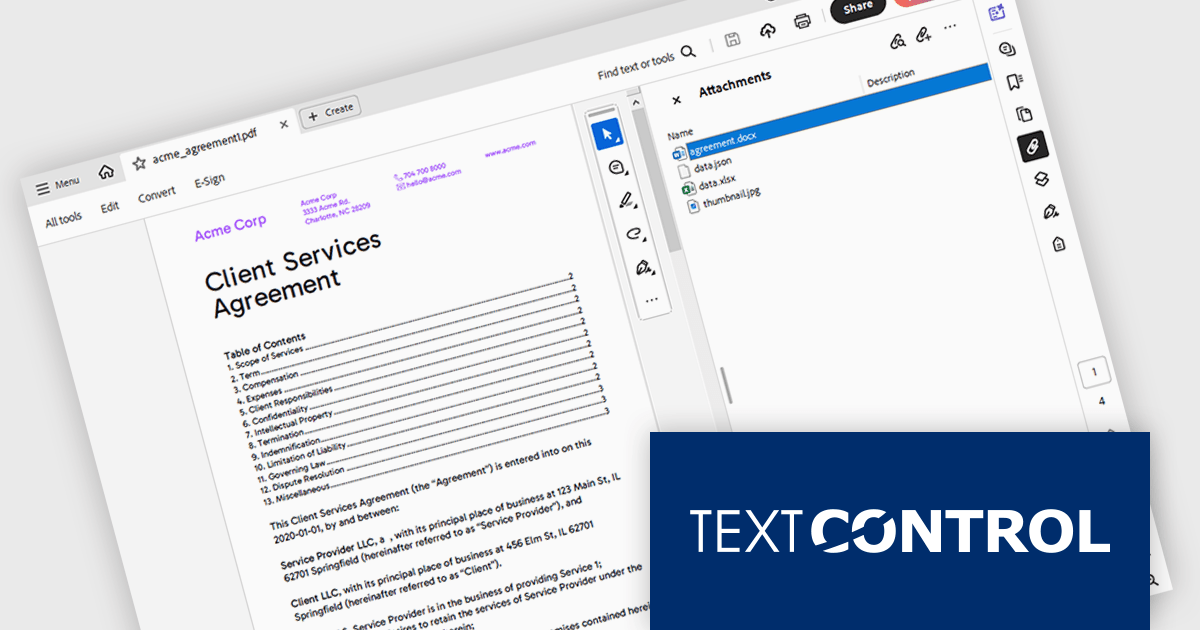
The TX Text Control .NET 33.0 release enhances the DocumentServer PDF namespace, making it easier to extract attachments and embedded documents from PDFs. This feature is especially useful for bundling related materials - such as images, spreadsheets, or additional documents - without requiring separate file handling. A key application is electronic invoicing with standards like ZUGFeRD and XRechnung, where machine-readable data is embedded alongside human-readable invoices.
To see a full list of what's new in version 33.0, see our release notes.
TX Text Control .NET for Windows Forms and TX Text Control .NET for WPF are licensed per developer and are available as a Perpetual License with a 12 month support and maintenance subscription. See our TX Text Control .NET for Windows Forms licensing page or TX Text Control .NET for WPF licensing page for full details.
TX Text Control .NET is available to buy in the following products:
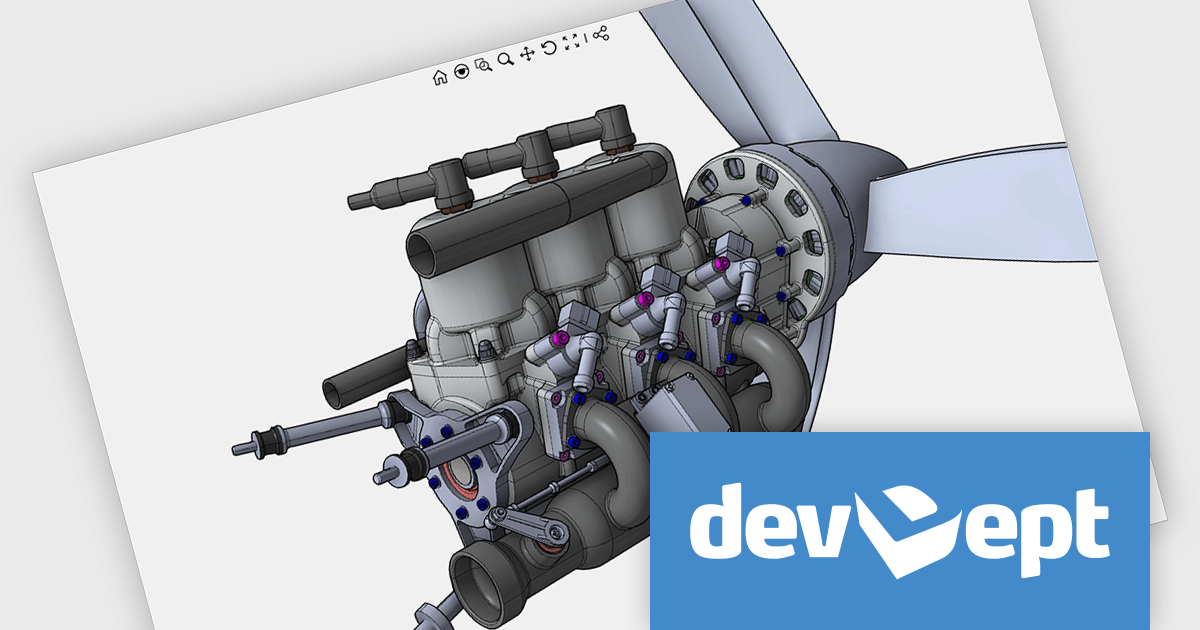
Eyeshot by devDept Software empowers you to integrate robust CAD functionalities into your .NET applications. Supporting both Windows Forms and WPF natively, it offers a comprehensive suite of tools accessible through the Visual Studio toolbox. These include design for 2D/3D geometry creation and editing, drawing for automatic 2D view generation, simulation for geometry validation, and manufacture for CNC toolpath generation and simulation.
The Eyeshot 2025 release introduces Assembly Mates, enabling developers to define geometric relationships between components in a 3D assembly. As each mate is added, it restricts specific degrees of freedom, guiding how parts can move or rotate relative to each other. This makes it possible to simulate and visualize mechanical behavior in real time, offering a clearer understanding of component interaction before finalizing design constraints. By integrating mates directly into the modeling workflow, Eyeshot now supports a more dynamic and precise assembly modeling experience for engineering and CAD applications.
To see a full list of what's new in version 2025, see our release notes.
Eyeshot is licensed per developer and is available as an annual license, with either Lite or Priority support. See our licensing pages for Eyeshot Pro, Eyeshot Ultimate, and Eyeshot Fem for full details.
Eyeshot is available to buy in the following products:

ActiveReports.NET helps you deliver beautiful reports with intuitive Visual Studio integrated report designers and rich controls. It provides code-based cross-platform reporting, easy-to-use designers, and a flexible API, enabling you to design and deliver powerful reports with intuitive, reliable, and user-friendly report designers and controls.
In this blog post, MESCIUS Product Manager Alec Gall shows you how to use ActiveReports to drill through from one report to another in your .NET application. Steps include:
Detailed source code is completed and there is even a video that you can watch as you go through the steps.
Read the complete blog and begin providing a seamless way to navigate between related datasets in your .NET applications.
ActiveReports.NET is licensed per developer and is available with or without a 12 month support and maintenance subscription. See our ActiveReports.NET licensing page for full details.
Learn more on our ActiveReports.NET product page.
전화 : 00798 14 800 6332
팩스 : +1 770 250 6199


