













공식 공급 업체
200 이상의 소프트웨어 개발처와 판매 계약을 맺은 공인 디스트리뷰터로서 합법적인 라이선스를 제공합니다.
모든 브랜드 보기.
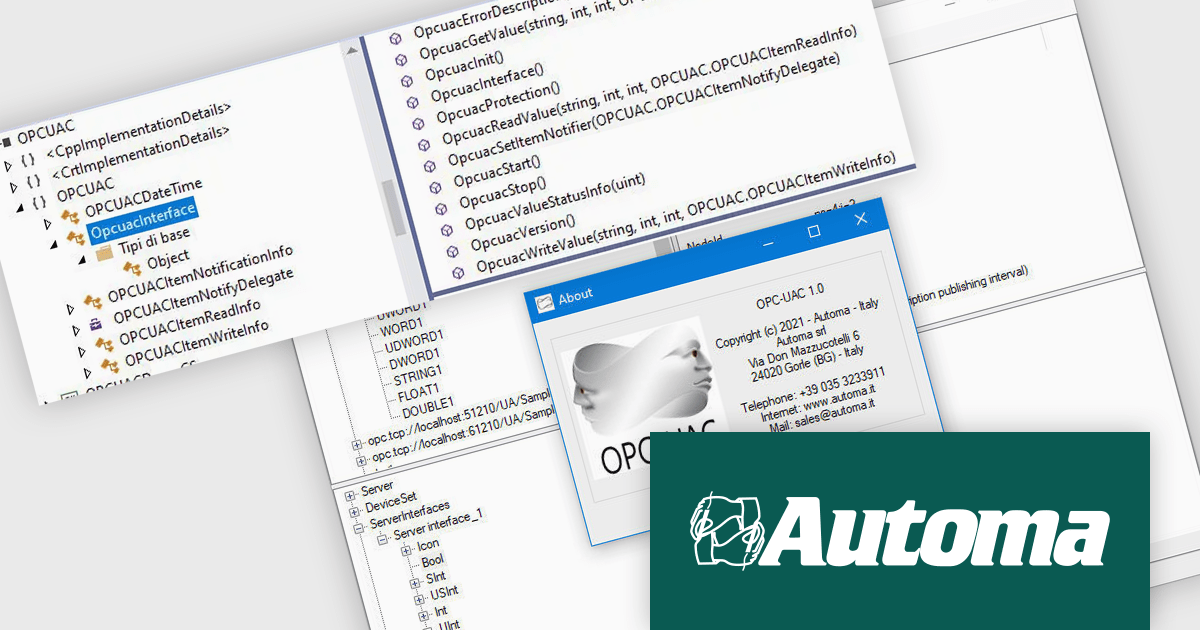
OPC-UAC simplifies OPC UA (Open Platform Communications Unified Architecture) connectivity for Microsoft Windows applications, requiring fewer than ten function calls to establish communication. It links SCADA (Supervisory Control and Data Acquisition) and HMI (Human-Machine Interface) systems with MES (Manufacturing Execution Systems), facilitating real-time data exchange, precise timestamp tracking, and data quality management. With built-in DataChange Subscribers, developers can monitor industrial processes in real time. Multi-language support (C++, C#, VB) ensures flexibility for diverse development environments, making it an efficient tool for automation and machine-to-machine communication.
By reducing integration complexity, OPC-UAC enhances industrial automation, predictive maintenance, and manufacturing efficiency. Its reliable communication framework minimizes downtime and supports real-time decision-making. The intuitive configuration streamlines deployment, while robust connectivity ensures smooth machine-to-system interaction. With real-time monitoring and flexible language support, it enables developers and system integrators to build more responsive and data-driven automation solutions.
OPC-UAC is licensed per machine. Each machine running an application that includes the OPC-UAC library needs a license. see our OPC-UAC licensing page for full details.
For more information, visit our Automa OPC-UAC product page.
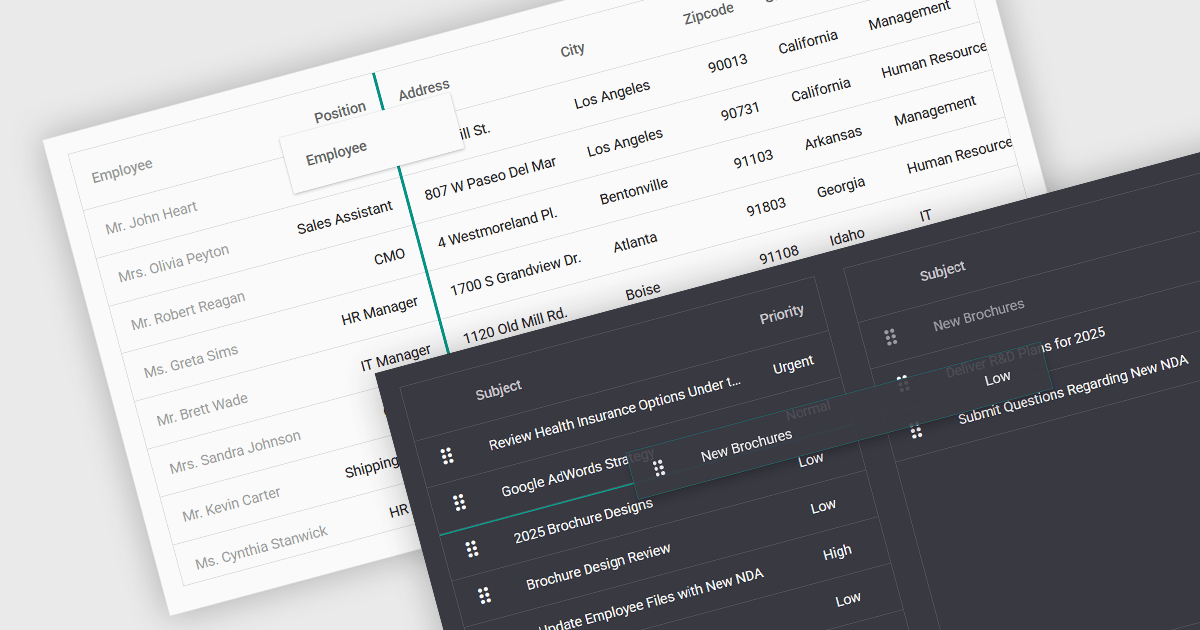
Drag-and-drop functionality in a data grid allows users to interactively move, reorder, or transfer data elements within the grid or between different grids using a simple click-and-drag motion. This feature provides an intuitive way to manipulate data without requiring complex commands or manual input, improving both efficiency and usability. It is particularly beneficial in applications that require frequent adjustments to data structures, such as dashboards, reporting tools, and data management systems. By enabling users to customize the grid layout dynamically, drag and drop functionality enhances productivity, and ensures greater flexibility when handling data.
Several ASP.NET Core grid controls support drag-and-drop functionality, including:
For an in-depth analysis of features and price, visit our ASP.NET Core grid controls comparison.
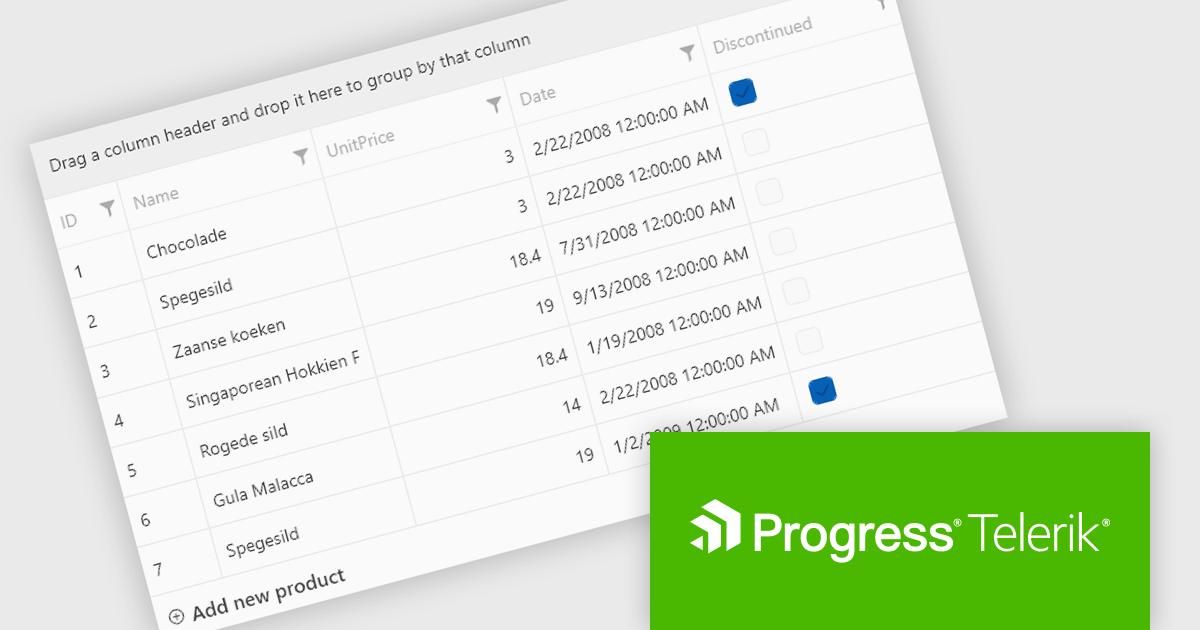
Telerik UI for WPF is a robust suite of over 150 user interface components designed for Windows Presentation Foundation, enabling developers to build modern, high-performance desktop applications. It includes controls like data grids, charts, schedulers, and editors, optimized for seamless integration and support for MVVM (Model-View-ViewModel) patterns. With features like built-in theming, responsive layouts, and customizable styling, it simplifies the creation of visually appealing, intuitive interfaces. Ideal for enterprise-grade or consumer-facing apps, Telerik UI for WPF accelerates development while ensuring professional-quality results.
The Telerik UI for WPF 2025 Q1 (2025.1.211) update enhances RadGridView with a new filtering mode that supports complex expressions, providing developers with greater control and precision when working with data. This feature introduces an intuitive Filter Editor that combines a clear Data Filter View for visualizing applied criteria with the powerful RadDataFilter control for adding, editing, and managing filters. Key usability enhancements, such as optional wrapping for readability, quick enable/disable options for filters, and streamlined access to editing tools, make it easier to implement dynamic, customizable filtering experiences in applications, empowering developers to deliver highly responsive and user-centric interfaces.
To see a full list of what's new in 2025 Q1, see our release notes.
Telerik UI for WPF is licensed per developer and has two licensing models: an annual Subscription License and a Perpetual License. The Subscription license provides access to the latest product updates, technical support, and exclusive benefits for a flat annual fee, and must be renewed to continue using the software. The Perpetual license is a one-time purchase granting access to the current released version and includes a one-year subscription for product updates and technical support. After this initial period, users can choose to renew the subscription element to continue receiving updates and support; otherwise, they may continue using the installed version available during their active subscription term but will forgo future updates and support. See our Telerik UI for WPF licensing page for full details.
Telerik UI for WPF is available individually or as part of the following products:
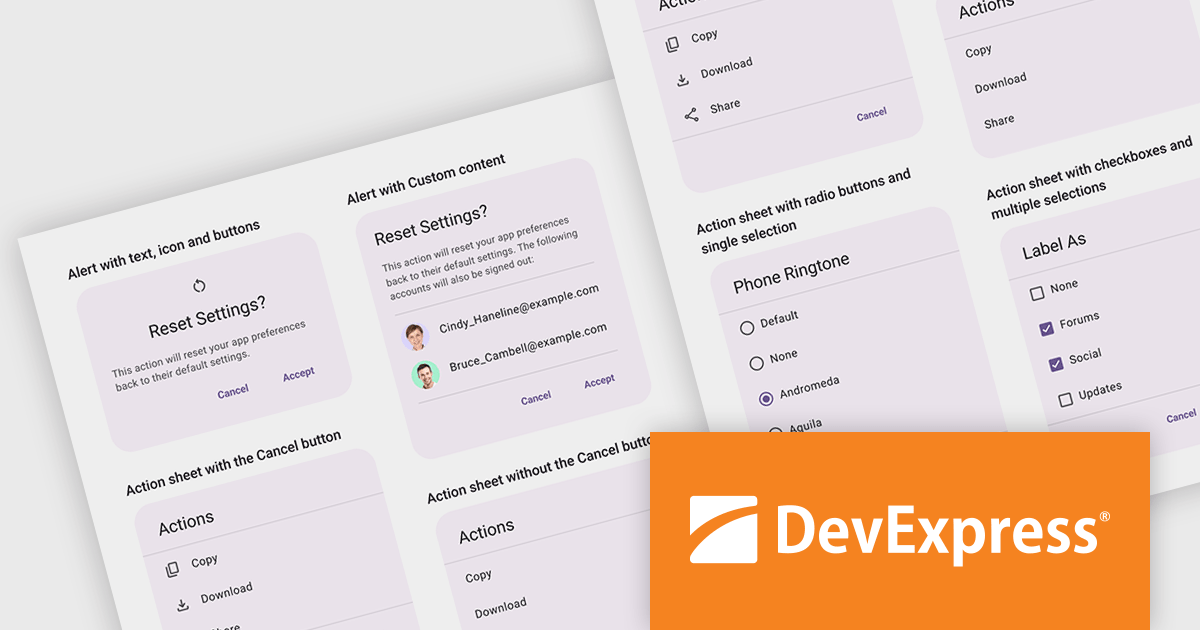
DevExpress .NET MAUI is a comprehensive suite of high-performance UI components designed for building modern, native cross-platform applications on iOS and Android using .NET Multi-platform App UI (MAUI). It includes a wide range of tools such as advanced data grids, interactive charts, responsive data editors, and seamless PDF controls, all crafted to deliver a polished and professional user experience. With its optimized performance and extensive customization options, DevExpress .NET MAUI help developers create feature-rich applications that cater to diverse use cases, from enterprise data visualization tools to consumer-facing apps. By reducing development complexity and offering ready-to-use components, it accelerates project timelines and ensures robust, visually appealing mobile solutions.
The DevExpress .NET MAUI v24.2 update introduces a Popup Dialog Service that simplifies the implementation of modal dialogs, allowing developers to display alerts, action sheets, and custom popups with minimal effort. This service enables efficient user interaction by returning results based on user input, supporting both predefined dialog types and fully customizable content. With support for single and multi-selection options, plus flexible button configurations, it enhances application workflows while maintaining a consistent user experience across platforms. By reducing the need for complex UI coding, the Popup Dialog Service improves development efficiency and ensures seamless integration into .NET MAUI applications.
For a full list of what's new in version 24.2, see our release notes.
DevExpress .NET MAUI is included with DevExpress Universal, which is licensed per developer. This license includes a 12-month subscription for technical support and updates, providing full support for all included components, including .NET MAUI. See our DevExpress Universal licensing page for full details.
DevExpress .NET MAUI is available as part of DevExpress Universal.
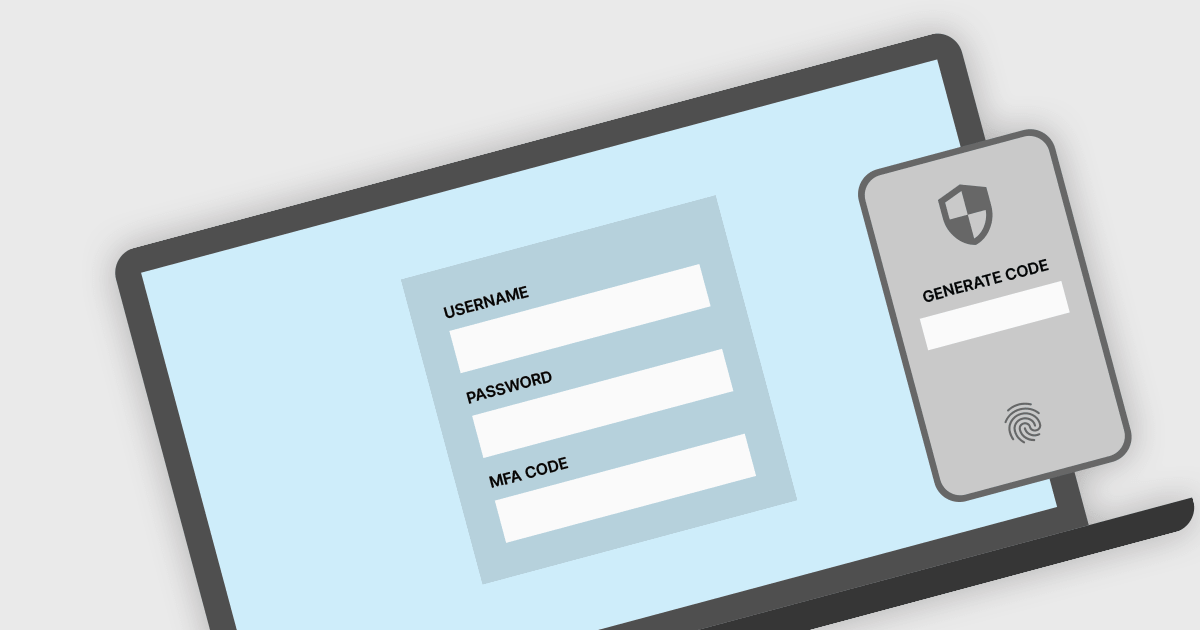
Multi-Factor Authentication (MFA) in a Communication and Messaging .NET component improves security by forcing users to confirm their identity using several authentication methods, such as passwords, biometric data, or one-time passcodes provided via SMS or email. This technique reduces the risks associated with compromised credentials by ensuring that only authorized users can use messaging features. Implementing MFA in a.NET message control improves access control, secures critical conversations, and ensures compliance with security standards. It also boosts user confidence by lowering the risk of unauthorized access, making apps more resistant to phishing, credential stuffing, and other cyber threats.
Several .NET comms & messaging components offer multi-factor authentication including:
For an in-depth analysis of features and price, visit our comparison of .NET comms and messaging components.
전화 : 00798 14 800 6332
팩스 : +1 770 250 6199


