













공식 공급 업체
200 이상의 소프트웨어 개발처와 판매 계약을 맺은 공인 디스트리뷰터로서 합법적인 라이선스를 제공합니다.
모든 브랜드 보기.
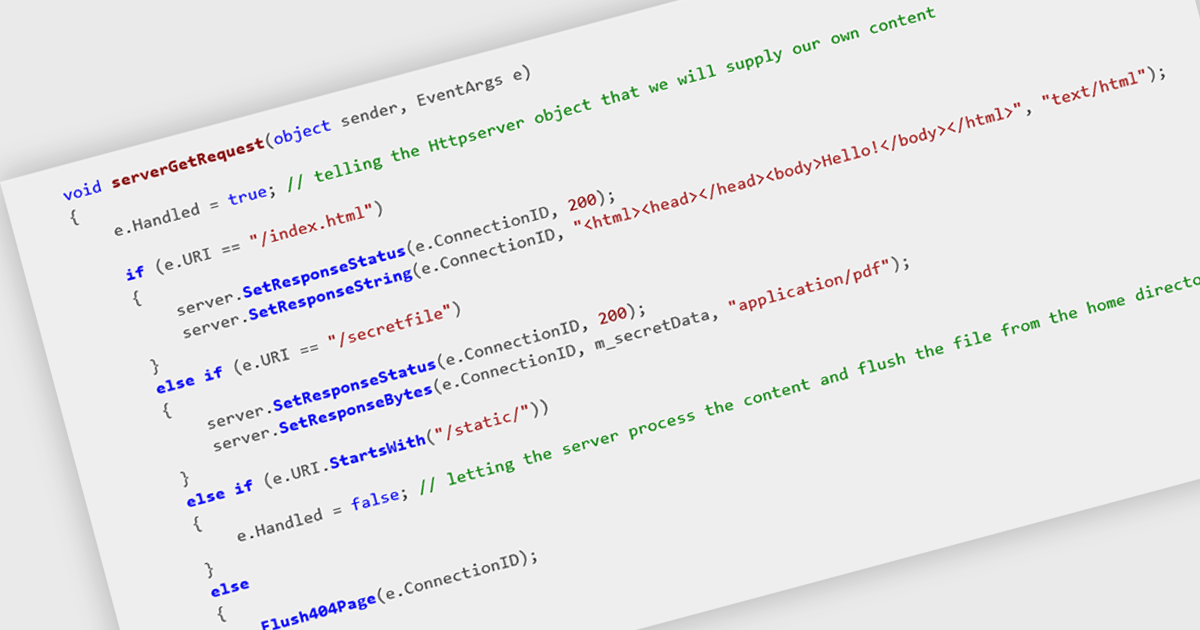
HTTP support enables components to interact with other systems and services over the Hypertext Transfer Protocol. This allows for the exchange of data, such as messages, notifications, or requests, in a standardized and widely understood format. By incorporating HTTP support, developers can seamlessly integrate their components into larger distributed systems, facilitating communication between diverse applications and services.
Several .NET communications and messaging components offer HTTP support including:
For an in-depth analysis of features and price, visit our comparison of .NET comms & messaging components.
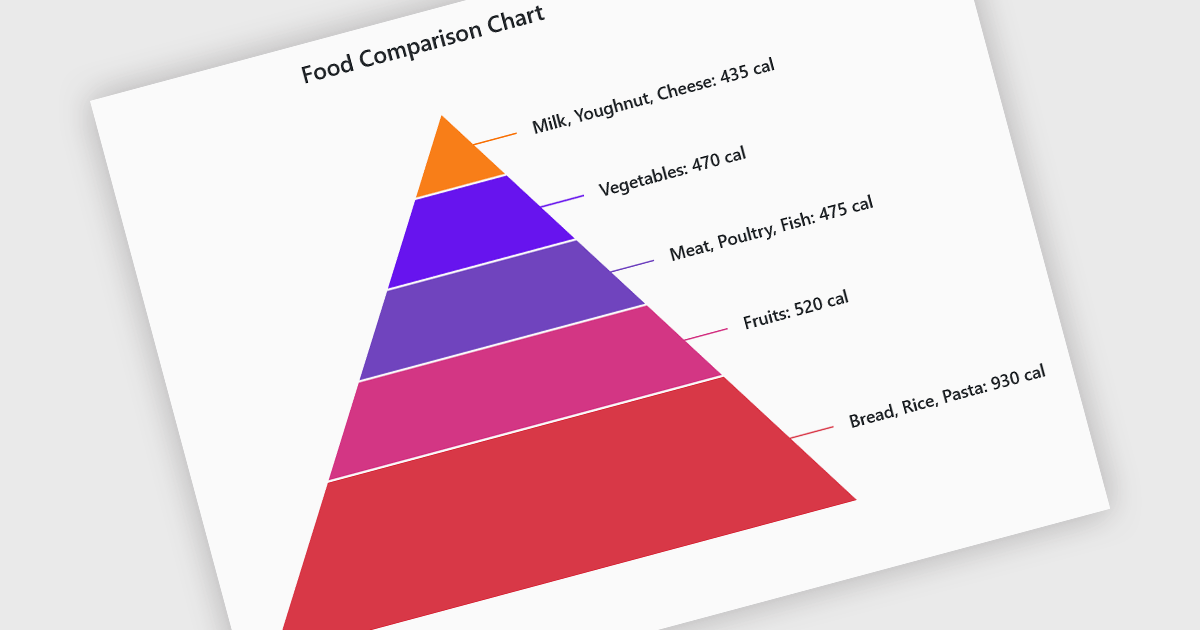
Pyramid charts are a type of graphical representation that organizes data hierarchically, with each layer of the pyramid representing a category or level within the dataset. These charts are particularly useful for displaying proportions, relationships, or workflows where data is segmented into tiers, such as organizational structures, population distributions, or sales funnels. Their clear visual hierarchy makes it easy to compare the relative size of categories or levels at a glance. Pyramid charts are beneficial in highlighting the relative contribution of parts to a whole, visualizing attrition or progression across stages, and presenting data in an intuitive and compact format. Popular use cases include illustrating business sales funnels, demographic distributions in marketing, and resource allocation in project management, making them a versatile tool in both strategic planning and data analysis.
Several Blazor chart controls offer pyramid charts including:
For an in-depth analysis of features and price, visit our Blazor chart controls comparison.
Redgate Software is a leading provider of database development and deployment solutions designed to simplify and enhance database management for organizations of all sizes. With a focus on simplifying complex workflows, Redgate delivers tools that ensure consistency, control, and visibility across database environments. Key features include comprehensive change tracking, deployment automation, and detailed audit logs to maintain compliance and accountability. These capabilities enable teams to prevent errors, improve collaboration, and ensure the reliability of database systems in fast-paced industries like finance, healthcare, and technology. By integrating seamlessly into existing workflows, Redgate supports businesses in achieving their goals with efficiency, security, and confidence.
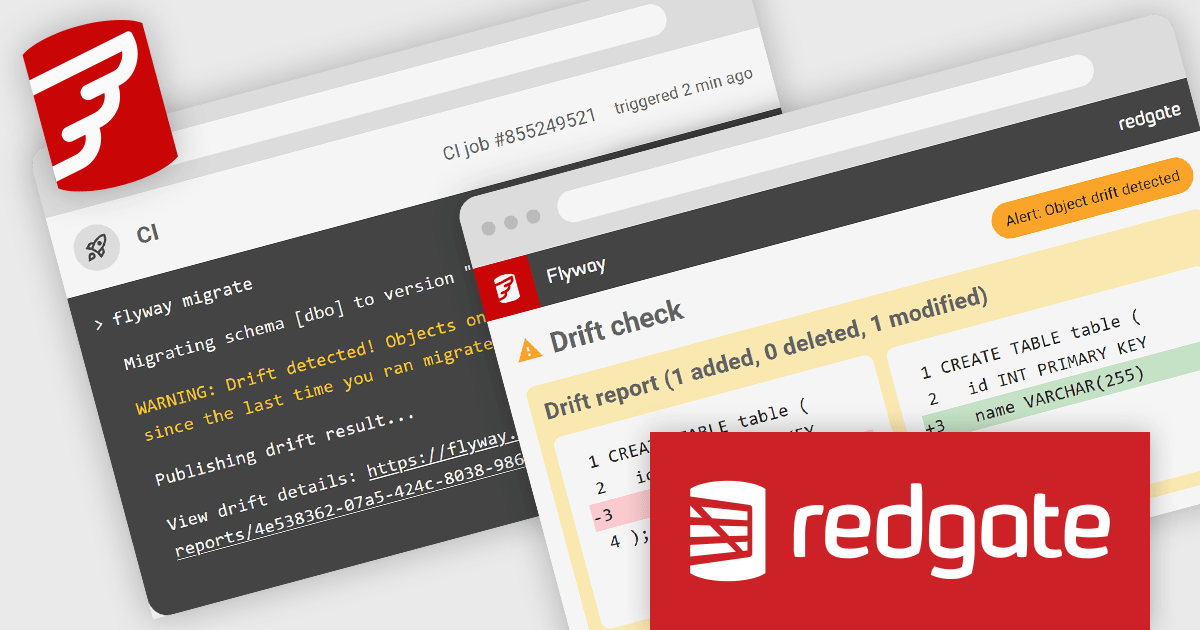
Flyway Pipelines provides a powerful drift check feature that enhances database deployment workflows by ensuring consistency and control. This enables software developers to detect unauthorized or out-of-process schema changes early in the pipeline, reducing risks associated with unexpected modifications. By providing detailed object-level change reports, the drift check allows teams to understand what has changed, why it matters, and how to resolve discrepancies efficiently. This fosters greater accountability, streamlines debugging, and helps maintain the integrity of deployments across development, staging, and production environments, ultimately supporting more reliable and predictable database operations.
Flyway is licensed per user, per year and is available as a commercial annual subscription license for Teams or Enterprises. See our Flyway licensing page for full details.
For more information, visit our Flyway product page.
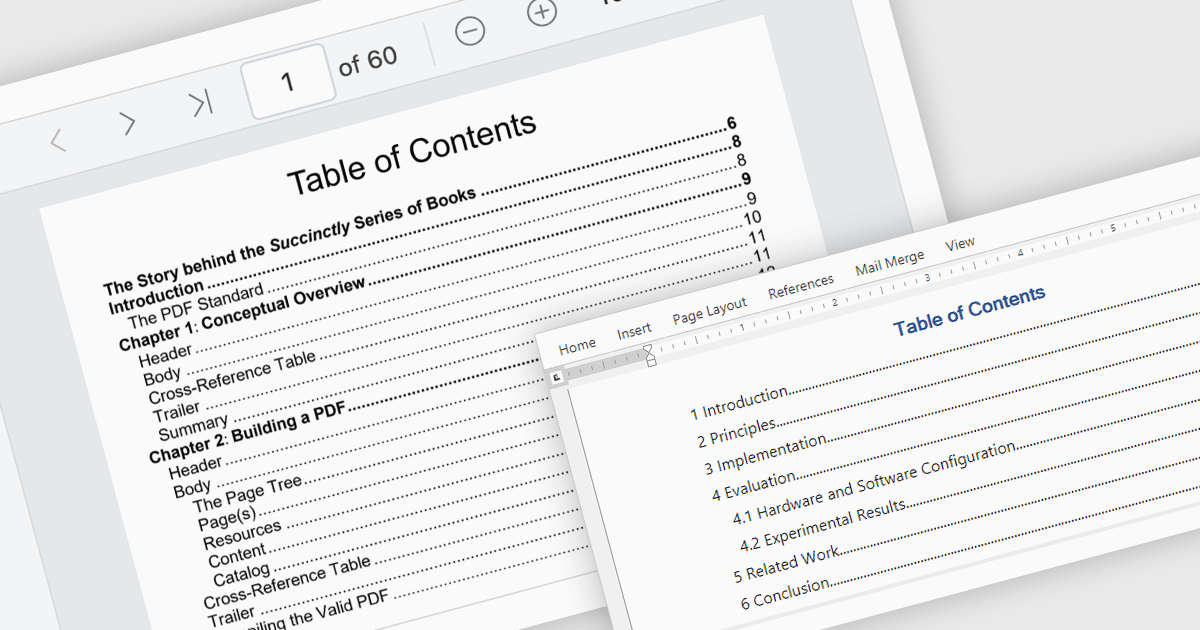
A table of contents is a powerful navigation tool that provides users with a structured overview of a document's hierarchy, allowing them to jump directly to specific sections with a single click. This feature significantly enhances the user experience, saving time when dealing with lengthy or complex documents. For developers, integrating a table of contents into applications ensures better usability and accessibility, making it a key feature in professional document management solutions. Common use cases include navigating through extensive eBooks, technical manuals, legal documents, financial reports, or any file with a well-defined structure. By streamlining document exploration, a table of contents boosts productivity and ensures seamless interaction with large-scale content.
Several .NET PDF viewer components offer Table of Contents Navigation support including:
For an in-depth analysis of features and price, visit our .NET PDF viewer comparison.
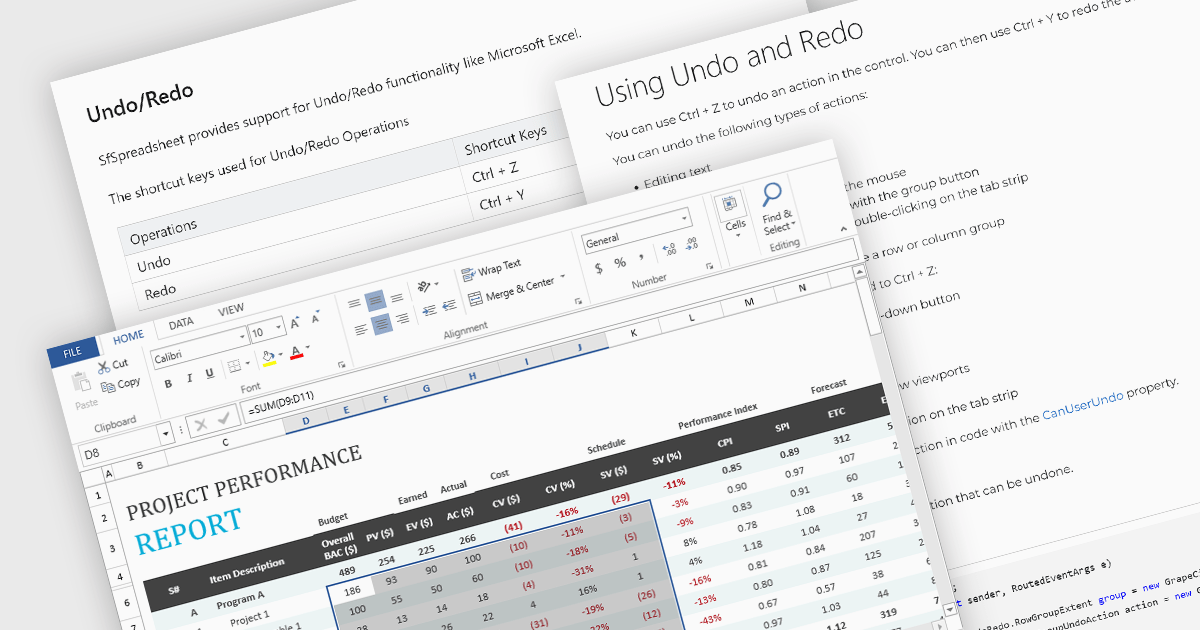
Undo and redo functionality in a spreadsheet allows users to reverse or reapply actions made during editing, providing a straightforward way to correct mistakes or recover changes. The undo option enables users to step back through recent actions, such as data entry, formatting, or formula adjustments, while redo restores any actions reversed by the undo function. This capability provides a safety net, allowing users to recover from unintended modifications, thereby enhancing productivity as it minimizes errors and streamlines the editing process.
Several WPF spreadsheet components allow you to redo and undo editing changes, including:
For an in-depth analysis of features and price, visit our WPF spreadsheet controls comparison.
전화 : 00798 14 800 6332
팩스 : +1 770 250 6199


