













공식 공급 업체
200 이상의 소프트웨어 개발처와 판매 계약을 맺은 공인 디스트리뷰터로서 합법적인 라이선스를 제공합니다.
모든 브랜드 보기.
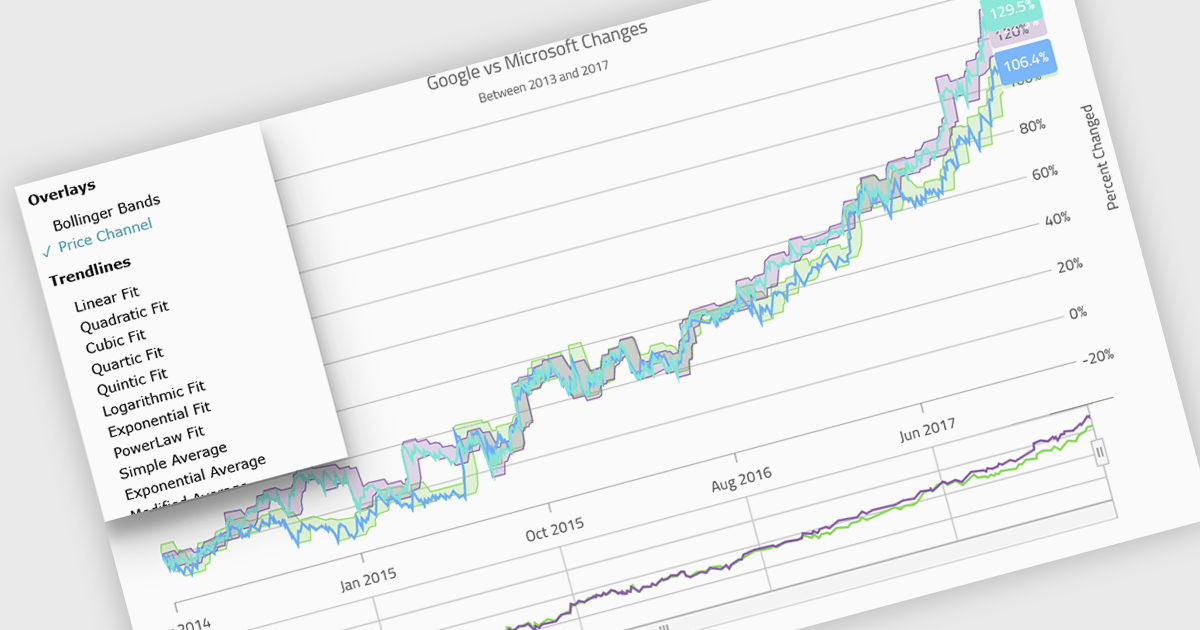
Indicators in a chart component are visual tools used to represent specific statistical or mathematical calculations directly on the chart, often to highlight trends, patterns, or key thresholds within the underlying data. Common in financial and analytical applications, indicators can include elements like moving averages, Bollinger Bands, or threshold lines. For software developers, implementing indicators provides a powerful way to enhance data interpretation by allowing users to see meaningful context and actionable insights without needing to leave the chart interface. This improves decision-making and supports more interactive and informative visualizations across a wide range of use cases.
Several .NET Blazor charting controls support indicators including:
For an in-depth analysis of features and price, visit our comparison of .NET Blazor Chart Controls.
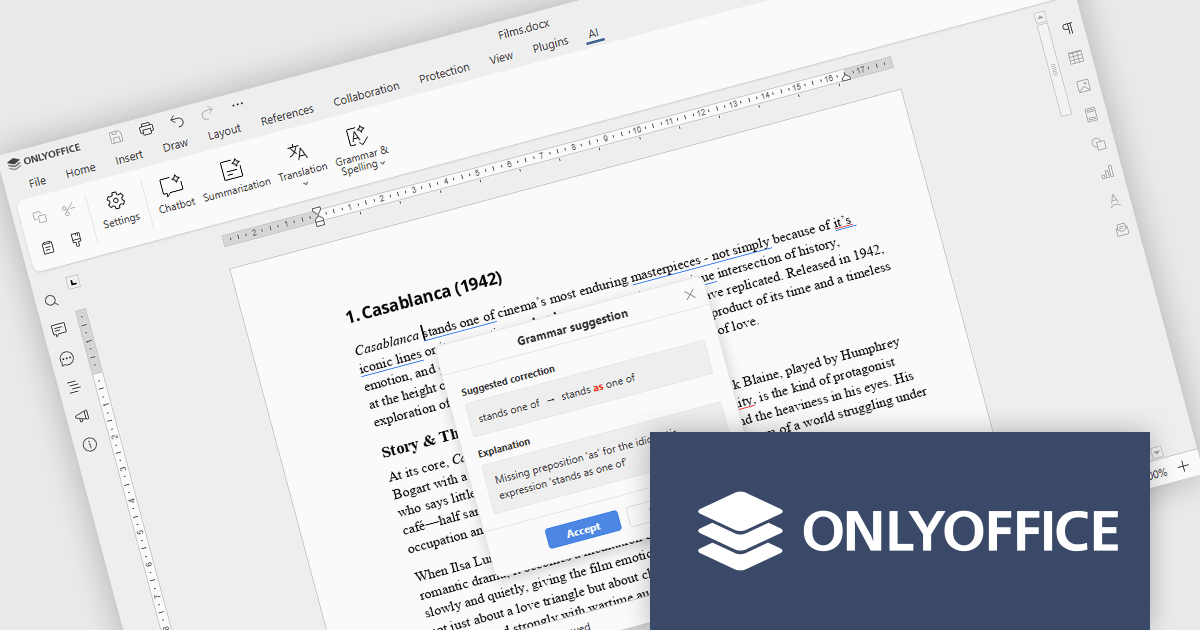
ONLYOFFICE Docs is a comprehensive online editor, allowing users to create text documents, spreadsheets, presentations, and forms. It enables your users to edit, share, and collaborate on documents online in their preferred browser, within your own application. It is fully compatible with OOXML (Office Open XML) formats and supports popular Microsoft Office and other document formats such as CSV, DOC, DOCX, EPUB, HTML, ODP, ODS, ODT, PDF, PPT, PPTX, RTF, TXT, XLS, and XLSX.
The ONLYOFFICE Docs v9.2 update integrates AI-powered spell and grammar checking, now available directly through the AI plugin, so developers can review and refine documentation without leaving their editing environment. This reduces the time spent on proofreading and eliminates the need to rely on separate tools or browser extensions for basic language quality checks. As a result, development teams can keep their documentation professional and easy to understand while staying focused on implementation, code quality, and delivery timelines.
To see a full list of what's new in v9.2.0, see our release notes.
ONLYOFFICE Docs Developer Edition is licensed by the number of simultaneous document connections and is available as an annual license with 1 year support and upgrades. See our ONLYOFFICE Docs Developer Edition licensing page for full details.
For more information, see our ONLYOFFICE Docs Developer Edition product page.
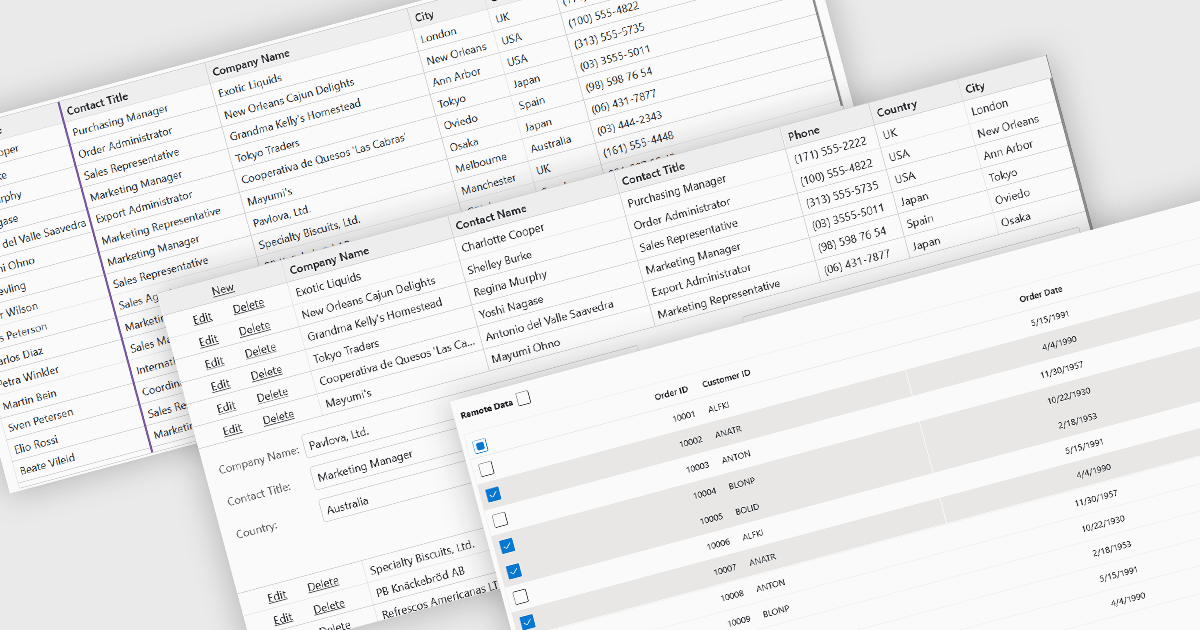
Row and column features form the core of modern grid components, enabling users to view, navigate, and manipulate tabular data efficiently. These capabilities improve usability and help developers present information in a structured, interactive format suited to many types of applications. By offering clear ways to organise, edit, and inspect information, row and column features allow users to work more effectively while maintaining control over how content is displayed.
Common features include:
For an in-depth analysis of features and price, visit our Blazor grid components comparison.
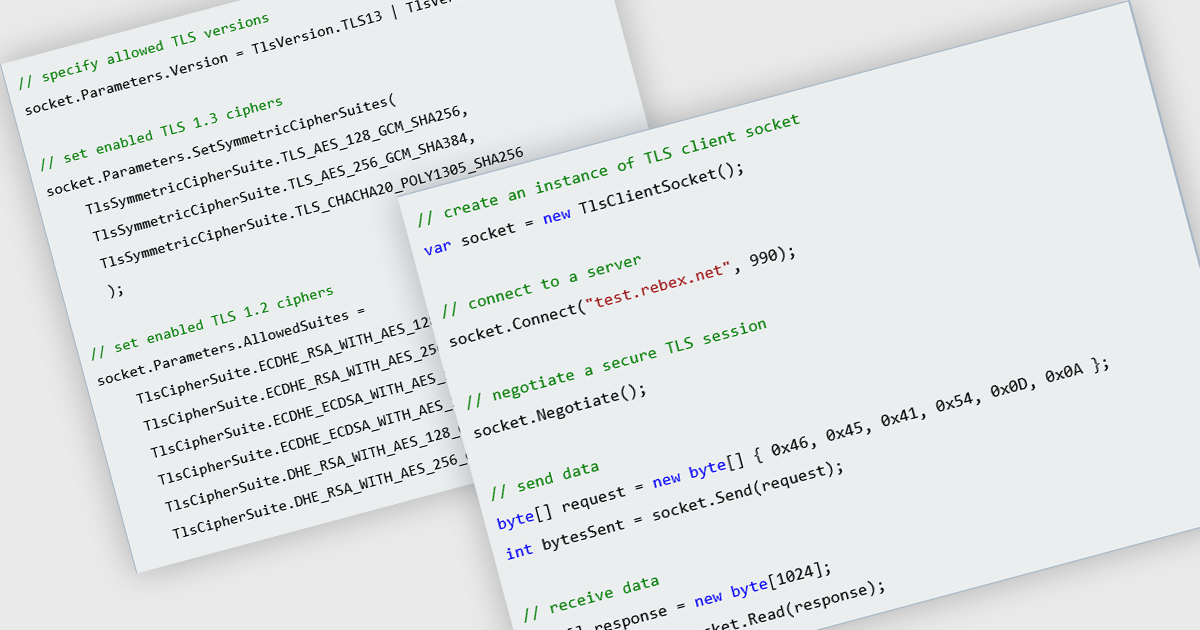
TLS support in an internet component refers to the implementation of Transport Layer Security, a protocol that encrypts data exchanged between systems over a network. For software developers, this ensures that data sent and received by the component is protected against eavesdropping, tampering, and forgery, which is essential for maintaining secure communications in modern applications. By using TLS, developers can meet compliance requirements, safeguard user information, and build trust in the integrity of their applications' network interactions.
Several Comms & Messaging components for .NET offer TLS support including:
For an in-depth analysis of features and price, visit our comparison of .NET Comms & Messaging.
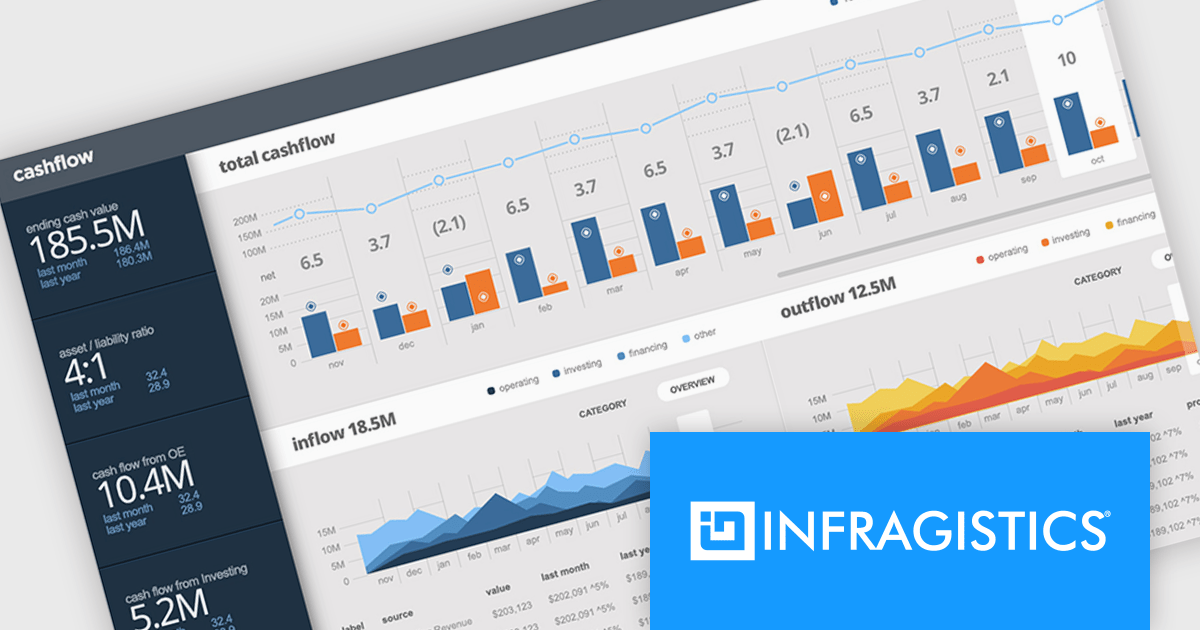
Infragistics Ultimate is a comprehensive toolkit designed to improve UX/UI creation and development across desktop, web, and mobile platforms. It offers hundreds of pre-built, high-performance UI components like grids and charts, alongside design-to-code tools for rapid prototyping, user testing, and even code generation. This enables developers and designers to create visually appealing and interactive applications faster, while its support for various frameworks and platforms ensures flexibility.
Infragistics Ultimate UI for Windows Forms, Ultimate UI for WPF, and Ignite UI for Blazor now support .NET 10. With runtime improvements, such as better just-in-time inlining, enhanced struct argument handling, NativeAOT enhancements, and updates to collections, serialization, and diagnostics APIs, Infragistics' .NET 10 support ensures you can fully leverage these performance, security, and API benefits while using its mature UI libraries.
Infragistics Ultimate UI for Windows Forms, Ultimate UI for WPF and Ignite UI for Blazor are licensed per developer and are available as a Perpetual License with 1, 2 or 3 year support and maintenance subscription. See our Infragistics Ultimate UI for Windows Forms, Ultimate UI for WPF and Ignite UI licensing pages for full details.
For more information please visit our product pages:
Infragistics Windows Forms, WPF and Ignite UI are also available in the following product suites:
전화 : 00798 14 800 6332
팩스 : +1 770 250 6199


