













공식 공급 업체
200 이상의 소프트웨어 개발처와 판매 계약을 맺은 공인 디스트리뷰터로서 합법적인 라이선스를 제공합니다.
모든 브랜드 보기.
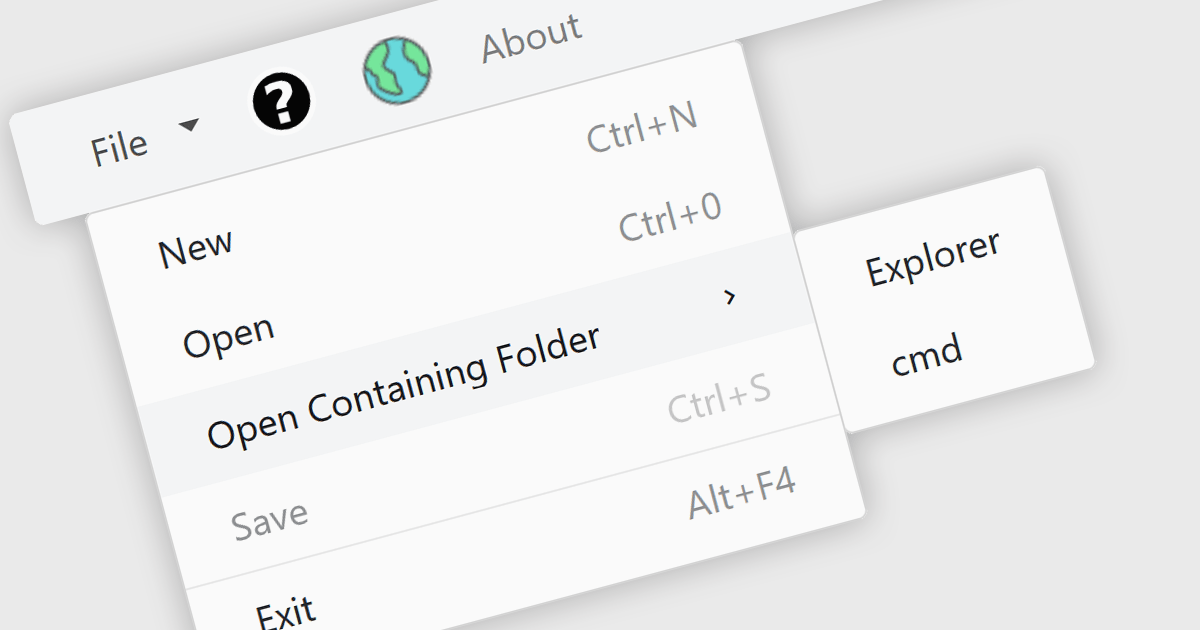
Menu controls in a Blazor UI suite are user interface components that provide structured navigation through an application by organizing links or actions into hierarchical menus. These controls are particularly useful in web applications that require intuitive, accessible, and dynamic navigation elements. In Blazor, menu controls can be rendered either through server-side or WebAssembly-based components, allowing developers to build interactive menus using Razor syntax and C#. They support features like multi-level nesting, icons, templates, and binding to data sources, making them adaptable to a wide range of layouts and user experiences. Menu controls integrate smoothly with routing and layout systems, enabling developers to maintain a consistent navigation experience across the application.
Several Blazor UI suites provide Menu controls, including:
For an in-depth analysis of features and price, visit our comparison of Blazor UI Suites.

WebSocket internet protocol support in a .NET communications component enables full-duplex communication channels over a single, long-lived TCP connection. This protocol is particularly useful for scenarios requiring real-time data exchange, such as live chat applications, interactive dashboards, or financial trading platforms. Unlike traditional HTTP requests that follow a request-response pattern, WebSockets maintain an open connection, allowing servers to push updates to clients without being explicitly requested. In a .NET context, this support is typically built into libraries like ASP.NET Core or third-party components, offering developers tools to efficiently manage persistent, low-latency connections while reducing overhead compared to polling or long-polling techniques.
Several .NET Comms & Messaging components offer WebSocket including:
For an in-depth analysis of features and price, visit our comparison of .NET Comms & Messaging components.
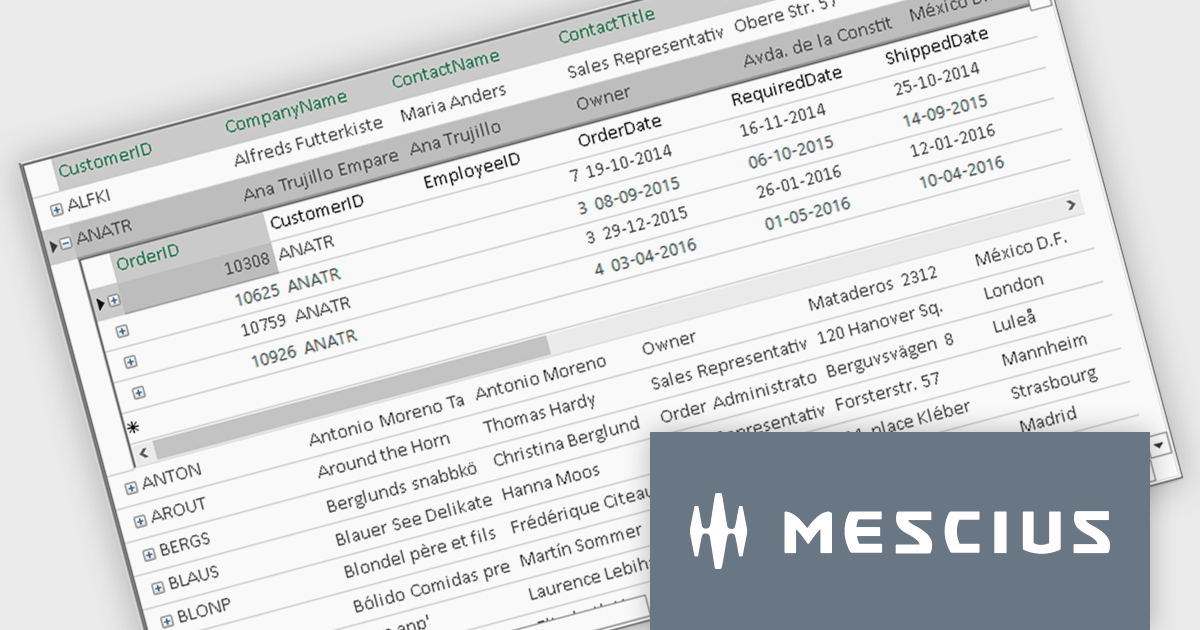
ComponentOne FlexGrid is a powerful Datagrid for your .NET WinForms applications, enabling .NET developers to display, edit, and analyze large data sets within a familiar Excel-like experience. It is optimized for high-performance and flexibility, allowing you to customize every aspect of the control.
On Wednesday, October 15th, at 11:00 AM EDT, MESCIUS (formerly GrapeCity) will be presenting a CodeClinic Live Webinar to demonstrate how you can upgrade your approach to data visualization through performance tuning, customized operations, and advanced data operations while learning practical tips and best practices. Key highlights include:
Register for the Live Webinar today and mark your calendar for October 15.
Infragistics Ultimate UI for WPF is a comprehensive suite of UI controls designed to streamline development and enhance the user experience of desktop applications. Boasting over 100 components, it offers a rich set of functionalities, including data visualization tools, high-performance grids, and modern UI elements that mimic the look and feel of Microsoft Office. These feature-packed libraries empower developers to craft powerful, visually appealing applications with a consistent user experience.
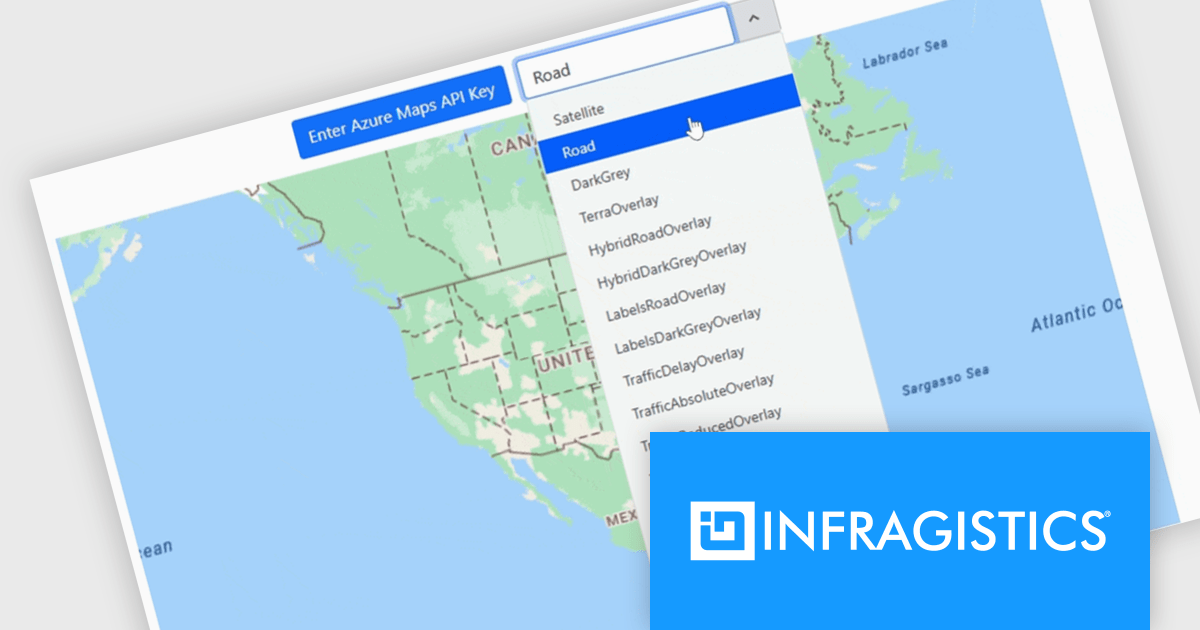
The Infragistics Ultimate UI for WPF 25.1.117 release introduces beta support for Azure Map imagery, giving developers access to rich, cloud-hosted geographic content. This enhancement allows multiple map layers to be combined, enabling more precise and interactive visualizations across various application types. Whether you're building dashboards, data exploration tools, or location-based analytics, the integration offers a flexible way to visualize spatial data while leveraging Microsoft's robust mapping services.
To see a full list of what's new in 25.1.117, see our release notes for Infragistics Ultimate UI for WPF.
Infragistics Ultimate UI for WPF is licensed per developer and is available as a Perpetual License with 1, 2 or 3 year support and maintenance subscription. See our Infragistics Ultimate UI for WPF licensing page for full details.
Infragistics Ultimate UI for WPF is available to buy in the following products:
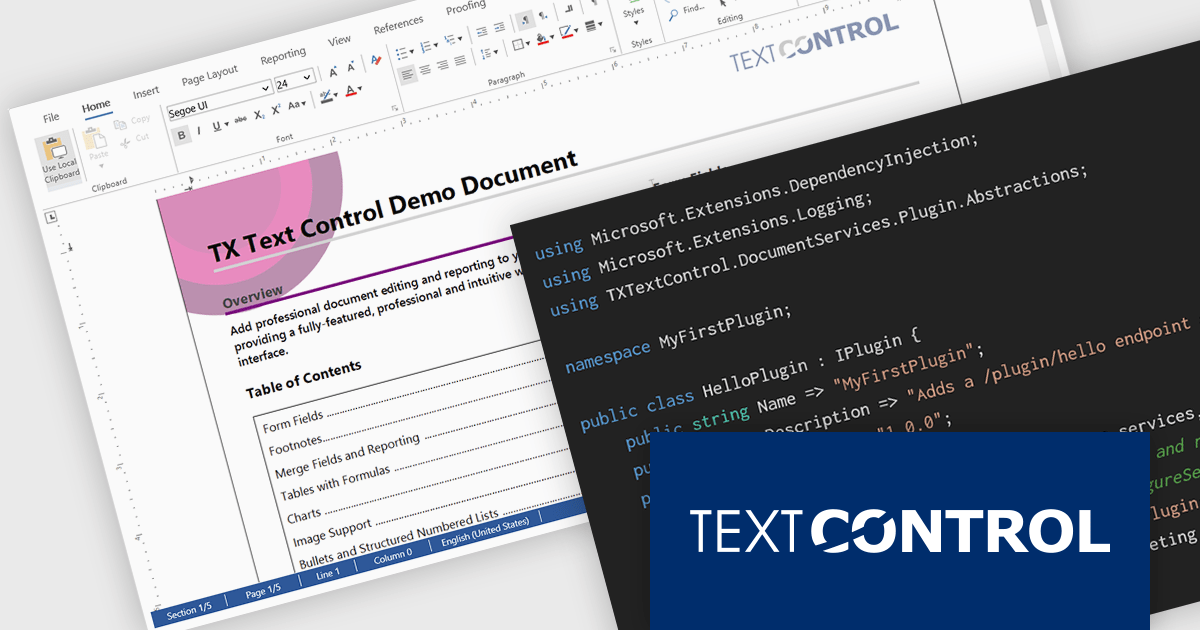
DS Server by Text Control is a powerful document processing backend designed to integrate seamlessly into web applications, providing developers with a robust set of APIs for creating, editing, viewing, and converting documents. Built for scalability and security, DS Server allows organizations to automate document workflows within their own infrastructure or cloud environments, eliminating the need for external dependencies. With support for popular formats like DOCX, PDF, and HTML, it enables rich document capabilities while maintaining full control over data and compliance. Whether you're generating dynamic reports, creating user-editable templates, or embedding secure document viewers, DS Server delivers high-performance document services tailored to modern application needs.
The DS Server 4.1.0 updated introduces a robust plug-in architecture that enables developers to extend the server’s core capabilities by injecting custom middleware, registering services, and integrating with APIs and the UI. Designed for easy deployment, plug-ins can be dropped into a dedicated folder and auto-loaded without altering the base system. Whether you're handling document conversion, templating, or workflow automation, the new plug-in architecture allows you to tailor DS Server’s behavior to match your application’s exact requirements.
To see a full list of what's new in version 4.1.0, see our release notes.
Text Control DS Server is licensed per server and is available as an Annual License that includes software updates. See our Text Control DS Server licensing page for full details.
For more information, visit our Text Control DS Server product page.
전화 : 00798 14 800 6332
팩스 : +1 770 250 6199


