













공식 공급 업체
200 이상의 소프트웨어 개발처와 판매 계약을 맺은 공인 디스트리뷰터로서 합법적인 라이선스를 제공합니다.
모든 브랜드 보기.
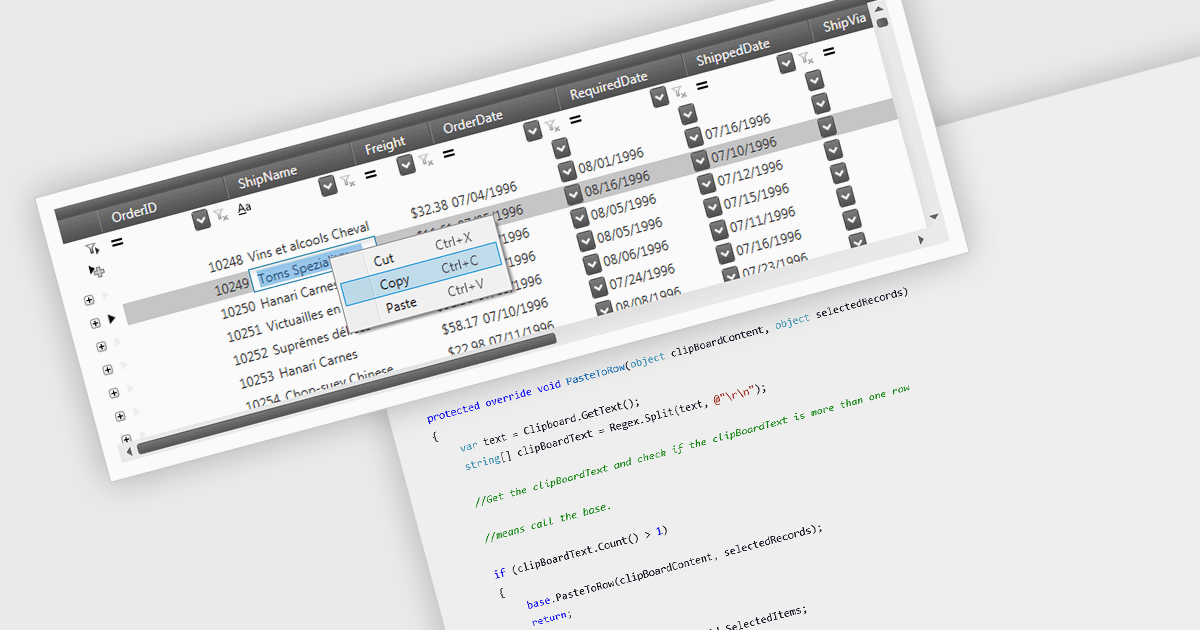
The ability to perform clipboard operations enables users to copy and paste data between the grid and external applications or within different parts of the same grid. This functionality allows users to select one or multiple cells, rows, or columns, copy their content to the system clipboard, and then paste it elsewhere. It supports efficient data manipulation by reducing manual entry, enabling quick data migration, and streamlining the transfer of structured information. Clipboard operations save time in repetitive data handling tasks, ensuring that the movement of grid data is both fast and reliable.
Several .NET 9 WPF grid components support clipboard operations, including:
For an in-depth analysis of features and price, visit our comparison of .NET 9 WPF grid components.
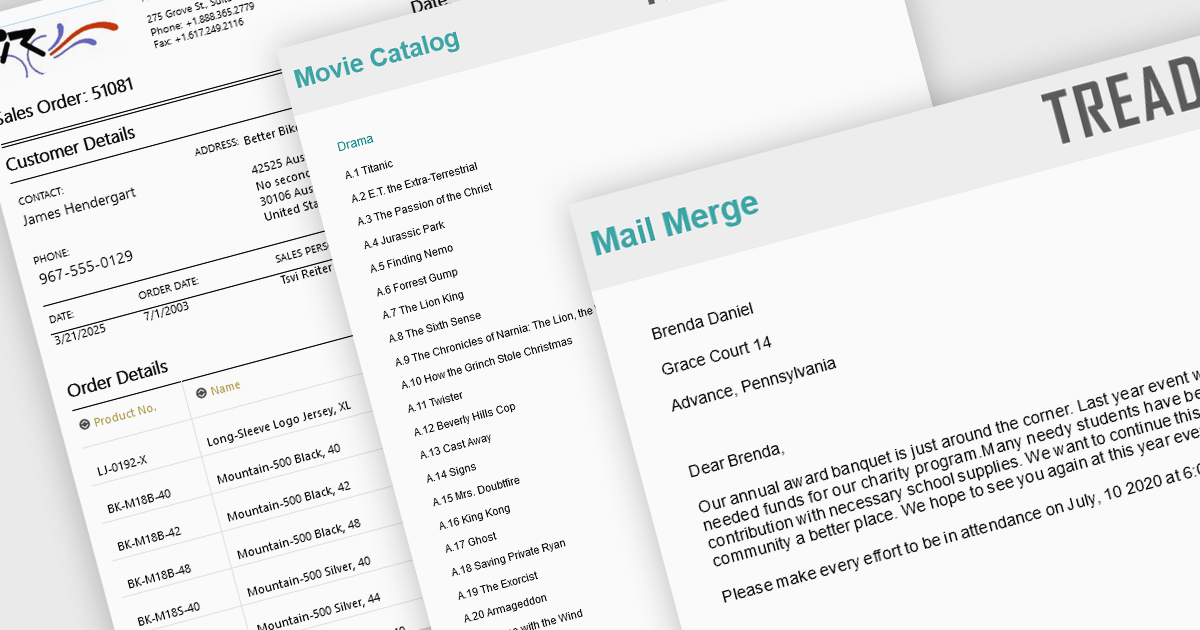
Advanced layout and formatting features are essential for producing professional, polished reports that align with both technical and business requirements. These capabilities enhance the structure and presentation of report content, supporting better readability, navigation, and customization. Whether delivering print-ready documents or dynamic digital reports, advanced formatting tools ensure consistency and flexibility in how data and visual elements are displayed.
Common features include:
For an in-depth analysis of features and price, visit our Blazor Reporting components comparison.
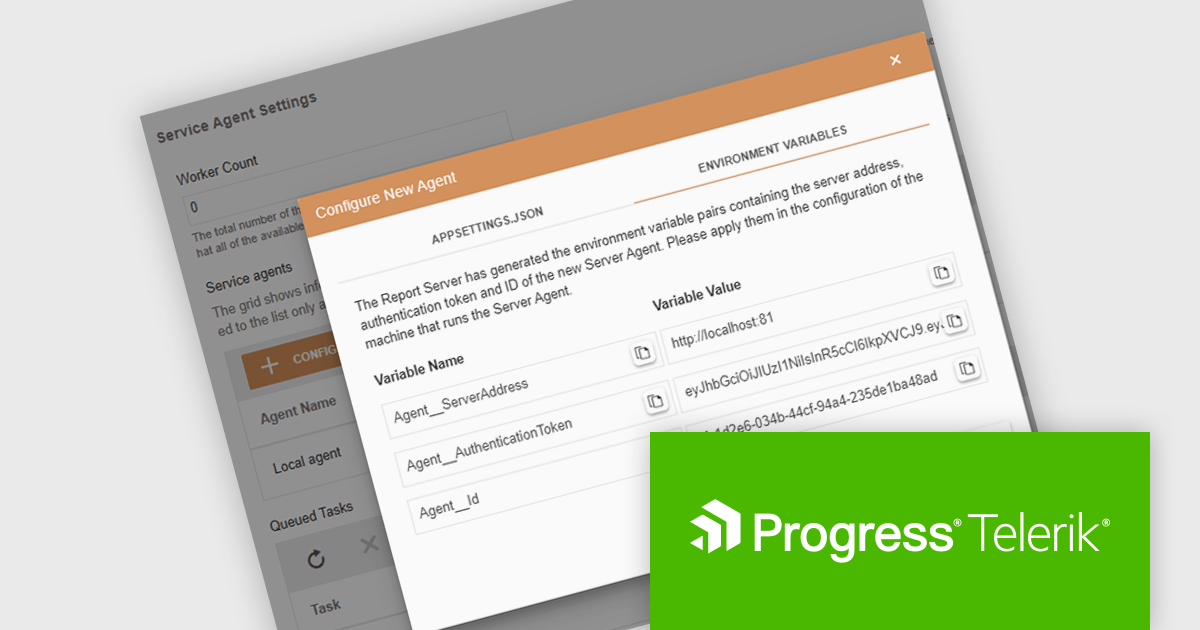
Telerik Report Server is a comprehensive and flexible end-to-end solution for managing reports. Built with the Telerik Reporting library, it is a server-based Windows web application that provides centralized storage, organization, and previewing of reports, along with features for scheduling, delivery, and user management. Report Server can act as a standalone solution or be integrated within an application, allowing developers to create, manage, and distribute reports across multiple platforms including Blazor, Angular and Windows Forms.
The Telerik Report Server 2025 Q1 update introduces the Server Agents Manager, providing software developers with a centralized and intuitive interface for managing Server Agents across multiple machines. This enhancement improves visibility into agent statuses and tasks, allowing for more precise control over scheduled report processing, data caching, and overall workload distribution. Developers can efficiently add, modify, or remove agents, monitor real-time execution, and cancel ongoing tasks as needed to optimize performance and resource utilization. By streamlining agent management and increasing operational transparency, this update ensures a more scalable, efficient, and reliable reporting environment.
To see a full list of what's new in 2025 Q1 (11.0.25.211), see our release notes.
Telerik Report Server is licensed per developer and has two licensing models: an annual Subscription License and a Perpetual License. The Subscription license provides access to the latest product updates, technical support, and exclusive benefits for a flat annual fee, and must be renewed to continue using the software. The Perpetual license is a one-time purchase granting access to the current released version and includes a one-year subscription for product updates and technical support. After this initial period, users can choose to renew the subscription element to continue receiving updates and support; otherwise, they may continue using the installed version available during their active subscription term but will forgo future updates and support. See our Telerik Report Server licensing page for full details.
Telerik Report Server is available individually or as part of Telerik DevCraft Ultimate.
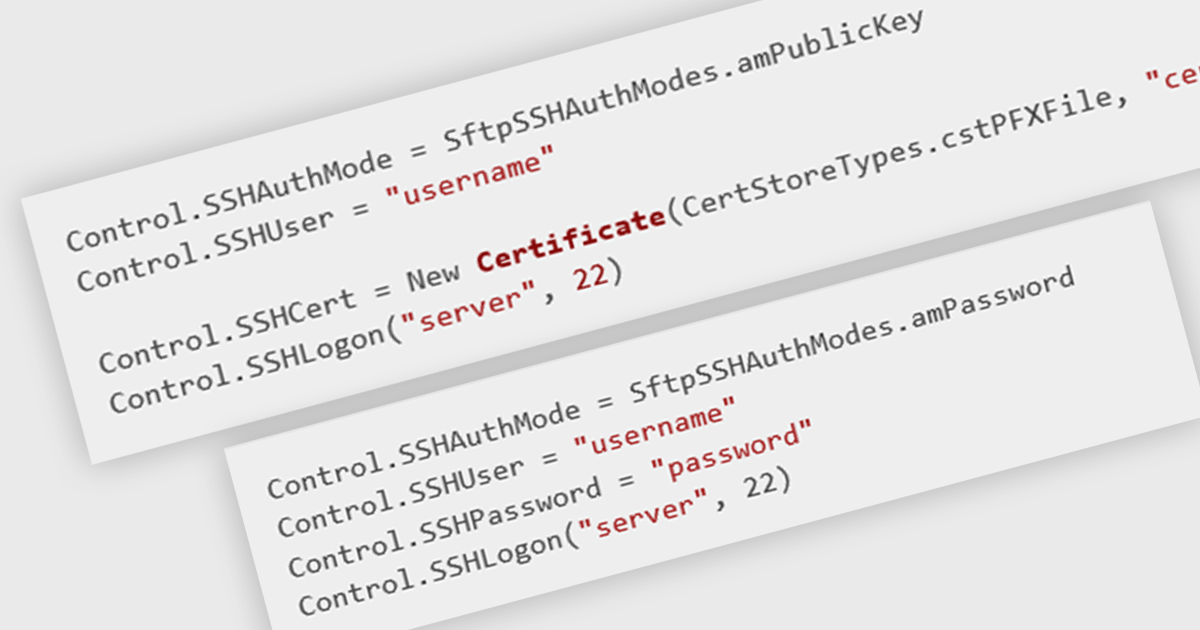
Secure Shell (SSH) support in communication and messaging components enhances security by enabling encrypted, authenticated remote connections for data exchange and system management. This is particularly valuable in distributed applications, where secure communication between services, servers, or messaging brokers is essential. By integrating SSH, developers can ensure that sensitive data remains protected from interception or tampering, while also benefiting from robust identity verification mechanisms. This support is especially useful in environments requiring secure automation, such as deploying or managing messaging queues, remote command execution, or securely transferring configuration files.
Several .NET communications and messaging components offer SSH support including:
For an in-depth analysis of features and price, visit our comparison of .NET comms & messaging components.
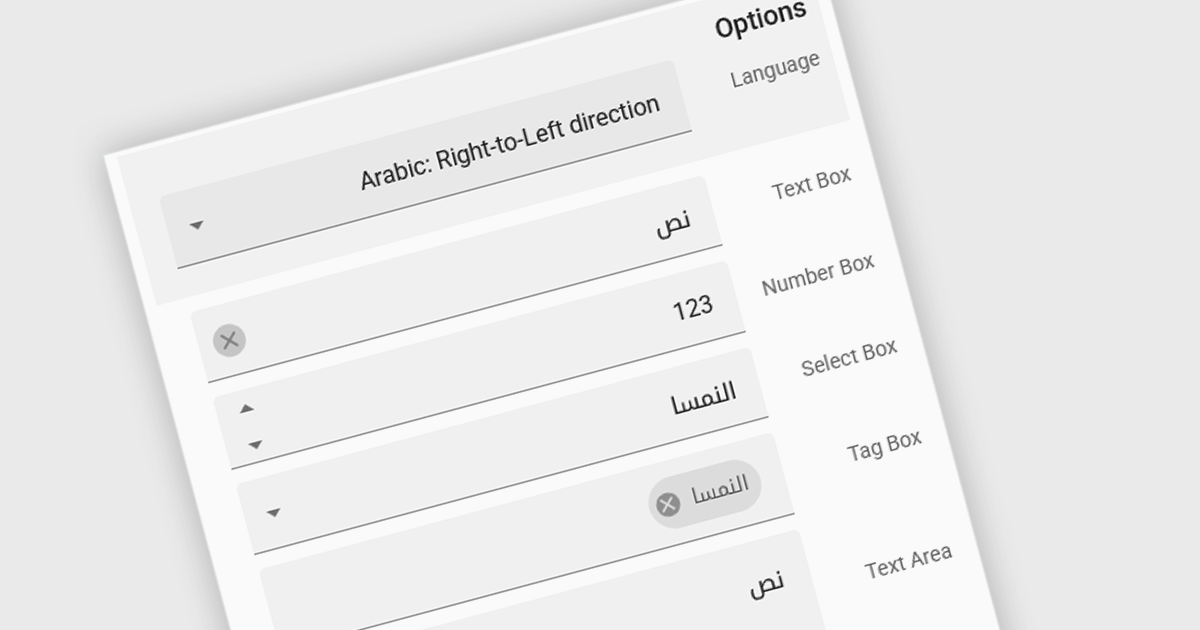
Right to Left (RTL) support in ASP.NET Core Data Editor controls ensures that text, layout, and user interface elements are properly aligned for languages that are read from right to left, such as Arabic, Hebrew, and Persian. This functionality automatically adjusts text direction, input fields, alignment, and other visual components to provide a seamless user experience for RTL users. By enabling RTL support, developers can create more inclusive web applications that cater to a global audience without requiring extensive customization. This improves usability, enhances accessibility, and ensures compliance with localization requirements for multilingual applications.
Several ASP.NET Core Assembly data editors offer right-to-left (RTL) support including:
For an in-depth analysis of features and price, visit our comparison of ASP.NET Core Assembly data editors.
전화 : 00798 14 800 6332
팩스 : +1 770 250 6199


