













공식 공급 업체
200 이상의 소프트웨어 개발처와 판매 계약을 맺은 공인 디스트리뷰터로서 합법적인 라이선스를 제공합니다.
모든 브랜드 보기.
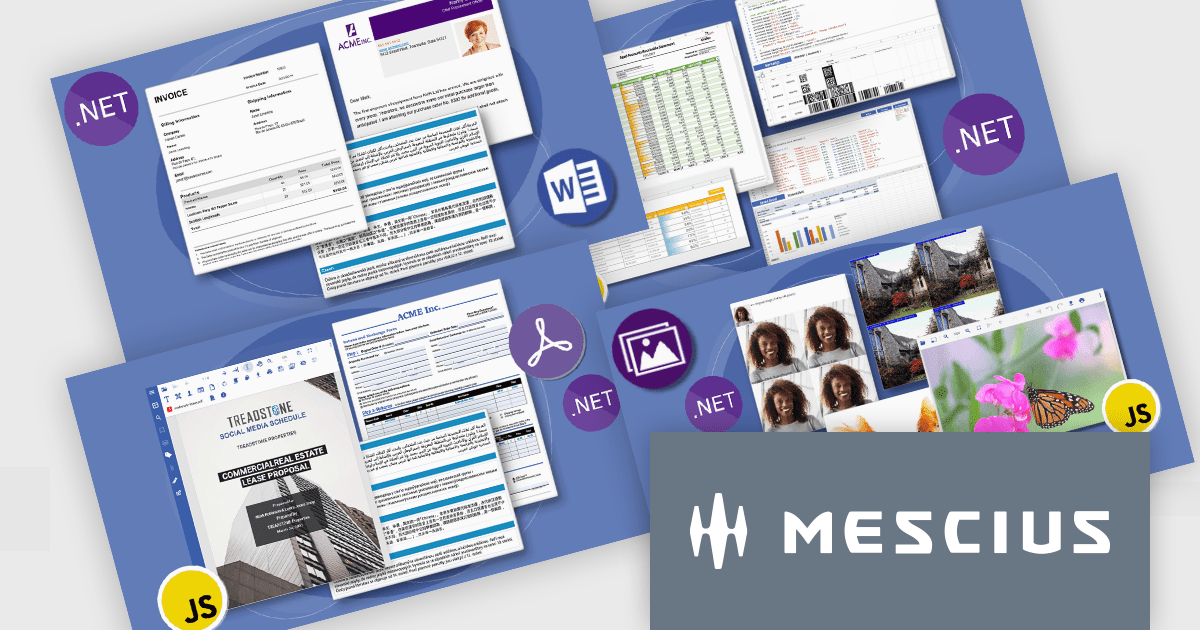
MESCIUS Document Solutions is a comprehensive API library product line that enables developers to work with a variety of documents, including Microsoft Word and Excel, without requiring that you have those applications installed. You can create, load, edit, and save these documents from within your applications with no external dependencies.
Document management is in high demand. Users need to be able to view, edit and exchange a variety of documents in several standard formats. As such, there are many different solutions available to choose from, and making that choice can be a daunting task. In addition to the initial licensing costs, there are other factors that impact the Total Cost of Ownership, such as support costs and annual subscription renewals. Deployment licenses also factor into this, as some products may have different licensing for Internal vs. External distribution.
To assist you in finding the right solution for your needs, MESCIUS has created a Total Cost of Ownership (TCO) comparison that outlines all of the above criteria into a comprehensive, yet concise report. There is even a TCO calculator that will generate a unique comparison for you based on your specific requirements.
Here is just a sample of some of the Advanced Document API Features that are included in Document Solutions:
Document Solutions .NET Bundle includes Excel, Word, PDF, and Imaging solutions, available together for less than the price of two individual products.
View the Document Solutions Total Cost of Ownership comparison to ensure that you have all of the information necessary to make an informed purchase decision for your document management needs.
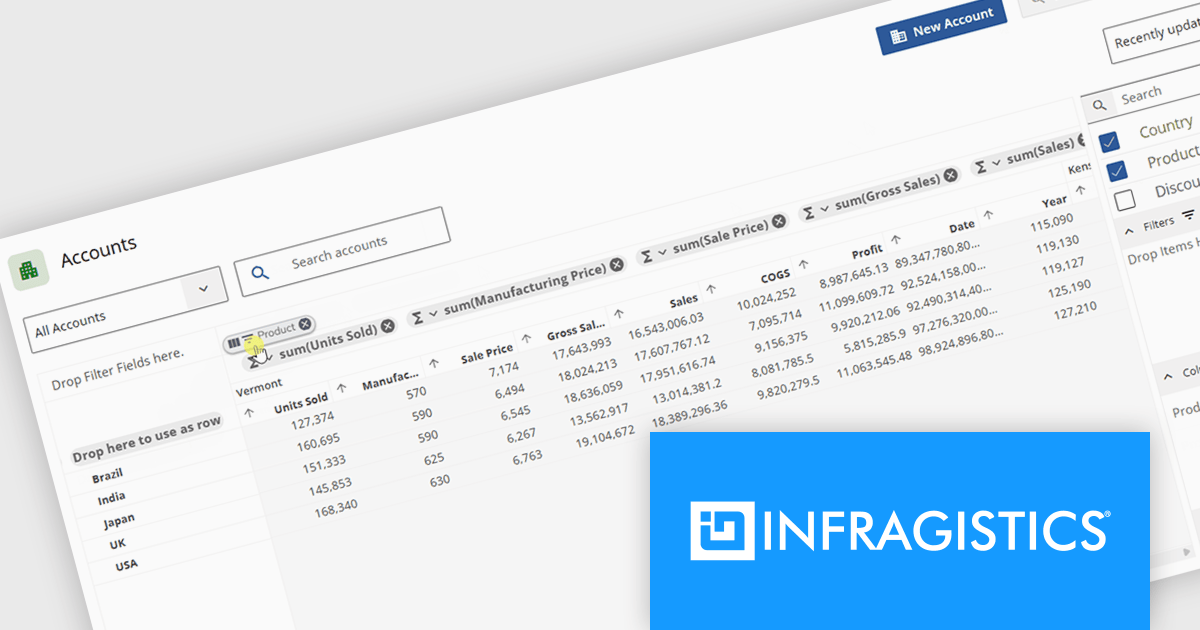
Infragistics App Builder is a cloud-based, WYSIWYG development tool that streamlines enterprise application creation through drag-and-drop functionality. Designed to accelerate development lifecycles, it empowers users to build business apps more quickly with features like prebuilt templates, real-time code generation, and instant previews. This low-code approach is ideal for businesses seeking to improve development efficiency and shorten time-to-market for web applications.
The new App Builder release simplifies the setup of Pivot Grids with automatic view generation based on your connected data source. Instead of spending time manually defining row groups, column dimensions, and data values, you can now drop a Pivot Grid component onto the design surface, bind it to your dataset, and let App Builder configure the layout for you. This update significantly speeds up the process of exploring multi-dimensional data, reducing the steps needed to go from raw data to a working analytical UI.
To see a full list of what's new, see our release notes.
Infragistics App Builder is licensed per developer as an annual subscription. See our Infragistics App Builder licensing page for full details.
Infragistics App Builder is available individually or as part of Infragistics Ultimate.
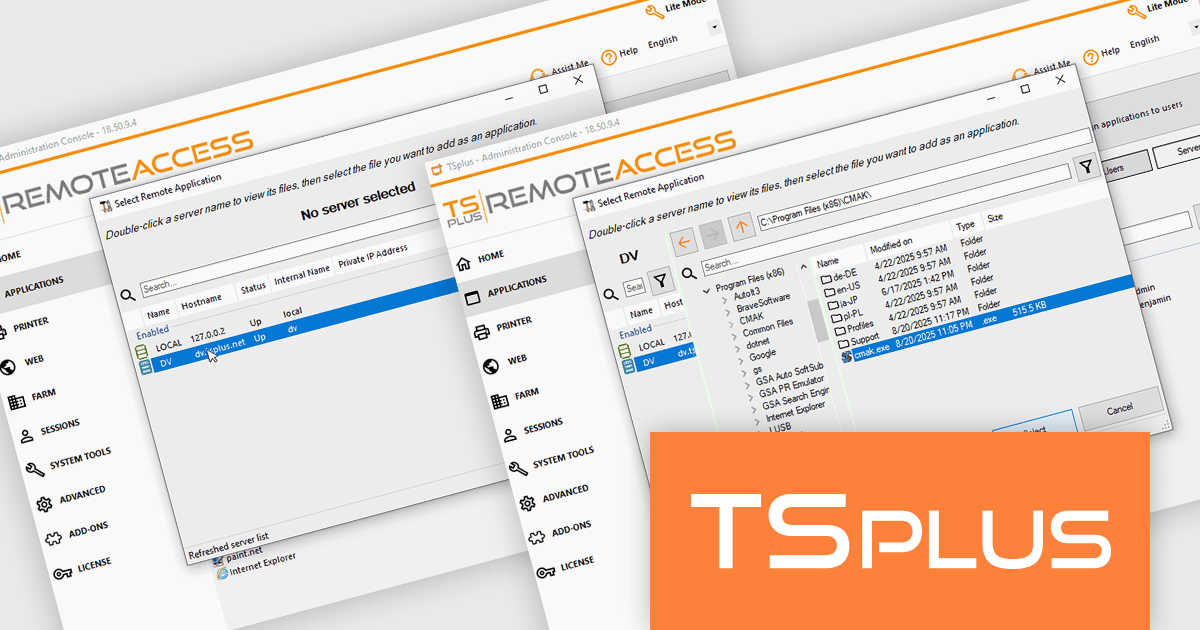
TSplus Remote Access is a powerful solution that enables secure remote access to desktops and applications from anywhere, on any device. Designed to enhance productivity and connectivity, it provides organizations with a centralized platform to manage remote working environments efficiently. With features like application publishing, web portal customization, and advanced security settings, it ensures that users can access the tools they need without compromising data integrity. Its intuitive design makes it easy to deploy and scale, catering to businesses of all sizes across industries such as IT, healthcare, education, and finance. By streamlining remote access management and delivering a reliable, user-friendly experience, TSplus Remote Access supports businesses in adapting to modern work demands with ease.
The TSplus Remote Access v18.50 update introduces a new way to add virtual applications that streamlines the publishing process by allowing applications to be selected directly from configured application servers. This eliminates the need to manually retrieve file paths via remote desktop connections or copy application files to the farm controller, reducing setup time and minimizing configuration errors. By automatically capturing both the application path and icon during selection, the update simplifies deployment, ensures consistency across published applications, and enhances the overall efficiency of managing large or distributed application environments.
To see a full list of what's new in v18.50, see our release notes.
TSplus Remote Access is licensed per concurrent user. Licenses are perpetual and include a 1 year subscription for updates and support. See our TSPlus Remote Access licensing page for full details.
For more information, visit our TSPlus Remote Access product page.
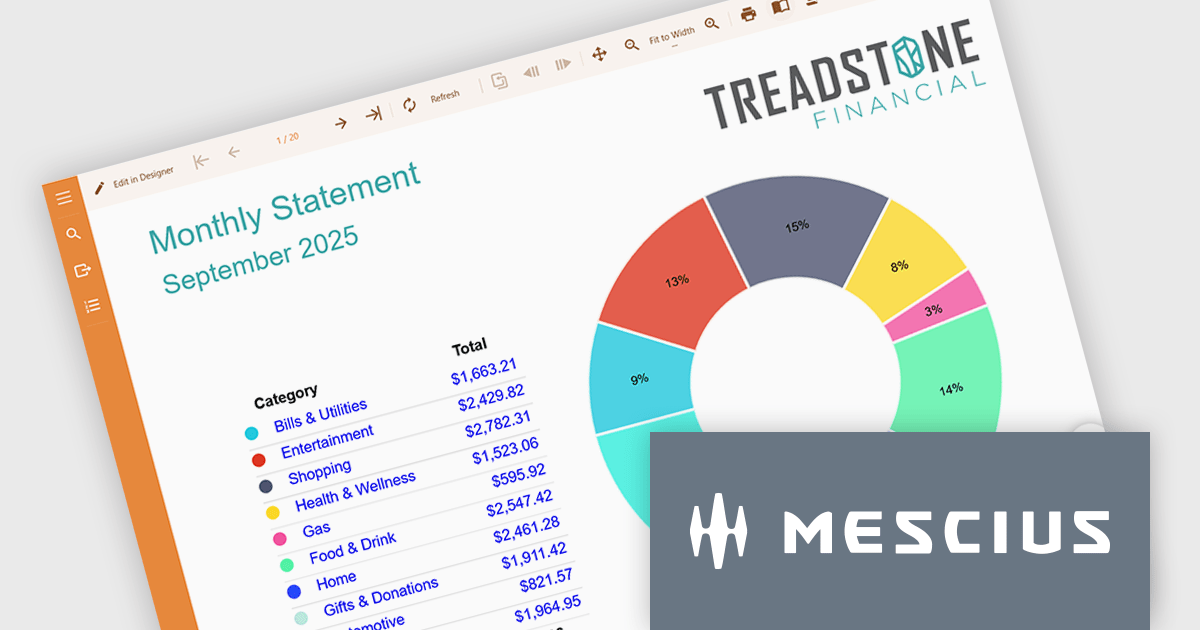
ActiveReports.NET helps you deliver beautiful reports with intuitive Visual Studio integrated report designers and rich controls. It provides code-based cross-platform reporting, easy-to-use designers, and a flexible API allowing you to design and deliver powerful reports with intuitive, reliable, and user-friendly report designers and controls.
On September 18, 2025 at 11:00 AM EDT, MESCIUS (formerly GrapeCity) will be presenting a CodeClinic Live Webinar to demonstrate how you build advanced reports, showcasing powerful features like dynamic parameters, drill-through navigation, interactive filtering, and much more. If you are a developer looking to elevate your reporting and data visualization capabilities within your .NET applications, then this CodeClinic Live Webinar is just what you need.
Register for the Live Webinar today, and mark your calendar for September 18.
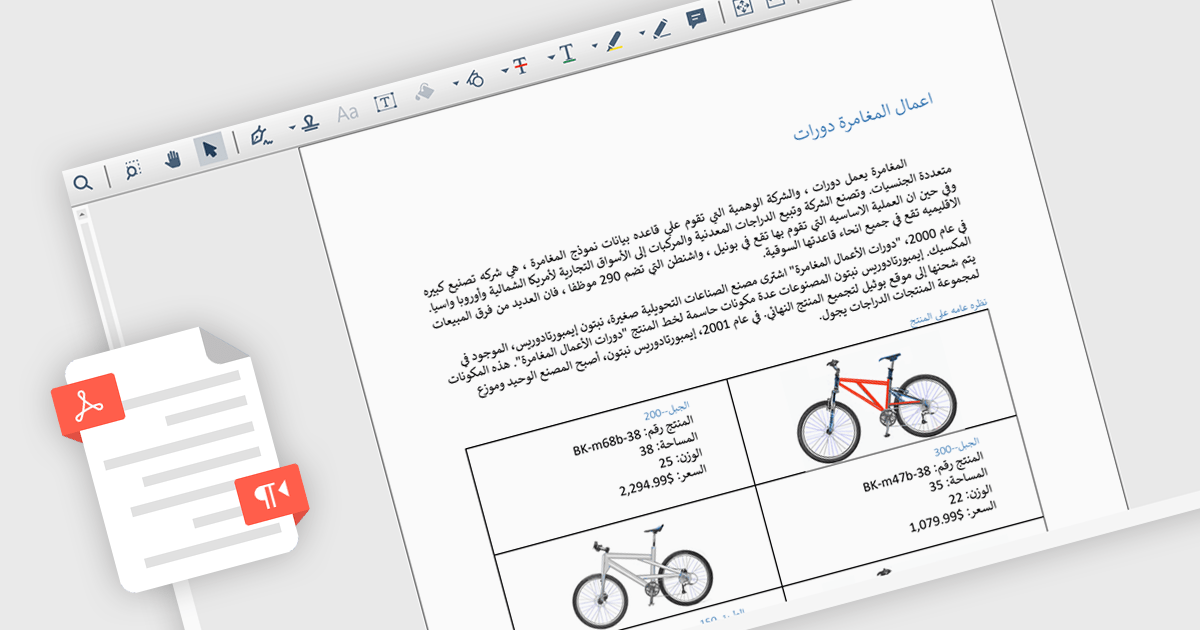
Right-to-left (RTL) language support in PDF rendering refers to the ability to correctly display and align text written in languages such as Arabic, Hebrew, Persian, and Urdu, which are read from right to left. This support ensures that when content is exported to PDF, the text direction, alignment, and overall layout reflect the natural flow of these languages. It plays a critical role in creating documents that are both readable and culturally appropriate, particularly in multilingual or region-specific applications. By maintaining proper structure and formatting, RTL support reduces the need for manual adjustments and helps developers deliver professional-quality documents. Common use cases include generating invoices, reports, or educational materials for users in the Middle East or other RTL-speaking regions, as well as supporting international communication within global organizations.
Several .NET PDF components include RTL support, including:
For an in-depth analysis of features and price, visit our comparison of .NET PDF components.
전화 : 00798 14 800 6332
팩스 : +1 770 250 6199


